Healthy eating timer app to track meal pace, improve habits, and eat slowly.
 4.1
4.1
Designed to delight, impress and energize your festive spirit every single day
4.5
Good magnifier app to see tiny things bigger and more clearly!
4.80
Smart & Healthy Living
4.60
Smart home security protection
3.20
Play fun games, complete quick surveys, and earn money. It's fun and easy!
4.40
PARAVOX 4 is a professional ITC paranormal research application.
4.50
Going above and beyond known spirit communication
3.60
The Wyze app is your gateway to a smarter life and a safer home.
4.40
Play. Earn. Repeat. Get rewarded for playing mobile games. Welcome to Mobius!
4.80
Kasa Smart is your portal to your TP-LINK Smart Home.
4.70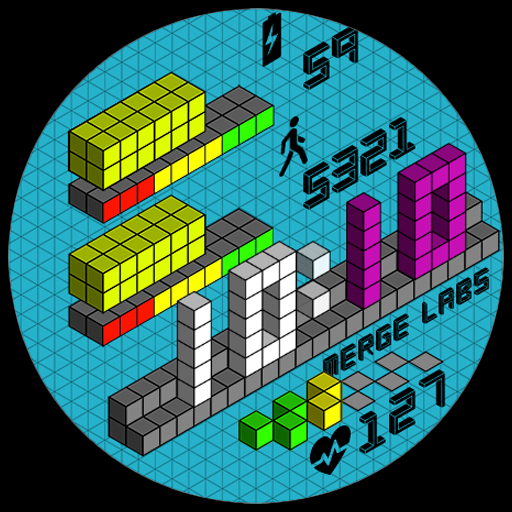
Unique "Isometric" style digital watch face for Wear OS
4.50
Mixing Colors for Menswear
4.20
SmartHQ: Your Connected Home Command Center
4.10
Subwoofer school’s in session! You’ve now enrolled into KICKER U.
3.80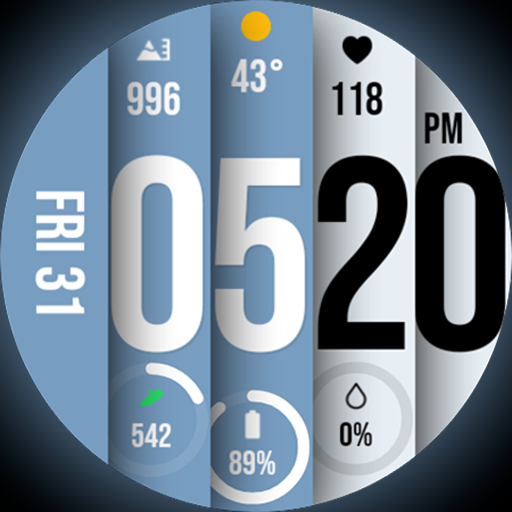
Unique BIG BOLD TIME with amazing colors and customisations.
3.70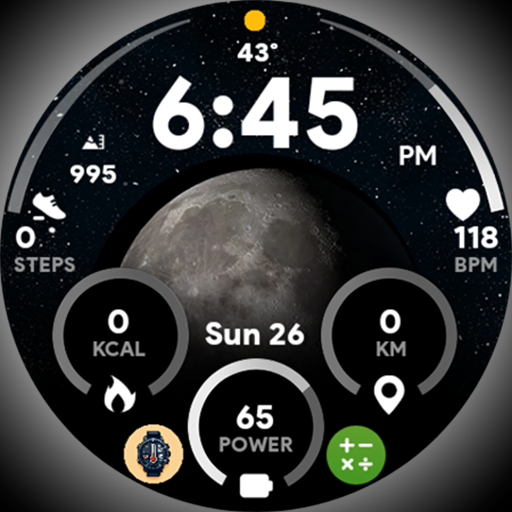
Unique informative Dial with Live Moon Phase at a glance!
3.60
BILT interactive 3D instructions help you get the job done right
3.50
Falling Fruit is a massive collaborative map of food in our cities.
3.20


