
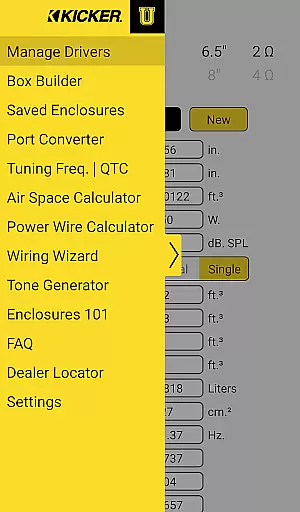
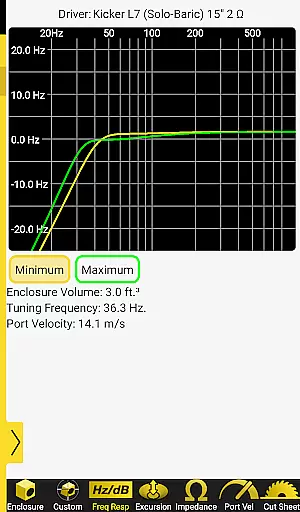
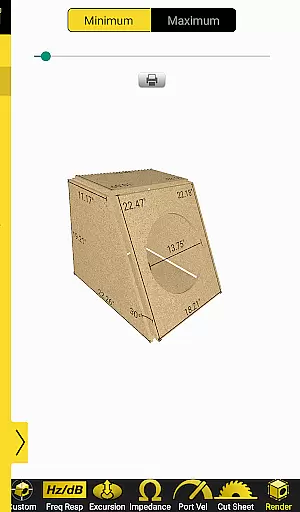
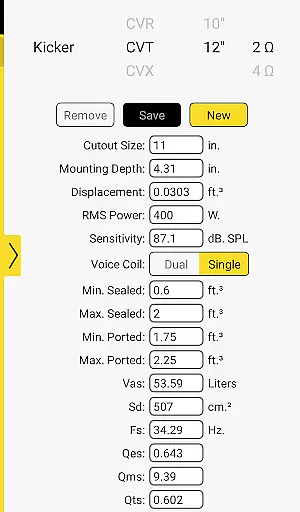
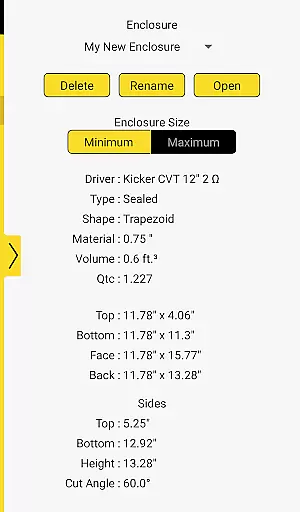
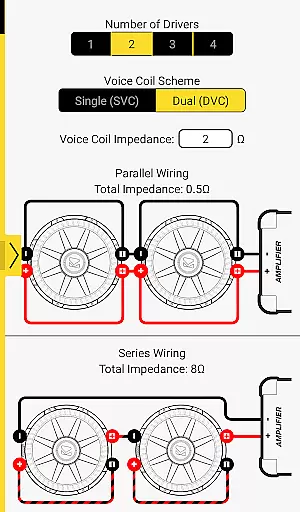
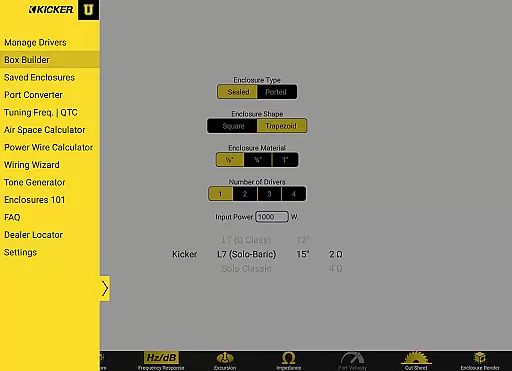
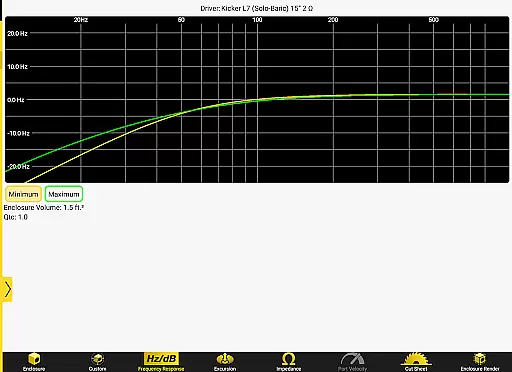

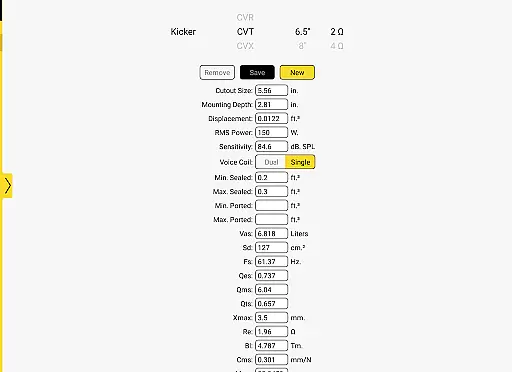

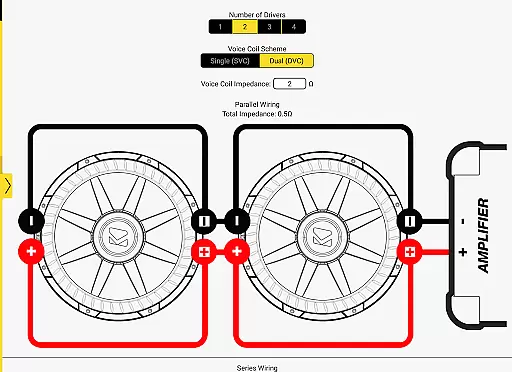
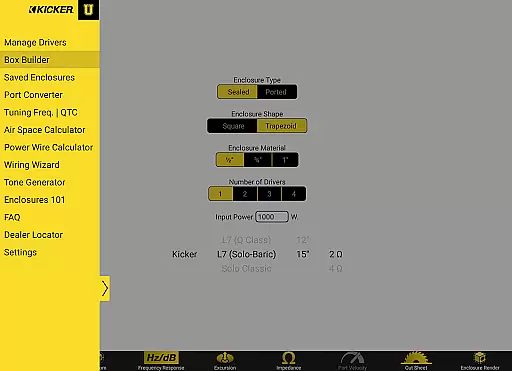
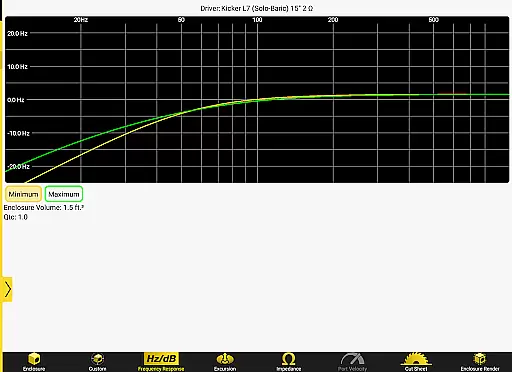
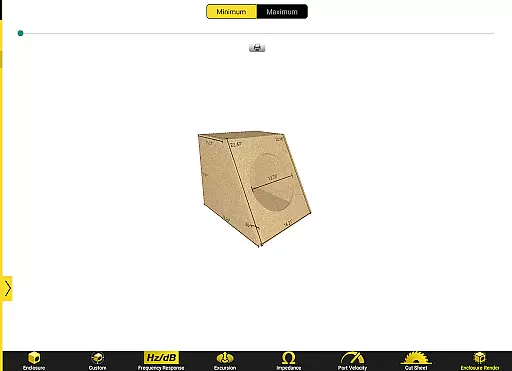
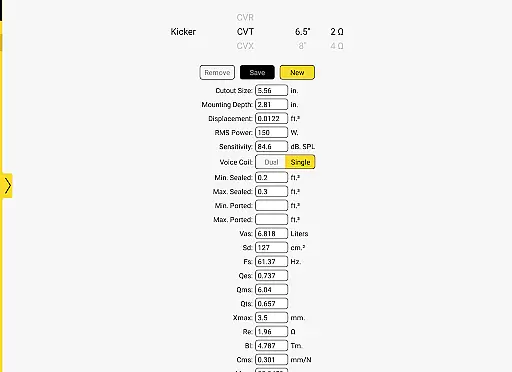
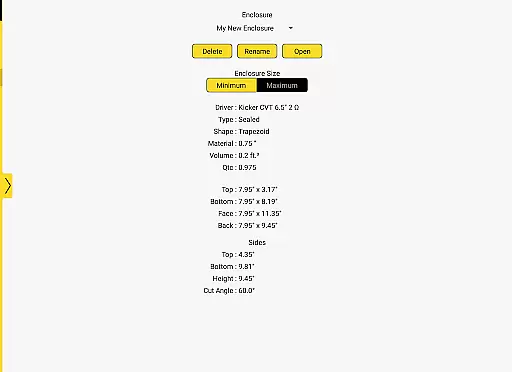
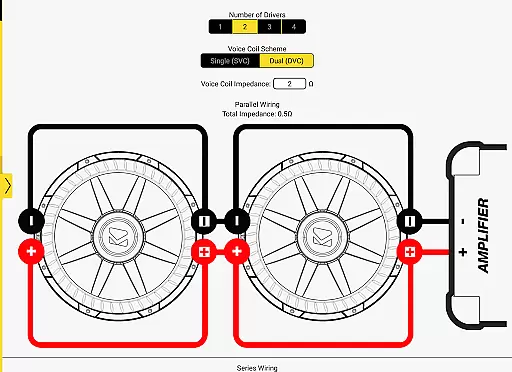
Kicker U is an educational app designed for mobile-audio enthusiasts, providing a comprehensive toolbox for subwoofer enclosure design and installation. The app offers specialized calculators for port dimensions and tuning frequencies, enabling users to create custom enclosures tailored to their specific audio equipment.
With the ability to upload and save Thiele-Small parameters, Kicker U ensures precise box designs for any driver. Whether you're a beginner or an experienced installer, this app serves as your go-to resource for optimizing audio performance through accurate calculations and detailed guidance.
Kicker U stands out with its advanced calculation tools specifically crafted for audio enthusiasts. The app includes dedicated calculators for port dimensions and tuning frequencies, which are essential for achieving optimal bass response in custom enclosures.
Another notable feature is the capability to upload and save Thiele-Small parameters. This functionality allows users to design enclosures that perfectly match the specifications of their drivers, ensuring maximum sound quality. Additionally, network permissions facilitate access to Facebook and dealer locators, enhancing community engagement and support.
Kicker U offers a comprehensive approach to the mobile-audio installation lifestyle, providing users with essential tools and knowledge. The app covers various aspects of audio design and installation, making it an invaluable resource for both beginners and experienced enthusiasts.
With features like enclosure design assistance, wiring guidance, and calculators for port dimensions and tuning frequencies, Kicker U ensures that users have access to all necessary resources. This wide range of functionalities addresses multiple facets of the audio customization lifestyle, from basic education to advanced project planning.
The inclusion of Thiele-Small parameter uploading allows for personalized box designs, catering to individual preferences and needs. By covering these detailed aspects, the app demonstrates its commitment to serving the diverse interests within the mobile-audio community.
The content provided by Kicker U is backed by industry expertise, ensuring both accuracy and reliability in its educational materials. As a trusted name in car audio, Kicker brings authentic knowledge directly to users' fingertips, enhancing their learning experience with verified information.
Each tool and calculator within the app is designed based on professional standards used in the audio industry. This guarantees that whether users are calculating port dimensions or working with tuning frequencies, they're receiving expert-level guidance throughout their projects.
Additionally, the ability to save specific parameters and access dealer locators further reinforces the app's dedication to providing credible, practical content. These features help establish Kicker U as a reliable source for both theoretical knowledge and hands-on application in mobile audio installations.
User-friendly interface
Advanced calculation tools
Customizable enclosure designs
Thiele-Small parameter integration
Community and dealer connectivity
Limited to audio enthusiasts
Requires technical knowledge
No offline functionality
Dependent on external parameters
Specific use case

What is my face shape? Find out your face shape from picture, see fitting frames
 3.90
3.90
Daily lessons from A Course in Miracles with scheduled reminders
4.80
Bring the warm colors of fall directly to your wrist with Autumn Leaves!
4.0
Discover your Nationality, Family Origin, and Ancestry from one selfie
4.50
Earn money & gift cards when you take surveys, play games, scan receipts & more.
4.50
Kasa Smart is your portal to your TP-LINK Smart Home.
4.70
Simple, stylish & fresh watch face. Customize colors, gradients & complications.
4.70
The App can control Roborock vacuum cleaners from anywhere with rich features.
4.60
Decorate your home screen with custom icons, color widgets, themes & wallpapers
4.70
Colorful selection floral watch face with gyro for Wear OS
4.60
Make money, get paid cash rewards & gift cards for every survey. Earn today!
4.60
Share opinions, get paid cash
4.30
Smart controls for your Ember Smart Mugs
4.10
Unique Dual Colors with 6 Custom Complications for Wear OS watches!
3.40
LineLearner, the quick way to learn lines.
2.90
Healthy eating timer app to track meal pace, improve habits, and eat slowly.
4.4
Immerse yourself in the serenity of lavender fields and white butterflies
4.0
A daily quote for success
4.1
Wear your favorite memories, loved ones, pets or travel photos on your watch
4.5


User Reviews