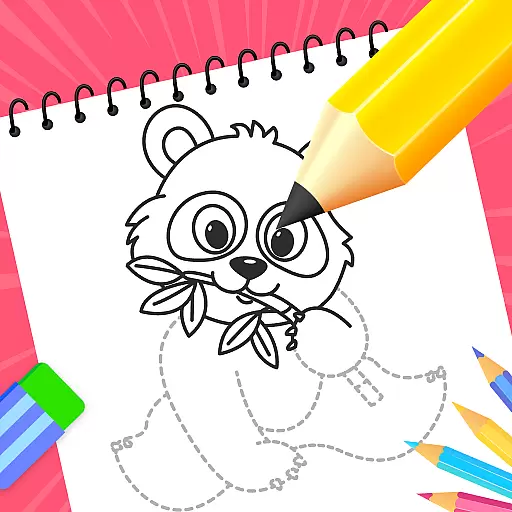
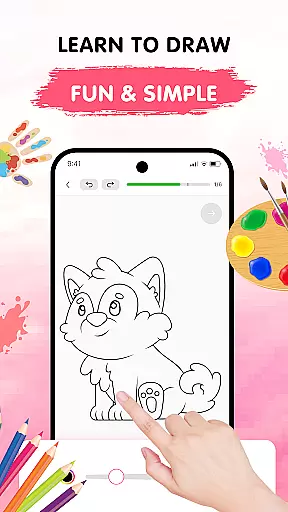
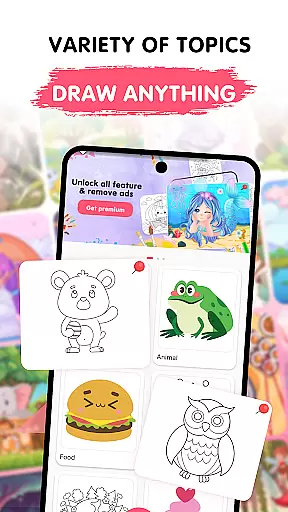
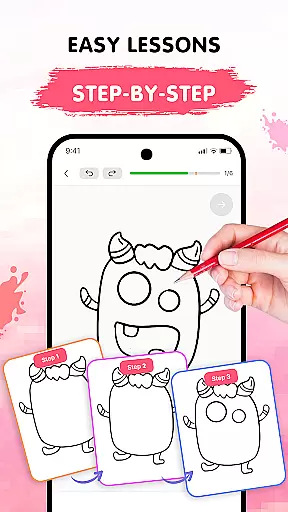
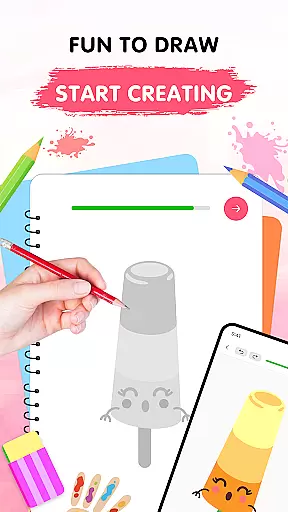
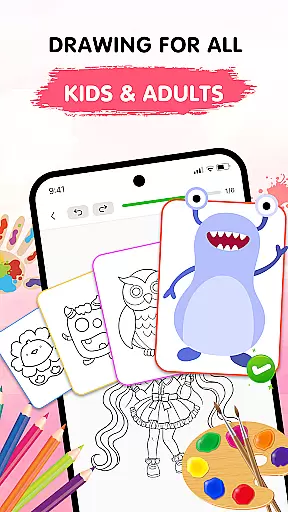
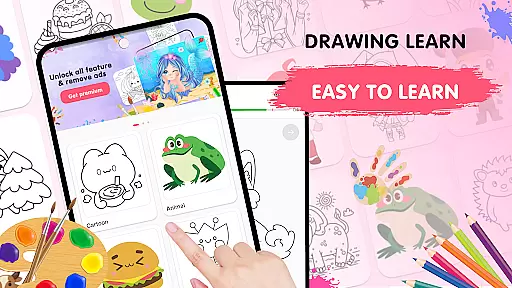
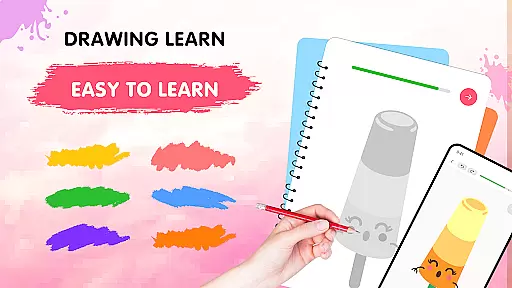
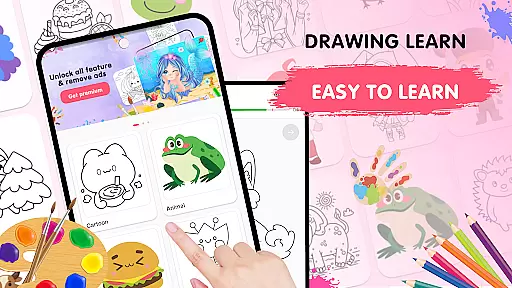
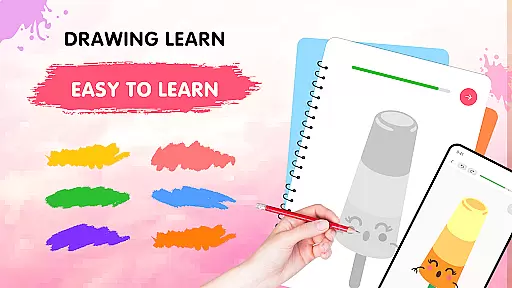
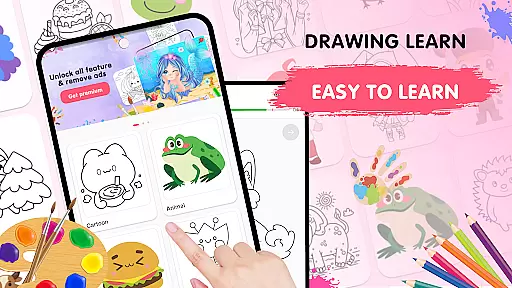
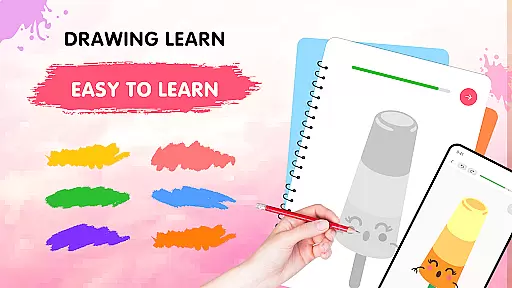
Easy Draw: Learn How to Draw is an innovative educational app designed to help users develop their artistic skills. This comprehensive drawing tutor offers step-by-step guidance through a wide range of subjects, making it perfect for both beginners and experienced artists looking to refine their techniques.
The app's key strength lies in its structured learning approach. Users can explore various themes including animals, cartoons, food, and environmental subjects while benefiting from the app's intuitive interface. With features like adjustable brush settings, expressive color palettes, and easy-to-use drawing tools, Easy Draw creates an optimal environment for artistic growth and exploration.
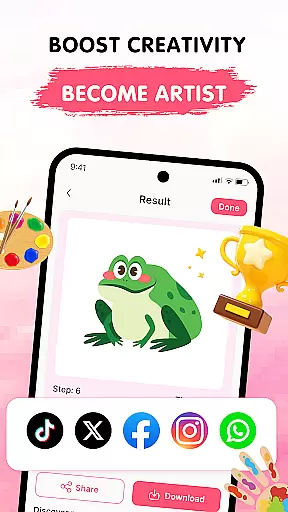
Whether you're using it for personal enrichment or as part of your art education curriculum, Easy Draw provides valuable resources for creative development. The ability to save and share artwork directly from the app makes it particularly useful for students who want to document their progress and showcase their achievements.
Easy Draw distinguishes itself through its comprehensive feature set tailored specifically for art education. The app's guided drawing steps break down complex illustrations into manageable stages, allowing learners to build confidence gradually while maintaining proper technique.
One of the app's standout features is its versatile drawing toolkit. Users can experiment freely with adjustable brush sizes, precision erasers, and unlimited color options. The undo/redo functionality and reset options create a safe space for artistic experimentation without fear of making irreversible mistakes.
Additionally, Easy Draw offers a diverse library of drawing themes that cater to different interests and skill levels. From simple sketches to more intricate designs, the app provides a well-rounded artistic experience. The ability to export finished drawings and share them on social media platforms adds a valuable dimension to the learning process, encouraging users to celebrate their artistic journey.
In the realm of digital learning, content accuracy is paramount, especially for an educational app like Easy Draw: Learn How to Draw. This application ensures that each drawing lesson is crafted with precision and care, adhering to realistic proportions and authentic representations.
Easy Draw employs a team of experienced artists and educators who meticulously design every tutorial. They incorporate time-tested artistic principles with contemporary techniques, ensuring users receive authoritative guidance in their creative journey.
For learners, this commitment to accuracy means acquiring skills that are genuinely applicable in real-world art scenarios. Whether sketching animals or exploring environmental themes, users can trust they're receiving reliable instruction.
The benefit extends beyond mere replication of shapes; it fosters a deeper understanding of art fundamentals. Students gain confidence knowing their learning material has been expertly curated and verified, establishing Easy Draw as a credible resource in art education.
While Easy Draw: Learn How to Draw offers structured lessons, its true strength lies in enabling personalized learning paths. The app recognizes that each artist develops at their own pace and provides flexible tools to accommodate different learning styles.
Through its categorized themesu2014ranging from animals to cosmic subjectsu2014users can tailor their learning journey according to personal interests. This customization keeps learners engaged and motivated, as they actively choose subjects that inspire them most.
Furthermore, features like adjustable brush settings and an expressive color palette empower users to experiment freely. These elements allow for individual expression within guided frameworks, promoting both technical skill development and creative exploration.
This dual approach creates a balanced learning environment where beginners can build foundational skills while gradually incorporating unique artistic touches. By combining structured guidance with customizable options, Easy Draw effectively nurtures each user's distinct artistic evolution.
User-friendly interface
Comprehensive tutorials
Versatile drawing tools
Adjustable brush settings
Free sharing options
Limited advanced features
No offline mode
Occasional ads
Basic color palette
Subscription required

Test prep for Indiana students
 4.4
4.4
The Only Official DVSA Theory Test Kit App
4.50
Study for your 608 certification.
4.50
For medical training - Visualize complex vein maps and structures in real-time.
4.10
Discover Your Place in the Universe
4.70
An aviator’s preparation, study and test tool for FAA Knowledge Exams.
4.30
The FE Clock is a way to track sun & moon around the circle of the earth.
4.30
An aviator’s preparation, study and test tool for FAA Knowledge Exams.
3.80
A fast and fun way to learn guitar - works with any guitar.
4.60
Experience the sky, planet earth and the solar system like never before
4.90
An interactive enhancement of the Sesame Street classic.
4.50
Astronomy Guide to the Night Sky
4.40
Practice Casino Roulette Payouts for Table Game Dealers and Croupiers
4.40
Astronomy Guide To Night Sky
4.30
Explore numbers the Starfall way!
4.00
FAR/AIM, FAR for Flight Crew and FAR for Aviation Maintenance Technicians
3.80
Master the NRP with 700+ questions, rationales, and updated NREMT scenarios.
3.00
MONOPOLY JUNIOR brings Hasbro's classic the board game to life.
3.00
Learn and joke with the Silly Turkey!
4.5


User Reviews