
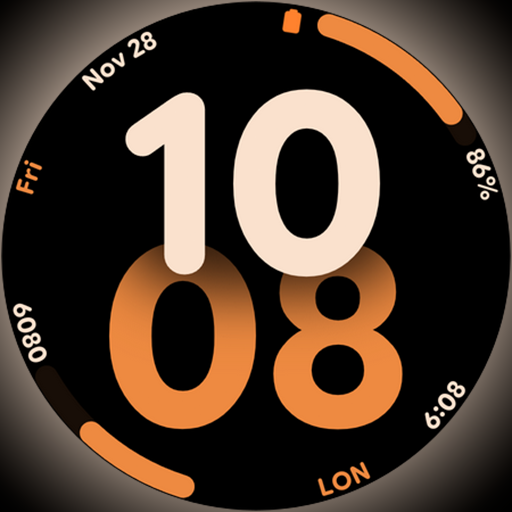
Big bold digital watch face with 30 colors, 6 complications and AOD.
 4.1
4.1
Daily lessons from A Course in Miracles with scheduled reminders
4.80
BILT interactive 3D instructions help you get the job done right
3.50
Premium floor cleaning robots
4.50
Discounts, savings, and rewards
4.20
Crochet made easy: step-by-step tutorials, beginner patterns & projects
4.60
An Eerie Musical Trigger Toy for Spirits to Play with!
3.50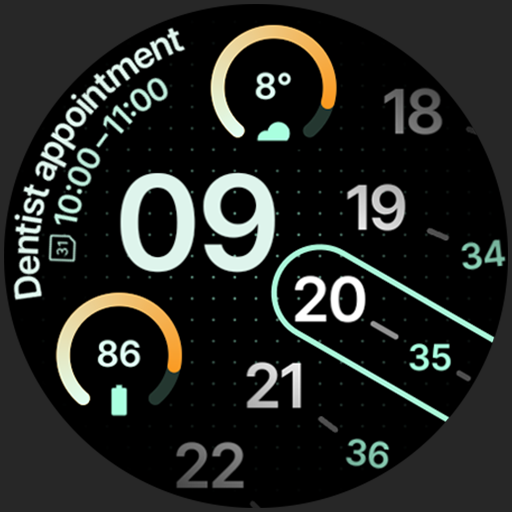
A unique and customizable watch face which rotates its layout every minute.
4.80
Share opinions, get paid cash
4.30
Discover the "To Be a Christian" App: Your Guide to Deepening Faith!
5.00
Play. Earn. Repeat. Get rewarded for playing mobile games. Welcome to Mobius!
4.80
Tap to the beat with interactive videos — warm up your reflexes & have fun
4.70
The Work of Byron Katie— the mobile app for inner peace.
4.40
Zodiac & Horoscope Launcher: Daily Sign Predictions & Astrology
4.40
Mixing Colors for Menswear
4.20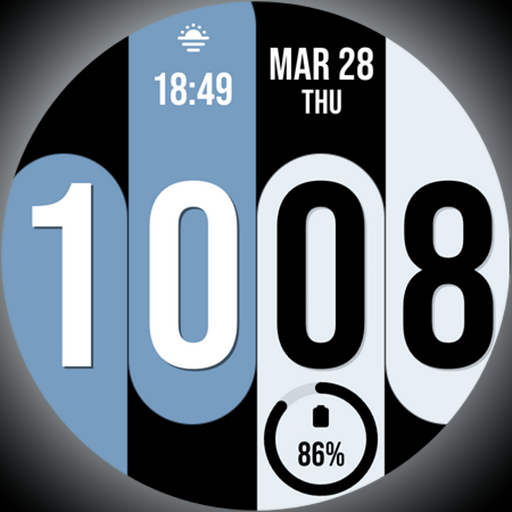
Unique Dual Colors with 6 Custom Complications for Wear OS watches!
3.40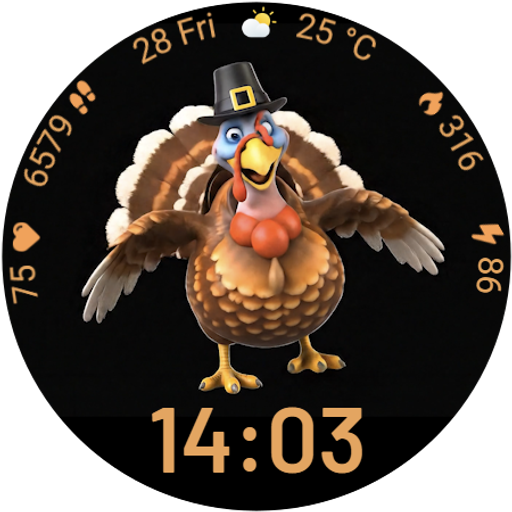
Cute animated Thanksgiving watchface for your WearOS smartwatch
4.4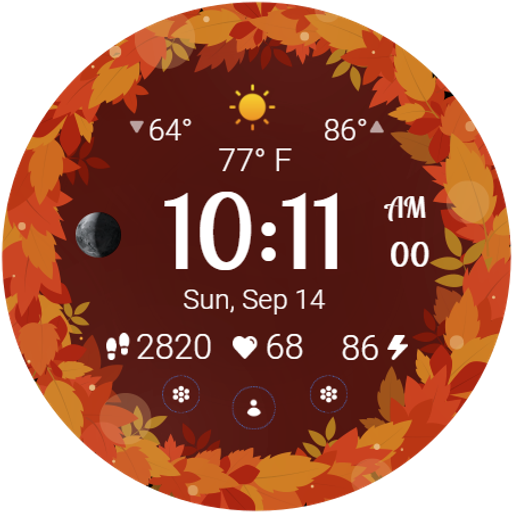
Bring the warm colors of fall directly to your wrist with Autumn Leaves!
4.1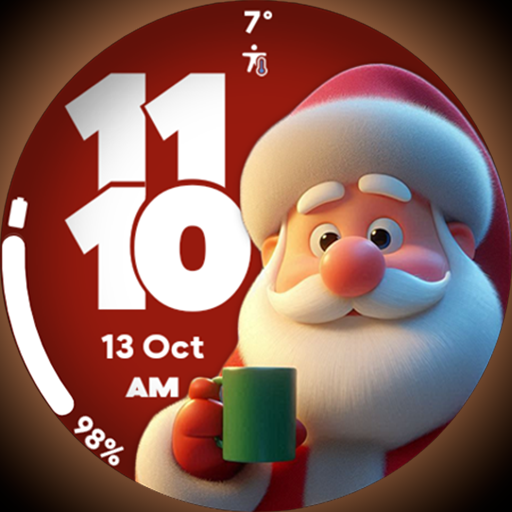
Customize your Wear OS watch with festive Christmas figures and colors!
4.3


