
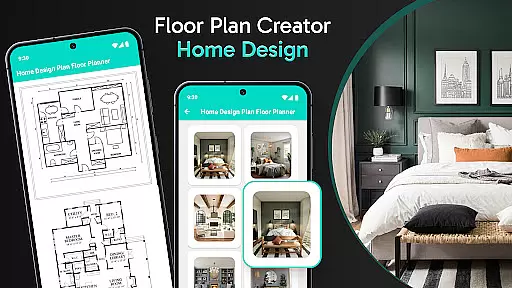
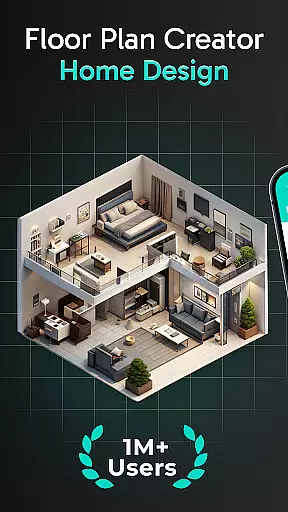
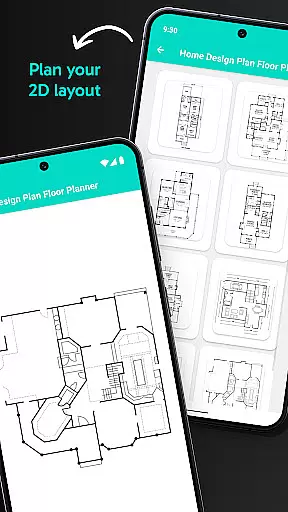
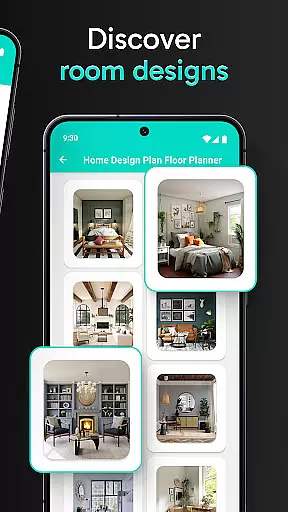
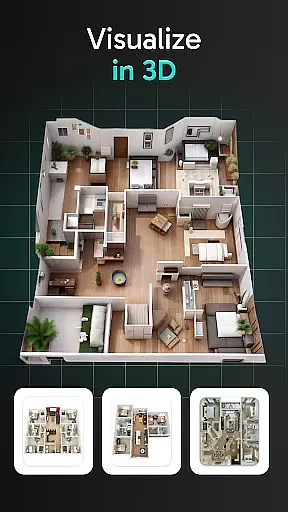
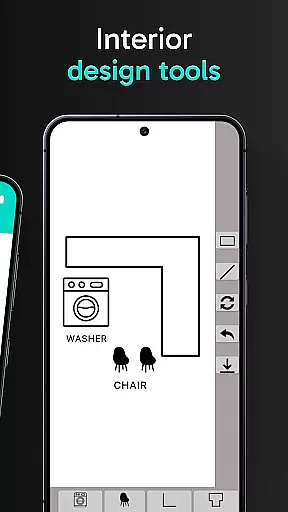
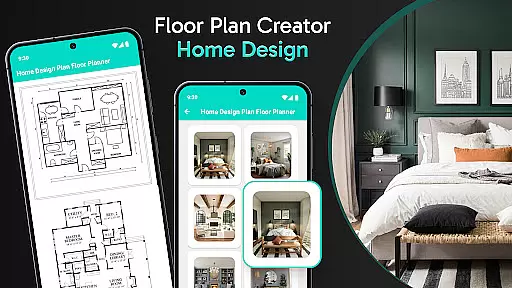
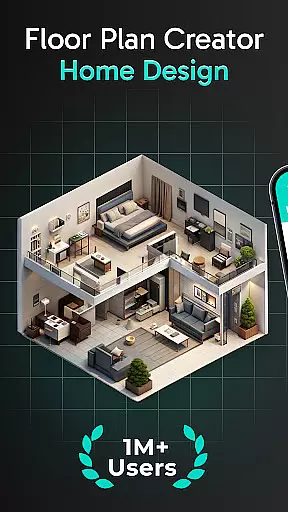
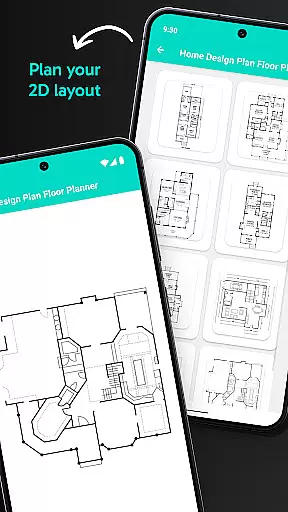
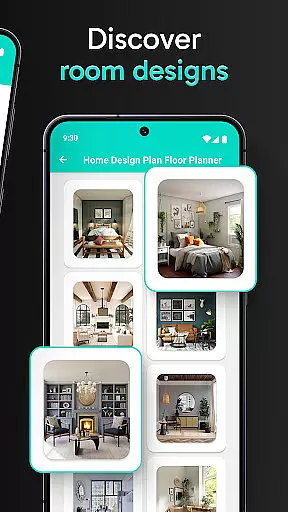
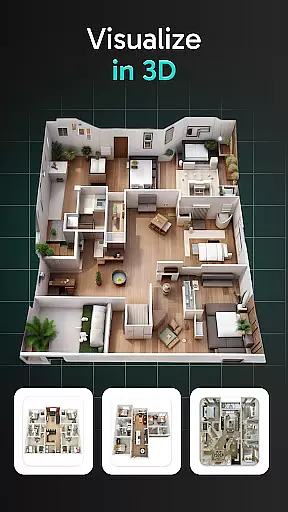
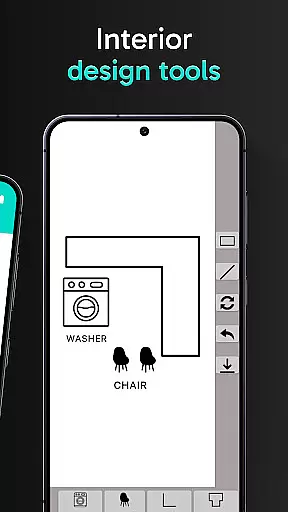
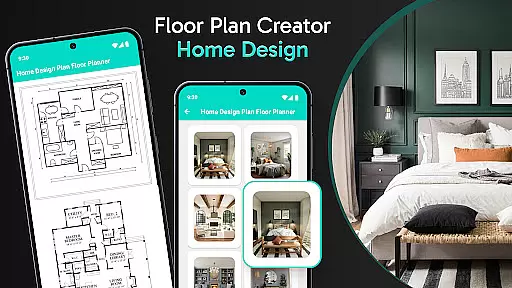
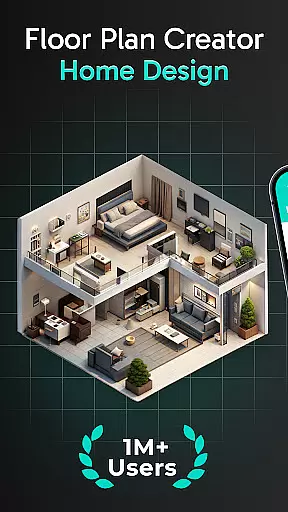
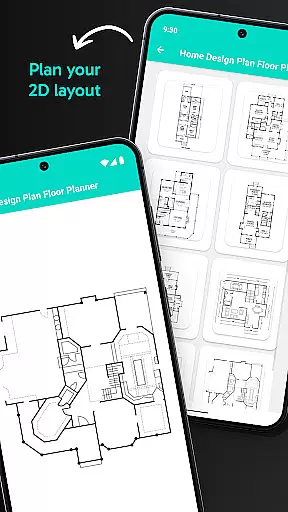
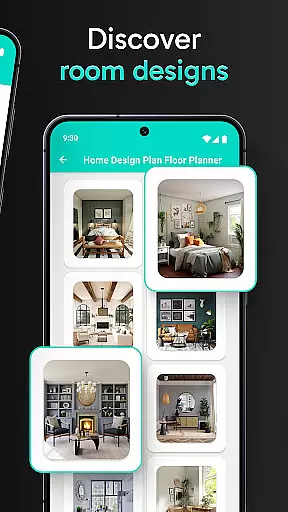
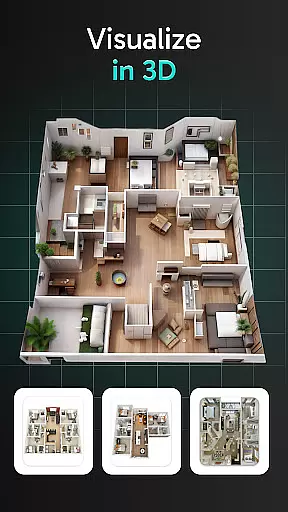
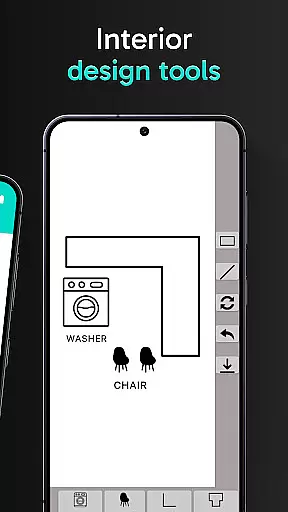
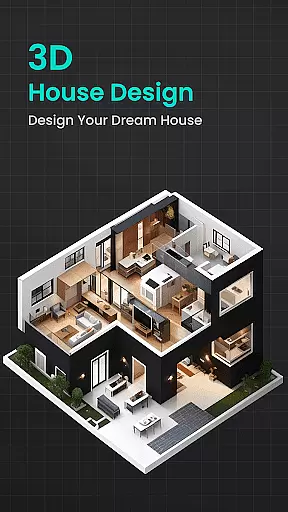
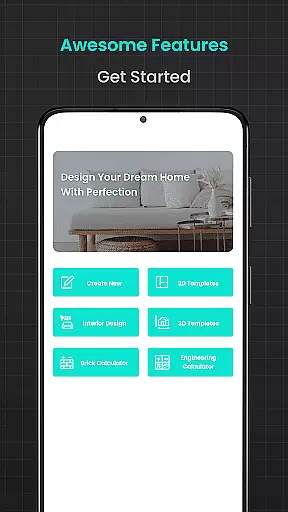
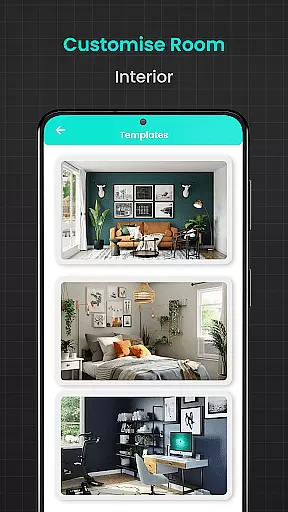
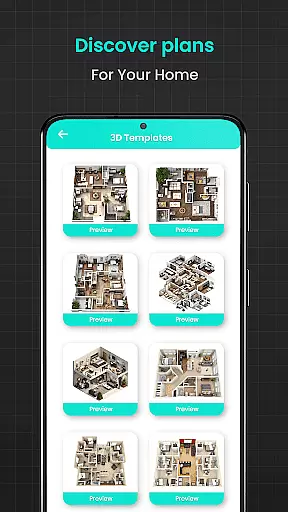
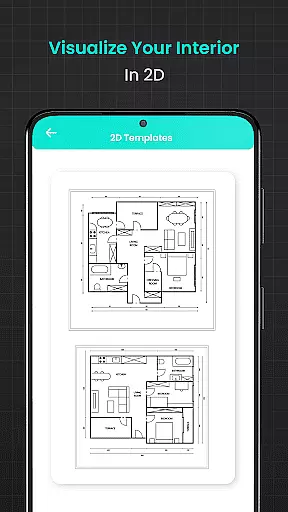
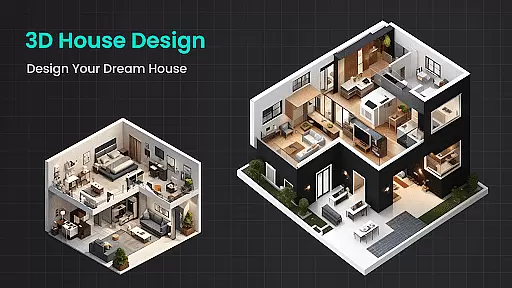
Floor Plan Creator Home Design is a comprehensive home design application tailored for both DIY enthusiasts and professional architects. The app allows users to create detailed 2D house maps and explore potential layouts in 3D, offering an immersive planning experience. With its intuitive interface, users can effortlessly visualize their dream spaces while experimenting with color schemes, furniture arrangements, and decor styles.
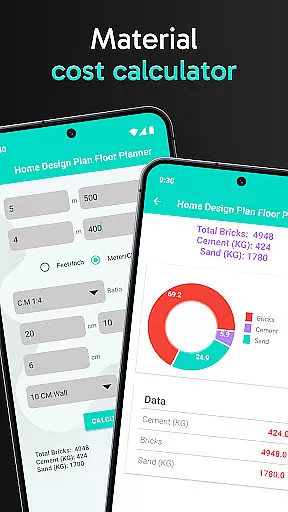
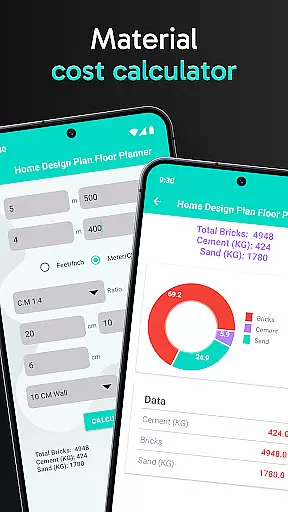
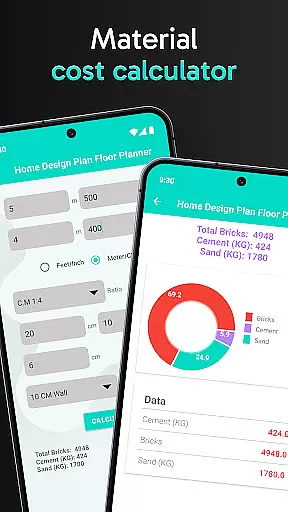
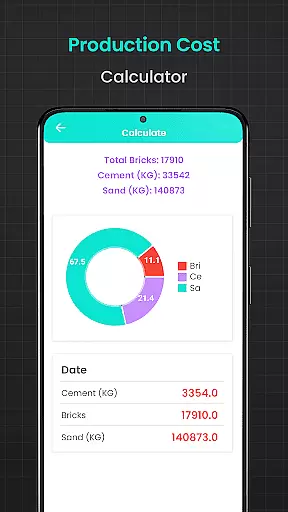
One of the standout features of this app is its suite of calculators designed to simplify construction planning. From estimating the quantity of bricks needed for house front elevation designs to calculating precise amounts of flooring, cement, and even steel weight, Floor Plan Creator ensures accuracy in every step of your project. Whether you're working on modern house designs or remodeling existing spaces, this tool provides the resources necessary to execute your vision effectively.
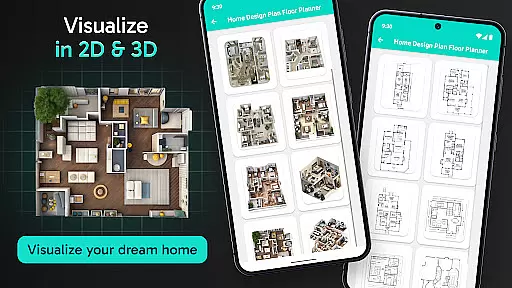
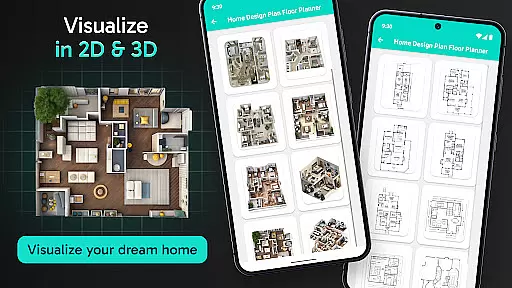
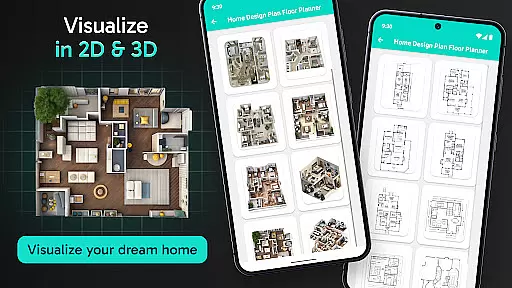
Floor Plan Creator Home Design offers an impressive array of features that cater to various aspects of home planning and decoration. At its core, the app provides robust tools for creating 2D floor plans as well as exploring these designs in 3D, allowing users to fully immerse themselves in their projects before implementation. This dual functionality makes it easier to experiment with different layouts and interior design choices without any real-world commitment.
Beyond visualization, the app includes specialized calculators that address common challenges faced during construction or renovation projects. For instance, the brick calculator helps estimate material requirements for walls, while the flooring calculator ensures accurate measurements for tiles, hardwood, or carpet installations. Additionally, advanced tools like the cement, plastering, asphalt, and water sump tank calculators provide further precision when planning structural elements or outdoor spaces. These practical utilities make Floor Plan Creator an indispensable resource for executing complex designs efficiently.
In the realm of home design and renovation, having accurate and reliable property information is crucial. Floor Plan Creator Home Design ensures that every listing and plan created within the app reflects true-to-life measurements and realistic visualizations. This commitment to authenticity allows users to make informed decisions about their projects.
The app employs advanced algorithms to assist in generating precise 2D house maps and 3D interior designs. These tools help users visualize their spaces with a high degree of accuracy, ensuring that the final constructed or renovated property aligns closely with initial plans.
Furthermore, the inclusion of various calculators for materials such as bricks, flooring, cement, plastering, asphalt, steel weight, and water sump tanks guarantees that users can estimate quantities needed without any guesswork. This feature not only enhances planning accuracy but also contributes significantly to budget management by preventing over-purchasing or shortages.
Floor Plan Creator Home Design goes beyond just creating floor plans; it offers comprehensive home management features that cater to both DIY enthusiasts and professionals. With functionalities ranging from designing stylish 2D layouts to detailed material estimations, the app provides everything necessary for successful project execution.
One standout aspect is its user-friendly interface which simplifies complex tasks like calculating exact quantities of construction materials through specialized calculators. For instance, users can determine how much brick or cement they need for their projects using intuitive charts and graphs provided by the app.
Additionally, the ability to visualize designs in both 2D and 3D formats adds another layer of practicality. Users can experiment with furniture placements, color schemes, and decor options before making any physical changes. This not only saves time and resources but also ensures satisfaction with the end result by allowing thorough exploration of different design possibilities.
User-friendly interface
Accurate material calculators
2D and 3D visualization
Wide template selection
Ideal for professionals and DIYers
Limited advanced 3D rendering
Occasional performance lags
In-app purchases required
Steep learning curve
Not ideal for large commercial projects

Draw house plans, floor plans 3d & house design with house plan drawing 3d app
 3.60
3.60
The official app for Home Assistant. Control your home anywhere in the world.
4.30
Home Ideas | Renovation Advice | Local Pros. Go From Dream to Home with Houzz.
4.70
Find paints using a Color Muse & ColorSnap® Match
3.60
Resident Center, powered by Buildium, is designed with simplicity in mind.
4.50
AI Home Designer & Room Planner: Decorate your interior space with AI
4.40
Night Owl Protect helps you secure, protect, and connect your world!
4.60
Real estate app to find homes for sale or rent in the right neighborhood for you
4.70
Apartment finder for apartments for rent. Compare prices, amenities & rentals.
4.50
Connect with reliable pros for maintenance services, plumbing, and home design!
4.80
MLS-powered real estate app to find homes for sale & apartments for rent
4.70
Find your next home, house, apartment, condo, casa, flat, rental, studio, or bed
4.70
Your guide to apartments & rental homes. Find your next place to rent with AG.
4.60
Fire & Power Safety
4.50
WiZ smart light system
4.40
Control your thermostat, comfort, and home monitoring from your phone
4.30
Technology powering many in-home services for residents across the United States
3.80
Control Fire TV & mirror your phone screen instantly over Wi-Fi.
3.30
Universal TV Remote for TV, control all Smart TVs with your mobile phone.
4.3


User Reviews