
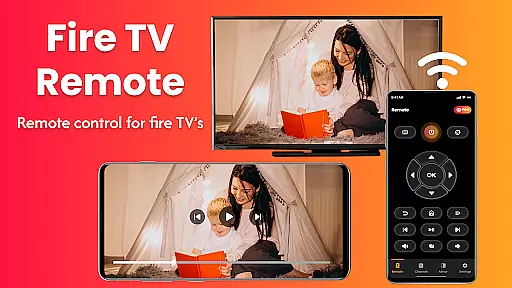
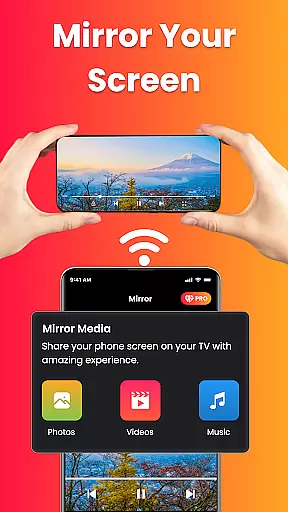
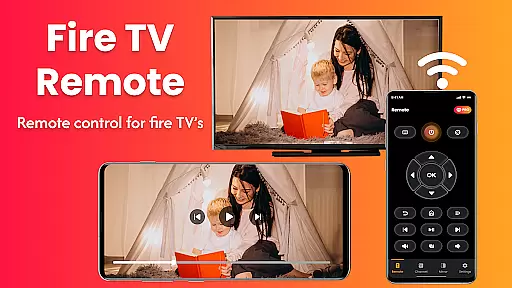
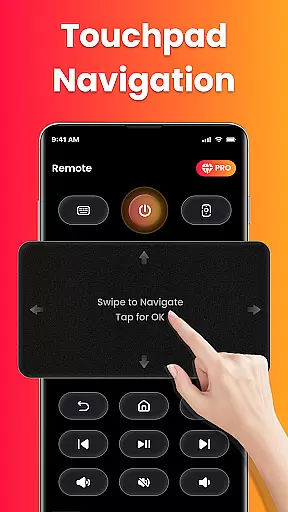
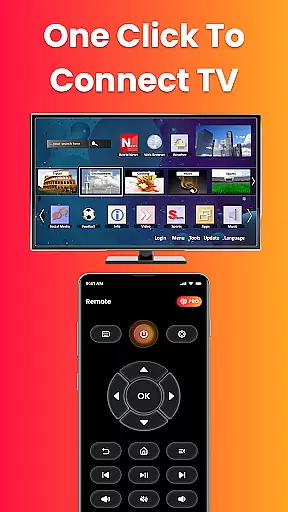
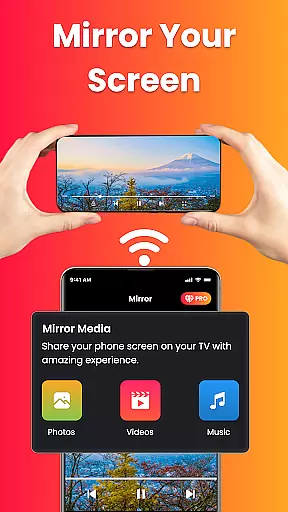
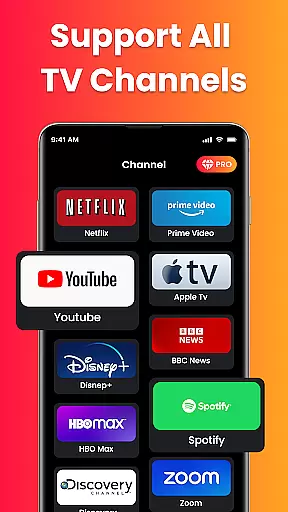
Fire Remote TV Control is a dedicated application that transforms your Android phone into a comprehensive remote control for Fire TV and Fire Stick devices. This app offers full navigation, playback controls, volume management, and screen mirroring capabilities without the need for pairing codes or complex setups. Designed exclusively for Fire TV users, it ensures fast and reliable performance.
The app supports all versions of Fire TV Stick, Fire TV Cube, and Fire TV Edition smart TVs. With its intuitive interface, users can easily navigate menus, control playback, adjust volume, and even mirror their phone's screen to the TV. Whether you've misplaced your physical remote or simply desire more functionality, this app provides a seamless solution.
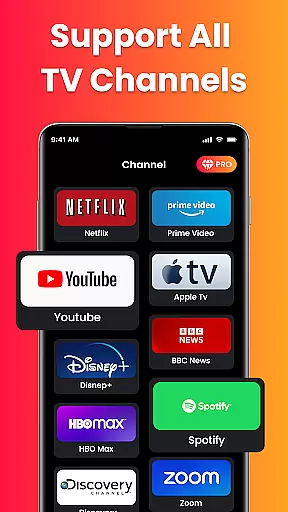
Perfect for streaming videos, displaying photos, or presenting content wirelessly, Fire Remote TV Control enhances the user experience by offering advanced features like on-screen keyboard typing and instant Wi-Fi connection. Its lightweight design ensures minimal battery consumption while delivering maximum utility.
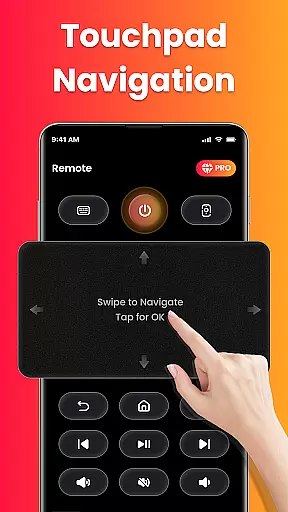
Fire Remote TV Control boasts an array of features designed to enhance your interaction with Fire TV devices. The app includes a full directional pad for menu navigation, playback controls such as play, pause, rewind, and fast forward, and volume management options including mute and unmute functionalities.
One standout feature is the easy screen mirroring capability, allowing users to cast their phone's screen directly to their Fire TV with just one tap. Additionally, the on-screen keyboard facilitates quick typing and searching, making it easier than ever to find content. All these features are accessible instantly over Wi-Fi without requiring any pairing codes.
The app's compatibility extends across various Fire TV models, ensuring broad usability. Its lightweight nature means it operates efficiently without draining your device’s battery. Moreover, the clean and intuitive interface makes it accessible for users of all technical skill levels, providing a hassle-free experience optimized specifically for the Fire TV ecosystem.
In the context of smart home and entertainment management, ensuring the authenticity of connected devices is crucial. Fire Remote TV Control app guarantees that every Fire TV or Fire Stick device listed within its interface is verified to be a genuine product compatible with Amazon's ecosystem.
The app employs advanced device recognition protocols to ensure only authentic Fire TV models are detected and connected. This verification process eliminates the risk of attempting to control unsupported or counterfeit devices, which could lead to performance issues.
For users, this means peace of mind knowing that their remote commands will work seamlessly with their Fire TV devices. The app's strict compatibility framework ensures all interactions are reliable and optimized for the best possible user experience.
By focusing on verified device listings, Fire Remote TV Control maintains a trustworthy environment where users can confidently manage their home entertainment systems without worrying about connectivity problems stemming from unverified or incompatible hardware.
Fire Remote TV Control offers an impressive suite of home management features designed to simplify how users interact with their Fire TV devices. At its core, the app transforms Android phones into powerful remote controls, providing complete navigation, playback controls, and volume management without the need for additional hardware.
One standout feature is the integrated screen mirroring functionality, allowing users to cast their phone's display directly to their TV. Whether it's photos, videos, presentations, or apps, this feature makes sharing content effortless and instant, enhancing both entertainment and productivity scenarios.
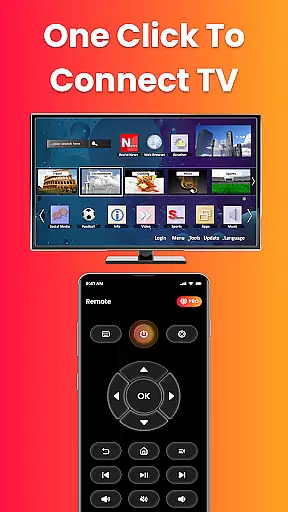
The app also includes an on-screen keyboard for quick typing and searches, eliminating the frustration often associated with manual text entry using traditional remotes. Additionally, its Wi-Fi-based connection system requires no complex pairing codes or setup procedures, making it exceptionally user-friendly.
These comprehensive home management capabilities make Fire Remote TV Control an essential tool for anyone looking to streamline their smart home experience while maximizing the utility of their Fire TV ecosystem.
User-friendly interface
Instant Wi-Fi connectivity
Comprehensive remote functions
Efficient screen mirroring
Battery-efficient operation
Limited to Fire TV ecosystem
No Chromecast support
Third-party application
Wi-Fi dependent
Basic UI design

The official app for Home Assistant. Control your home anywhere in the world.
 4.30
4.30
Find paints using a Color Muse & ColorSnap® Match
3.60
Our app allows Sunrun customers to monitor systems, pay bills, and get support.
3.80
Parcel Pending Resident App
4.50
Rent on-the-go with TurboTenant’s app made just for renters
4.50
Innovative and budget-friendly housing options
4.60
Your guide to apartments & rental homes. Find your next place to rent with AG.
4.60
Control your Vivint Smart Home with the next generation Vivint App.
4.30
Samsung remote app helps control all Samsung Smartthings TVs. Fast and Stable!
4.10
B-hyve Pro App for landscape irrigation professionals
4.70
Download today to join the community to help bring lost pets home faster.
4.70
Real estate app to find homes for sale or rent in the right neighborhood for you
4.70
Turn old phones into security cameras, baby monitors, pet cams, and more.
4.70
Fire & Power Safety
4.50
The Merkury Smart app makes it easy to control your smart devices.
4.50
Fully control your Philips TV with this all-in-one remote control app.
4.20
Draw your floor plan smartly. Make house design blueprint with home planner app
3.60
An awesome mobile app for Home Security Surveillance - uses ZoneMinder
3.20
Unlock AI-based barcode scanning and support the development of Grocy Android
4.1


User Reviews