
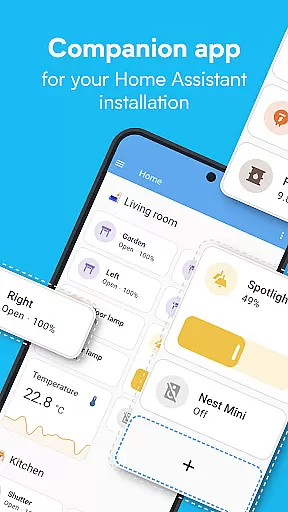
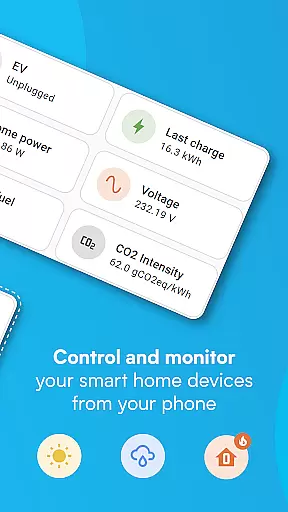
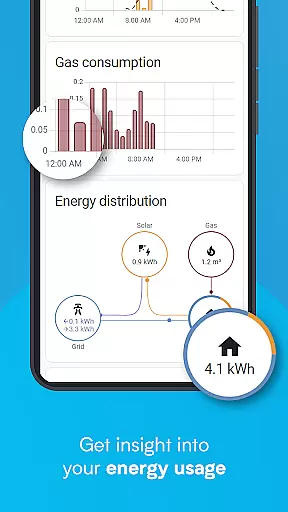
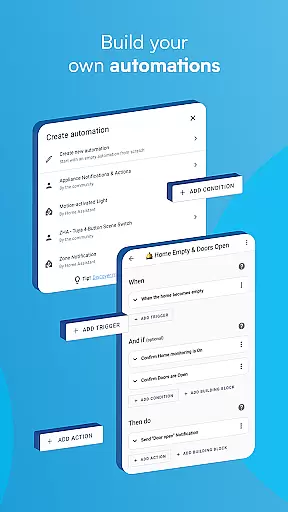
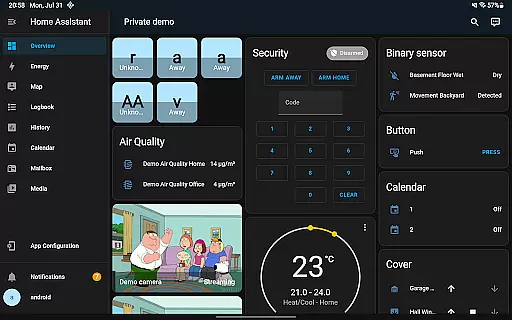
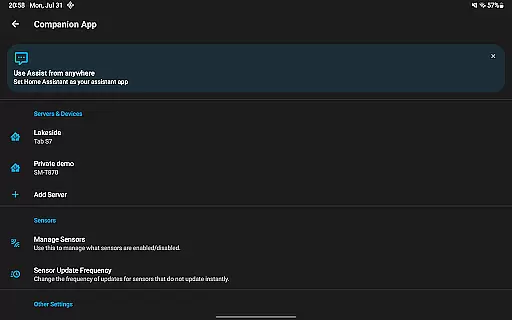
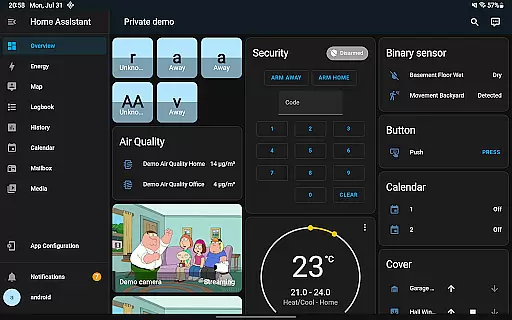
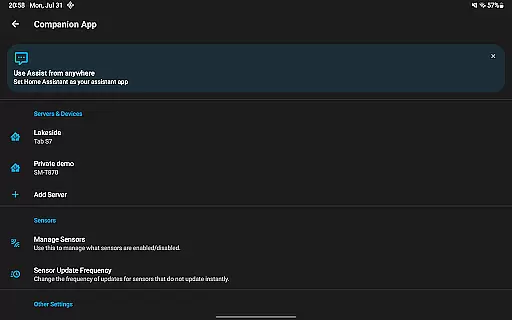
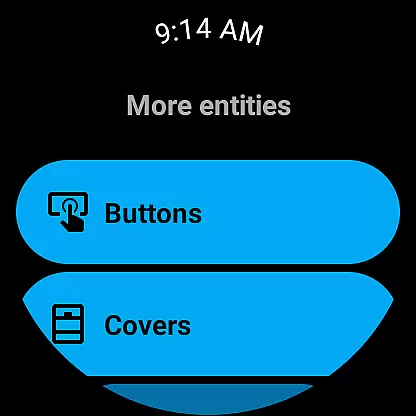


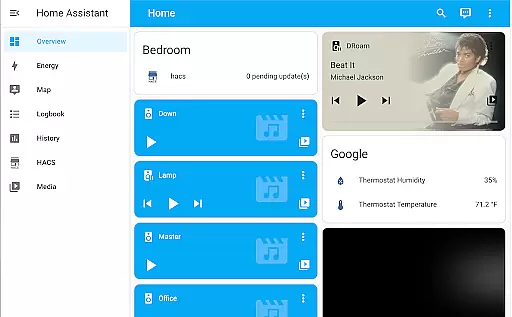
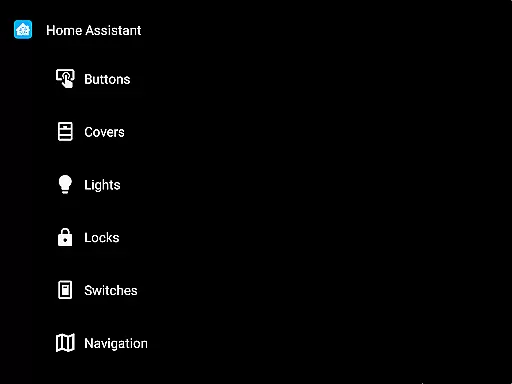

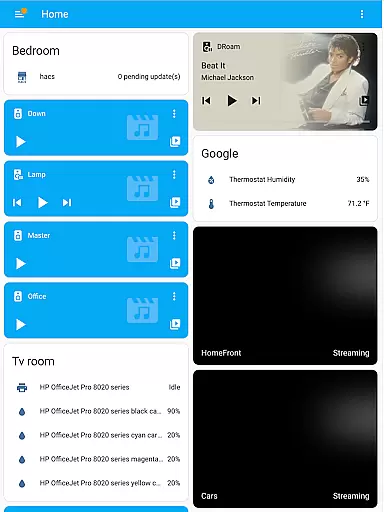
Home Assistant is a comprehensive smart home solution that prioritizes privacy, choice, and sustainability. This app allows you to access your Home Assistant instance on the go, providing control over thousands of smart devices from major brands. It supports automatic discovery and quick configuration of new devices like Philips Hue, Google Cast, and Sonos.
The app enables automation of your entire home, ensuring devices work in harmony. You can set up scenarios such as dimming lights during movie time or turning off heat when you're away. With local data processing, it ensures your home's data remains private while offering insights into past trends and averages.
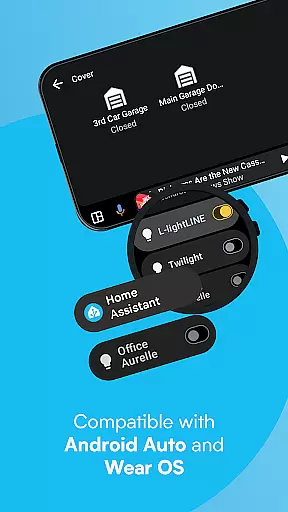
Unlock the full potential of your smartphone or tablet as a home automation tool. Share your location securely for automations related to heating and security. Access notifications about your home, from leak detection to open doors. Android Auto functionality lets you control your home from your car, and Wear OS compatibility extends these features to your wrist.
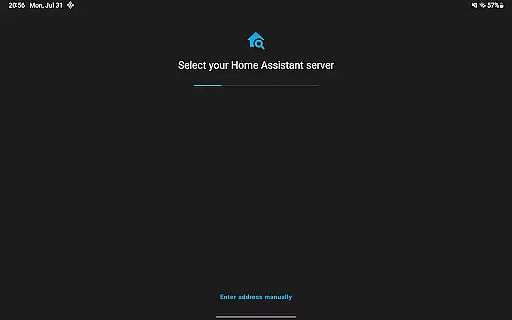
Home Assistant offers a rich set of features designed to enhance your smart home experience. Control your entire home with one app, compatible with the biggest names in smart home technology. The app automatically discovers and configures new devices quickly, including popular brands like Philips Hue, Google Cast, and IKEA Tradfri.
Automation capabilities are extensive, allowing all devices to work together seamlessly. Set up complex scenarios like adjusting lighting based on activity or managing energy usage when you're not home. The app emphasizes privacy by keeping data local, using it to provide insights into trends and averages within your home environment.
Your smartphone becomes an integral part of your home automation system. Securely share your location for advanced automations, and utilize your phone's sensors for triggers based on steps taken, battery level, and more. Receive notifications about important events at home, and enjoy Android Auto and Wear OS functionalities for added convenience.
When managing a smart home through Home Assistant, the authenticity of connected devices and services is crucial. The app ensures that every integrated device or service is verified and accurately represented within the system.
This verification process involves automatic discovery and configuration of new devices, ensuring that each component is genuine and properly set up. For instance, popular brands like Philips Hue, Google Cast, and Sonos are quickly configured to maintain data integrity.
Users benefit from this rigorous approach as they can trust the information displayed in their Home Assistant dashboard. This includes real-time status updates, accurate sensor readings, and reliable automation triggers based on authentic device interactions.
The result is an ecosystem where homeowners have peace of mind knowing that all listed propertiesu2014smart devices and servicesu2014are true to their specifications and function correctly within their smart home environment.
Home Assistant offers comprehensive home management features that allow users to control various aspects of their living space efficiently. One standout feature is the ability to automate routines across different devices, creating a seamless experience throughout the home.
For example, users can set up automations so that lights dim automatically when starting a movie or turn off heating systems when no one is at home. These automations not only enhance convenience but also contribute to energy savings and sustainability efforts.
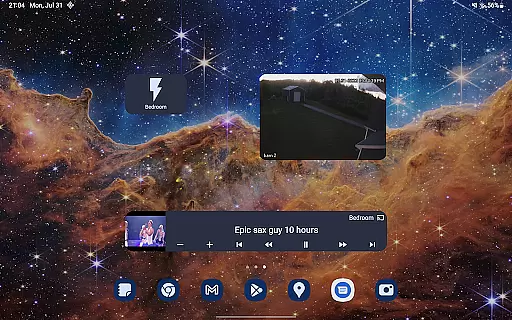
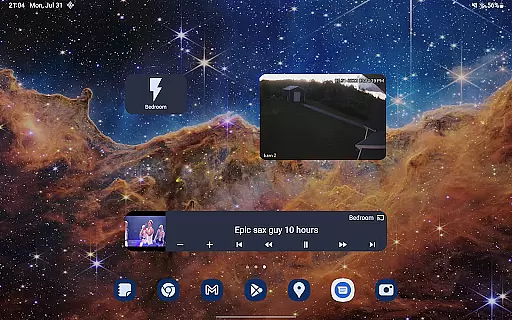
In addition to automation, the app provides robust tools for monitoring and controlling security systems, climate settings, entertainment units, and more. Users can create custom widgets for quick access to frequently used functions, further streamlining daily operations.
Overall, these home management capabilities empower users to maintain better privacy, make informed choices about their home's operations, and promote sustainable living practices.
User-friendly interface
Extensive device compatibility
Strong focus on privacy
Robust automation features
Active community support
Requires initial setup
Some features need premium
Complex for beginners
Limited voice commands
Occasional bugs reported

For all of your Airthings devices
 4.30
4.30
Tailored Care Guides For Houseplants, Indoor Plants, Garden Plants & Flowers.
4.60
Control Fire TV & mirror your phone screen instantly over Wi-Fi.
3.30
Plants, Beauty, Collectibles
4.60
USHUD.com helps you find the best homes for sale in your area
4.00
Find the perfect paint color with advanced tools to explore and visualize color.
3.80
Design your dream home with 3D planning app, Visualize your dream home in 3D.
4.20
WiZ smart light system
4.40
Turn old phones into security cameras, baby monitors, pet cams, and more.
4.70
View houses and apartments for rent, updated daily.
4.80
Convert your Phone to HiSense Smart TV Remote Control
4.70
Real estate app to find homes for sale or rent in the right neighborhood for you
4.70
Search for Homes, Rentals, Agents & Schools
4.70
Control your Daikin, Amana & Goodman heating & cooling systems from anywhere
4.40
Control your thermostat, comfort, and home monitoring from your phone
4.30
Fully control your Philips TV with this all-in-one remote control app.
4.20
Book your local plumber 24/7, track your service order & get exclusive coupons
4.00
Floor Plan Creator Home Design with 2D interior design and 3d view.
3.90
An awesome mobile app for Home Security Surveillance - uses ZoneMinder
3.20


User Reviews