
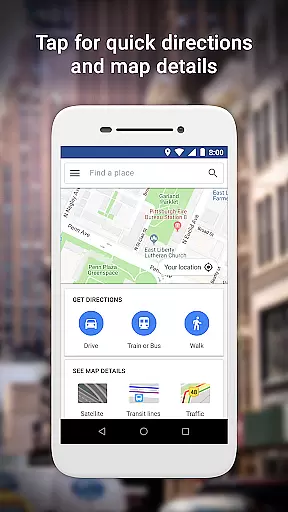
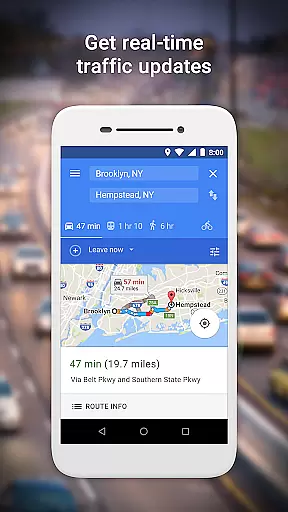
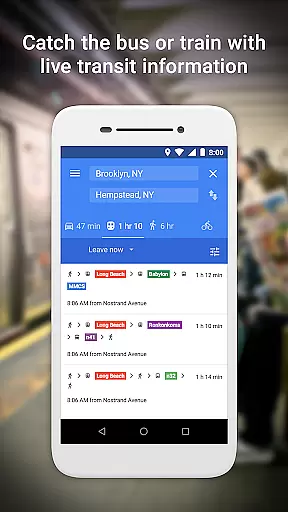
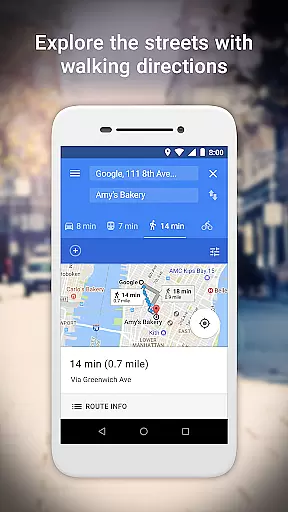
Google Maps Go is a lightweight Progressive Web App designed for devices with limited memory and unreliable network connections. Taking up 100 times less space than the full Google Maps app, it offers essential mapping features without compromising speed or performance. The app provides real-time traffic updates, detailed directions, and comprehensive transit information including metro, bus, and train schedules.
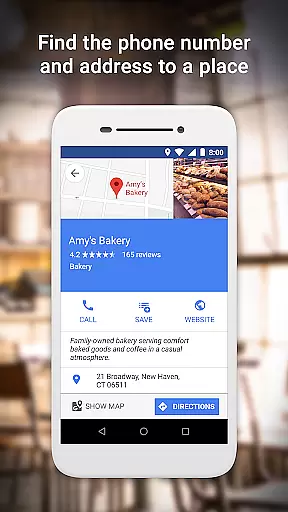
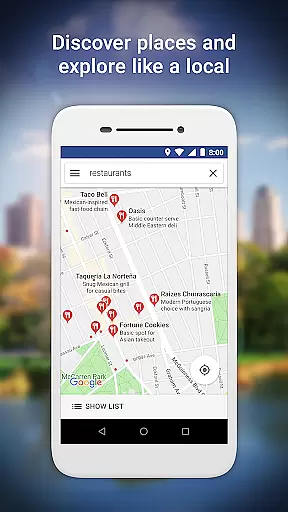
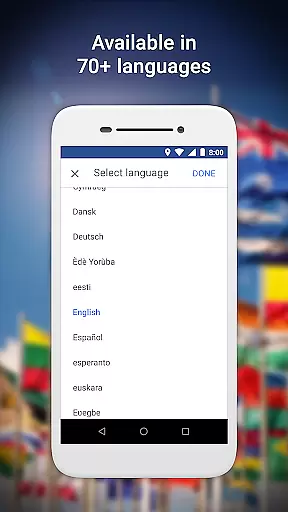
Users can search for places, access phone numbers and addresses, and explore local businesses with customer reviews and photos. With support for over 70 languages and coverage in 200 countries, Google Maps Go delivers accurate maps and business information worldwide. Whether you're planning your daily commute or exploring new areas, this app ensures you stay informed and connected wherever you go.
Google Maps Go stands out with its optimized performance on low-spec devices. The app combines multiple transportation modes to find the fastest routes, including two-wheelers, public transit, walking, and ferries. It provides step-by-step navigation with route previews, helping users plan their journeys effectively.
The app's extensive database includes over 100 million places, offering details like phone numbers, addresses, and customer reviews. Users can save frequently visited locations for quick access later. With live traffic updates and comprehensive transit information for more than 20,000 cities, Google Maps Go ensures you always have the latest travel data at your fingertips.
Additional features include satellite and terrain views, making it suitable for various navigation needs. The app's multilingual support and global coverage make it an indispensable tool for both local and international travel.
Booking authenticity is a crucial feature for travel applications like Google Maps Go. It ensures that all booking information provided through the app is accurate and reliable.
Google Maps Go achieves this by integrating with trusted local transit authorities and service providers, offering real-time schedules and confirmed routes for buses, trains, and ferries. This guarantees users receive dependable information when planning their trips.
Users benefit from peace of mind knowing that the transit details they rely on are verified and up-to-date. This feature enhances trip reliability and reduces the chances of missed connections or incorrect routing.
The emphasis on booking authenticity sets Google Maps Go apart as a trustworthy tool for navigating public transportation systems worldwide.
Price transparency in travel apps refers to clear visibility of costs associated with different modes of transportation. For users of Google Maps Go, this means understanding fare structures for buses, trains, and other transit options without hidden fees.
The app provides detailed breakdowns of ticket prices and any additional charges, enabling users to make informed decisions about their travel expenses. By sourcing data directly from official transit providers, Google Maps Go ensures accuracy in pricing information.
This level of transparency empowers travelers to budget effectively and avoid unexpected costs during their journeys. It also fosters trust in the app's ability to deliver honest and reliable financial data.
With price transparency, Google Maps Go not only simplifies travel planning but also promotes cost-effective decision-making for its users.
User-friendly interface
Lightweight design
Real-time traffic updates
Comprehensive place information
Multilingual support
Limited offline functionality
Requires Chrome browser
No advanced navigation features
Occasional loading delays
Dependent on network stability

View US public land boundary maps on your device.
 3.70
3.70
A tool for outdoor activities.
4.30
Listen live to pilots and air traffic controllers around the world
3.80
Find the best prices, pay for the cheapest gas, and save on every fill up
3.30
All-in-one delivery and taxi app. Ride, food, & grocery delivery app.
4.80
Vacationing on CARNIVAL? Maximize your fun on board with the ultimate cruise app
4.60
Download now and start earning rewards on hotels, tours, and everything travel.
4.50
Get exclusive travel deals and enjoy the award-winning customer service!
4.60
Examine the planet
3.80
Book flight, car or packages. Instant access to hotel discounts & travel deals
4.80
Maximize your cruise vacation with the Royal Caribbean app
4.70
Save on gas and convenience with the earnify™ App
4.70
Walt Disney World Resort maps, wait times, tickets, dining & more.
4.50
Get the app that knows where you’re going - view your flight, check in & more
4.50
Maps, Wait Times, Park Hours
4.40
Now you can book homes, experiences, and services—all in our redesigned app.
4.40
INDOT Trafficwise is a traffic and traveler information mobile app.
4.00
OFFLINE detailed information about the Florida National and State Parks
4.1
Locate and navigate to local holiday displays
4.5


User Reviews