

MySafeRide simplifies booking and managing rides for health plan members.
 3.50
3.50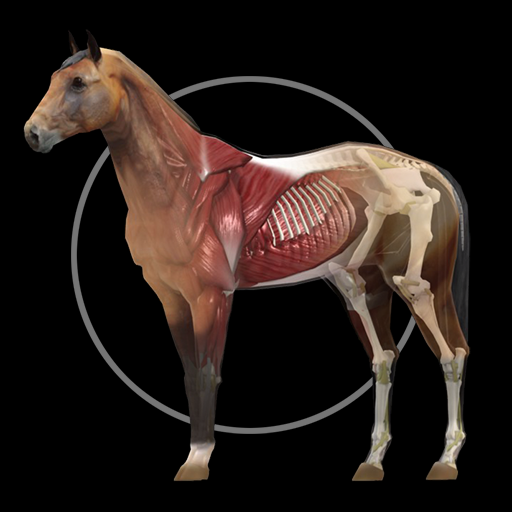
A fantastic 3d reference that includes over 300 structures and a quiz function.
3.00
Molina Members: My Molina. Manage your health anytime, anywhere!
4.30
Be more confident prescribing homeopathy at home for your family.
4.80
ECG modules improve rhythm ID. ACLS is a simulator for cardiac arrest scenarios.
4.0
Assess and treat left neglect more effectively in stroke and brain injury rehab.
4.30
Hear far away sounds, conversations, TV and surrounding sounds more clearly.
4.70
Donating plasma just got easier with the BioLife Plasma Services mobile app.
3.90
Manage your health care in one easy place
4.40
Manage your prescriptions anytime, anywhere with the Publix Pharmacy mobile app.
4.80
Pelvic Floor Muscle Exercises
4.80
Enables quick access to medical data and contacts in case of emergency (ICE)
4.70
Your donation experience just got smoother; Donor Hub is your go-to place.
4.70
Log your symptoms in the MyZio app — the perfect companion to the Zio monitor!
4.60
Radiographic Positioning Guide for Medical Imaging Professionals and Students
4.50
Hearing aid app for Android solves your hearing problems.
4.00
700 questions, 2 full exams, Predictive Scoring—your key to NREMT success!
3.90
Easy access to benefits and rewards
3.70
The world's best selling 3D Human Anatomy app with groundbreaking 3D technology
2.00


