
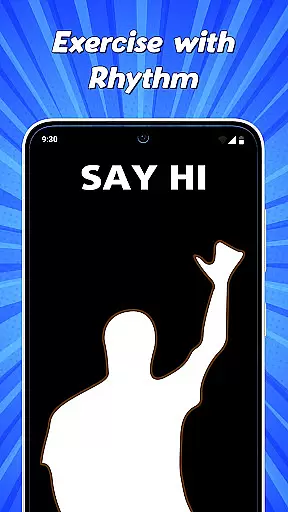
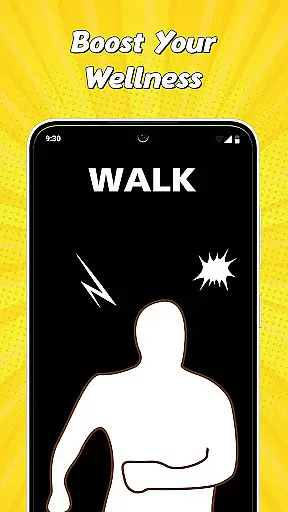

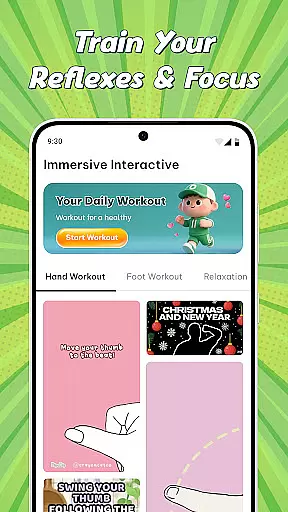

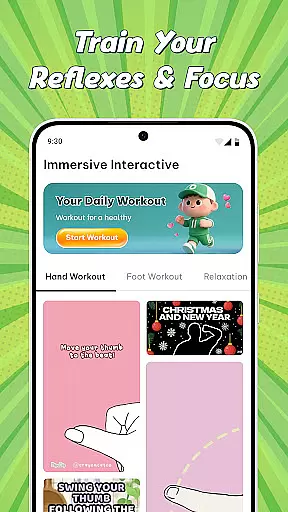
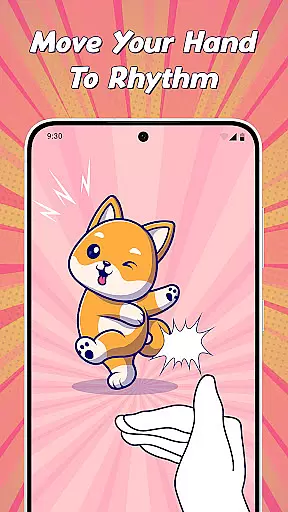

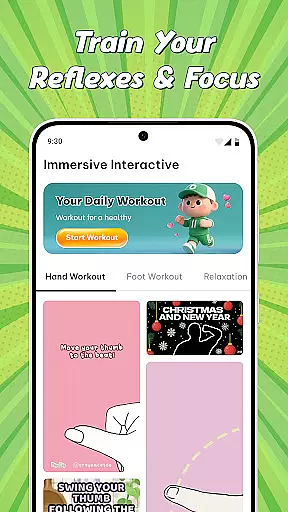
Immersive Interactive Workout is an innovative entertainment app that transforms fitness into an enjoyable daily routine. The app combines physical warm-up exercises with interactive finger relaxation games, creating a unique blend of fitness and fun. Users can follow engaging video tutorials for body stretches while also enjoying satisfying animations to relax their fingers. With features like Daily Suggestions, Body Warm Up, and Finger Interactive games, the app caters to various needs from morning energy boosts to stress relief during work breaks.
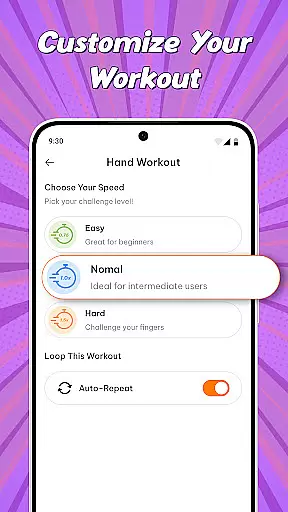
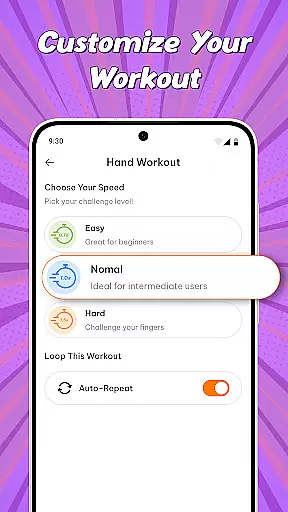
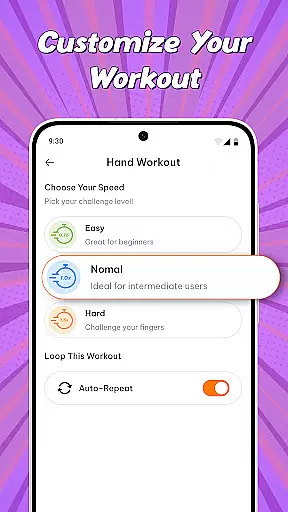
The app's versatility extends to its customizable speed settings, allowing users to either challenge their reflexes or enjoy a calming Zen moment. Additionally, it offers entertaining mini-games such as Spin the Wheel and Finger Picker, which provide quick decision-making tools and light-hearted fun. Immersive Interactive Workout is suitable for anyone looking to make fitness a sustainable and enjoyable habit while incorporating moments of mental relaxation and playfulness into their day.
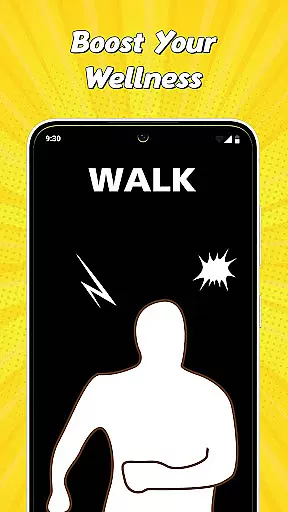
One of the standout features of Immersive Interactive Workout is its diverse range of interactive content designed to engage users physically and mentally. The Daily Suggestions feature provides fresh workout videos every day, ensuring users always have new routines to explore. These videos are crafted to cater to different times of the day, including Morning Boosts to energize users and Desk Relief sessions to alleviate tension during work hours.
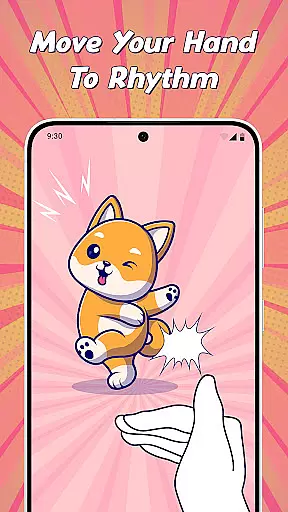
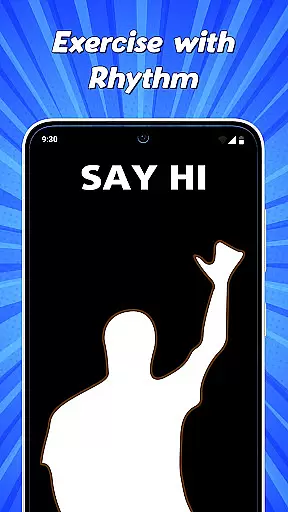
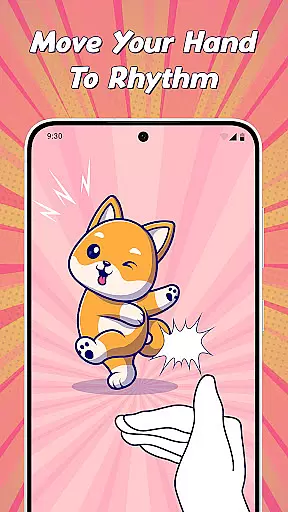
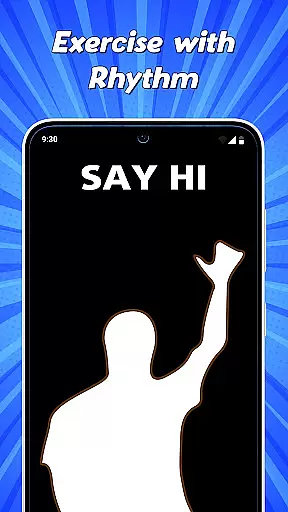
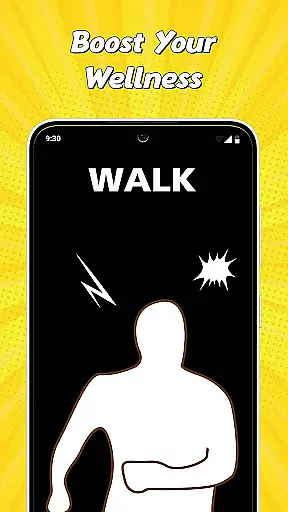
In addition to physical workouts, the app includes Finger Interactive games that turn mundane hand exercises into entertaining activities. Users can mimic animations on screen, testing their reflexes or simply unwinding with visually satisfying effects. The Custom Speed option allows users to adjust the pace of these games, offering both challenging and relaxing experiences. Furthermore, the app houses Mini Games like Spin the Wheel and Finger Picker, adding an element of randomness and fun to everyday decisions.
These features collectively create a holistic experience that not only promotes physical well-being but also encourages mental relaxation through playful interactions, setting Immersive Interactive Workout apart in the entertainment category.
In the realm of digital entertainment, content variety and freshness are paramount to maintaining user engagement. Immersive Interactive Workout understands this well by offering a diverse range of activities that cater to different moods and energy levels throughout your day.
From Daily Suggestions that keep your routine exciting with new videos, to Body Warm Up sessions designed for various times of your day such as Morning Boost and Desk Relief, the app ensures you have a fresh experience every time you engage with it. The Finger Interactive feature adds another layer of diversity, transforming mundane hand exercises into fun-filled activities through satisfying animations and challenges.
Moreover, the inclusion of MINI GAMES like Spin the Wheel and Finger Picker provides quick, entertaining breaks that contribute to the overall sense of novelty and amusement. This continuous introduction of varied content not only keeps users coming back but also makes fitness an enjoyable daily habit rather than a chore.
User engagement duration and retention are critical metrics in evaluating the success of any entertainment application. Immersive Interactive Workout excels in these areas by integrating addictive elements that naturally encourage longer usage periods. The Daily Suggestions feature is particularly effective, providing fresh video content each day which prompts users to return regularly.
The interactive nature of Finger Interactive games creates a compelling reason for users to spend more time within the app. By mimicking animations and engaging in stress-relief activities, users find themselves immersed in a world where fitness becomes synonymous with fun. The ability to adjust speed settings further enhances this engagement by allowing users to either challenge themselves or relax, catering to their current mood and thus extending session durations.
Additionally, the presence of MINI GAMES offers unexpected delights that can significantly boost retention rates. Quick tools such as Spin the Wheel and Finger Picker provide instant gratification and decision-making assistance, making the app not just a workout tool but a comprehensive entertainment solution. These features collectively ensure that once users download Immersive Interactive Workout, they are likely to stay engaged for extended periods.
User-friendly interface
Engaging workout videos
Interactive finger games
Customizable speed settings
Fun mini-games included
Limited advanced workouts
Few social sharing options
No offline functionality
Ads between sessions
Basic customization features

Exclusive creator communities
 4.70
4.70
Pathfinder 2e initiative tracker with bestiary, HP, reaction, conditions, etc
4.80
Classic dynamic pixel art from Mark Ferrari.
4.70
Fun brain twisting challenge with trending Whirlpool Filter.
4.70
Real ghost box scanner with echo, reverb, EMF, & multi-stream channels.
3.80
NFL, NBA, NHL, MLB, local sports coverage, shows, movies & news!
3.20
Build and Share AI
4.20
Christmas Globe: Transform your Wear OS device into a festive timekeeper!
4.3
Scary prank camera & on face app: Shoot videos, selfies with spiders & scorpions
4.60
Stream Live TV, News & Documentaries. Watch Full Seasons with PBS Passport.
4.80
Original short dramas with diverse genres for a rich viewing experience!
4.80
Watch Reels, Drama Shorts & TV Series Anytime. Download DramaWave Now!
4.70
Find out if you're on Santa's Naughty or Nice List with this magical scanner!
4.60
Geooh GO is the most feature rich geocaching app available today.
4.50
Heroclix search units with multi filter , team builder, collection manager.
4.40
Best of icon for christmas
4.30
Realistic Baby Simulator App
4.00
VR 360 Cinema Player is the ultimate VR player for playing videos on mobile
3.50
Stream over 80 hours of exclusive mashups and remixes by DJ Rehab.
4.0


User Reviews