
Iowa 511 serves as the Iowa Department of Transportation's official app for traffic and traveler information, catering to both general travelers and commercial vehicle operators. It provides real-time updates on statewide traffic conditions for major roads, including interstates, U.S. routes, and state highways. The app is designed to enhance travel safety and efficiency by delivering critical traffic data through various features.
Key functionalities include audio announcements for hands-free awareness, a zoom-enabled map with live traffic event icons, and resources tailored for commercial drivers. Users can create personalized accounts to save routes, set alerts, and access favorite camera views. With additional features like real-time weather radar and rest area locations, Iowa 511 ensures travelers are well-informed during their journeys.
This app is particularly valuable during winter months, offering updates on road conditions and towing restrictions. By integrating tools such as snow plow camera images and electronic message signs, Iowa 511 equips users with the necessary information to navigate safely across Iowa's highways.
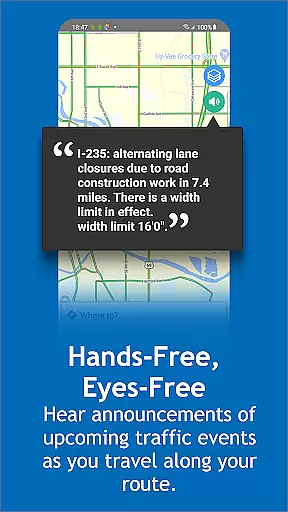
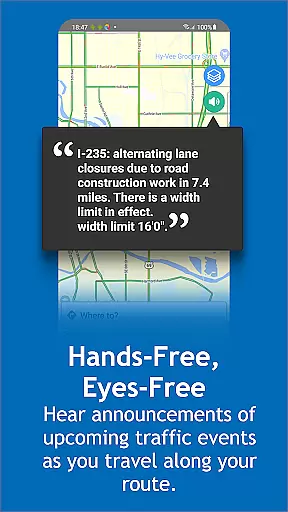
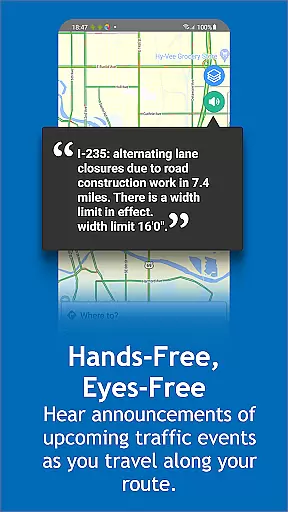
Iowa 511 stands out with its comprehensive feature set tailored for modern travelers. One of its core strengths is the hands-free, eyes-free audio announcement system, which alerts users about upcoming traffic events without requiring them to interact with the device. This promotes safer driving practices while keeping users informed.
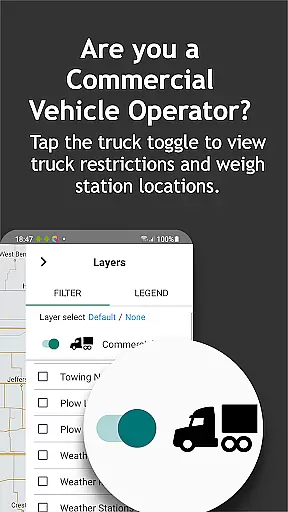
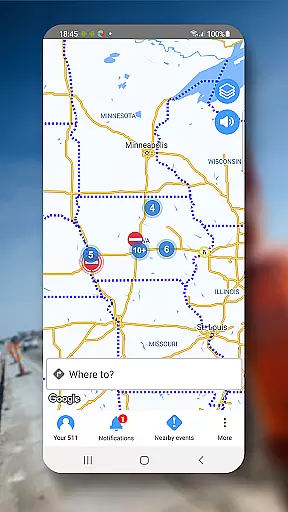
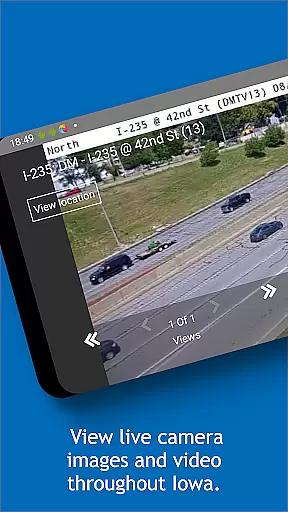
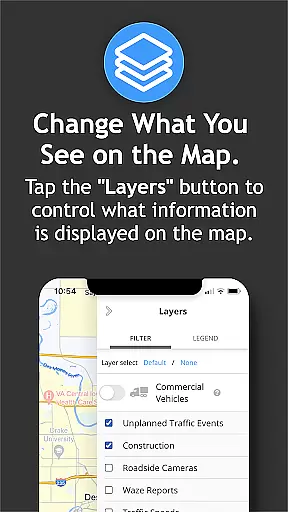
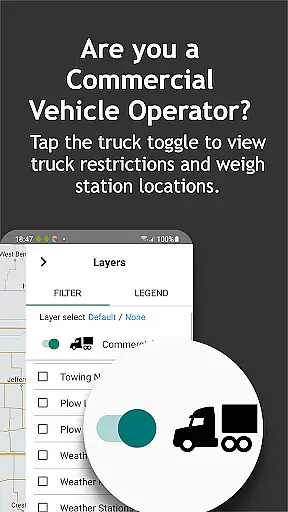
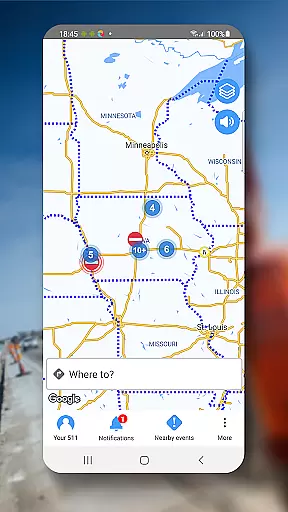
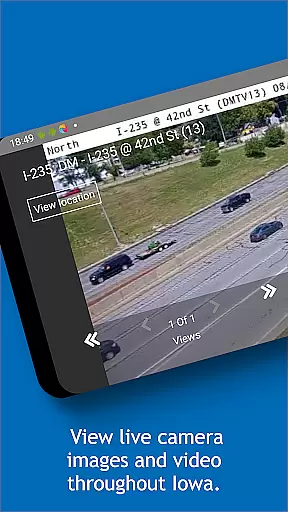
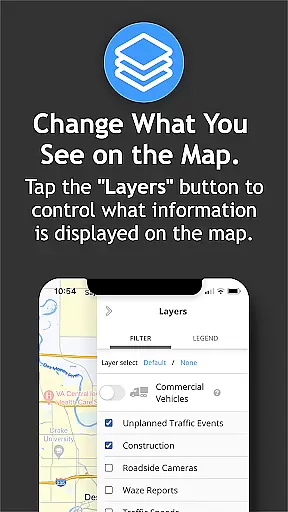
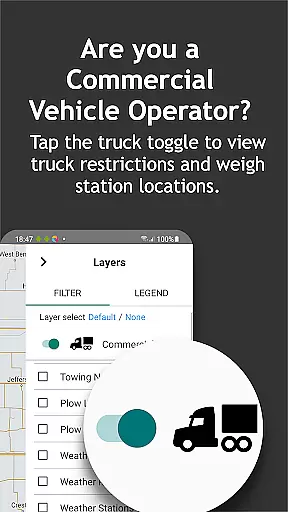
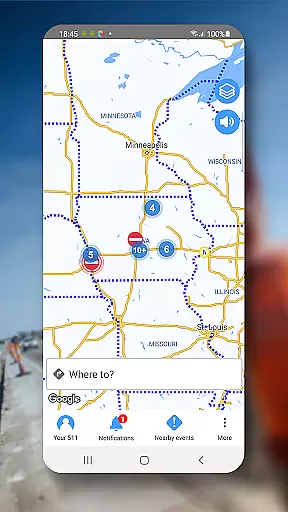
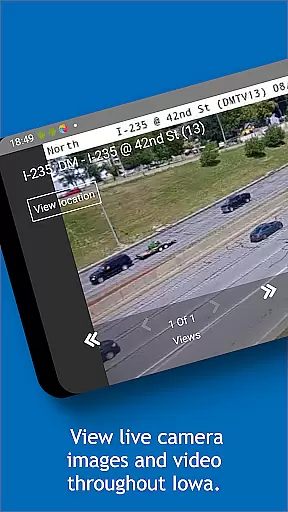
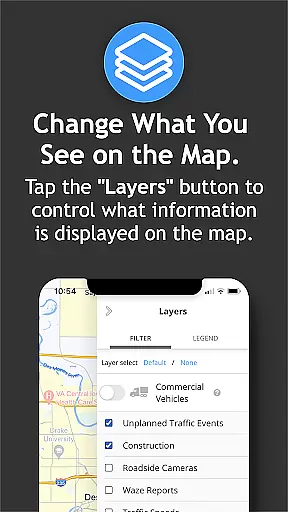
The app also includes a dynamic, zoom-enabled map that displays tappable traffic event icons, live camera feeds, and current traffic speeds. These elements allow users to make informed decisions about route planning. Additionally, the Trucker Mode offers specialized resources for commercial vehicle operators, such as truck restrictions and weigh station locations, addressing the unique needs of this user group.
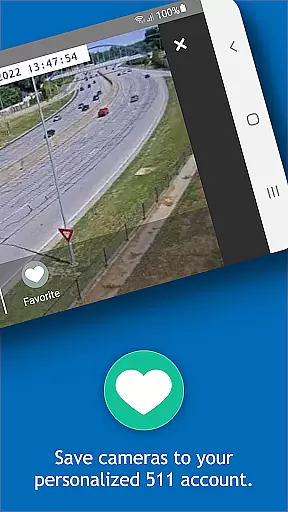
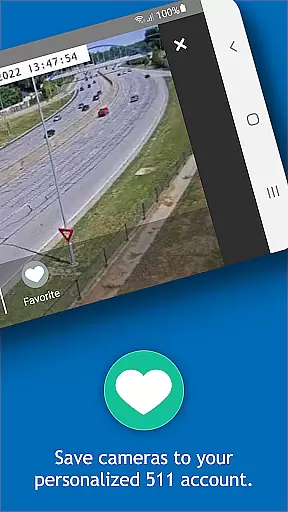
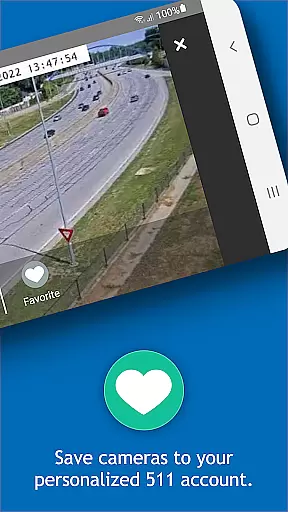
Another notable feature is the ability to create a personalized account, where users can save favorite routes, camera views, and set up email or text alerts. Real-time weather radar and winter road condition updates further enhance the app’s utility, ensuring travelers are prepared for changing conditions. These robust features collectively establish Iowa 511 as an essential tool for safe and efficient travel.
Booking authenticity is a crucial aspect of any travel application, ensuring that all reservations and planned activities are legitimate and confirmed. For Iowa 511, this translates to providing verified and up-to-date traffic and traveler information for interstates, U.S. routes, and state highways in Iowa.
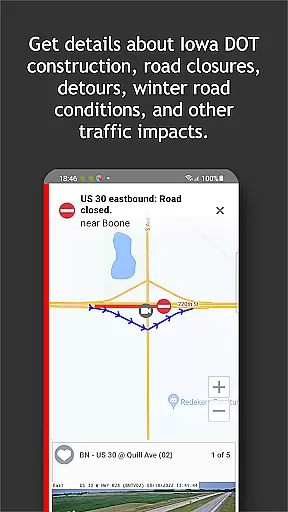
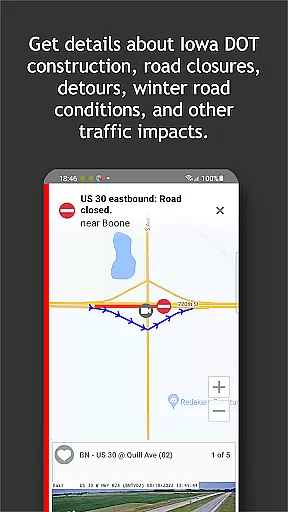
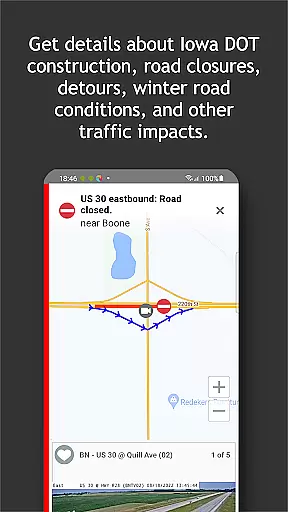
The app achieves booking authenticity by offering near real-time updates on road conditions, traffic incidents, construction, and closures. This ensures travelers have accurate and reliable information at their fingertips, allowing them to make informed decisions about their travel plans.
Users benefit from the peace of mind that comes with accessing authenticated data, knowing that the information they rely on for planning their trips is sourced from the official Iowa Department of Transportation channels. This level of trust enhances user confidence in the app's reliability.
Ultimately, the booking authenticity feature of Iowa 511 supports safe and efficient travel across the state, empowering users to navigate with assurance and avoid potential disruptions or hazards on their route.
Price transparency refers to the clarity and openness with which costs associated with services or products are communicated to users. Although Iowa 511 does not involve monetary transactions, it provides transparency in terms of service availability and access to various features without hidden restrictions or charges.
The app offers a comprehensive suite of tools and resources free of charge, including real-time traffic updates, weather radar, camera feeds, and truck parking availability. By clearly presenting these features, Iowa 511 ensures users understand the full scope of its offerings without unexpected limitations or fees.
This approach benefits users by fostering trust and satisfaction, as they can utilize the app's complete functionality without concerns about undisclosed costs or accessibility issues. The transparency extends to detailing specific functionalities like Trucker Mode and personalized account management.
In essence, while Iowa 511 doesn't deal with traditional pricing, its commitment to clear communication about available services mirrors the principles of price transparency, enhancing overall user experience and engagement with the app.
Real-time traffic updates
User-friendly interface
Personalized account options
Comprehensive weather data
Dedicated trucker resources
No county road info
Battery consumption
Limited offline use
Complex for beginners
GPS dependency

The #1 Parent App in Brevard County
 4.5
4.5
View current Montana road conditions, cameras, plows, and timelapse videos.
4.70
The mobile panorama panel. Works offline - worldwide!
4.40
Take your pick from over 5 million accommodation deals from major booking sites.
4.40
Discover the power of one-way location tracking. Share your location securely.
4.50
All-in-one delivery and taxi app. Ride, food, & grocery delivery app.
4.80
Replace your car trips with the world’s largest shared electric vehicle company.
4.90
One app, 300,000+ travel experiences, tours, and tickets you’ll remember.
4.90
Book now to save with exclusive travel deals on hotels, flights, cars & packages
4.70
Streamline your U.S. entry
4.90
It drives. You ride.
4.90
Find your perfect somewhere with last minute hotel & travel deals!
4.80
With the Spirit Airlines app, easily manage all your trips in one place.
4.70
Booking your bus tickets has never been easier
4.70
Navigation on hikes is no longer a problem. Download the map, put notes and go!
4.60
Book neighborhood dog boarding, dog walking, pet sitting, and doggy day care.
4.60
Link & locate for real-time child & family safety: GPS tracker for families
4.40
Maps Speedometer shows your current speed in any app
3.60
Tide Table Chart provides quick and easy access to high and low tide forecasts.
3.20


User Reviews