
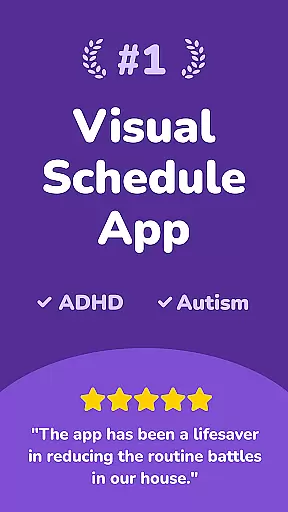
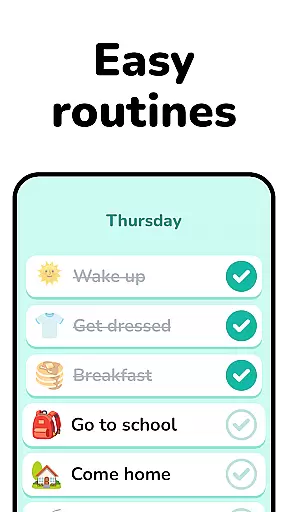
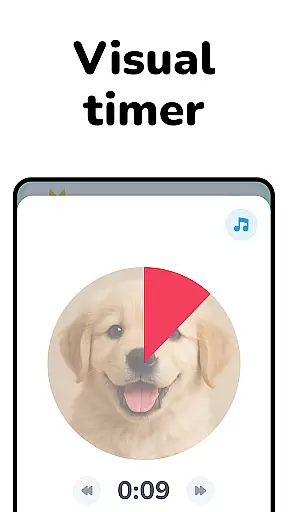
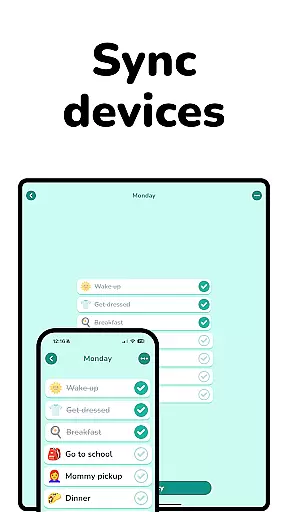
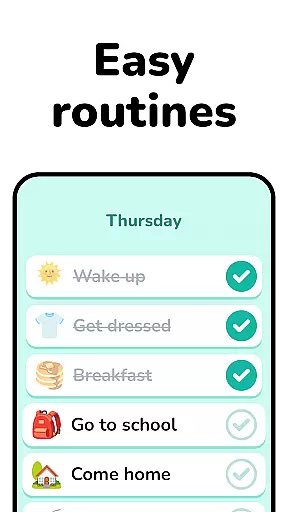
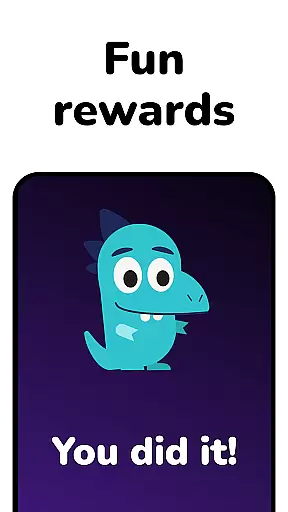
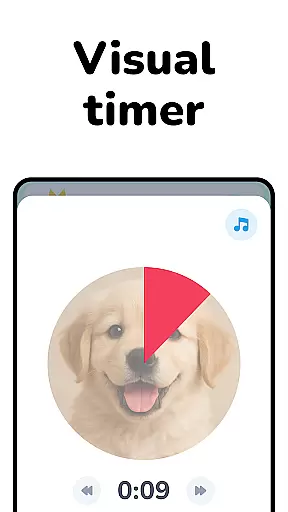
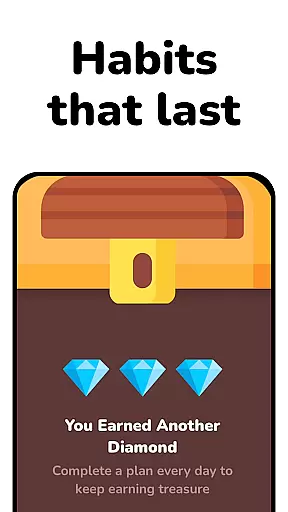
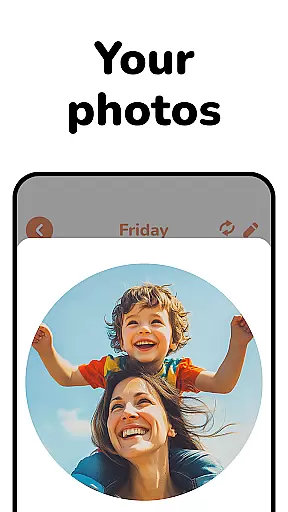
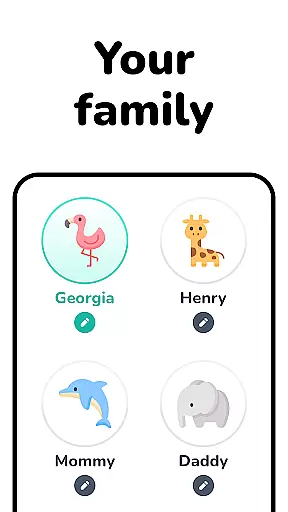
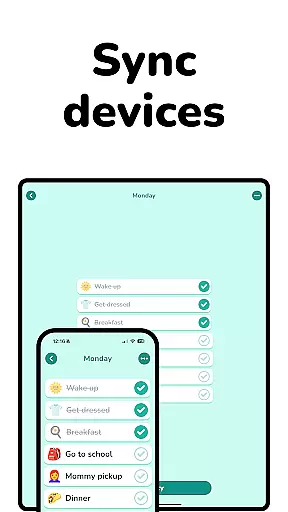
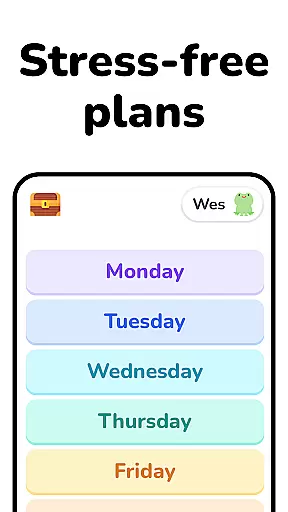
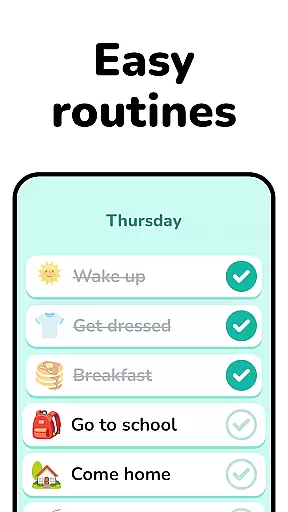
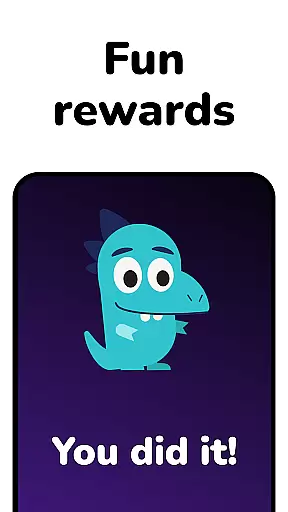
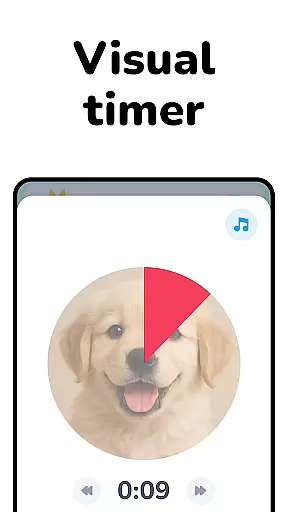
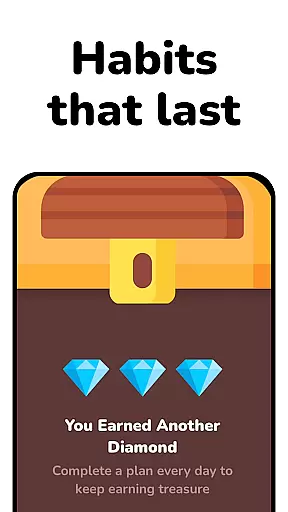
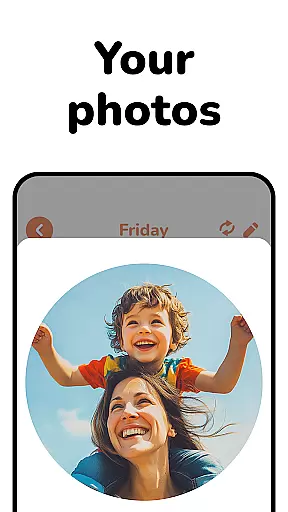
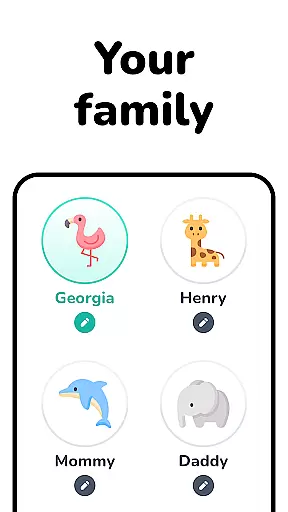
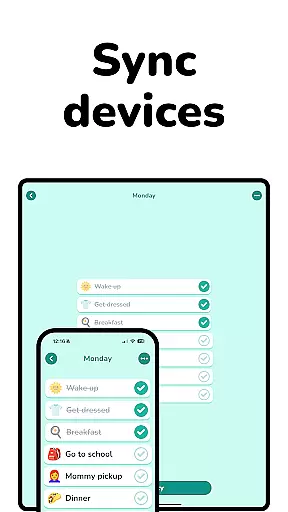
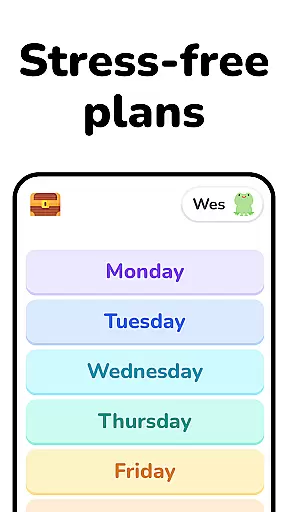
Lil Planner is a parenting app designed to help families create visual schedules for children in an engaging and fun way. The app focuses on increasing focus, building good habits, reducing anxiety, and preventing meltdowns through its easy-to-use interface. Everything is designed with parents and kids in mind, ensuring that the content is big, clear, and simple to interact with.
Great for toddlers, preschoolers, ADHD, autistic, and neurodivergent kids, Lil Planner also supports older kids and adults who are visual learners or need assistance with transitions. Originally created for personal family use, it has become a daily essential for organizing and planning together, making routines more enjoyable and manageable.
Lil Planner stands out with its unique approach to visual scheduling tailored specifically for children. The app incorporates features like large, readable fonts and intuitive design elements that make it accessible even for young users. Its emphasis on fun ensures that both parents and kids remain engaged while planning their day.
The app includes specialized tools for different age groups and needs, such as support for neurodivergent children and those who struggle with transitions. With options for customization, Lil Planner allows families to tailor schedules to their specific routines. This flexibility, combined with its visually appealing interface, makes it a powerful tool for fostering independence and organization in children of all ages.
When it comes to parenting tools, the credibility of content and expert validation are paramount. Lil Planner has been designed with input from both parents and developmental specialists, ensuring that its features align with best practices in child psychology and education.
The app's approach is grounded in evidence-based strategies that support cognitive and emotional development. For instance, the visual scheduling system is not only user-friendly but also leverages principles known to aid focus and reduce anxiety in children, particularly those who are neurodivergent or have difficulty with transitions.
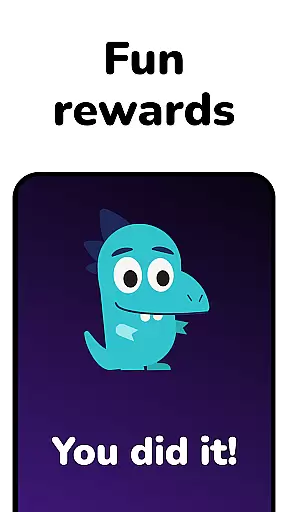
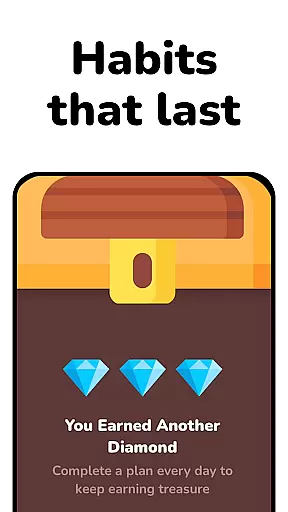
Parents can trust that Lil Planner's content is crafted to build good habits while making daily planning engaging for kids. The fun aspect of the app is intentional, aiming to sustain attention and foster a positive attitude towards organization and planning.
Growth tracking in parenting apps should offer precise metrics and insightful data to monitor a child's progress effectively. While Lil Planner focuses primarily on creating visual schedules, it indirectly supports growth tracking by helping parents establish routines that promote developmental milestones.
By using Lil Planner, families can observe patterns in behavior and engagement over time. This consistent use allows parents to identify what strategies work best for their children, whether they are toddlers, preschoolers, or older kids needing organizational support.
Although Lil Planner may not provide explicit analytics, its contribution to building structured environments gives parents the tools needed to accurately assess and nurture their child's growth through reliable, enjoyable planning experiences.
User-friendly interface
Engaging visuals
Customizable schedules
Supports neurodivergent kids
Encourages family planning
Limited advanced features
Requires parental guidance
No multi-language support
Basic free version
Subscription fees apply

Find unique + popular baby names for your little peanut.
 4.30
4.30
Track your pregnancy & your baby's growth in 3D. Get support from our community
4.60
A Coloring for the Whole Family! Discover the Joy of Family Love Through Colors!
3.60
A simple way to track your baby’s breastfeeding, diaper changes, sleep patterns.
4.90
Limit screen time, Block Apps & Games, Monitor with Parental control app
4.20
Babysitting video camera - Turn your two phones or tablets into a single nanny.
4.40
Introduce real food to baby with First Foods® Database, baby led weaning BLW
4.80
Track your labor contractions
4.90
Parental control: child monitoring app, screen time control, GPS child tracker
4.40
Advanced baby tracking, expert sleep help & parenting support for every stage.
4.80
Kids story books for children. Baby reading books with audio for pre-k toddlers
4.70
Live Location, Alerts & 2-Way Voice for Kids and Adults with Special Needs
4.60
Block apps, set screen time limits, and customize usage schedules
4.50
Reliable phone tracker by number & locate phone app. Protect your family.
4.50
App/Game blocker & GPS tracker
4.50
Keep track of your stored breastmilk
4.40
Pregnancy and baby formula tips for moms, plus Enfamil coupons & cash back
4.10
The Baby’s Bounty App is your hub to register for our diaper banks in Nevada
3.70
Track pregnancy health and wellness with pregnant tracker from healthcare advice
4.5


User Reviews