NOAA radar, weather forecasts, hurricane tracking & customizable alerts.
 4.50
4.50
Instant weather updates, easy to check anytime on your home screen.
3.50
Storm Radar, Alerts & Live Weather Forecasts Right on Your Home Screen
3.70
Accurate, beautiful weather with landscapes depicting weather, sky, season.
4.50
Weather watch face for Wear OS 5
4.40
A powerful weather forecast to get real-time weather information
3.60
Magnetic Compass meets smart tech: Get directions and weather alerts seamlessly
3.30
Your ultimate app for real-time weather information!
4.70
Live NOAA weather app to track storm, rain, wind, lightning & real local updates
4.20
Weather for Indiana, Kentucky and Ohio
4.90
My Tide Times Pro is the only tide tables and forecasts application you'll need.
4.80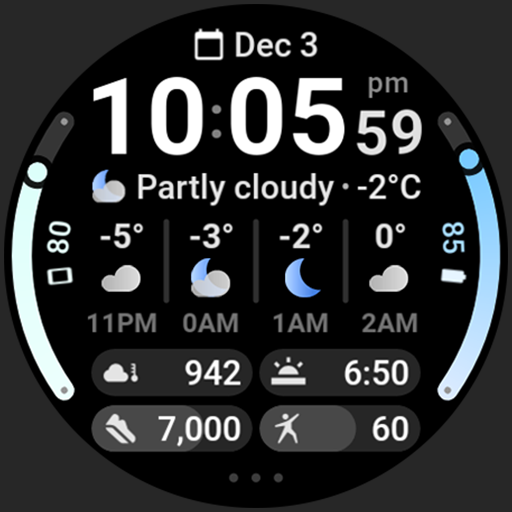
Hourly and daily weather forecast, current condition, temperature, UV and more!
4.70
Road weather, live radar, wind, snow, and conditions along your driving route.
4.70
Track lightning strikes with our thunderstorms map, radar and lightning alarm.
4.70
Super-res, real-time weather radar. Be prepared for extreme weather.
4.50
Global weather forecast, powered by layered radar & hourly weather updates
4.10
Analog Weather Watch Face for Wear OS 5+
4.10
Your Reliable Weather Companion
4.10
An unofficial app version of the National Weather Service (Weather.gov)
3.90


