
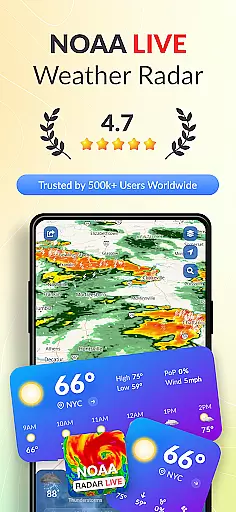
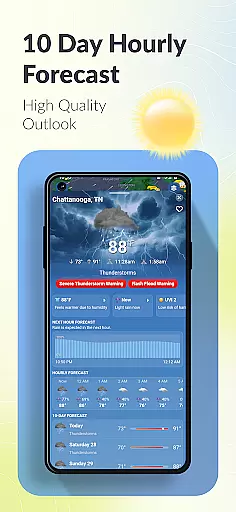
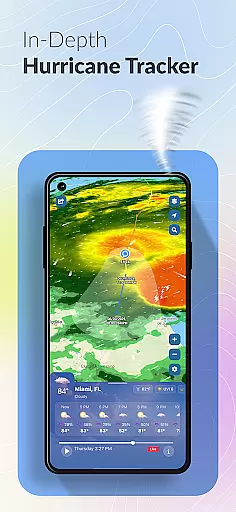

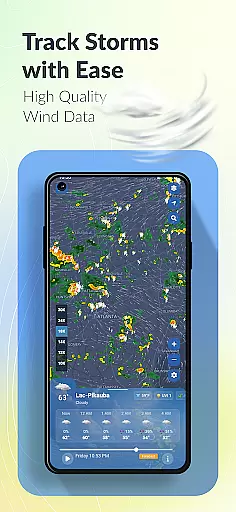
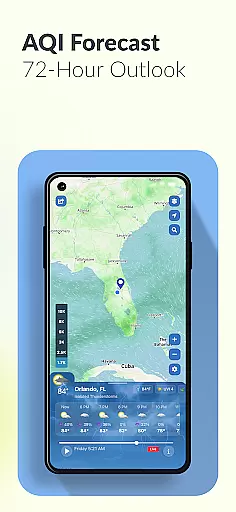
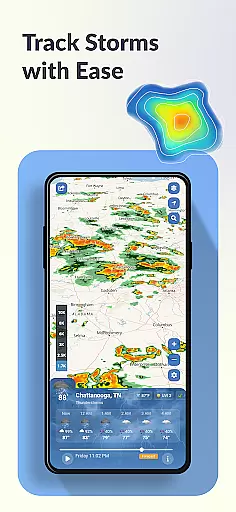
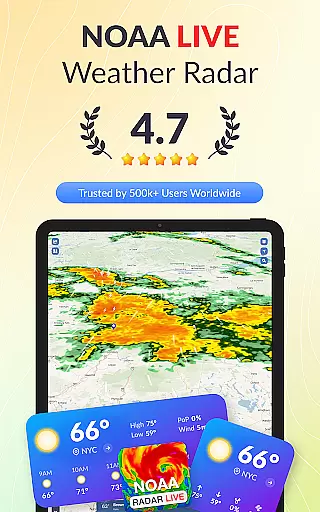
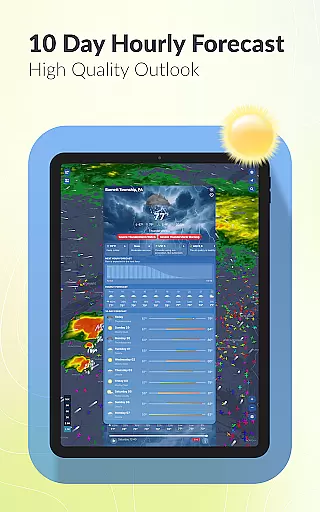
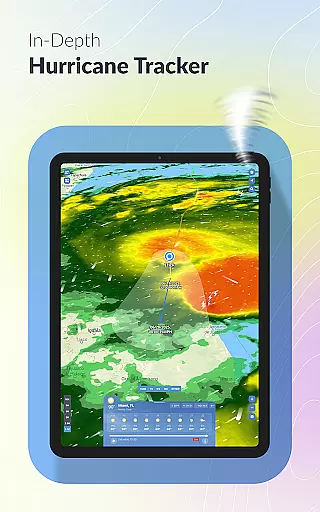
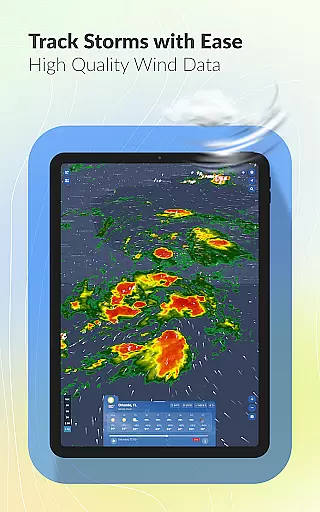
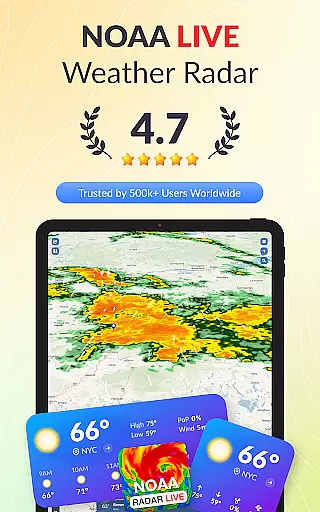
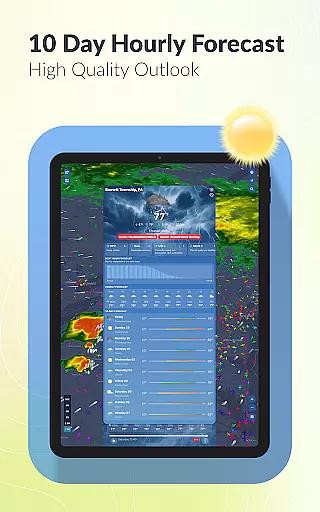
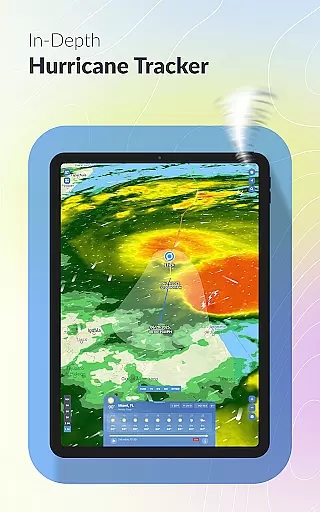
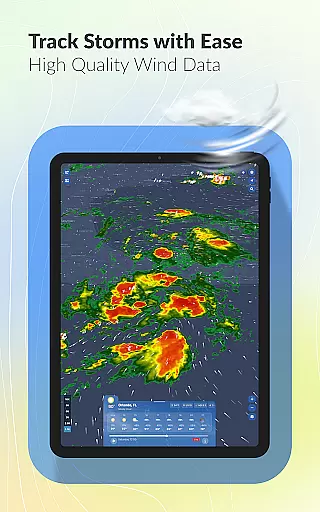
Weather Scope NOAA Live Radar is a comprehensive weather application that provides users with accurate and real-time weather data. Powered by NOAA radar, the app delivers minute-by-minute updates and 10-day forecasts, ensuring you stay informed about changing weather conditions. The app's interactive map allows you to track storms, monitor hurricanes, and view detailed local forecasts.
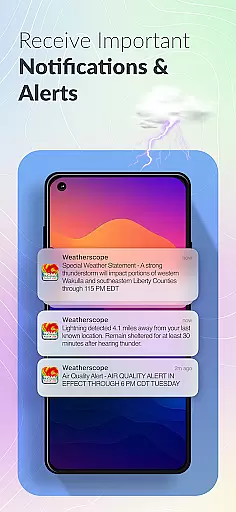
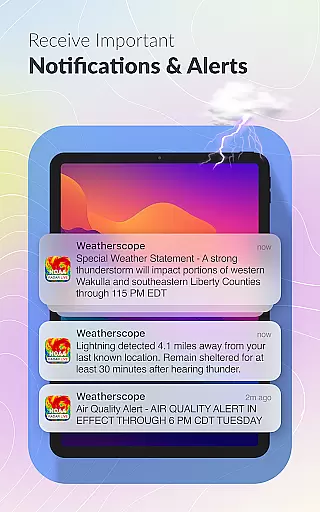
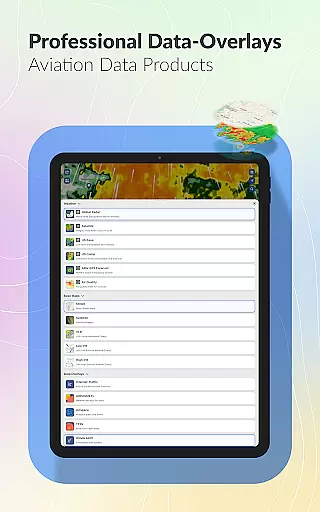
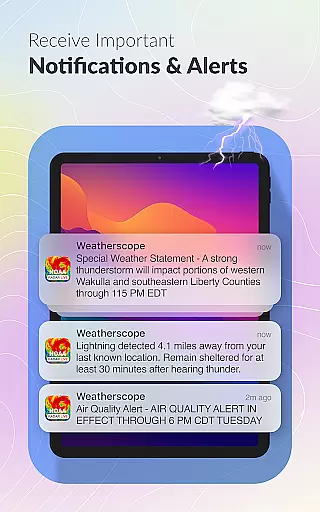
One of the standout features is its customizable alerts system, which lets users choose notification tones that match their personal preferences. Whether you need lightning alerts for safety or rain forecasts for planning your day, Weather Scope has you covered. Its aviation weather tools also make it an excellent choice for pilots and aviation enthusiasts who require precise atmospheric data.
This app is particularly useful for residents in areas prone to severe weather, such as Florida, where tracking hurricanes and storm paths can be critical. With patent-pending radar animation and various display themes, Weather Scope offers both functionality and personalization, making it an essential tool for anyone who needs reliable weather information.
Weather Scope NOAA Live Radar stands out due to its robust feature set tailored for diverse user needs. The app integrates real-time NOAA radar data, providing unparalleled accuracy in weather forecasting. Users can access minute-by-minute precipitation updates and 10-day outlooks, ensuring they are prepared for any weather scenario. The inclusion of a hurricane tracker adds another layer of utility, especially for those living in coastal regions.
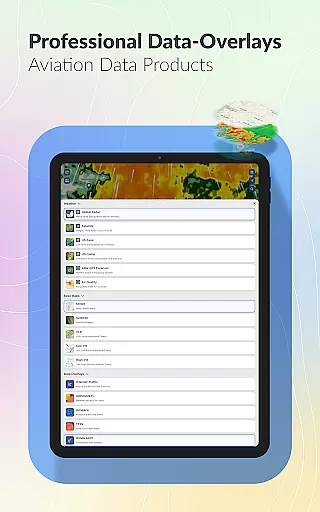
The interactive weather map is one of the app's most innovative aspects. It overlays live radar, storm tracking, and forecast data onto a single interface, allowing users to visualize complex weather patterns easily. Additionally, the lightning alert system enhances safety by notifying users of nearby electrical storms. For aviation professionals, the app supplies detailed atmospheric data and real-time air traffic tracking, making it indispensable for flight planning.
Customization options further enhance the user experience. From personalized alert tones to various radar themes like Dark Skies and Universal Blue, Weather Scope ensures that each user can tailor the app to their liking. These features collectively provide a versatile and reliable weather monitoring solution that caters to casual users and professionals alike.
Forecast accuracy and data credibility are essential for any weather application, and Weather Scope NOAA Live Radar excels in these areas. The app integrates real-time data from the National Oceanic and Atmospheric Administration (NOAA), ensuring users receive the most reliable weather forecasts available. This trusted source of information provides minute-by-minute updates and 10-day outlooks, empowering users to plan their days with confidence.
The app's use of NOAA's advanced radar technology allows it to deliver precise storm tracking, rainfall monitoring, and hurricane updates. Users can access detailed local weather information, including temperature, humidity, and wind speed, which is crucial for making informed decisions about travel, outdoor activities, or emergency preparedness. With its dedication to accuracy, Weather Scope NOAA Live Radar ensures that you're always equipped with credible weather data.
Moreover, the inclusion of aviation weather data makes this app particularly valuable for pilots and aviation enthusiasts. Real-time air traffic tracking combined with comprehensive weather details offers an unparalleled level of preparation and safety for those in the aviation field. By prioritizing forecast accuracy and data credibility, Weather Scope NOAA Live Radar establishes itself as a dependable tool for both everyday users and professionals who require exact meteorological information.
Weather Scope NOAA Live Radar stands out for its impressive temporal and spatial forecast range, providing extensive coverage that helps users stay informed about weather conditions across time and geography. The app delivers minute-by-minute updates alongside a 10-day outlook, allowing users to prepare for immediate weather changes as well as plan for future events with confidence.
In addition to its broad temporal scope, the app offers localized forecasts and real-time updates, ensuring that users have accurate information tailored to their specific locations. Whether you're tracking weather patterns in Florida or elsewhere, Weather Scope has you covered with precise and timely data. This wide-reaching spatial forecast capability means you can rely on the app no matter where your travels take you.
Furthermore, the integration of interactive maps enhances the user experience by visualizing weather patterns over both time and space. Features like lightning alerts and customizable radar themes add layers of personalization and safety, ensuring that users not only receive expansive forecasting but also engage with it meaningfully. With its commitment to offering a detailed temporal and spatial forecast range, Weather Scope NOAA Live Radar proves itself as an indispensable resource for staying ahead of the weather.
Real-time NOAA data
Customizable alerts
Interactive map
Lightning alerts
Aviation tools
Location required
Complex interface
Premium features
Limited offline use
High data usage

The Weather Network TV App - Your weather when it really matters
 2.90
2.90
Personal Weather Station PRO - Meteo monitor to check your WU info and charts.
4.20
The most accurate weather app, hourly and daily weather, severe weather alerts
4.50
Arrive safely! Travel weather forecasts for your entire trip at time of arrival.
3.60
Super-res, real-time weather radar. Be prepared for extreme weather.
4.50
Dynamic weather watch face with glass effect, bold time & 7 complications.
4.1
My Aurora Forecast Pro is the app for the Northern Lights and Aurora Borealis.
4.70
Stay Ahead Of Changing Weather Conditions
4.00
Hyperlocal Forecasts, Live Radar, Severe Weather alerts & Homescreen Widgets
4.30
Nuts Weather, your ideal choice for knowing weather forecast & weather radar
4.70
Ultimate weather forecast + moon phase for Wear OS 5+ (Pixel, Galaxy, et al.)
4.70
My Aurora Forecast is the app for Northern Lights and Aurora Borealis alerts.
4.60
Weather related custom complications for Wear OS. UV, Hi-Lo, AQI and more!
4.40
Precision Weather, Right at Your Fingertips
4.40
An unofficial app version of the National Weather Service (Weather.gov)
3.90
A powerful tool for ultimate weather awareness
3.50
Determine Best Hunting Times for any date, any location.
2.50
Quickly check the Hanalei river gauge height during heavy rains on Kaua'i.
4.0
Your local weather app with storm radar, rain tracker, weather maps & AQI.
4.0


User Reviews