
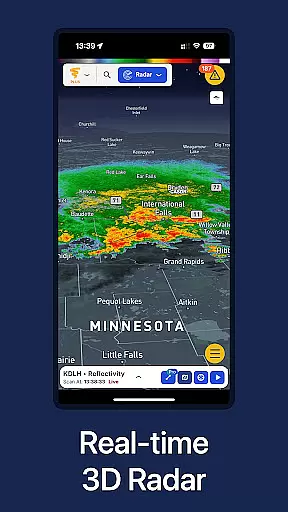
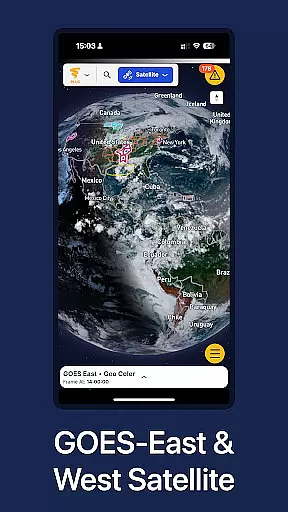
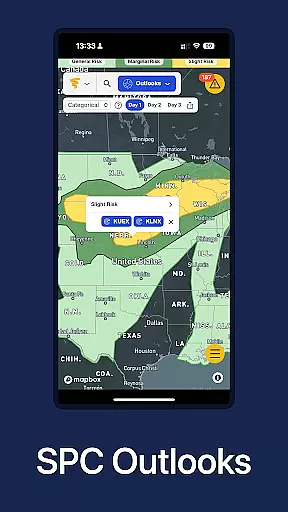
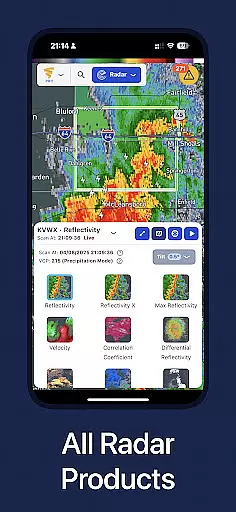
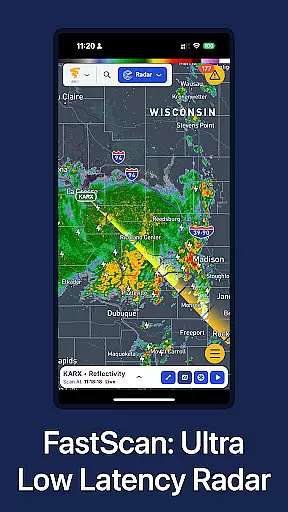
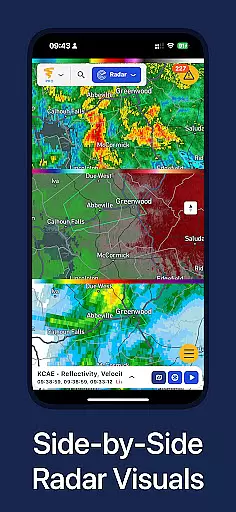
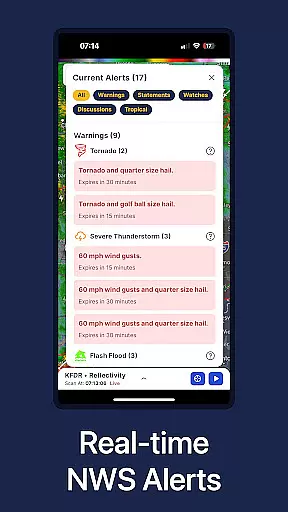
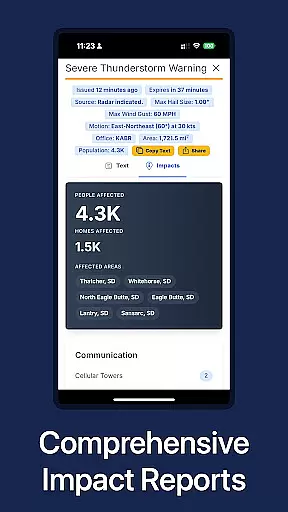
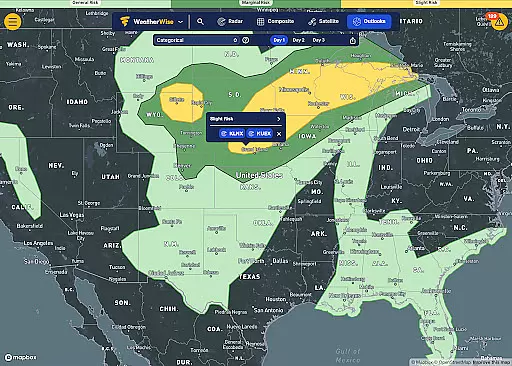
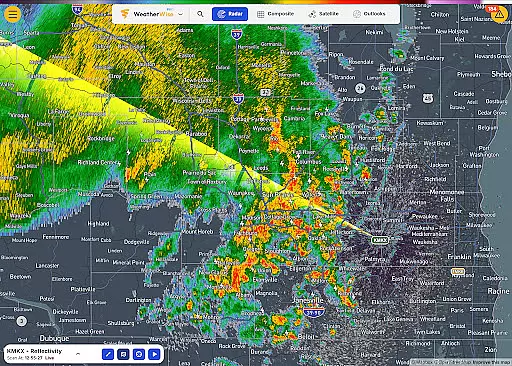
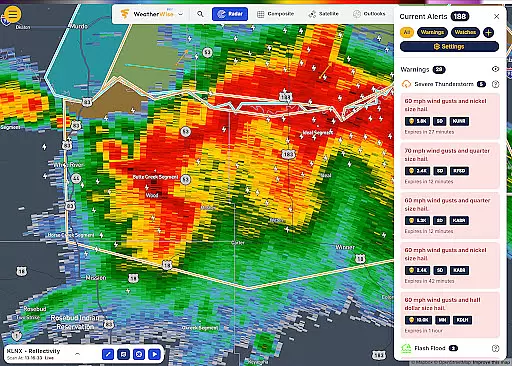
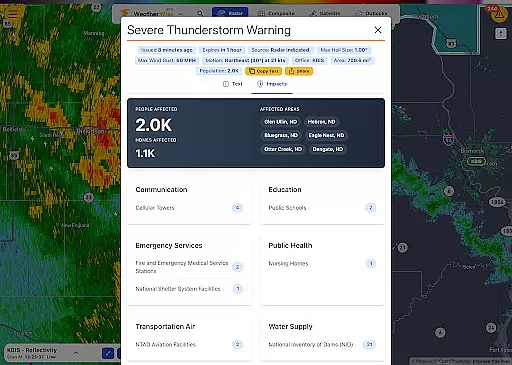
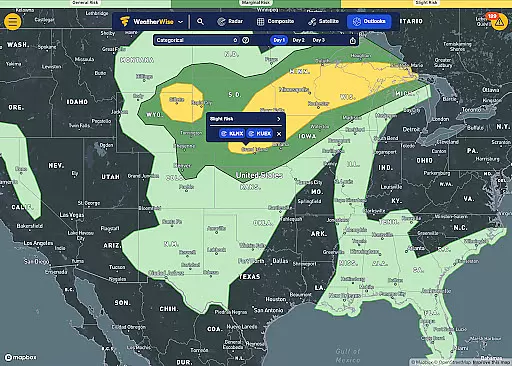
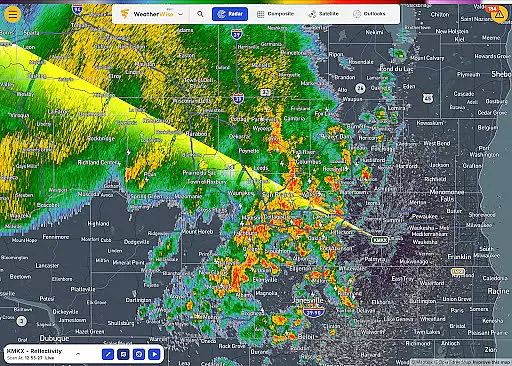
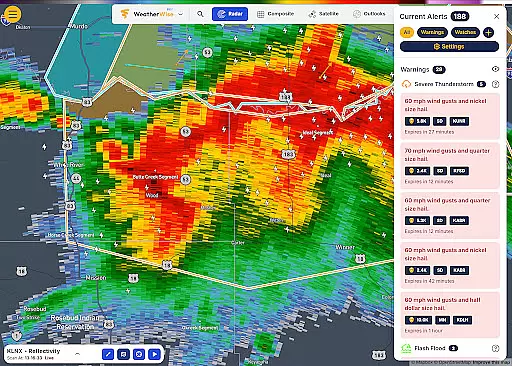
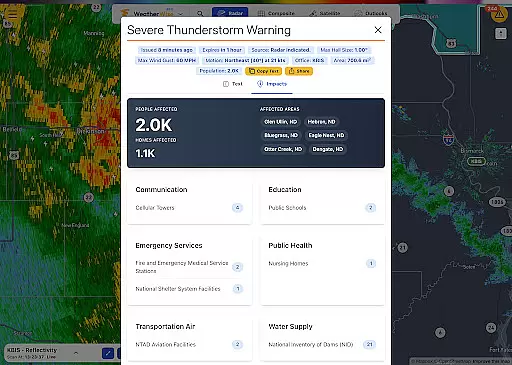
WeatherWise.app is a cutting-edge weather application designed to keep users informed and prepared for severe weather conditions. The app provides high-resolution radar data and advanced forecasting tools, ensuring reliable insights to safeguard what matters most. With its professional-grade features, WeatherWise is suitable for both casual users and weather enthusiasts who require detailed analysis.
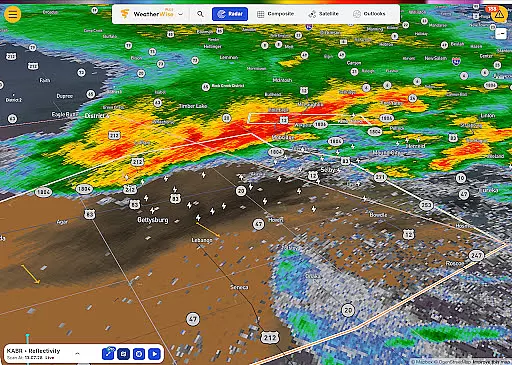
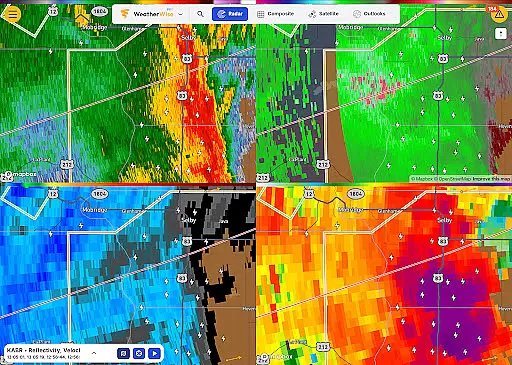
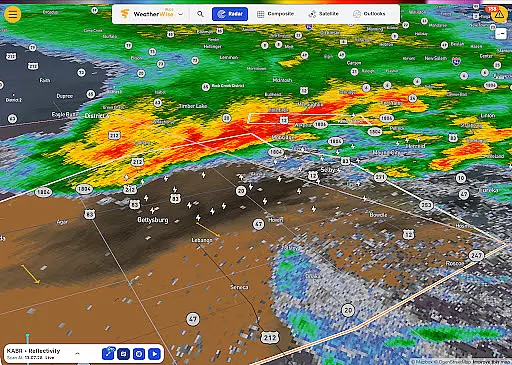
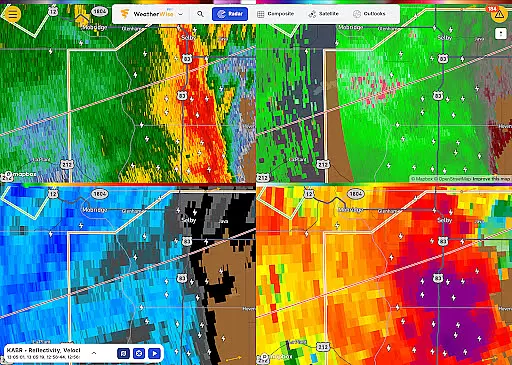
The app offers unique functionalities such as Triple/Quad View Radar Visuals, Realtime Radar Cross Section, and 3D Radar visualization. These features allow users to analyze weather patterns with precision and clarity. Whether monitoring live storm chaser streams or tracking lightning in real-time, WeatherWise ensures users stay one step ahead of changing weather conditions.
Available on mobile and tablet devices, WeatherWise is ideal for those who need instant access to accurate weather data. Its intuitive interface and customizable options make it an essential tool for planning outdoor activities, travel, or emergency preparedness. By delivering up-to-the-second visuals and alerts, WeatherWise empowers users to make informed decisions quickly and confidently.
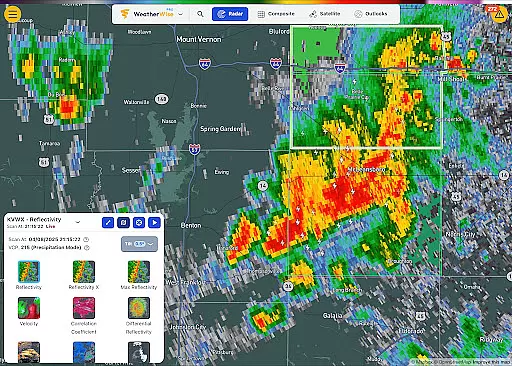
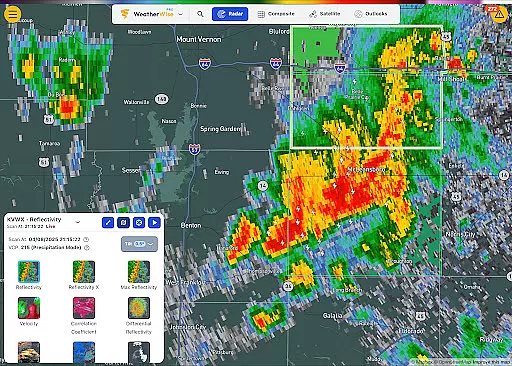
WeatherWise stands out with its comprehensive suite of professional weather analysis tools. One of its key features is the ability to display multiple radar visuals simultaneously, allowing users to view up to four synchronized radar products at once. This functionality is particularly useful for comparing different weather layers and understanding complex meteorological events.
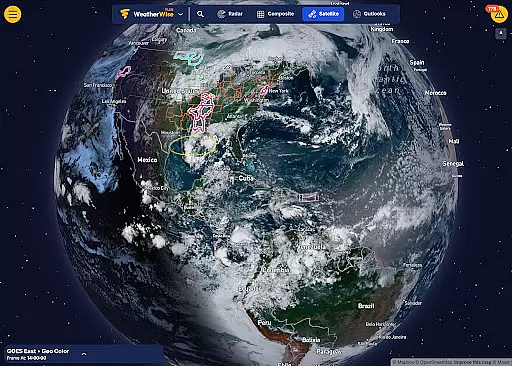
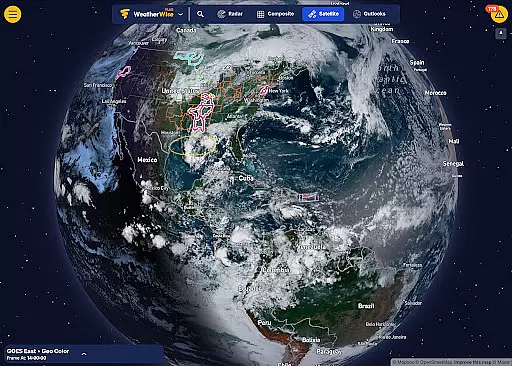
In addition to multi-view radar capabilities, WeatherWise offers advanced tools like FastScan for ultra-low-latency radar updates and Max Reflectivity for analyzing storm intensity over time. The app also includes 3D Radar and Globe Projection, enabling users to explore weather systems in a fully interactive global view. These innovative features provide a lifelike representation of storms, helping users visualize how weather patterns develop and evolve.
For those seeking enhanced customization, WeatherWise Plus and Pro subscriptions unlock additional functionalities such as Smoothed Radar, Enhanced Lightning Data, and Configurable Playback Frames. These premium features ensure users can tailor their experience to meet specific needs while maintaining a clutter-free interface. With its robust feature set, WeatherWise delivers unparalleled value for weather tracking and analysis.
WeatherWise.app stands out for its commitment to providing the most accurate and credible weather data available. By sourcing high-resolution radar information directly from official networks, the app ensures users receive reliable insights into approaching weather conditions.
The app's forecasting tools are powered by cutting-edge technology that processes real-time data with precision. Whether it's monitoring live storm chaser streams or receiving National Weather Service alerts, WeatherWise delivers timely updates that help users make informed decisions.
For those seeking even more advanced capabilities, WeatherWise Pro offers professional-grade features like FastScan for ultra-low-latency radar updates and Reflectivity X for enhanced scan depth. These tools not only improve forecast accuracy but also empower users to analyze weather patterns in greater detail.
With coverage spanning multiple countries and plans to expand further, WeatherWise ensures global users can trust both the temporal and spatial reliability of their weather forecasts. This dedication to quality makes it an essential tool for anyone needing dependable meteorological information.
A key strength of WeatherWise.app lies in its ability to deliver comprehensive weather forecasts across both time and geography. The app provides up-to-the-second radar visuals alongside historical playback options, allowing users to track weather trends over extended periods.
Through features like 3D Radar and Globe Projection, WeatherWise enables users to explore atmospheric systems on a planetary scale. This spatial awareness is complemented by precise temporal tracking, including the ability to play up to 200 historical radar scans and 100 satellite frames.
Whether you're monitoring localized storms or analyzing broader climatic shifts, WeatherWise supports detailed investigations. Its customizable playback settings let users adjust frame rates to match their specific analytical needs, ensuring maximum flexibility.
By combining wide-area coverage with deep temporal insights, WeatherWise establishes itself as a powerful resource for both casual observers and professional meteorologists. This dual capability makes it easier than ever to understand complex weather patterns as they develop across different regions and timeframes.
High-quality radar data
Real-time weather alerts
Customizable location tracking
Advanced 3D visualization
Ad-free core features
Premium features require subscription
Complex for beginners
Limited free radar views
Occasional data latency
Device compatibility issues

Weather related custom complications for Wear OS. UV, Hi-Lo, AQI and more!
 4.40
4.40
Moon phase calendar with live wallpaper, lunar widget, & 3D simulation.
3.60
Personal Weather Station PRO - Meteo monitor to check your WU info and charts.
4.20
Live weather forecast for your everyday life
4.60
Check forecasts, watch live news & track storms with FOX Weather.
3.80
Detailed weather info and moon phase, subtle animation, customizable
4.2
Weather watch face for Wear OS 5+
4.40
Precision Weather, Right at Your Fingertips
4.40
Your ultimate app for real-time weather information!
4.70
No ads, No data collected. Beautiful and powerfully customizable weather app
4.90
Weather for Indiana, Kentucky and Ohio
4.90
Hurricane Tracker, Rain Map
4.80
My Tide Times Pro is the only tide tables and forecasts application you'll need.
4.80
The reliable and trusted global air quality, wildfire, pollen, PM2.5 forecast
4.70
Your ultimate app for accurate local weather information!
4.60
Weather radar map, storm tracker, local forecast, live rain alerts & daily news.
4.60
Prepare for severe weather with notifications, future radar, and live alerts.
4.60
NOAA radar, weather forecasts, hurricane tracking & customizable alerts.
4.50
Retro TV-style digital watch face with weather, heart rate, steps & events!
4.2


User Reviews