
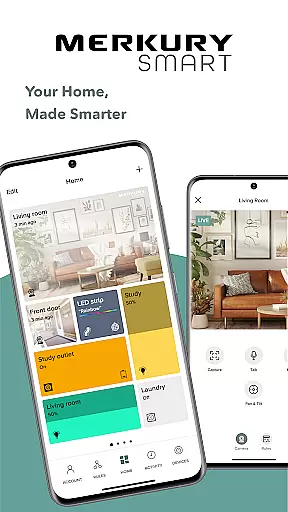
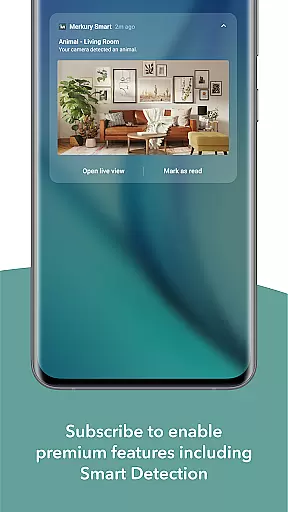
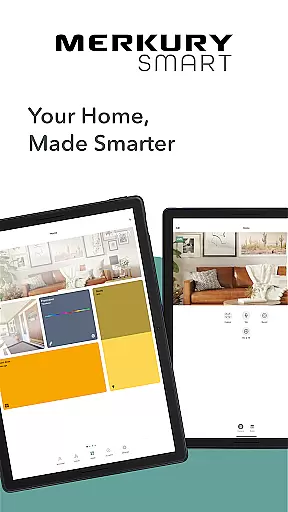
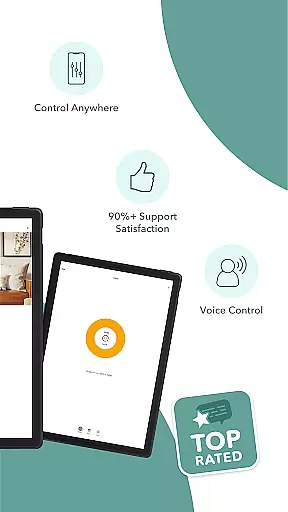
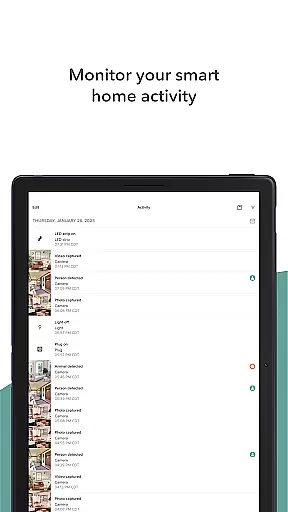
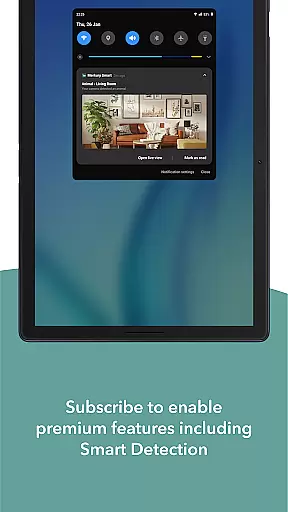
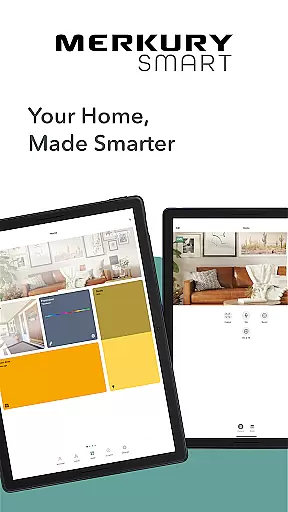
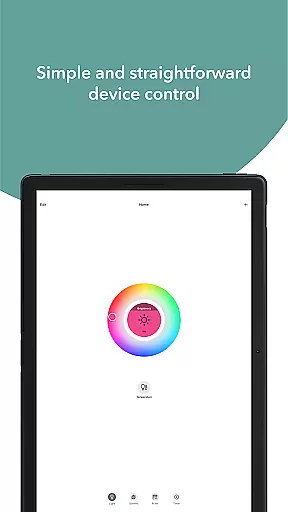
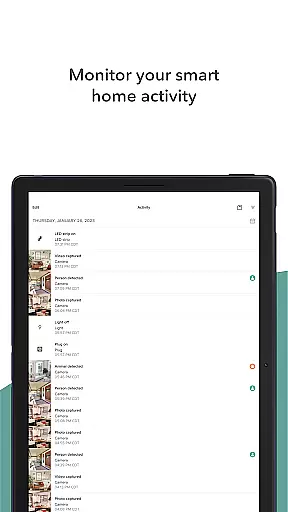
Merkury Smart is a comprehensive home automation application designed to work seamlessly with a wide range of Merkury smart devices. This includes indoor and outdoor smart cameras, auto-follow cameras, smart color bulbs, smart plugs, LED strips, doorbell cameras, Wi-Fi floodlight cameras, and Wi-Fi outlet extenders. The app serves as a central hub for managing and controlling these devices, providing users with convenience, security, and customization options.
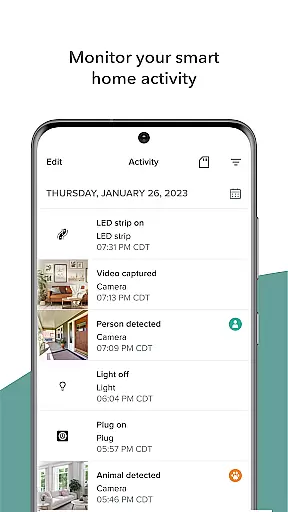
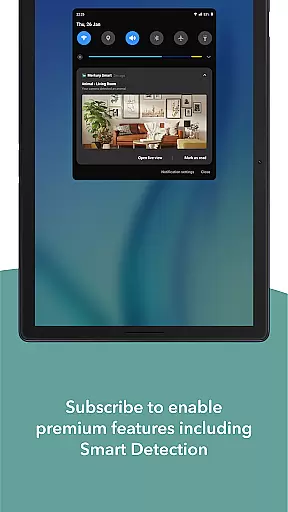
One of the standout features of Merkury Smart is its ability to provide live HD streaming from connected cameras. Users can monitor their homes or businesses in real-time, receiving instant notifications when motion is detected. Additionally, the app allows users to review recorded videos and photos, ensuring they never miss important events. With support for multiple cameras and secure access across various locations, it offers robust surveillance capabilities.
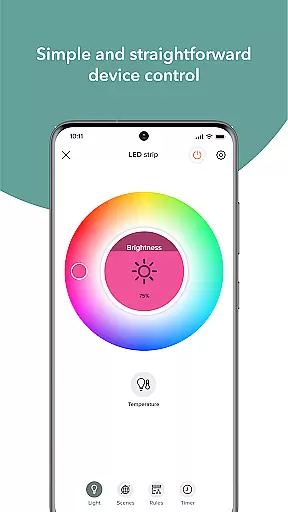
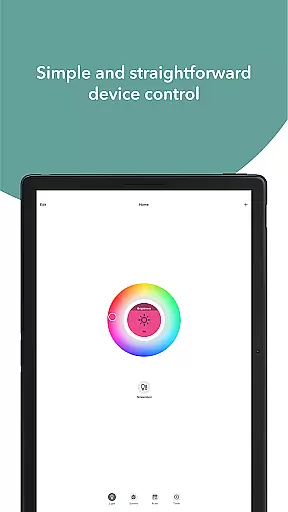
Beyond security, Merkury Smart enhances home ambiance through smart lighting solutions. Users can control LED strips, smart bulbs, and smart plugs to create the perfect atmosphere. Whether it's adjusting light colors for holidays or automating device control, this app empowers users to personalize their living spaces effortlessly.
Merkury Smart boasts an impressive array of features tailored to enhance both security and lifestyle. The app's live HD streaming functionality allows users to quickly access real-time video feeds from their cameras. This feature is complemented by motion detection alerts and automated recording rules, ensuring critical moments are captured and saved.
For those looking to review past activities, the app provides an intuitive interface to browse through recorded HD videos and photos. Users can download and share significant clips, making it easy to keep family members or authorities informed. The ability to add multiple cameras to a single account and manage them across different locations underscores the app's versatility and scalability.
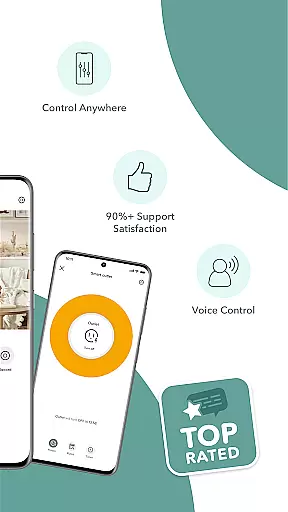
In terms of smart home integration, Merkury Smart excels with its support for various lighting and power solutions. The app enables precise control over LED strips, smart bulbs, and plugs, allowing users to adjust colors, brightness, and schedules. With voice command compatibility and remote access via the Merkury Smart app, users enjoy unparalleled convenience and flexibility in managing their smart home ecosystem.
When managing smart home devices, the authenticity and accuracy of device listings are crucial for a seamless user experience. The Merkury Smart app ensures that every connected device, from indoor cameras to smart plugs, is accurately represented within the app interface.
This precision in property listing allows users to effortlessly identify and manage their smart devices. Each device undergoes a verification process during setup, ensuring that what you see in your app corresponds directly to the physical devices in your home or business environment.
The benefit of this meticulous approach is significant for users who need reliable remote access to multiple devices across different locations. With verified listings, users can trust that actions performed via the app, such as turning on lights or checking camera feeds, will work as intended without discrepancies.
Ultimately, this feature provides peace of mind by maintaining an authentic and up-to-date inventory of all connected smart devices, making home management both efficient and dependable.
Effective home management through smart technology requires robust features that simplify control and enhance convenience. The Merkury Smart app excels in this area by offering comprehensive tools for overseeing various smart devices like cameras, bulbs, and plugs from one centralized platform.
Users can set up automated rules for motion detection alerts, live HD streaming, and scheduled lighting adjustments. These features not only save time but also increase security and energy efficiency within the household. For instance, setting lights to turn on at dusk or receiving notifications when motion is detected can greatly improve daily routines.
Additionally, the ability to control these devices remotely adds another layer of convenience. Whether you're at work or on vacation, accessing your home systems via the app ensures everything remains under control. This level of accessibility empowers users to make real-time decisions about their home environment regardless of location.
In summary, the Merkury Smart app's advanced home management features provide a sophisticated yet user-friendly solution for modern households seeking smarter living solutions.
User-friendly interface
Wide device compatibility
Remote access capability
Customizable settings
Robust security features
Requires stable internet
Subscription fees may apply
Limited third-party integration
Occasional connectivity issues
Privacy concerns with cloud storage

Map-based search app for apartments and homes for rent.
 4.60
4.60
Technology powering many in-home services for residents across the United States
3.80
Universal TV remote Control for Roku TV brands via WiFi remote
4.5
Find paints using a Color Muse & ColorSnap® Match
3.60
Control Fire TV & mirror your phone screen instantly over Wi-Fi.
3.30
Control the scent and ambiance of your home and car, right from your phone.
4.50
The only mappable smart lights for custom decoration.
4.50
AI Home Designer & Room Planner: Decorate your interior space with AI
4.40
3D House Design and AI Room Planner - from floor plans to full interior design.
4.40
Find your next home, house, apartment, condo, casa, flat, rental, studio, or bed
4.70
Download today to join the community to help bring lost pets home faster.
4.70
Find homes for sale and apartments for rent in the best neighborhood.
4.70
Plants, Beauty, Collectibles
4.60
Your guide to apartments & rental homes. Find your next place to rent with AG.
4.60
Resident Center, powered by Buildium, is designed with simplicity in mind.
4.50
SmartRent - Opening Doors To A Smarter World
4.40
Control your Vivint Smart Home with the next generation Vivint App.
4.30
Find contractors for all home renovation projects. Remodeling, repair, and more.
4.20
Unlock AI-based barcode scanning and support the development of Grocy Android
4.5


User Reviews