
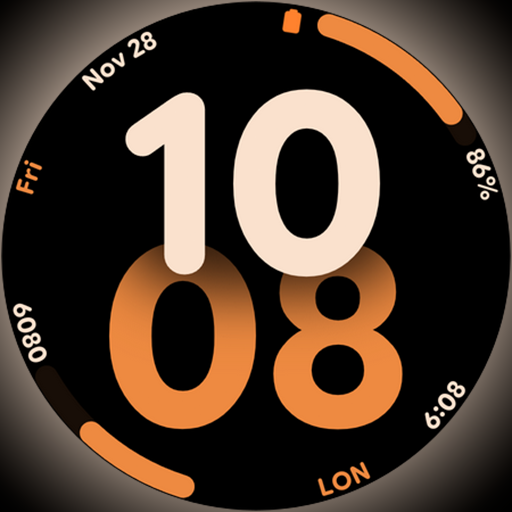
Big bold digital watch face with 30 colors, 6 complications and AOD.
 4.2
4.2
Earn points with every purchase with Moe Rewards.
4.20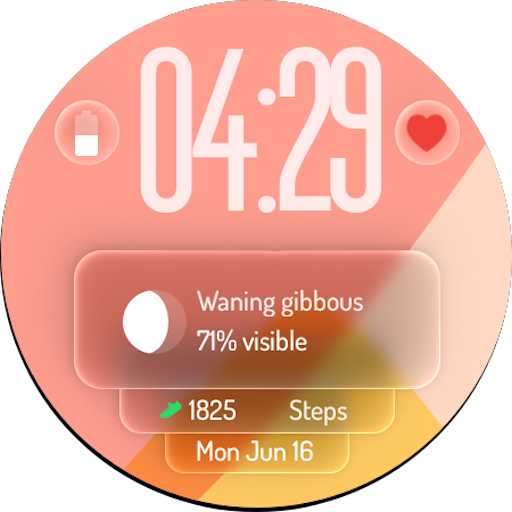
A watch face with transparency and fluid visuals inspired by liquid glass design
4.0
This is a simple and highly functional alarm clock "Smart Alarm" paid version.
4.20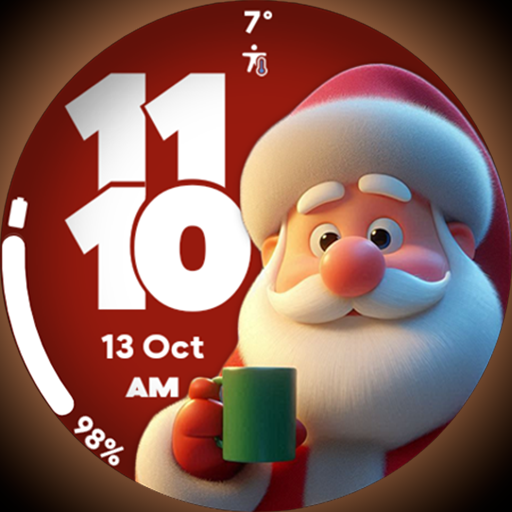
Customize your Wear OS watch with festive Christmas figures and colors!
4.4
Discounts, savings, and rewards
4.20
Play fun games, complete quick surveys, and earn money. It's fun and easy!
4.40
Creativity and savings for kids, beginners and experts in arts and crafts
3.50
Remotely monitor the time and temperature of food cooking on your grill.
4.60
Good magnifier app to see tiny things bigger and more clearly!
4.80
Get the news, events and savings that matter to you with AARP Now.
4.80
Pay your rent, submit work orders and much more with the RentCafe Resident App.
4.70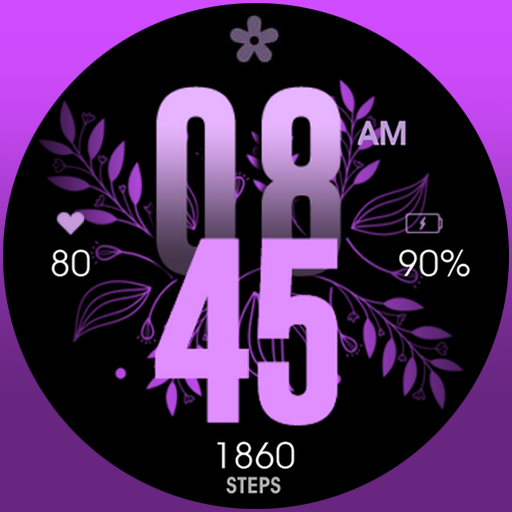
Colorful selection floral watch face with gyro for Wear OS
4.60
The all-new Cync app. The simple, connected app for Cync and C by GE.
4.50
PARAVOX 4 is a professional ITC paranormal research application.
4.50
BILT interactive 3D instructions help you get the job done right
3.50
View over 160,000 line dance stepsheets from the CopperKnob website.
3.30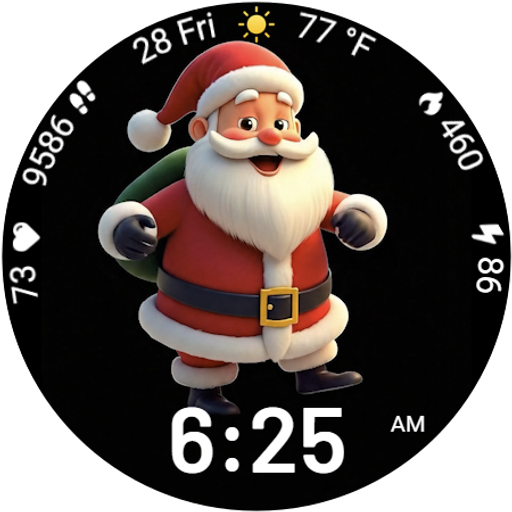
Designed to delight, impress and energize your festive spirit every single day
4.3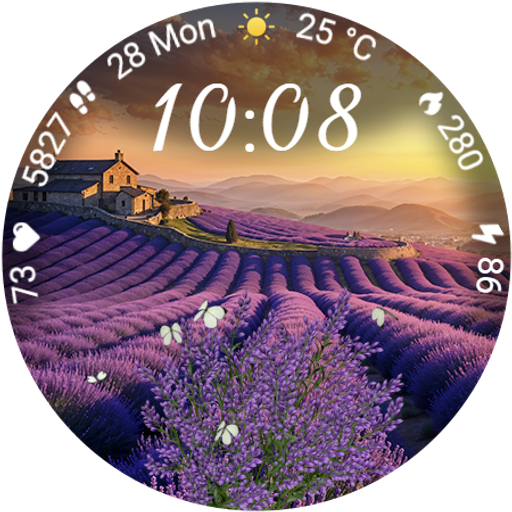
Immerse yourself in the serenity of lavender fields and white butterflies
4.4


