
A comprehensive medical disease app.
 5.00
5.00
Live vet support by text/video
4.80
Hearing aid app for Android solves your hearing problems.
4.00
Patient Health Portal
4.20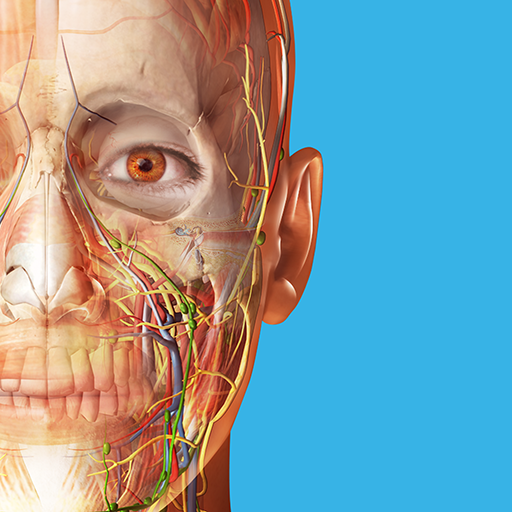
A comprehensive 3D atlas of the human body
4.80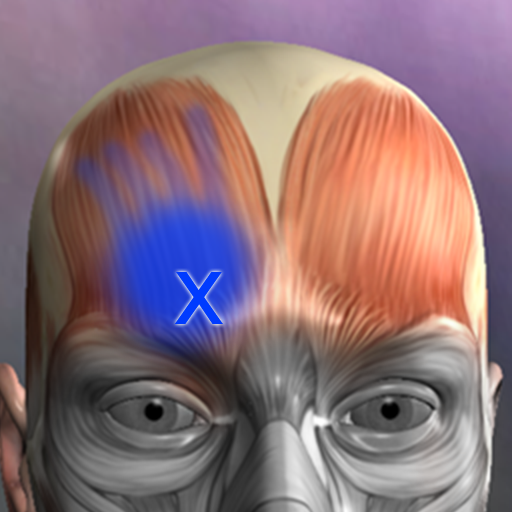
Discover the source of pain with Muscle Trigger Point Anatomy.
4.70
Your pocket guide to following The Monash University Low FODMAP diet.
4.20
Secure video appointments
4.50
Update medical records, view upcoming appointments, message your provider & more
3.80
The Better Pharmacy Experience
4.90
The NightOwl Companion app allows you to interact with the NightOwl sensor.
4.70
World's largest contact lens store
4.60
Secure video visits with your VA care team from anywhere
4.50
The Omada app enhances your program experience and helps you stay engaged.
4.50
The OptumRx app empowers you to become an advocate of your pharmacy benefits.
4.40
Get your lab results on your smartphone with MyQuest.
4.40
Molina Members: My Molina. Manage your health anytime, anywhere!
4.30
Voice pitch monitor for speech therapy, LSVT, Parkinson's, singing & trans
4.30
700 questions, 2 full exams, Predictive Scoring—your key to NREMT success!
3.90


