
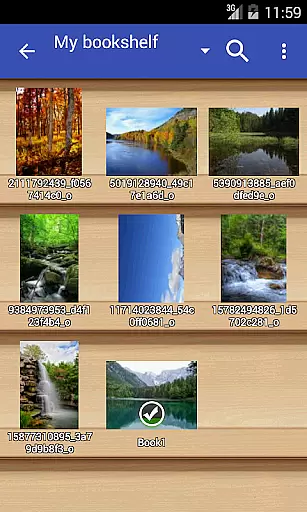
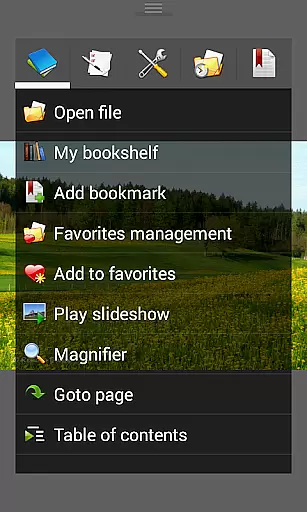
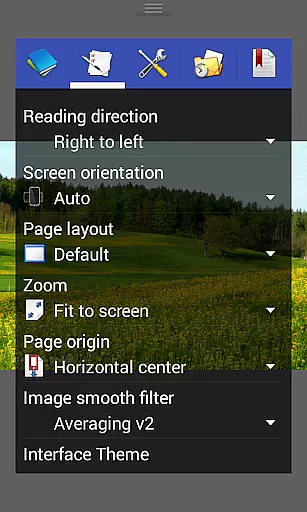
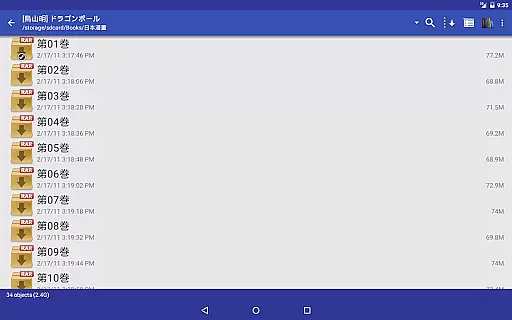
Perfect Viewer is a versatile and fast image, comic, and ebook viewer designed for seamless reading experiences. The app supports multiple file formats including EPUB, PDF, CBZ/ZIP, CBR/RAR, and more, making it an ideal choice for digital comic enthusiasts. With features like page layout customization, smooth filters, and five view modes, users can tailor their reading experience to their preferences.
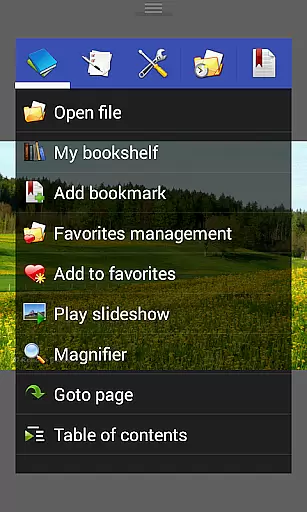
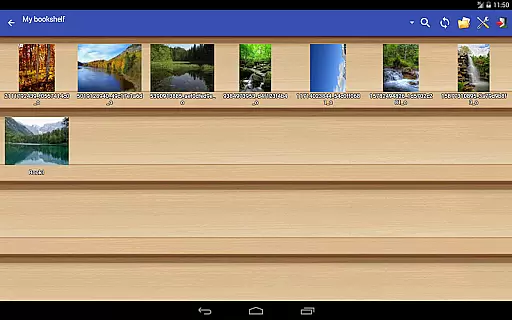
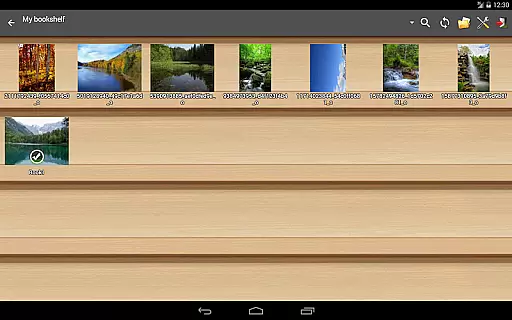
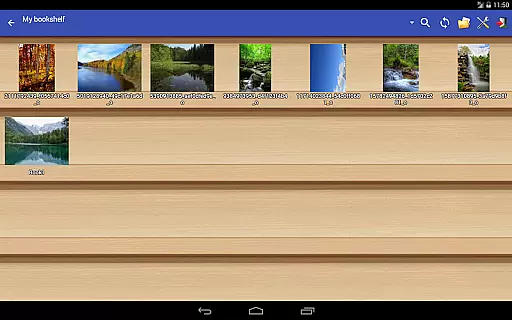
In addition to its robust format support, Perfect Viewer offers advanced functionalities such as network file sharing (CIFS/SAMBA), integration with cloud services like Google Drive, Dropbox, and OneDrive, and left-to-right or right-to-left reading options. Its intuitive interface includes a bookshelf function, simple bookmarking, and my favorites management, ensuring easy access to your library. Whether you're reading comics or managing ebooks, Perfect Viewer provides a comprehensive solution for all your digital reading needs.
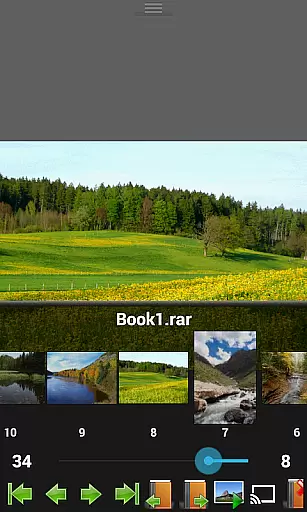
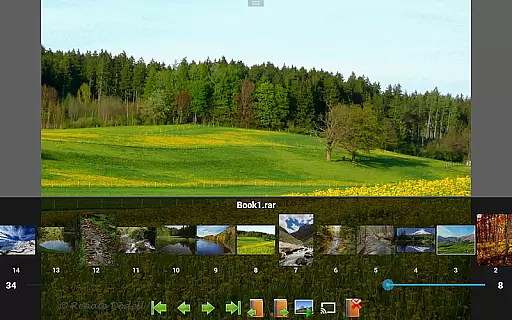
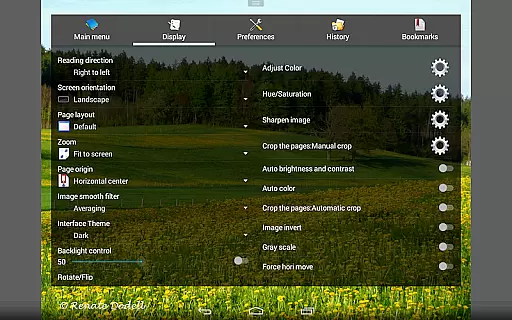
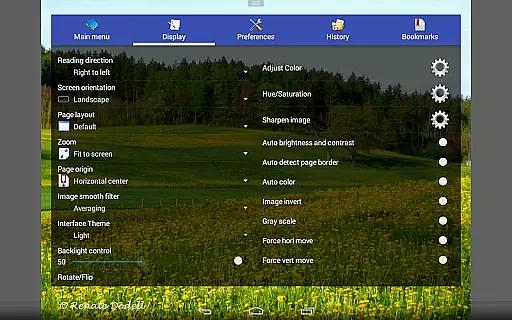
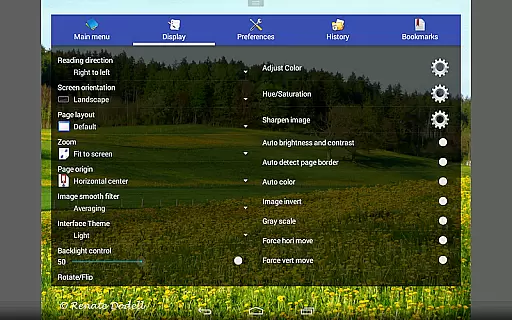
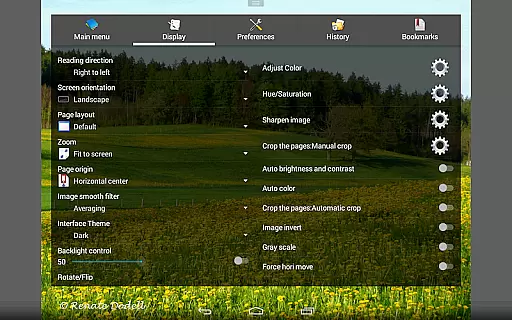
Perfect Viewer stands out with its extensive feature set tailored for comic and ebook enthusiasts. The app supports three viewer modes: Page mode, Vertical scroll mode (ideal for webtoon-like experiences), and Horizontal scroll mode, allowing users to choose the best viewing style for their content. Smooth filters such as Averaging, Bilinear, Bicubic, and Lanczos3 enhance image quality, while five view modes (Full size, Fit Screen, Fit Width, Fit Height, Fixed size, Stretch) provide flexible display options.
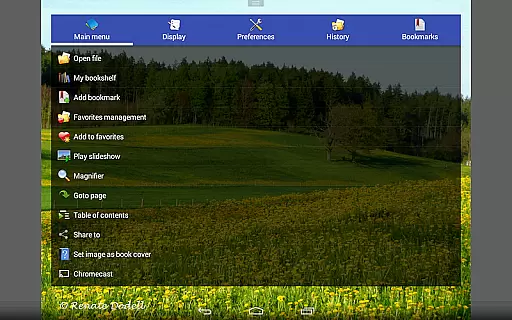
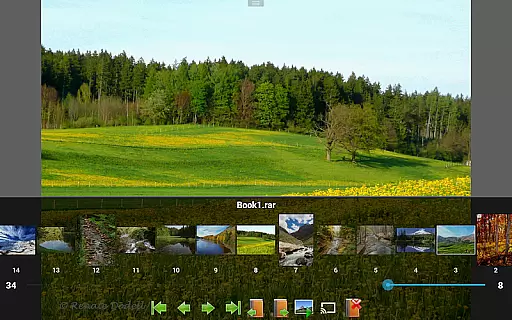
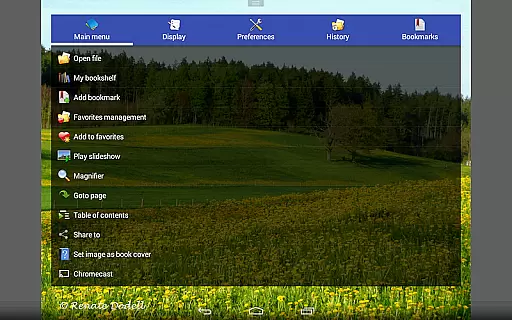
Additional functionalities include pinch to zoom, fling gesture support, and the ability to adjust image brightness, contrast, and gamma. Users can also extract files from archives, set images as wallpapers, and browse thumbnails in folders/archives. Integration with Google Chromecast extends the viewing experience to larger screens, while advanced options like auto cut-off white borders and balloon magnifier improve readability. These features make Perfect Viewer a powerful tool for enjoying various digital media formats.
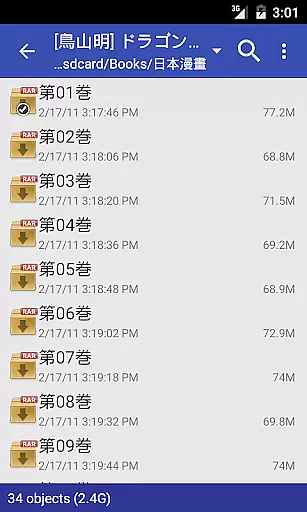
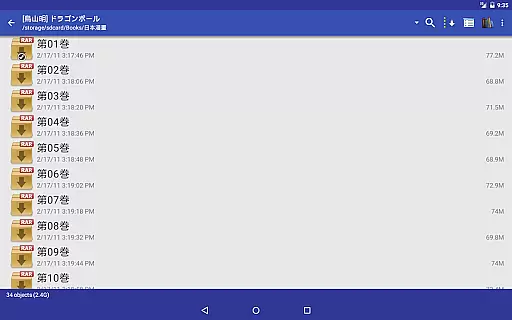
Perfect Viewer offers an extensive comic library that supports multiple file formats including CBZ/ZIP, CBR/RAR, 7Z/CB7, LZH, and CBT/TAR. This ensures that users can access a wide variety of comics without worrying about compatibility issues.
In addition to supporting various comic file formats, the viewer also allows users to open files from network file sharing (CIFS/SAMBA), FTP, SFTP, FTPS, and OPDS. This means you can easily access your comics stored on different devices or cloud services, making it convenient to manage and read your collection from anywhere.
The app further enhances user experience by providing support for PDF, XPS, and DJVU files after installing the PDF plugin. With this feature, users can enjoy an even broader range of reading materials beyond traditional comics, ensuring they always have something new to explore.
Perfect Viewer respects content authenticity and licensing by allowing users to access their own legally acquired comics and ebooks. The app does not provide or distribute content directly but focuses on delivering a superior reading experience through its advanced features.
Users can turn black and white images into four-colorized images, a feature exclusively available for users who have installed the Perfect Viewer donation application. This encourages users to support the developers while enjoying enhanced functionality, promoting ethical consumption and use of the app.
Furthermore, Perfect Viewer supports opening files from popular cloud services like Google Drive, Dropbox, and OneDrive after installing the source plugin. This integration ensures that users can conveniently access their legally stored content across platforms while maintaining the integrity and authenticity of the material they choose to read.
Fast and responsive
Wide format support
Customizable reading modes
Cloud service integration
Advanced image adjustments
Some features require donation
Complex for beginners
Occasional bugs reported
Interface may feel outdated
Limited free version functionality

Read manga, comics, and manhwa
 4.4
4.4
You can create comics, manga and manwha using AI with Arcstory comic book maker
2.70
Comic Scanner - Book Value - Identify and sell your comic collection with AI.
3.80
Artists wanting to use decent hand reference on the go, this app is for you!
4.70
The most popular comic book reader.
4.80
Experience the largest selection of DC comics anywhere with DC UNIVERSE INFINITE
3.40
100k comics, manga & webcomics, including Batman, Invincible, Hellboy & more
4.60
Read comics & manga
4.70
Read comics, manhwa, manga & novels Official webtoons with daily updates
4.30
Official from Japan
4.80
Comics and stories from Japan
4.60
TMOLector is an app to read all kinds of manga and stories!
4.50
The ultimate app for comic lovers
4.50
The largest manga, comics, and manhwa community with millions of fans!
4.50
Become a real PKM Card Maker, create or custom any Poke TCG cards and share them
4.10
Alpha Manga is a Japanese manga app where you can read isekai manga.
4.10
Pose Tool 3D for the Artists, create any human figure pose quickly for your art.
4.00
Instantly create comic-style art with AI.
3.90
Welcome to SnapSaga - your ultimate manga and novel destination!
4.5


User Reviews