
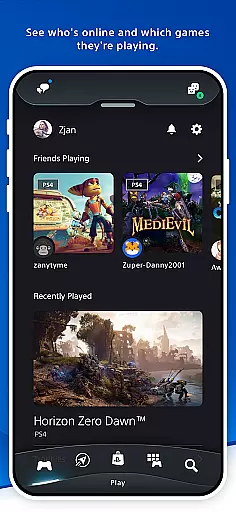
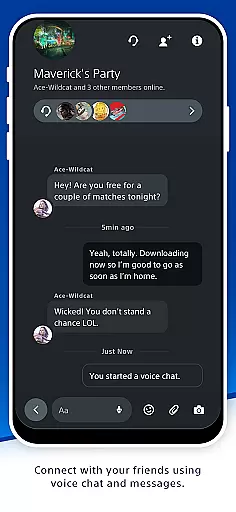

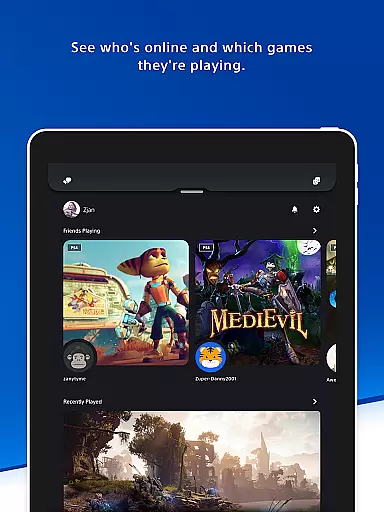
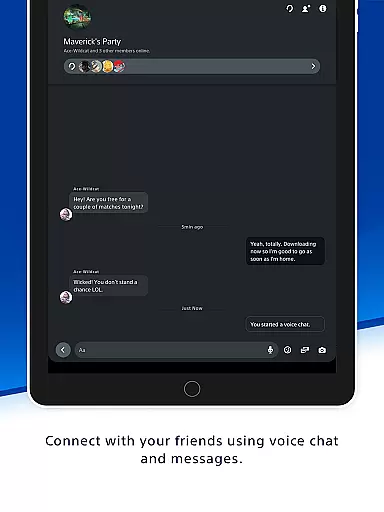
The PlayStation App is your ultimate companion for staying connected to the PlayStation gaming ecosystem. This versatile application allows users to maintain contact with their gaming friends and access their favorite games remotely. With a comprehensive suite of social features, it enables you to see who's online, voice chat, send messages, and even plan multiplayer sessions.
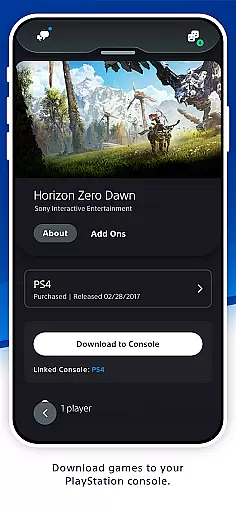
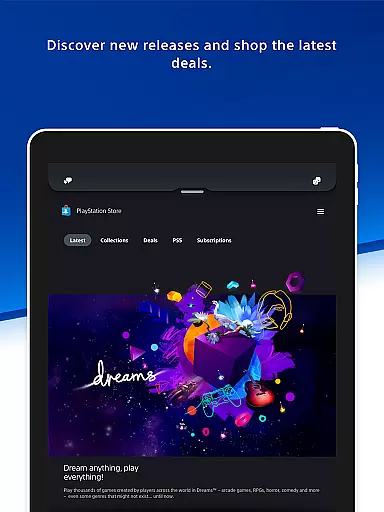
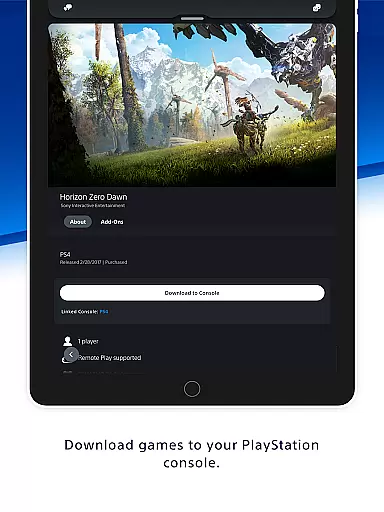
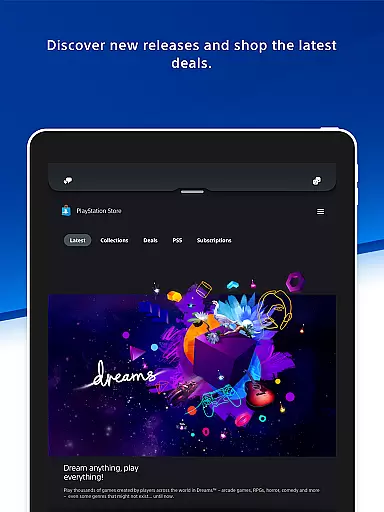
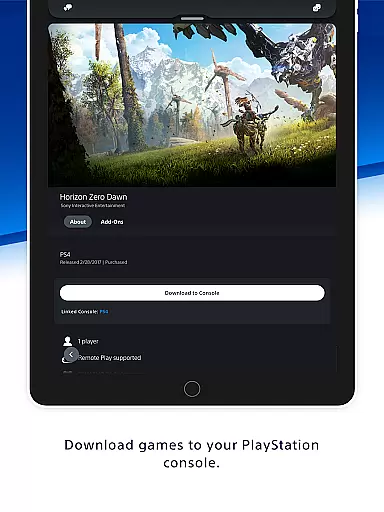
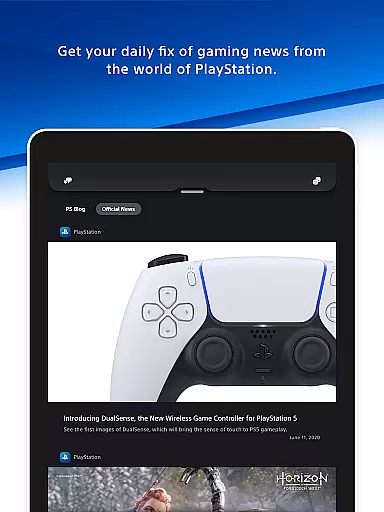
Additionally, the app provides tools for discovering new games and the latest news from the world of PlayStation. You can shop for new releases, pre-order games, and check out deals on the PlayStation Store. The app also lets you control your console remotely, download games, manage storage, and launch games on your PS5 console.
Whether you're at home or on the go, the PlayStation App ensures that you never miss an opportunity to engage with your gaming community and stay updated with the latest content. It bridges the gap between your mobile device and your gaming console, enhancing your overall PlayStation experience.
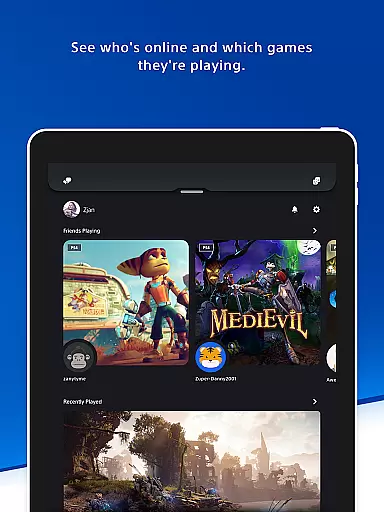
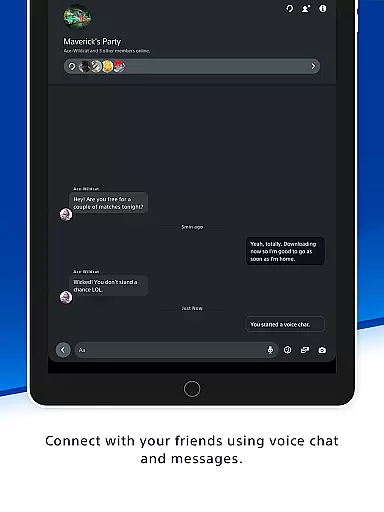
The PlayStation App boasts a rich array of features designed to enhance your gaming lifestyle. One of its standout capabilities is the robust social interaction system. Users can effortlessly view who's online, check what games their friends are playing, and communicate via voice chat and messaging. This fosters a sense of community and makes organizing multiplayer sessions seamless.
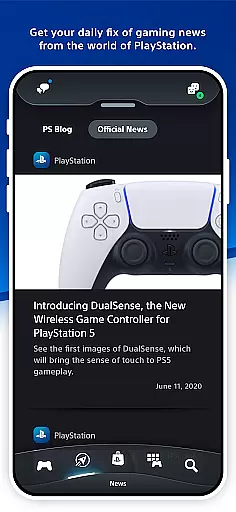
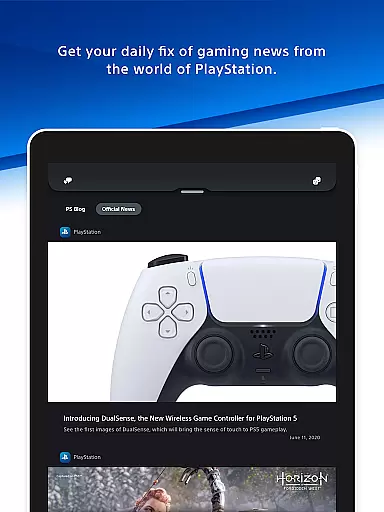
Another significant feature is the app's integration with PlayStation Store. Gamers can browse new releases, pre-order upcoming titles, and take advantage of exclusive deals and discounts. The app also delivers daily gaming news, ensuring you're always in the loop. Furthermore, it offers remote control functionalities for your PS5 console, allowing you to download games, manage storage, and launch titles directly from your mobile device.
These features collectively ensure that users have a comprehensive and engaging experience, bridging the gap between mobile convenience and console gaming power.
The PlayStation App offers a diverse range of content that caters to the needs of every gamer. From staying connected with gaming friends, discovering new games, and accessing the latest news from the world of PlayStation, the app ensures you are always in the loop. The availability of deals on PS Store and notifications about new releases and discounts keeps users engaged with fresh opportunities daily.
One of the key features of the PlayStation App is its ability to provide users with up-to-date information on their friends' gaming activities. This includes who is online, what games they are playing, and even viewing their trophy collections. Such interactions not only enhance user engagement but also make planning multiplayer sessions seamless and fun. With voice chat and messaging capabilities, the app bridges the gap between gamers, no matter where they are.
In addition to social connectivity, the PlayStation App serves as a hub for the latest gaming news and updates. Gamers can access daily news feeds that keep them informed about happenings in the gaming world. This continuous stream of content ensures that users always have something new and exciting to look forward to, enhancing their overall experience with the app.
User engagement and retention are critical components of the PlayStation App's success. By offering features such as remote game downloads, storage management, and quick sign-in options, the app ensures that users remain connected to their gaming world without interruptions. These functionalities not only save time but also enhance the convenience factor, encouraging prolonged use of the app.
The PlayStation App excels in keeping users engaged through personalized notifications and messages. Users receive alerts about their friendsu2019 online status, new game releases, and exclusive deals on the PS Store. These tailored communications ensure that gamers have compelling reasons to return to the app frequently, thus boosting retention rates significantly.
Moreover, the appu2019s ability to manage a user's PS5 console storage remotely addresses common pain points related to space management. This feature allows gamers to optimize their console's storage capacity effortlessly, ensuring that they can continue downloading new games and add-ons without hassle. By providing practical solutions to everyday gaming challenges, the PlayStation App successfully maintains high levels of user engagement and satisfaction over time.
User-friendly interface
Comprehensive social features
Remote console management
Exclusive store deals
Daily gaming news updates
Requires PSN account
Limited to PlayStation ecosystem
Some features need PS5/PS4
Region-specific content
Dependent on internet connectivity

* Multiple Matches * Intuitive UI * Scoring Made Easy!
 4.40
4.40
Exclusive Short Drama Video! All in HD. Bringe trending reels & enjoy drama time
3.80
Real ghost box scanner with echo, reverb, EMF, & multi-stream channels.
3.80
Stream videos to VIDAA & VEWD TVs from Hisense, Sharp, Skyworth, Vestel & TiVo
3.00
Stories that spark in seconds.
4.80
Series,Películas y Telenovelas
4.50
5 funny and lovely ponies waiting for you to style them!
4.80
Bold original series & hit movies that don't hold back.
4.40
Watch TV shows, movies, and stream Live TV channels without a subscription!
3.80
Pathfinder 2e initiative tracker with bestiary, HP, reaction, conditions, etc
4.80
Classic dynamic pixel art from Mark Ferrari.
4.70
Companion app for Elden Ring to track quests, bosses, progress and more.
4.70
Live TV, sports & holiday movies — stream on phone, tablet & TV
4.60
Tarot & Oracle Card Readings
4.50
Everything FOX in one place. Watch FOX News, NFL, MLB, TV shows and more.
4.50
Rain and lightning effects for your Philips Hue lights
4.30
Music visualizer and party effects for Hue
3.90
Stream live TV shows, sports, news, movies & more - all without cable.
3.00
Journey to the world’s oldest rainforest and meet its Indigenous Custodians.
4.4


User Reviews