
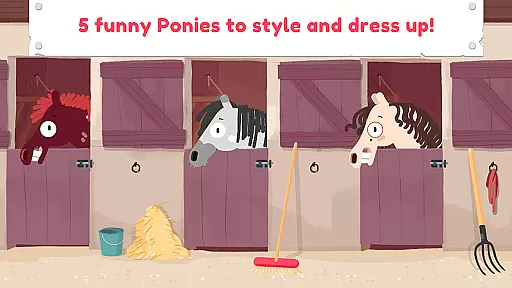
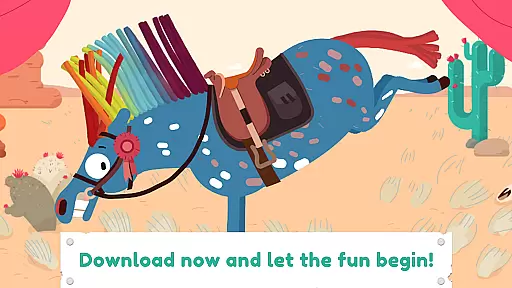
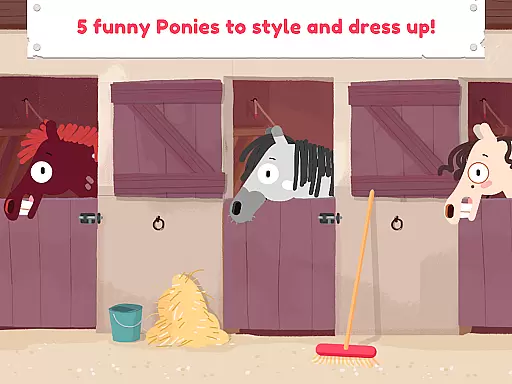
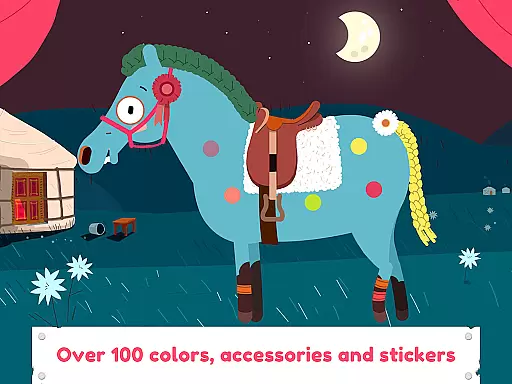
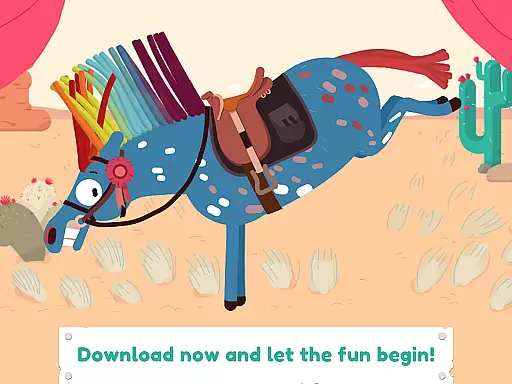
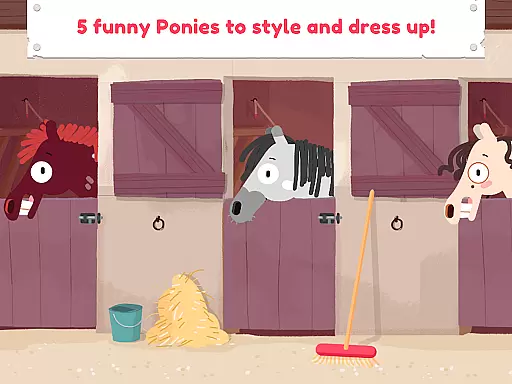
Pony Style Box is an innovative entertainment app that allows users to express their creativity by styling and dressing up virtual ponies. With five unique pony characters to choose from, each with distinct personalities and animations, the app offers a rich interactive experience. Users can experiment with various hairstyles, accessories, and outfits, creating endless combinations.
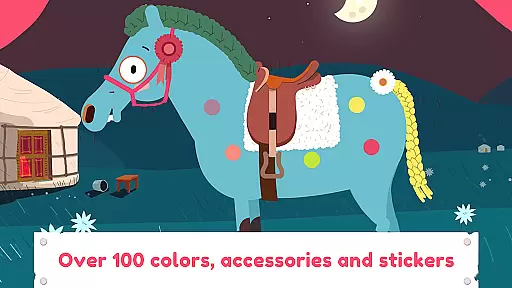
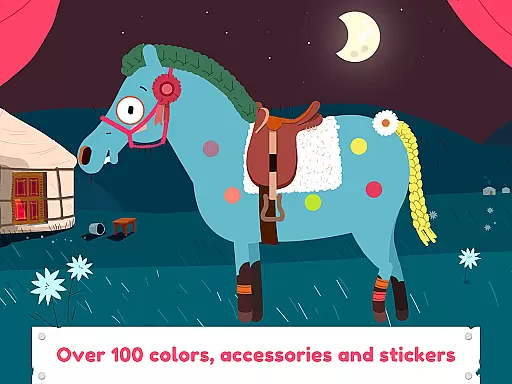
The app's standout feature is its detailed customization options, including haircuts, nail polish, and stickers. The ability to save creations in a personal gallery adds lasting value, while the inclusion of special effects and animations enhances the overall entertainment factor. This makes Pony Style Box particularly appealing to young audiences who enjoy imaginative play.
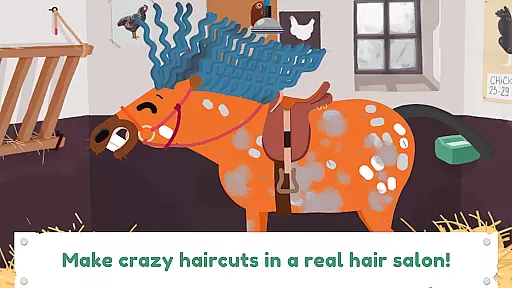
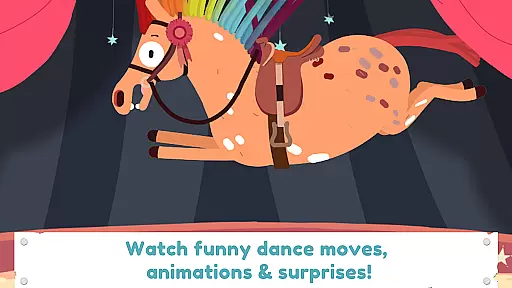
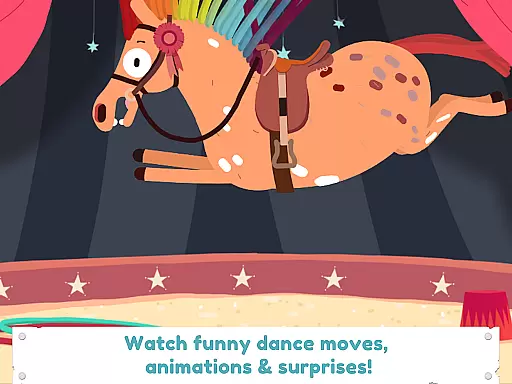
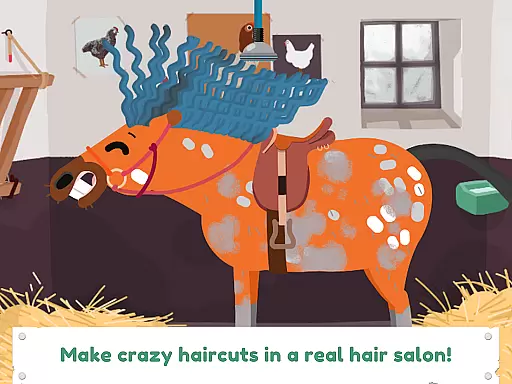
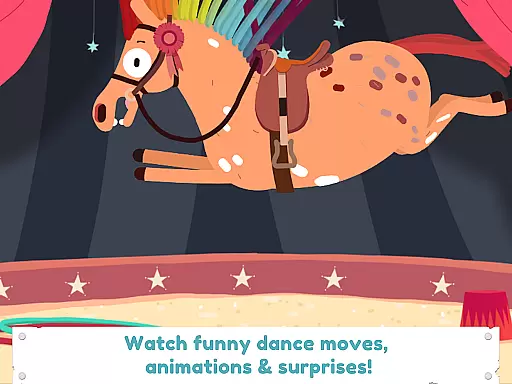
Pony Style Box stands out through its comprehensive set of creative tools. The app provides multiple styling stations where users can design intricate hairstyles using virtual tools like brushes, hairpins, and spray colors. Each pony comes with unique dance moves and animations that bring creations to life.
Additional features include a photo mode to capture and save styled ponies, a sticker system for added personalization, and seasonal content updates. These elements work together to maintain user engagement and encourage repeat play sessions. The app's intuitive interface ensures accessibility for its target age group while offering enough depth to sustain interest.
Pony Style Box offers an impressive range of content that ensures users have a diverse and constantly updated experience. With five unique ponies to choose from, each possessing its own character and dance moves, the app provides countless combinations for creative expression.
The application allows users to experiment with various hairstyles, accessories, colors, and special effects, ensuring that no two styling sessions are ever the same. This vast array of options encourages creativity and keeps the content feeling fresh and engaging over time.
Additionally, the ability to save creations in a personal gallery adds another layer of variety, as users can revisit their past designs, make adjustments, or create entirely new looks. This feature not only enhances user engagement but also fosters a sense of accomplishment and progression within the app.
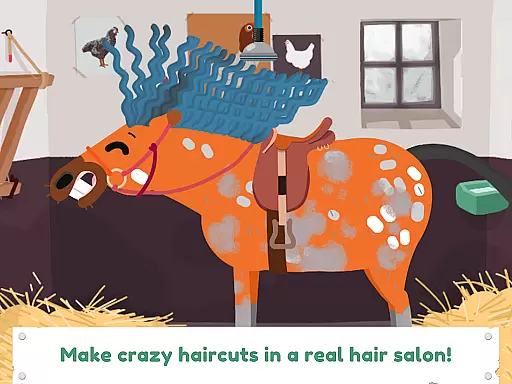
User engagement is a key strength of Pony Style Box, with features specifically designed to keep users coming back. The app's interactive elements, such as making crazy haircuts and dressing up ponies, provide an immersive experience that captures the attention of users for extended periods.
By offering surprising animations and special effects, the app maintains high levels of interest and curiosity. These dynamic features ensure that users remain engaged and invested in exploring all the creative possibilities available to them.
Furthermore, the inclusion of a personal gallery where users can store and showcase their creations serves as a powerful retention tool. This feature not only motivates continued use but also creates an emotional connection with the app, encouraging long-term retention and repeated visits.
User-friendly interface
Highly customizable options
Engaging animations
Regular content updates
Creative freedom
Limited to pony theme
In-app purchases available
Younger audience focus
Occasional performance issues
Basic social features

Tarot & Oracle Card Readings
 4.50
4.50
The OFFICIAL PeeWee Purpdrank Soundboard!
4.80
Classic dynamic pixel art from Mark Ferrari.
4.70
Find out if you're on Santa's Naughty or Nice List with this magical scanner!
4.60
Atomus is a 10-finger multi-touch interactive visualizer.
4.30
Music visualizer and party effects for Hue
3.90
Series,Películas y Telenovelas
4.50
Binaural Brainwave Doses for Every Imaginable Mood
3.60
Original short dramas with diverse genres for a rich viewing experience!
4.80
Wodfix Air aggregates popular online content for you.
4.80
Watch short films, dramas, reels, series and movies anytime on Micro Drama.
4.60
Unleash Your AI Imagination
4.60
Underrated short-drama gems that hit hard and keep your heart hooked.
4.50
Chat with AI characters! Anime, games, roleplay & more.
4.50
Build and Share AI
4.20
Real ghost box scanner with echo, reverb, EMF, & multi-stream channels.
3.80
Watch New Episodes & Live TV
3.80
Your choice of 350+ networks plus movies and full TV series on-demand.
3.70
Unofficial Game Companion App” “Guides • Builds • Tips • Progression
4.2


User Reviews