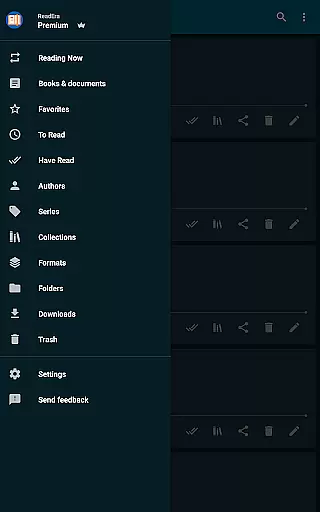
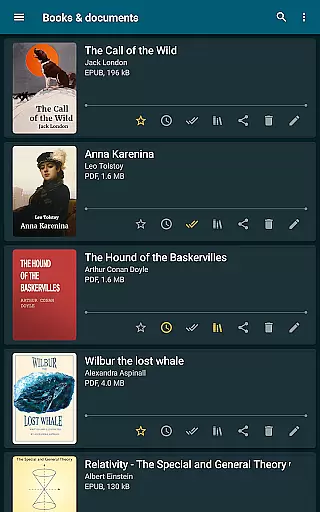
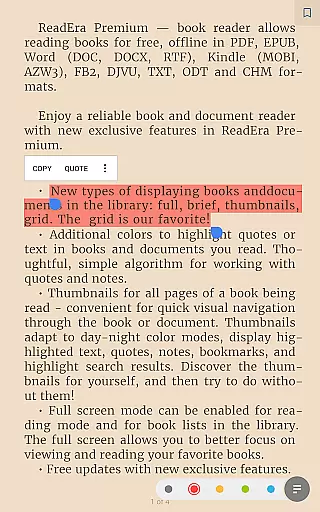
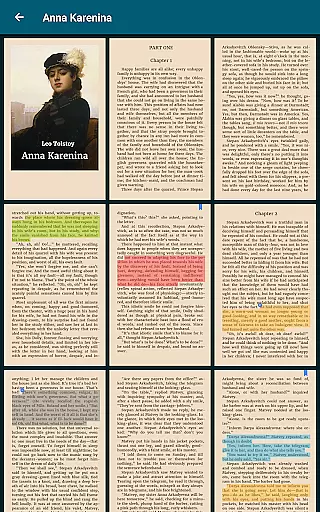
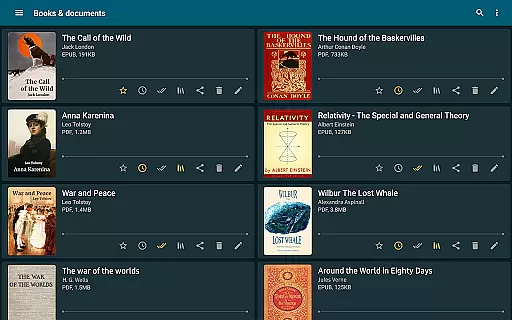
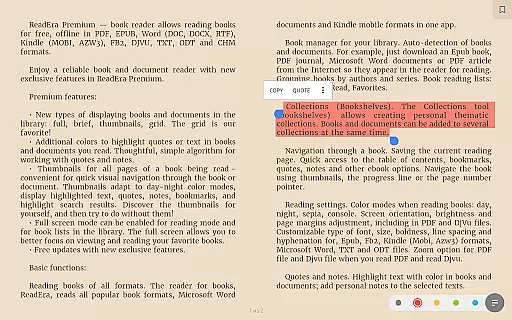
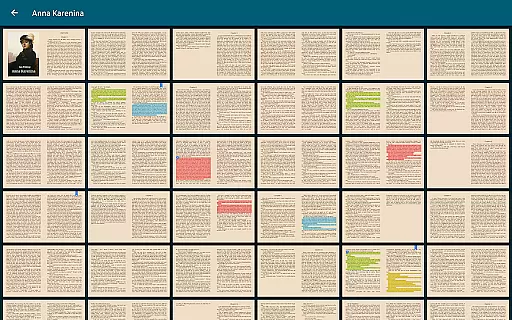
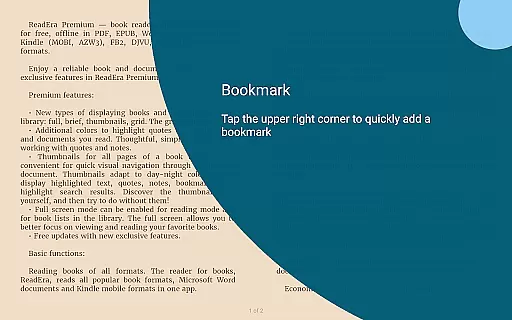
ReadEra Premium is an advanced ebook reader and document manager designed for book enthusiasts who value organization and accessibility. This app allows users to automatically locate all supported books and documents on their device, search by title or author, and manage files in various formats including PDF, EPUB, Microsoft Word, Kindle, Comic, DJVU, FB2, TXT, ODT, and CHM.
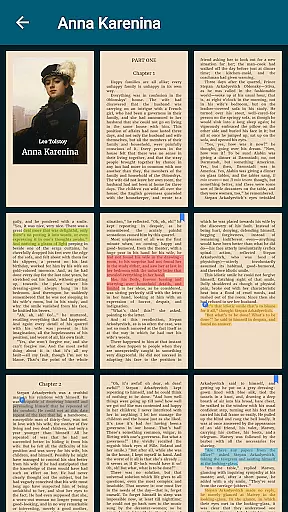
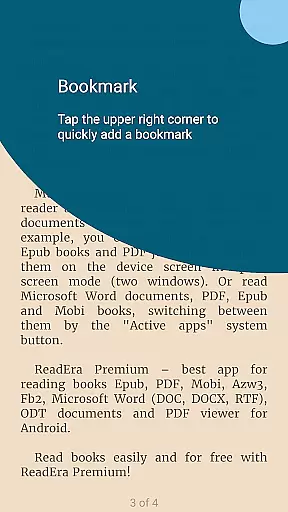
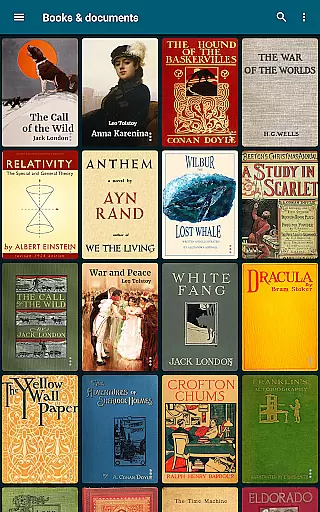
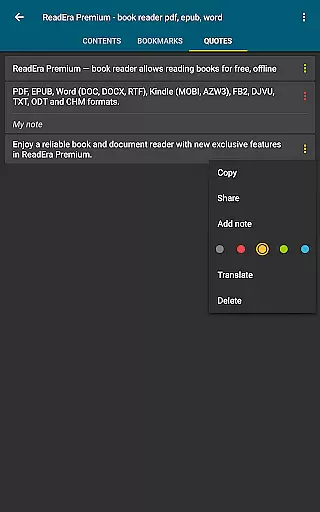
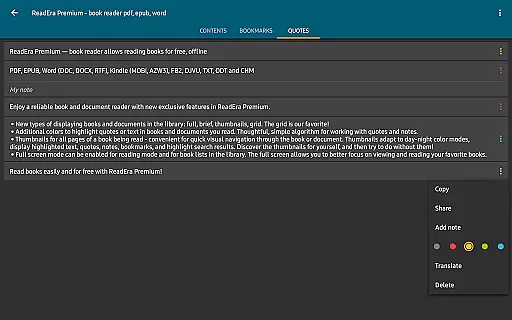
The premium features include synchronization with Google Drive, background text-to-speech reading, and a centralized section for quotes and notes. Users can customize their library view, upload personal fonts, and enjoy additional colors for highlighting text. With quick navigation through book files, folder management tools, and detailed reading settings, ReadEra Premium offers a comprehensive solution for managing and enjoying your digital library.
ReadEra Premium stands out with its extensive feature set tailored for avid readers and document managers. The app's automatic detection of books and documents across your device ensures you never lose track of your files. It supports a wide array of formats such as PDF, EPUB, Microsoft Word, Kindle, Comic, DJVU, FB2, TXT, ODT, and CHM, making it versatile for different types of content.
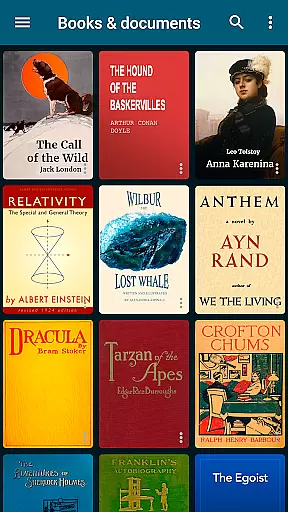
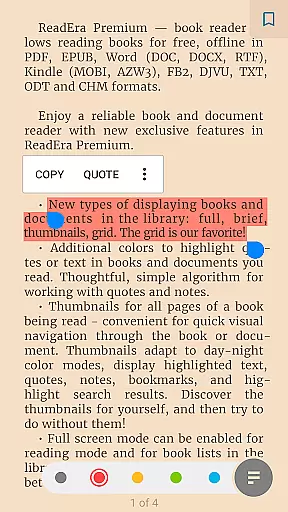
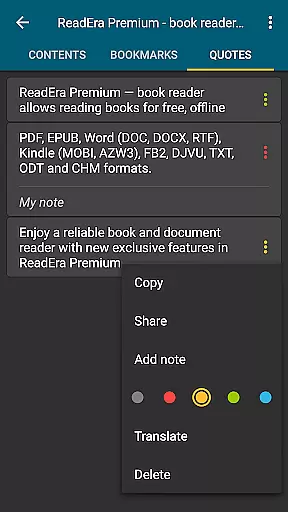
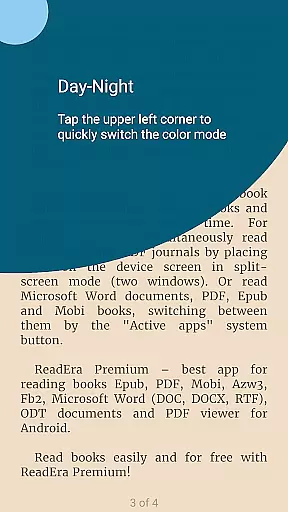
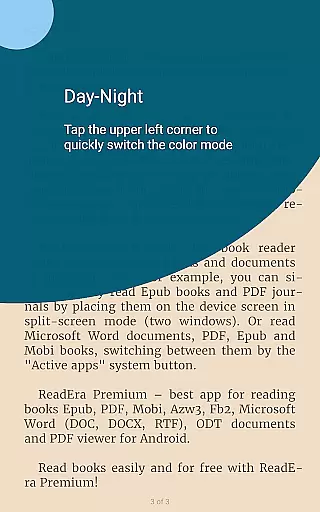
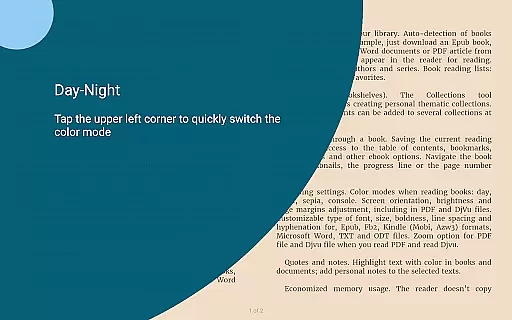
Premium functionalities like synchronization with Google Drive ensure seamless access across devices. The background TTS (Text-to-Speech) feature allows users to listen to books even with the screen locked. A dedicated Quotes and Notes section aggregates all annotations in one place, while the Dictionary section compiles words from all your books. Customization options include personalized fonts, adjustable library views, and additional colors for highlighting. Advanced reading settings offer control over color themes, orientation, brightness, margins, font size, type, boldness, line spacing, and hyphenation.
ReadEra Premium offers an extensive e-book library that supports multiple formats including PDF, EPUB, Microsoft Word, Kindle, Comic, DJVU, FB2, TXT, ODT, and CHM. This wide-ranging compatibility ensures users can access a vast collection of books and documents without format restrictions.
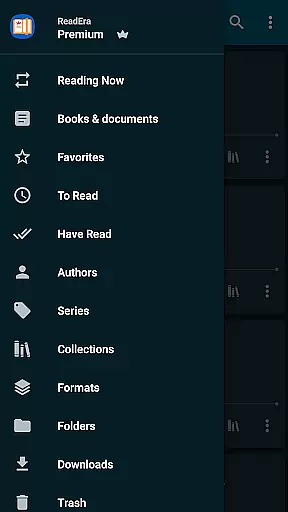
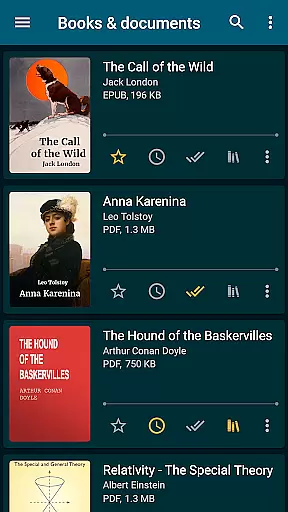
The app's automatic detection feature scans the entire device to locate all supported reading materials. It provides powerful search capabilities, allowing users to find books by title, author, series, format, or language, making book discovery both efficient and comprehensive.
Regarding copyright authenticity, ReadEra Premium respects intellectual property rights by enabling users to manage their legally acquired digital content. The synchronization feature with Google Drive ensures that users' personal libraries are securely backed up and accessible across all devices, maintaining the integrity and legality of their collections.
One of ReadEra Premium's core strengths is its exceptional format compatibility. The application supports an impressive array of document types, including PDF, EPUB, Microsoft Word (DOC, DOCX, RTF), Kindle (MOBI, AZW3), Comic (CBZ, CBR), DJVU, FB2, TXT, ODT, and CHM formats, providing users with unparalleled flexibility in their reading choices.
The app goes beyond basic reading by offering advanced features for each supported format. For instance, when reading PDF and Djvu files, users can utilize zoom functionality while adjusting font size, type, boldness, line spacing, and hyphenation for other formats. This ensures an optimal reading experience regardless of the document type.
Furthermore, ReadEra Premium enhances format compatibility through its comprehensive file management system. Users can view, rename, move files across external folders, and even edit document details such as title, author, and series information, regardless of the original format, making it a truly versatile reading solution.
User-friendly interface
Extensive format support
Advanced synchronization
Customizable reading settings
Comprehensive file management
Premium features require payment
Interface may overwhelm new users
Limited free features
Occasional sync issues
Heavy on system resources

Novels, audiobooks, ebooks & fanfiction. Read anytime, anywhere!
 3.40
3.40
"BIG A, little a. What begins with A?"
4.10
Mirror Bible - eye-opening paraphrase translation of the NT by Francois du Toit
4.30
Read the romance stories on the go. Take my breath away, The Spoiled Girl
4.30
ISAIAH EXPLAINED with Avraham Gileadi Ph.D.
4.00
KJV Bible works offline with Audio, Hebrew & Greek lexicon (concordance) & more!
4.20
Holy Bible, a KJIV Bible study, audios & daily verses, talk with God now.
4.80
My Bible offers a comprehensive app by providing offline access, daily verses.
4.80
Learn to tie more than 200 knots in 3D!
4.90
Read and study the Bible and other content in over 1,000 languages.
4.80
The Bible Audio Guide
4.80
Discover Stars and Planets: Live Map Shows Current Constellations in Full Detail
4.70
"Five Dr. Seuss titles in one omBook!"
4.60
The Original & Authentic Crystals, Gemstones, Rocks & Minerals Encyclopedia.
4.60
Build family tree & discover DNA, family history heritage, origins and ancestors
4.60
Master AKC Rally signs with in-depth hints, diagrams, and expert guidance.
4.50
Shop over 13 million new and used books at up to 80% off list price
4.20
Battle Royale Chapter 5 Season 2 HD Wallpapers Emotes Skins and BattlePass
3.00
Fast loot guide for ARC Raiders. Simple tips, stats, maps, and item details.
4.5


User Reviews