
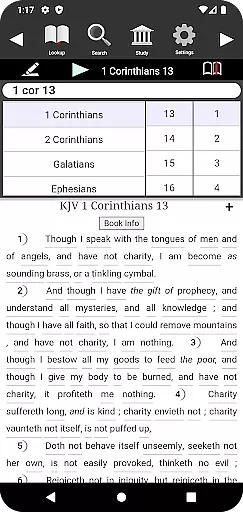
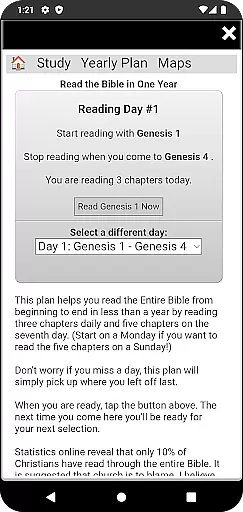
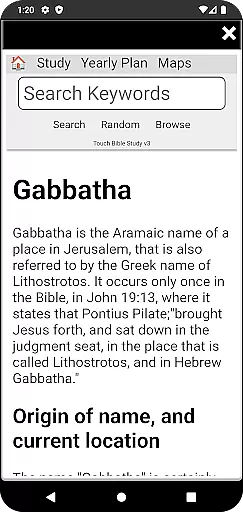
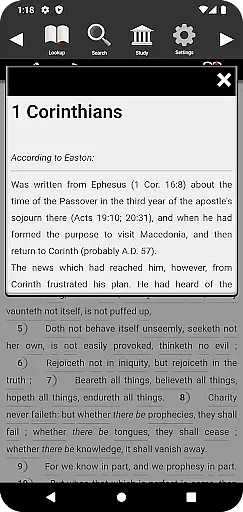
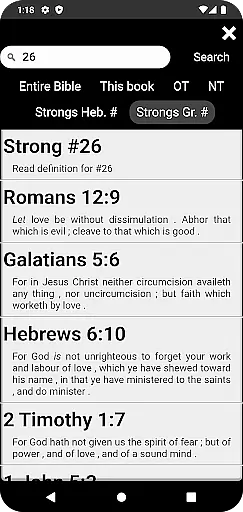
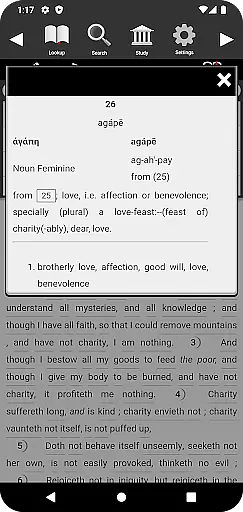
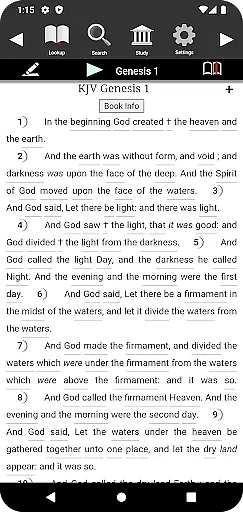
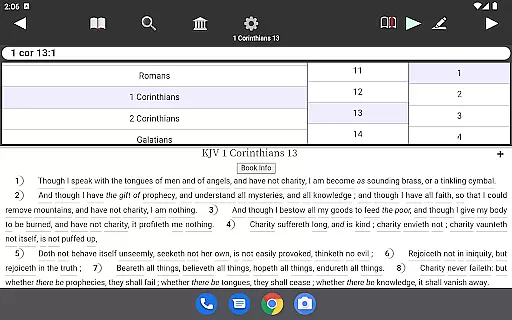
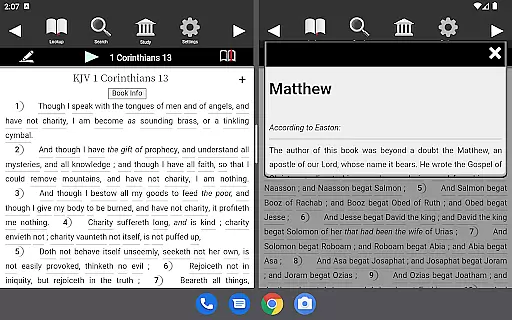
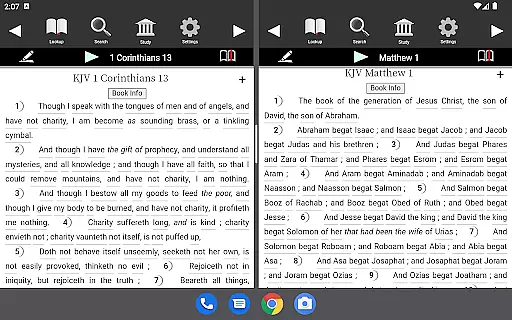
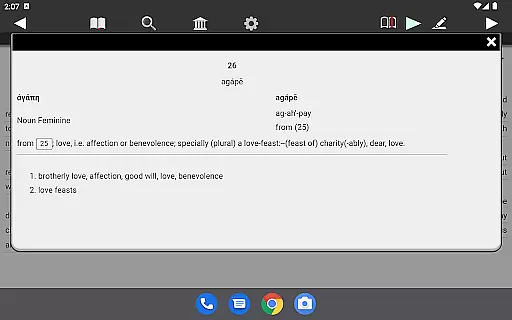
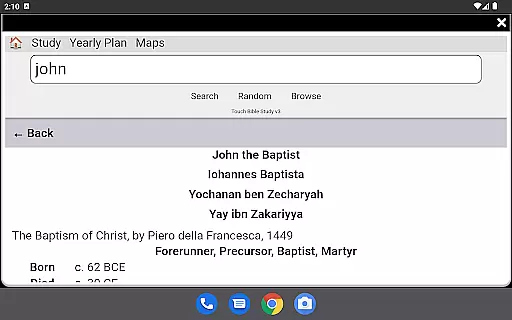
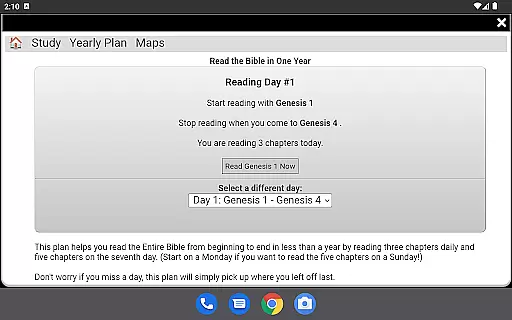
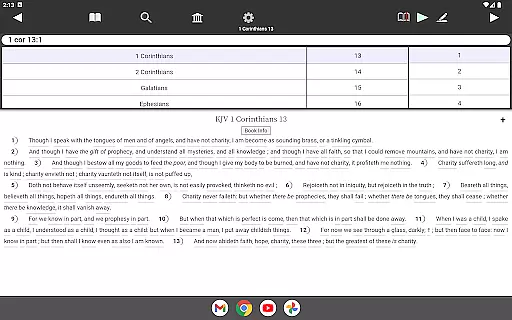
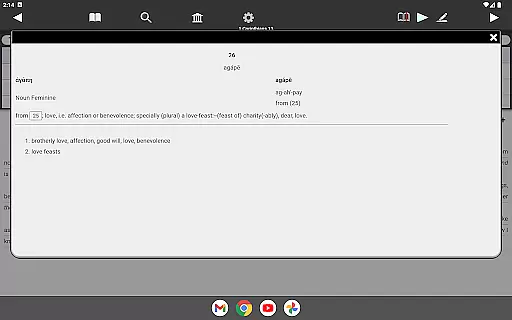
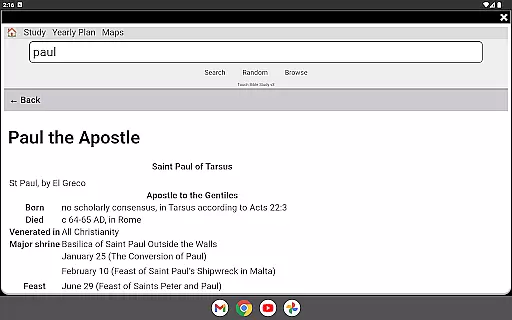
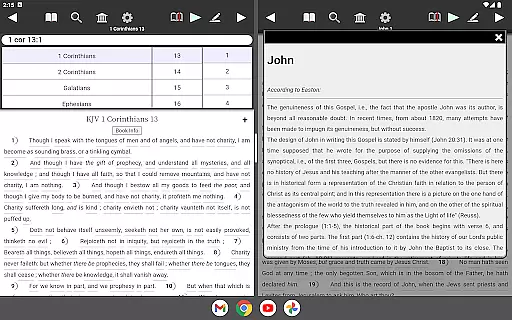
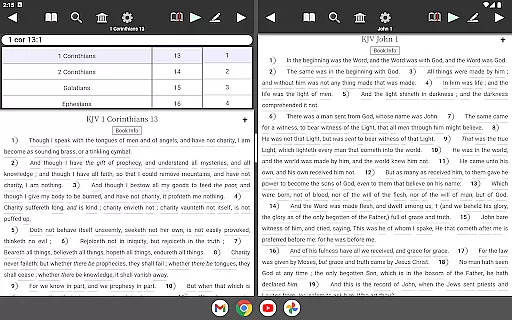
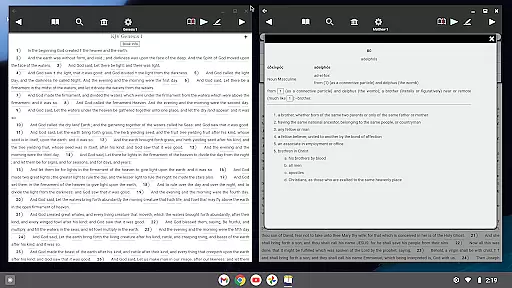
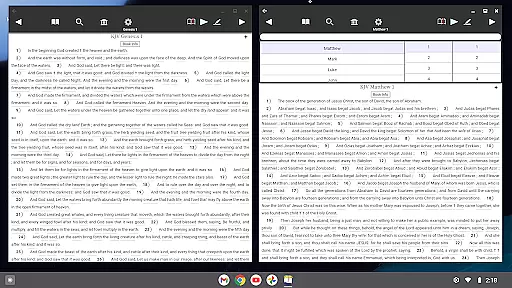
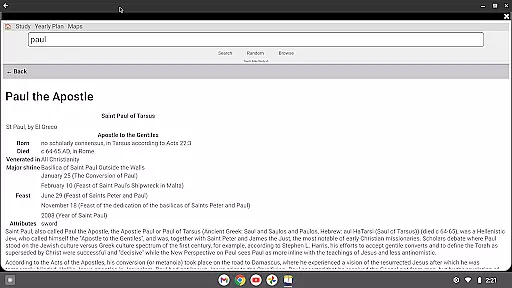
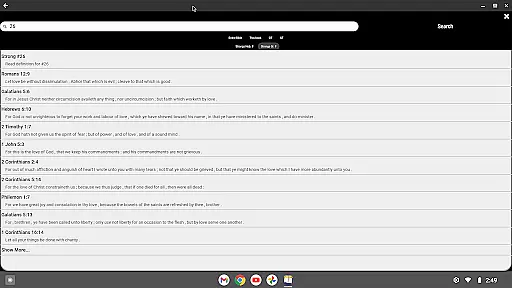
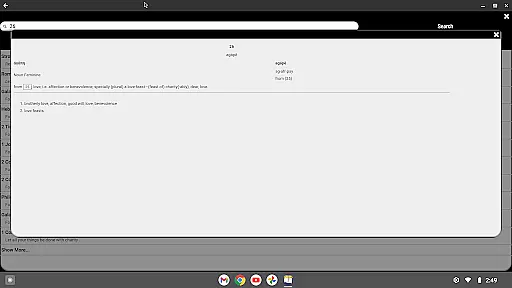
Touch Bible (KJV + Strong's) is a feature-rich Bible study application designed for both phones and tablets. It combines the complete King James Version (KJV) Bible text with Strong's Hebrew and Greek lexicons, providing users with instant access to original language definitions and theological insights. The app works offline, ensuring uninterrupted access to religious texts wherever you go.
This app goes beyond basic Bible reading by integrating advanced study tools. Users can instantly look up Strong's Concordance definitions, enjoy easy navigation through bookmarks and smart search features, and benefit from adjustable reading settings like font size and night mode. Additionally, Touch Bible leverages Android's Text-to-Speech technology to read Bible passages aloud, enhancing accessibility for visually impaired users or those who prefer auditory learning.
With its rich combination of study resources, user-friendly interface, and offline functionality, Touch Bible is an invaluable companion for personal devotion, sermon preparation, or in-depth Bible study. Whether you're a pastor, scholar, or layperson, this app helps deepen your understanding of Scripture while offering modern convenience and portability.
Touch Bible offers a comprehensive Bible study experience with its inclusion of the King James Version (KJV) Bible text, Strong's Hebrew and Greek lexicons, and definitions from multiple theological resources. The app works entirely offline, making it ideal for users who need constant access to religious texts without internet dependency.
One standout feature is the integration of Android's Text-to-Speech (TTS) capability, which allows users to listen to Bible passages. Additionally, the app provides advanced study tools such as instant Strong's Concordance definitions, easy search functions, customizable bookmarks, and verse notes. These features are presented through an intuitive interface that supports adjustable font sizes and night mode for comfortable reading.
The app also enriches Bible study with its Study Library containing thousands of articles on biblical topics. Users can easily navigate the Bible using innovative features like Dial-a-Verse for fast scripture lookup and intelligent keyword search options. This combination of accessibility, depth, and usability makes Touch Bible a powerful tool for both casual readers and serious scholars.
Touch Bible (KJV + Strong's) offers an extensive e-book library that includes the complete King James Version of the Bible along with Strong's Hebrew and Greek lexicons. This comprehensive collection ensures that users have access to a vast repository of biblical texts and reference materials.
The app guarantees copyright authenticity by providing content that is derived from reputable sources such as Strong's Concordance, Brown, Driver, Briggs Lexicon, and Thayer's and Smith's Bible Dictionary. Users can trust the legitimacy and scholarly accuracy of the resources available within the app.
With all these resources at their fingertips, users can engage in thorough biblical study without concerns about copyright infringement or the authenticity of the content. The app consolidates numerous authoritative works into one convenient location.
Moreover, Touch Bible supports its users' varied study needs by including definitions and information from multiple respected biblical references, enhancing both personal and scholarly exploration of the scriptures.
One of the key strengths of Touch Bible (KJV + Strong's) is its exceptional format compatibility, allowing it to operate seamlessly without an internet connection. This feature is particularly beneficial for users who find themselves in locations with limited connectivity but still wish to pursue their biblical studies.
In addition to offline functionality, the app can be installed on an SD card, offering flexible storage options for devices with limited space. This makes it accessible to an even wider audience, ensuring that storage constraints do not hinder access to vital biblical resources.
Touch Bible also leverages Android's Text-To-Speech capabilities, providing auditory learning opportunities for users who prefer listening over reading. While this feature depends on third-party services being functional on the user's device, it adds another layer of accessibility when available.
By supporting various functionalities across different devices and accommodating diverse user preferences, Touch Bible demonstrates its commitment to delivering a versatile and user-friendly experience through broad format compatibility.
Comprehensive lexicons
Offline functionality
User-friendly interface
Text-to-speech support
Rich study library
Requires third-party TTS
No audio on some devices
Limited free features
Interface outdated
Heavy on old texts

"BIG A, little a. What begins with A?"
 4.10
4.10
Shop over 13 million new and used books at up to 80% off list price
4.20
Scan. Price. Grade.
4.60
“It is fun to have fun, but you have to know how!”
4.40
Universal Zoom, learn about sizes & distances of the universe and microcosmos
4.80
"Do you like green eggs and ham?"
4.70
Build family tree & discover DNA, family history heritage, origins and ancestors
4.60
A lightweight reader for comics and mangas files (.cbr, .cbz, .cbt, .pdf, ...)
4.80
Calculate, Knowledge, Homework
4.40
Learn Thai with 195,000+ entries, crisp Thai sounds, big text; works offline.
4.80
My Bible offers a comprehensive app by providing offline access, daily verses.
4.80
Read the KJV Bible with Strong’s offline: reading plans, audio Bibles, and more.
4.70
Werewolf novels & romance stories in audiobooks for book lovers! Werewolf storie
4.60
Zerobooks Light Novel Reader by GOLDENAGATO
4.20
Unlock more features in Lithium and show your support. Expand for details.
4.00
All in one Calibre libraries on your phones and tablets.
3.80
Sea tide predictions for all coastal U.S. locations.
4.2
The Psalms for singing
4.4
University of North Carolina Herbarium presents the flora of TN, AL, & MS.
4.0


User Reviews