
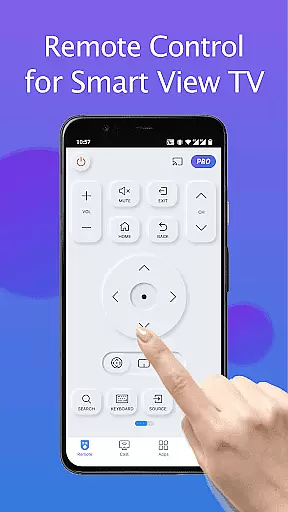
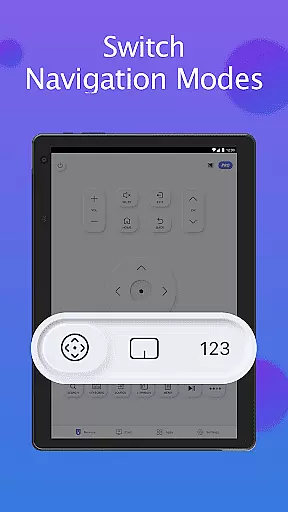
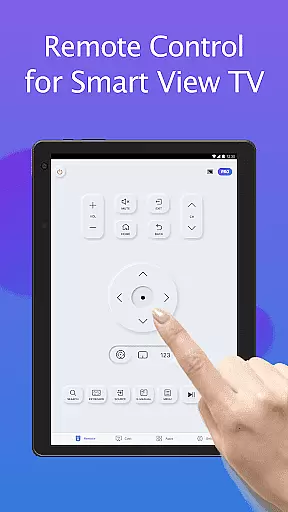
Remote for Smart Samsung TV is a dedicated mobile application that transforms your smartphone into a versatile remote control for Samsung smart TVs. This app offers seamless connectivity through Wi-Fi, enabling users to operate their Samsung 7 series, 6 series, Curved TVs, and K-Series (2016+) Tizen models without the need for a physical remote.
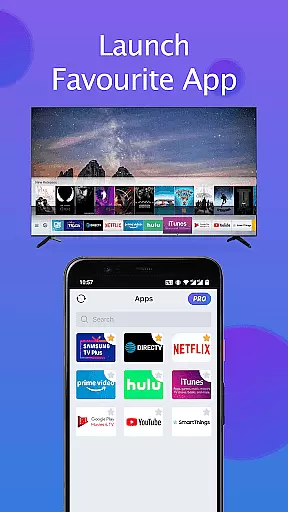
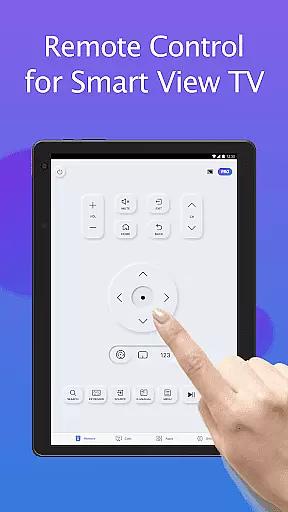
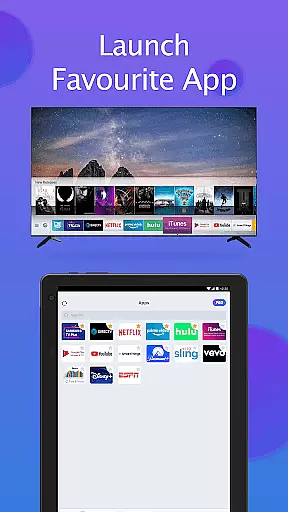
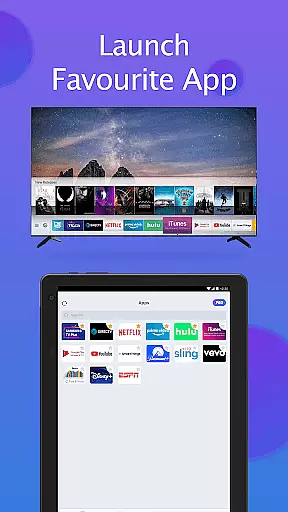
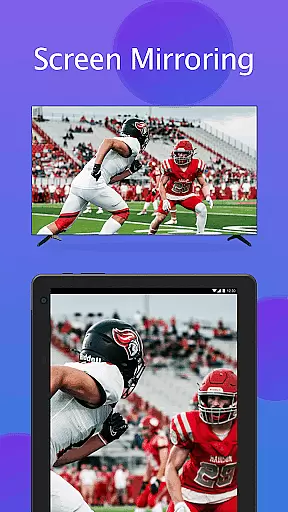
The app provides essential functions such as power on/off, volume adjustment, channel navigation, and quick access to favorite apps. Additionally, it features advanced capabilities like screen mirroring in high resolution and casting local media or web videos to the TV. With its intuitive interface and reliable performance, this app simplifies TV control while promoting an eco-friendly lifestyle by eliminating battery replacements.
Ideal for those who frequently misplace their TV remotes or experience device malfunctions, Remote for Smart Samsung TV ensures effortless and efficient control, enhancing the overall user experience with Samsung smart TVs.
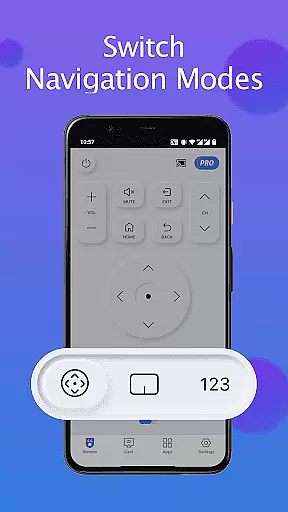
Remote for Smart Samsung TV boasts an array of features designed to enhance user interaction with Samsung smart TVs. The app automatically detects the TV on the same Wi-Fi network, streamlining the connection process. It includes a virtual keyboard for simplified text input and search functionality on Samsung Smart View TVs, making content discovery faster and more intuitive.
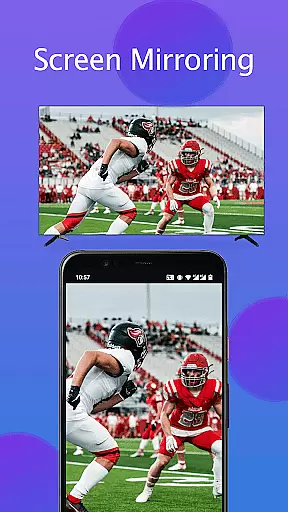
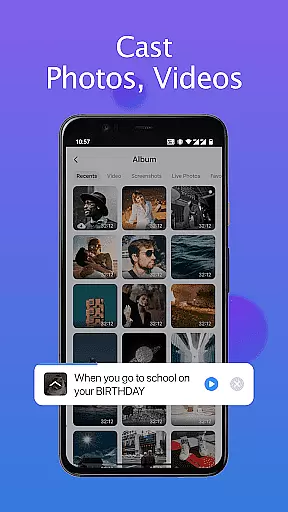
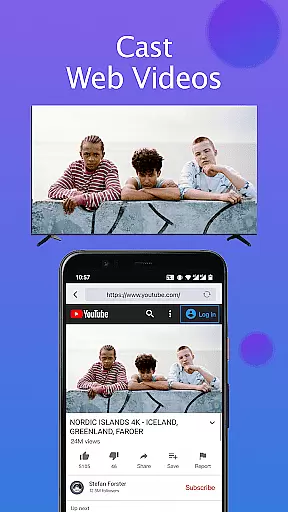
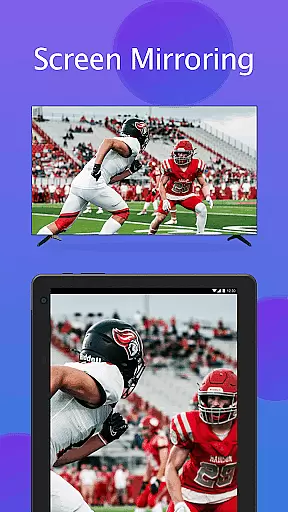
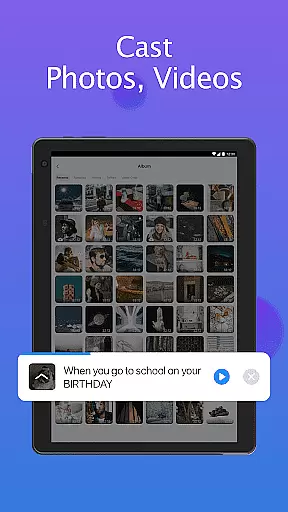
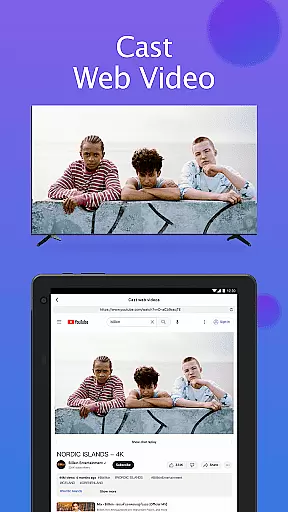
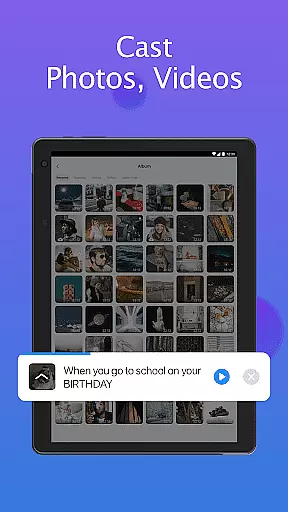
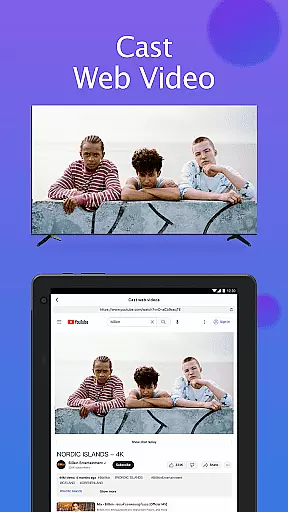
Users can perform essential operations such as powering the TV on or off, adjusting volume levels, changing channels, and navigating menus. The app also supports advanced functions like screen mirroring, allowing users to display their phone or tablet screen directly onto the TV in high resolution. Furthermore, it enables casting of local photos, videos, and web content to the TV, expanding entertainment options.
With its user-centric design, this app not only replaces traditional remotes but also introduces innovative ways to interact with smart TVs, ensuring a modern and convenient viewing experience.
In the realm of smart home management, ensuring the authenticity and compatibility of your devices is paramount. The Remote for Smart Samsung TV app addresses this by providing a reliable virtual remote solution tailored specifically for Samsung Smart TVs.
This application meticulously verifies compatibility with various Samsung TV models, including the Samsung 7 series, 6 series, Curved TVs, and K-Series (2016+) Tizen models. By auto-detecting your Samsung SmartThings TV on the same Wi-Fi network, it ensures that users can seamlessly connect and control their devices without concerns about fake or non-functional listings.
With clear disclaimers and troubleshooting steps, the app maintains transparency about its capabilities and limitations. Users are informed that while the app aims for broad compatibility, it may not work with all TV models due to the diverse range of Samsung TVs available.
The emphasis on authenticity extends to regular updates and maintenance suggestions, such as reinstalling the app or upgrading to the latest version to resolve connectivity issues. This commitment to genuine and dependable service enhances user trust and satisfaction.
Beyond basic remote functionality, the Remote for Smart Samsung TV app offers an array of sophisticated home management features designed to simplify and enhance your smart living experience.
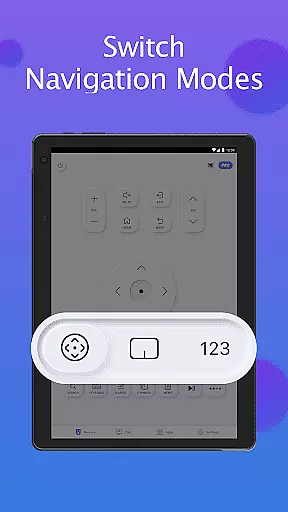
Users can enjoy effortless control over their Samsung TVs through intuitive functions like power on/off, volume adjustment, channel navigation, and quick access to favorite channels and apps. The keyboard feature streamlines text input and search operations, making interactions smoother and more efficient.
A standout feature is the ability to mirror phone or tablet screens directly to the smart TV in high resolution. This screen mirroring capability allows users to share local photos/videos and even web content with ease, creating a versatile multimedia hub within their home environment.
Additionally, the app promotes eco-friendly practices by eliminating the need for constant battery replacements associated with traditional remotes. By consolidating multiple functions into a single mobile application, it reduces electronic waste and contributes to a more sustainable smart home ecosystem.
User-friendly interface
Wide compatibility range
Advanced screen mirroring
Efficient media casting
Reliable Wi-Fi connectivity
Limited to Samsung models
Wi-Fi dependency
No physical buttons
Potential connection issues
Not officially affiliated

The official app for Home Assistant. Control your home anywhere in the world.
 4.30
4.30
Technology powering many in-home services for residents across the United States
3.80
Wobble Fix Tool
4.40
Universal TV Remote for TV, control all Smart TVs with your mobile phone.
4.4
SmartRent - Opening Doors To A Smarter World
4.40
Schlage Lock Company LLC
4.00
Night Owl Protect helps you secure, protect, and connect your world!
4.60
Control your thermostat, comfort, and home monitoring from your phone
4.30
Connect with reliable pros for maintenance services, plumbing, and home design!
4.80
Home Ideas | Renovation Advice | Local Pros. Go From Dream to Home with Houzz.
4.70
Plants, Beauty, Collectibles
4.60
Parcel Pending Resident App
4.50
AI Home Designer & Room Planner: Decorate your interior space with AI
4.40
For all of your Airthings devices
4.30
Find contractors for all home renovation projects. Remodeling, repair, and more.
4.20
Floor Plan Creator Home Design with 2D interior design and 3d view.
3.90
Draw your floor plan smartly. Make house design blueprint with home planner app
3.60
An easier way to make payments and maintenance requests from anywhere.
3.50
Universal TV remote Control for Roku TV brands via WiFi remote
4.5


User Reviews