

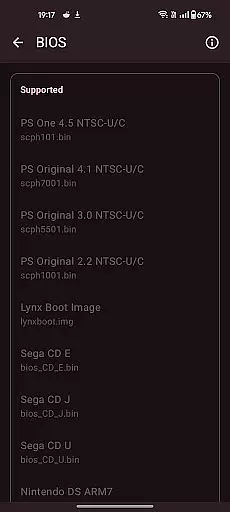
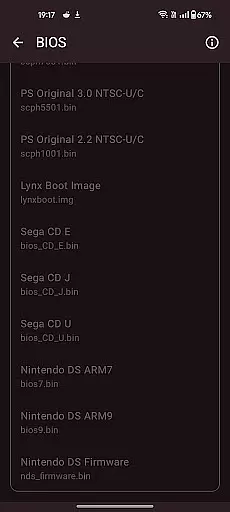
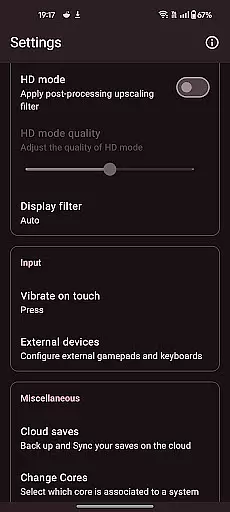

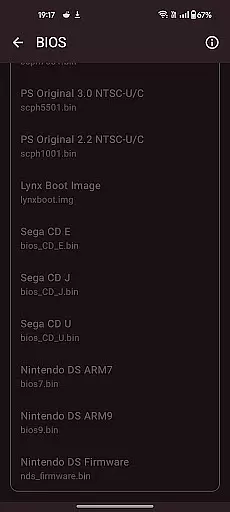
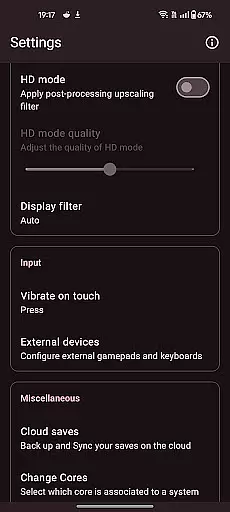
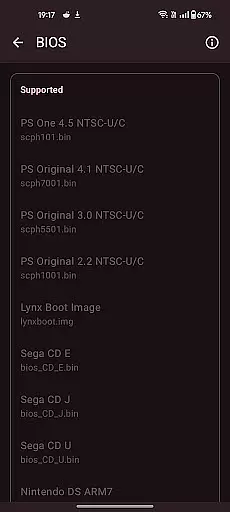

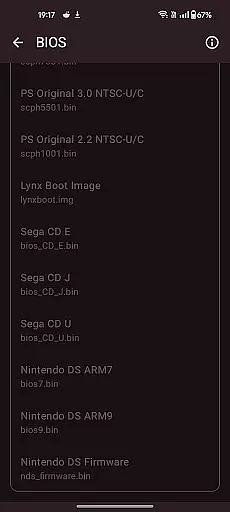
Retro emulator classic is an all-in-one emulator app designed for Android users who want to relive the nostalgia of retro gaming. This app supports a wide range of gaming systems, including Atari, Nintendo, PlayStation, Sega, and more. Whether you're using a phone, tablet, or TV, Retro emulator classic offers smooth performance with an intuitive interface and no ads.
One of the standout features of this app is its automatic save and restore states, allowing users to pick up right where they left off. With optimized touch controls, support for zipped ROMs, video filters, and fast-forward support, it provides a comprehensive and customizable gaming experience. The app also supports local multiplayer, cloud save sync, and gamepad integration, making it versatile for different types of gamers.
For those who appreciate a seamless gaming experience without interruptions, Retro emulator classic is an excellent choice. It caters to both casual players and hardcore retro gaming enthusiasts, delivering high-quality emulation that captures the essence of classic gaming on modern devices.
Retro emulator classic stands out with its extensive list of supported gaming systems, which includes popular platforms like Atari, Nintendo, PlayStation, and Sega. Each system is emulated with precision, ensuring that games run smoothly and accurately on Android devices. The app's ROM scanning and library indexing make it easy to organize and access your game collection.
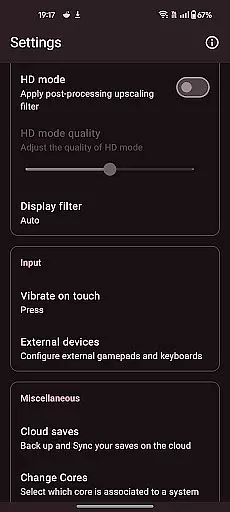
Among its notable features are the optimized touch controls, which can be fully customized to suit individual preferences. Users can take advantage of quick save/load slots, video filters, and display simulation options such as LCD/CRT to enhance their gaming experience. Additionally, the app supports fast-forward functionality, allowing players to speed through less engaging parts of games.
Another key aspect is the local multiplayer feature, enabling multiple players to enjoy games together on a single device. Cloud save sync ensures that progress is never lost, while gamepad and tilt-stick support provide alternative control methods. These features collectively create a robust platform for enjoying classic games on contemporary hardware.
Arcade authenticity and nostalgia are at the heart of Retro emulator classic, providing users with an immersive experience that harks back to the golden era of gaming. This app meticulously emulates a wide range of systems, ensuring that each game feels as authentic as possible.
The emulator supports classic arcade systems like Atari, Nintendo, and Sega, among others. Each supported system is optimized to replicate the original gaming experience, from control schemes to graphics rendering, making it a perfect choice for enthusiasts looking to relive their favorite moments.
Users benefit from features such as video filters and display simulation, which enhance the nostalgic experience by mimicking the visual effects of old CRT monitors or LCD screens. These options allow gamers to tailor their experience to match their fond memories of playing in arcades or on home consoles.
Ultimately, Retro emulator classic stands out by offering a seamless blend of authenticity and nostalgia, allowing players to enjoy a vast library of games just as they remember them. The attention to detail ensures that every gaming session is not just about playing a game, but about stepping back into a cherished pastime.
Control responsiveness is crucial for an optimal gaming experience, and Retro emulator classic excels in delivering precise and intuitive controls. The app offers fully customizable touch controls, enabling users to adjust virtual buttons and joysticks to their preference, ensuring a comfortable and efficient gameplay session.
In addition to customizable touch controls, the emulator supports external gamepads, further enhancing control precision. Gamers can connect their preferred controllers and enjoy a console-like experience, with responsive inputs that make gameplay smooth and enjoyable.
For those who prefer motion-based gaming, Retro emulator classic includes tilt-stick support, adding another layer of interactivity. This feature allows users to control games through device movement, offering a dynamic and engaging way to play classic titles.
By focusing on control responsiveness, Retro emulator classic ensures that every player can find a control scheme that suits them best. Whether using touch, gamepad, or motion controls, users will appreciate the tight feedback and low latency, making each gaming session a delightful journey into the past.
User-friendly interface
Wide system compatibility
Automatic save states
No in-app advertisements
Customizable controls
Requires powerful hardware
No included games
Limited advanced settings
Potential lag on older devices
ROMs not provided

Dig yourself a way to gold, diamonds and success with this addictive mining game
 3.90
3.90
Snake Legacy, sans pub, repensé pour une expérience fluide et élégante.
4.0
Try this unique restaurant sim and enjoy the fun of cooking in busy kitchens!
4.70
Bounce through platforms. Avoid obstacles. Get the bouncing ball to the finish.
4.00
Jump and fly your way through danger in this rythm-based action platformer!
4.50
Save the Galaxy from galaxiga alien - Classic arcade shooter game
4.60
NEOGEO's masterpiece game is now available in the app!
4.10
Play all your favorite Playstation games in your android device!!
4.50
Original Space Adventure Experience
4.60
Punch your way through the Streets of Rage once again!
4.80
Full featured version of Pizza Boy A (GBA emulator)
4.80
Meet Snake Run Race! Slither through an obstacle course in our fun running game!
4.70
Local offline 2 3 4 player multiplayer minigames - race, tanks, football
4.60
Flip the bottle! Do tricks and don't let the bottle fall!
4.50
Play, Craft and Share your Endless Runner Levels on Kooply Run: Subway Craft
4.50
NES Emulator
4.40
Genesis, Mega Drive, Mega CD, Master System, Game Gear Emulator!
4.20
Slice up a juicy storm!
4.20
Enter Double Dragon Trilogy, a compilation of the beloved arcade series
4.10


User Reviews