
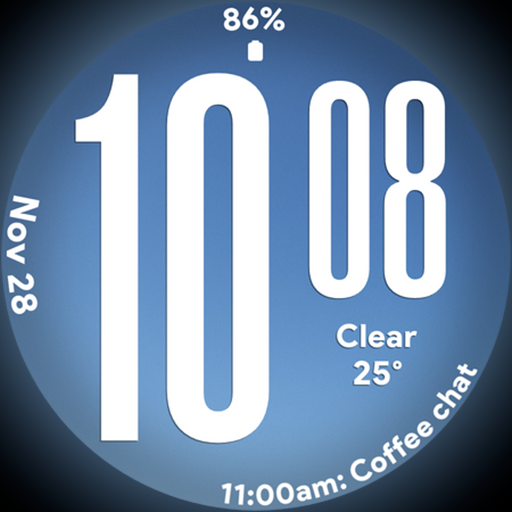
Big bold weather watch face with dynamic backgrounds and 3 complications
 4.4
4.4
Discover how to help puppies stay calm around noise with this helpful app.
4.0
The all-new Cync app. The simple, connected app for Cync and C by GE.
4.50
BILT interactive 3D instructions help you get the job done right
3.50
A daily quote for success
4.0
Discover the "To Be a Christian" App: Your Guide to Deepening Faith!
5.00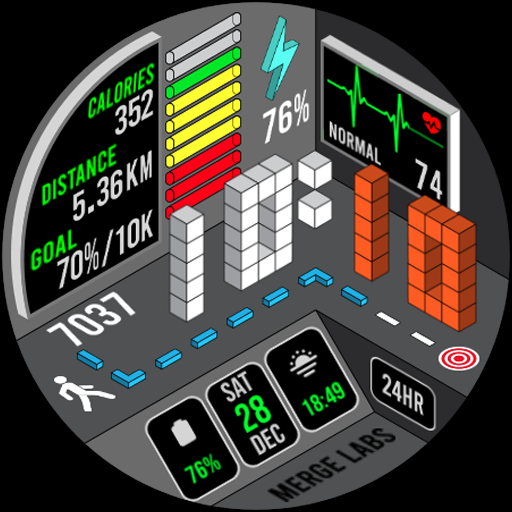
A uniquely designed isometric digital watch face made for Wear OS
4.4
The go to app for taking unlimited notes!
4.50
Create slime on your phone and enjoy satisfying and relaxing ASMR games
4.50
Countdown to Christmas 2025 with festive games & activities in a virtual village
4.80
See wait times and check into a hair salon ahead of time with Online Check-In.
4.80
Get the news, events and savings that matter to you with AARP Now.
4.80
Have your Tehillim with you at all times
4.70
The App can control Roborock vacuum cleaners from anywhere with rich features.
4.60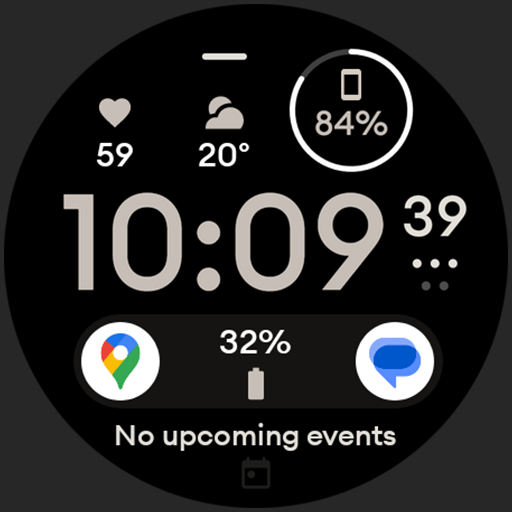
Digital watch face design. Modern looking, hi-res & battery friendly.
4.00
Falling Fruit is a massive collaborative map of food in our cities.
3.20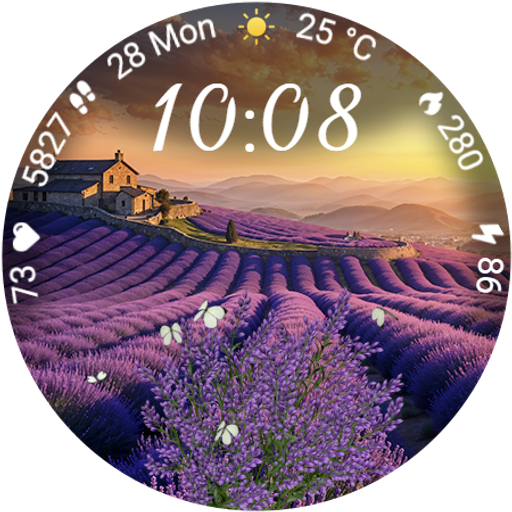
Immerse yourself in the serenity of lavender fields and white butterflies
4.5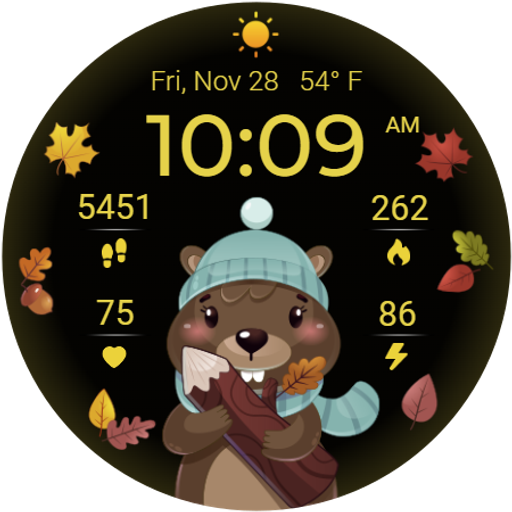
The cutest Autumn watchface featuring the adorable Mr. Squirrel
4.0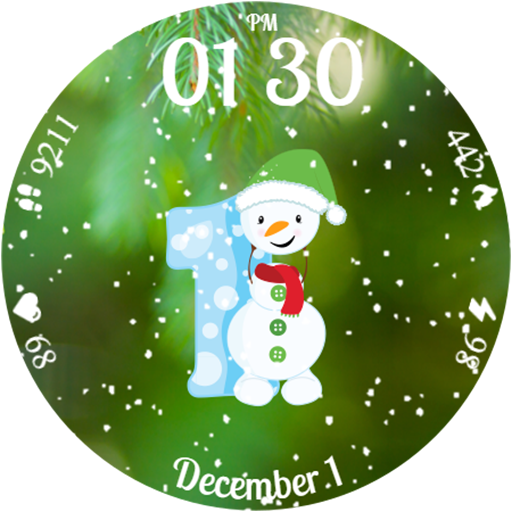
Celebrate the holidays with Advent Calendar: daily surprises and festive fun!
4.5


