
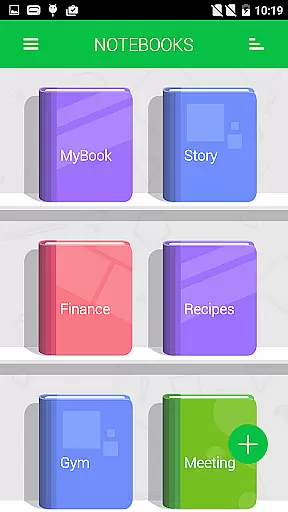
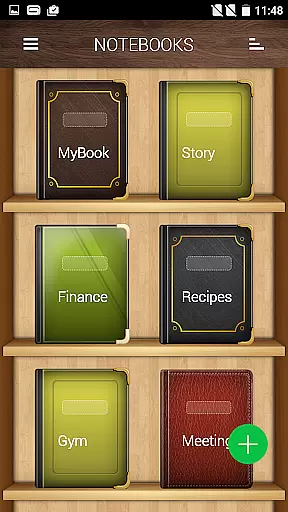
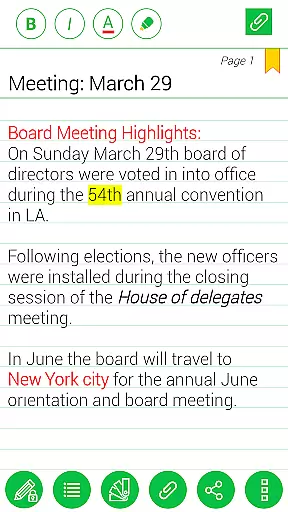
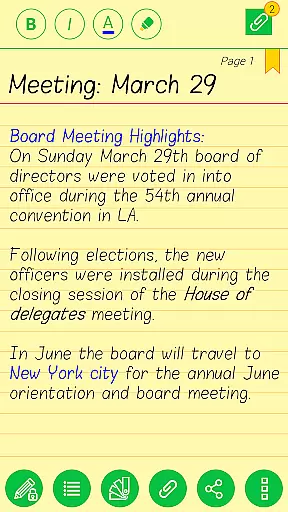
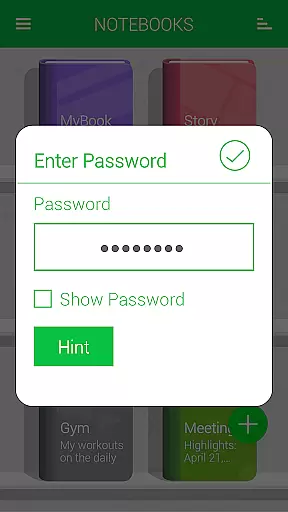
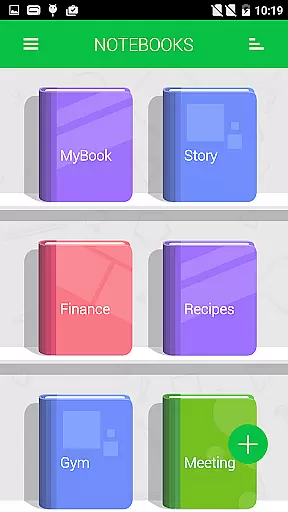
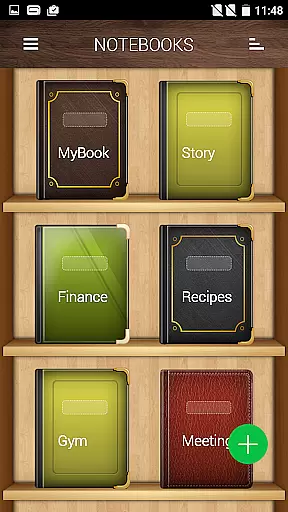
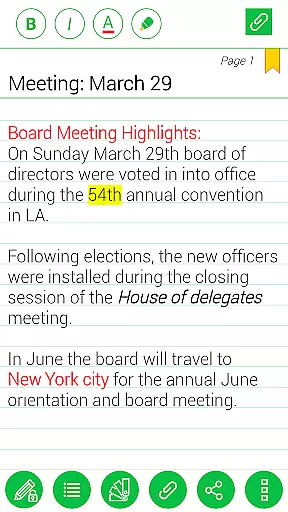
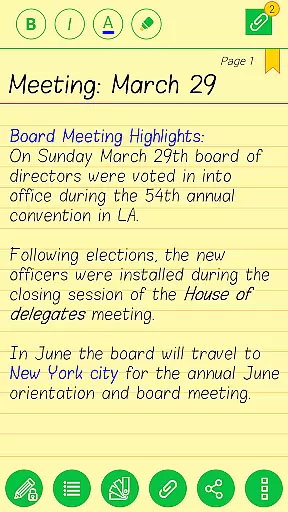
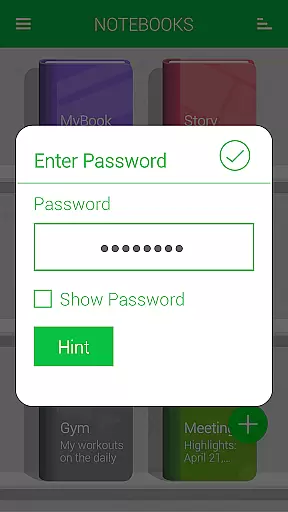
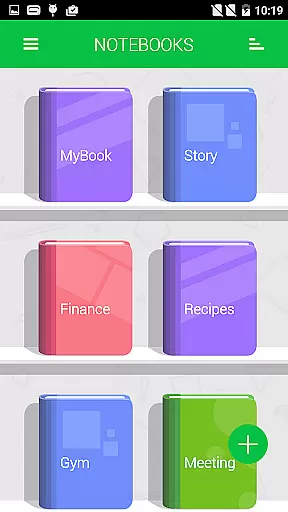
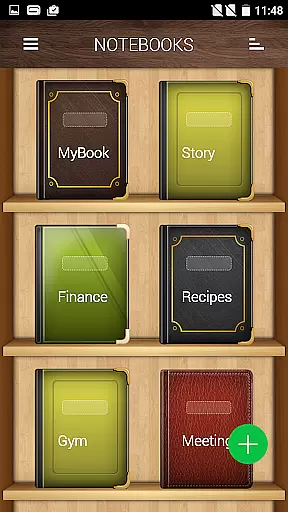
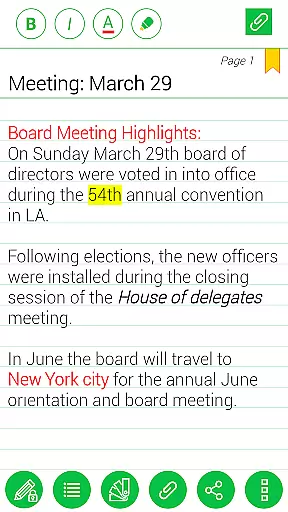
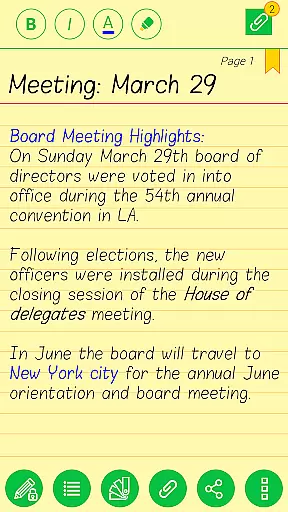
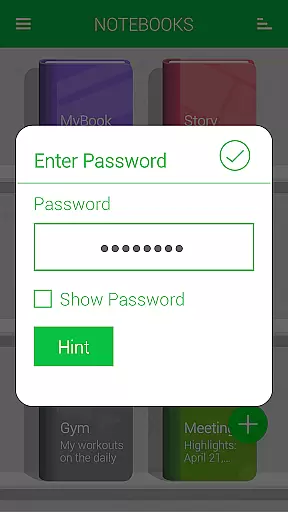
Notebooks Pro is a versatile note-taking application designed to cater to all your note-making needs. This app allows users to create multiple notebooks for different subjects, each with customizable covers, titles, and page styles. With features like password protection, fingerprint unlocking, and instant search within notebooks, it ensures both security and ease of access.
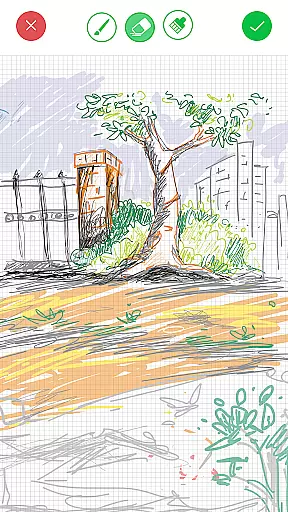
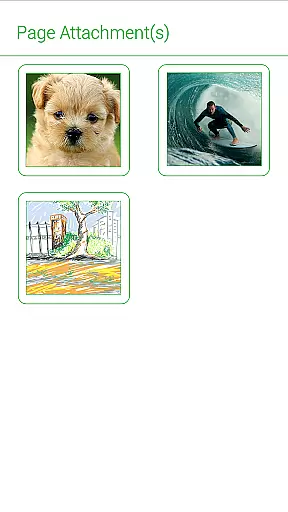
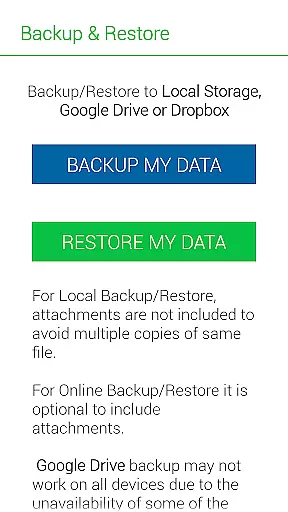
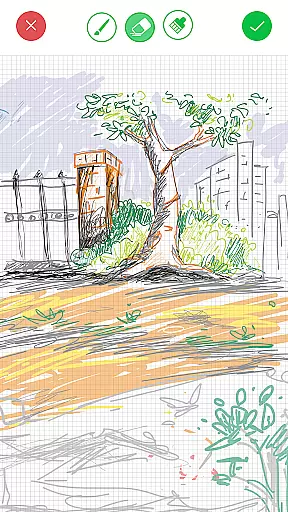
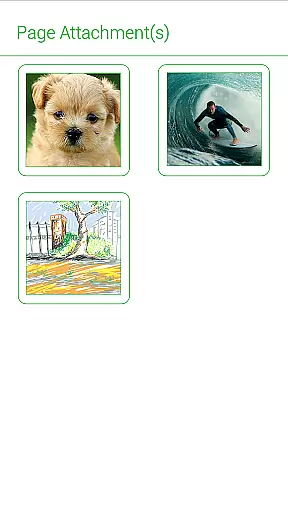
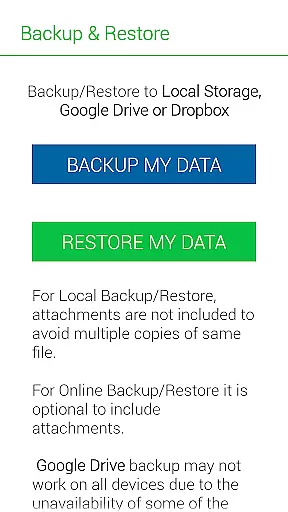
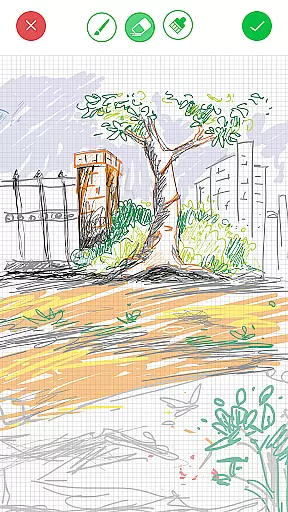
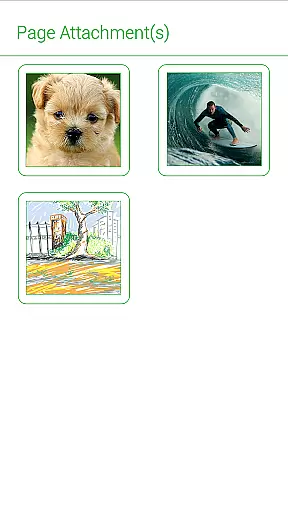
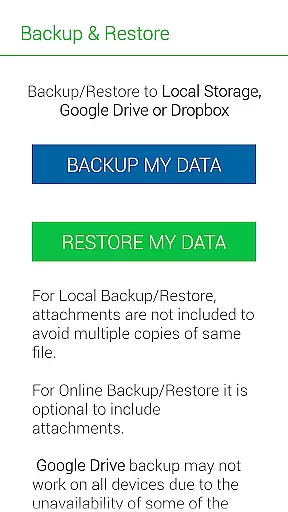
One standout feature is the ability to attach freehand drawings and image files to notes, making it ideal for creative professionals and students alike. The app also supports exporting entire notebooks or individual pages as PDFs with attachments. With seamless integration with cloud services like Google Drive and Dropbox for backup, Notebooks Pro offers a reliable solution for organizing and safeguarding important information.
Notebooks Pro stands out with its comprehensive set of features tailored for efficient note management. Users can create multiple notebooks, each customizable with unique titles, cover colors, and page styles. The app provides robust security options including password protection and fingerprint unlocking, ensuring that sensitive information remains private.
Another key feature is the ability to attach various types of content such as images and freehand drawings, enhancing the versatility of notes. Additionally, the app supports exporting notebooks or pages as PDFs, complete with attachments. Integration with cloud storage solutions like Google Drive and Dropbox enables automatic backups, providing peace of mind that data is safe and accessible from anywhere.
Notebooks Pro offers extensive lifestyle category coverage by providing users with a versatile platform for various note-taking needs. Whether you are a student, businessman, or just someone who uses their phone and tablet for taking notes, this application has got you covered.
The app allows the creation of multiple notebooks for different subjects, ensuring that your notes remain organized and clutter-free. With customizable covers, titles, and page styles, each notebook can be tailored to suit specific topics or purposes.
Additionally, Notebooks Pro supports features like attaching image files, creating freehand drawings, and setting bookmarks, making it an all-in-one solution for capturing ideas in diverse formats. The ability to export books or pages to PDF adds another layer of utility, especially for those needing to share or print their notes professionally.
When it comes to content authenticity and expert credibility, Notebooks Pro stands out by offering reliable and practical features vetted by user experience. While not created by certified experts, the app's functionalities have been designed keeping flexibility and ease of use at its core.
Permissions such as GET_ACCOUNTS and INTERNET are solely used to communicate with Google Drive for backing up data, ensuring that your information remains secure without storing account details within the app itself. This reflects the developers' commitment to maintaining privacy standards while delivering essential services.
Moreover, frequent updates and a comprehensive FAQ section provided by DroidVeda address common queries and issues effectively. Users can trust that they are getting a polished product continuously improved based on real-world feedback and usage patterns.
User-friendly interface
Customizable notebooks
Secure data protection
Cloud backup support
Versatile content attachment
Limited language support
No collaborative features
Premium version required
Occasional bugs reported
Steep learning curve

Design and brew great homebrewing beer, mead, cider and wine recipes on the go!
 3.60
3.60
Turn your watch into a key fob for your Tesla
2.90
Big bold weather watch face with dynamic backgrounds and 3 complications
4.0
Paranormal Spirit Bell Trigger Device
4.30
Make money, get paid cash rewards & gift cards for every survey. Earn today!
4.60
The cutest Autumn watchface featuring the adorable Mr. Squirrel
4.4
Wear your favorite memories, loved ones, pets or travel photos on your watch
4.1
Futuristic watchface inspired by Back to the Future: sleek, retro, timeless
4.5
DailyGift can help you record your habits and get rewards along the way!
4.60
Get roadside help, discounts, travel tools & more — AAA is with you everywhere.
4.80
Simple, stylish & fresh watch face. Customize colors, gradients & complications.
4.70
Have your Tehillim with you at all times
4.70
Crochet made easy: step-by-step tutorials, beginner patterns & projects
4.60
Colorful minimal digital watch face for Wear OS
4.60
The App can control Roborock vacuum cleaners from anywhere with rich features.
4.60
Discover your Nationality, Family Origin, and Ancestry from one selfie
4.50
Digital watch face design. Modern looking, hi-res & battery friendly.
4.00
Easily manage your child's playtime, spending messaging and more.
3.50
A uniquely designed isometric digital watch face made for Wear OS
4.1


User Reviews