
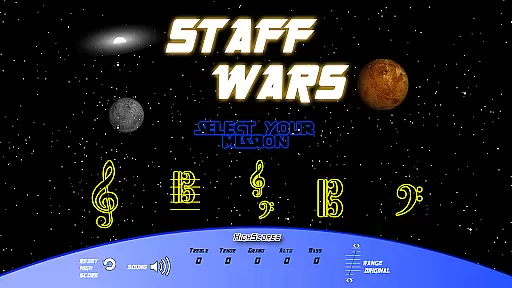
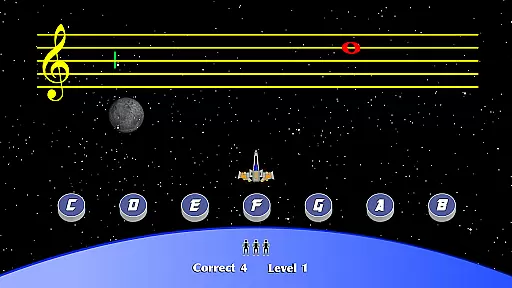
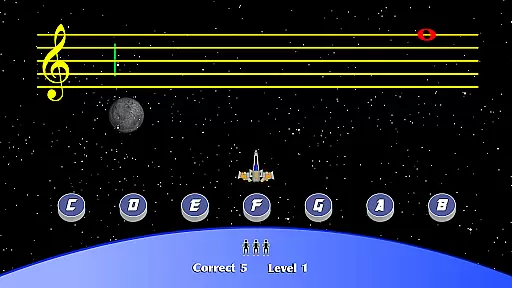
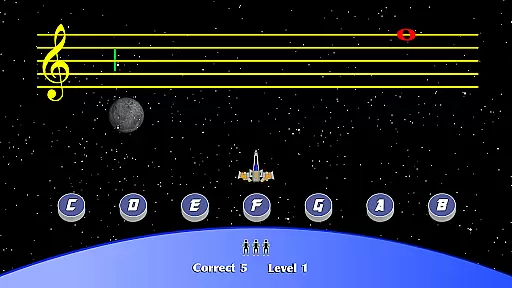
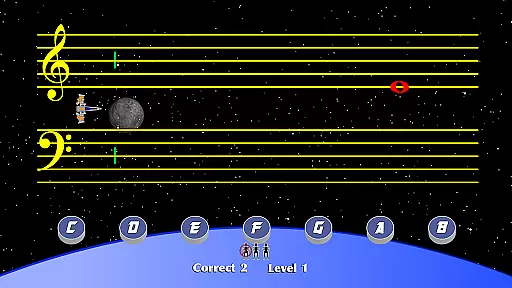
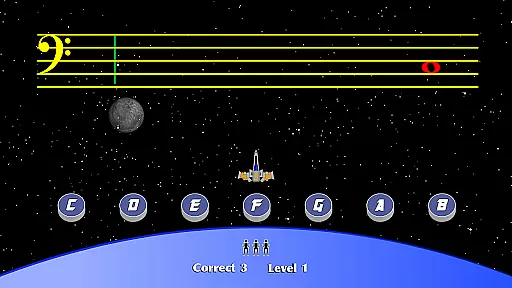
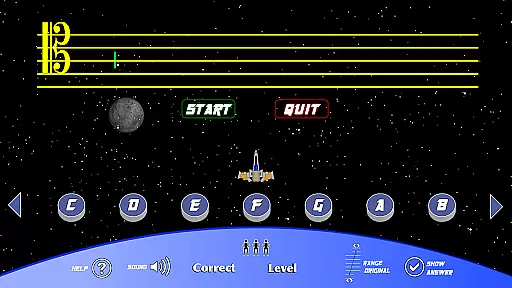
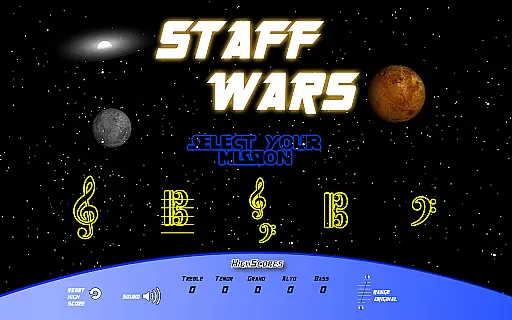
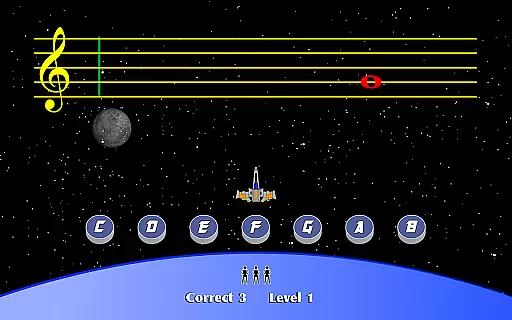
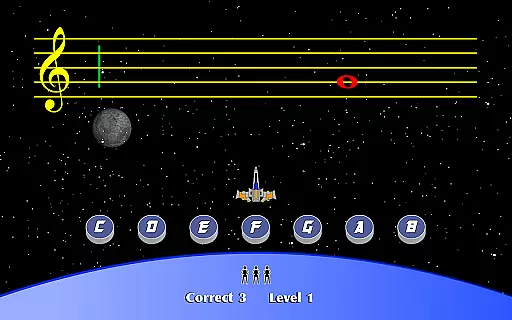
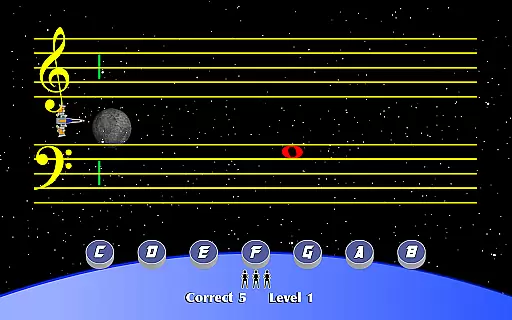
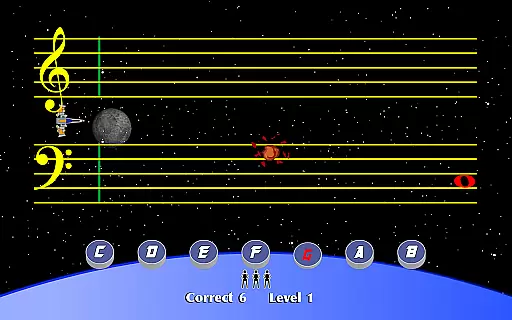
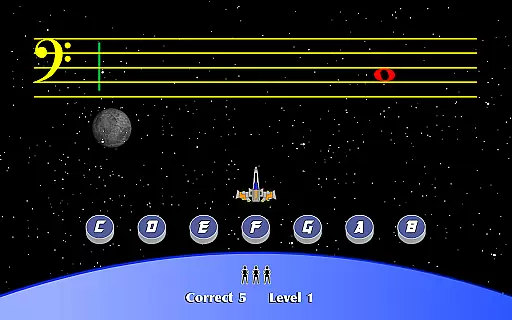
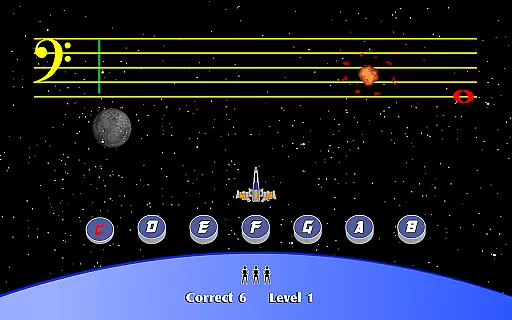
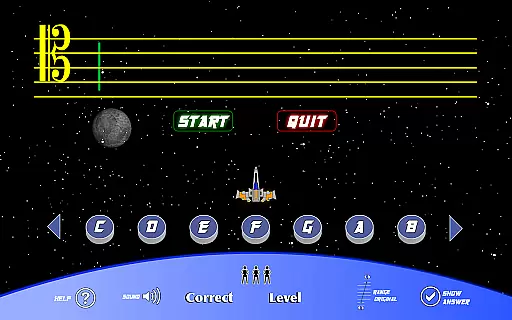
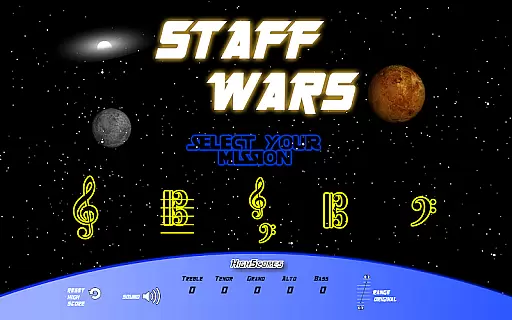
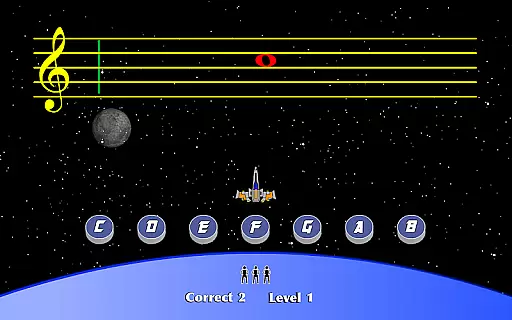
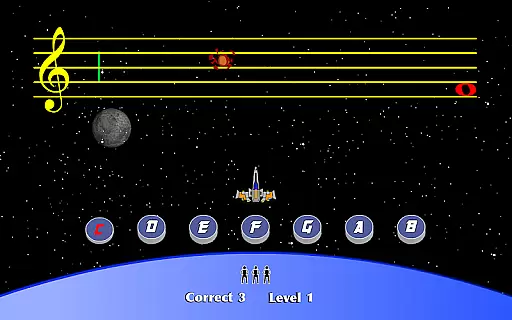
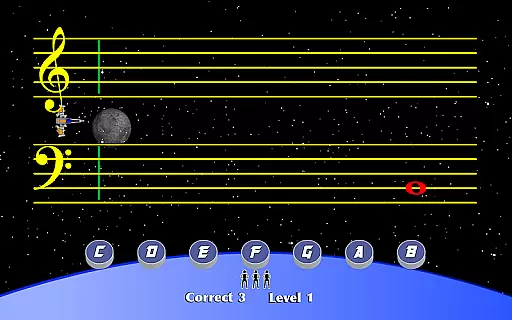
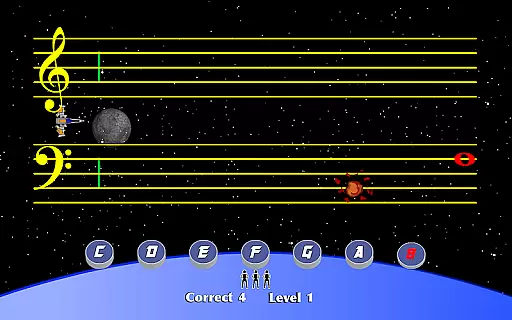
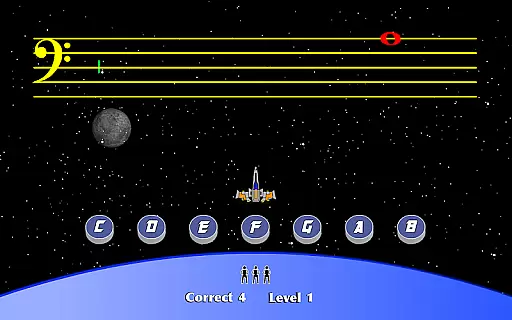
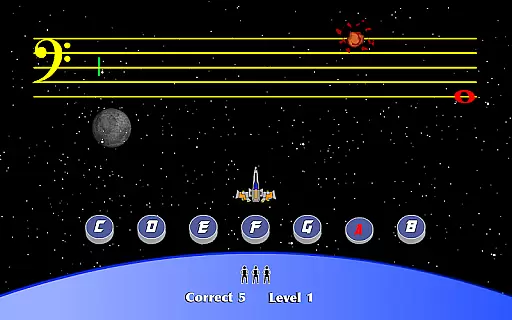
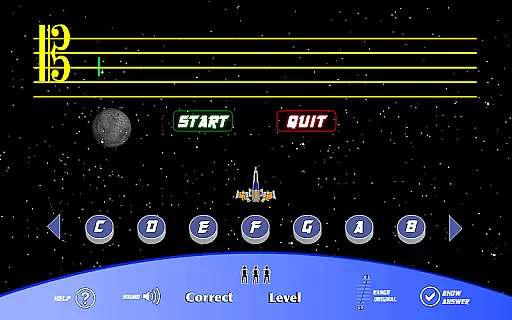
StaffWars is an educational game specifically designed to help musicians at beginner and intermediate levels master the note names across various clefs. The app focuses on treble, alto, bass, tenor, and grand staff clefs, making it a comprehensive tool for those looking to improve their music theory knowledge.
With its interactive gameplay, StaffWars provides an engaging way to practice and reinforce learning. Whether you're preparing for a music exam or simply honing your skills, this app offers valuable practice opportunities that cater to different learning styles.
One of the standout features of StaffWars is its focus on multiple clefs, allowing users to practice treble, alto, bass, tenor, and grand staff notes in one place. This makes it versatile for musicians playing different instruments.
The app employs a gamified approach to learning, turning what could be a tedious task into an enjoyable experience. Users can track their progress over time, which helps maintain motivation and encourages consistent practice.
Additionally, StaffWars includes adjustable difficulty levels, catering to both beginners and more advanced musicians. This ensures that users remain challenged but not overwhelmed as they advance in their musical journey.
StaffWars provides meticulously verified content that ensures musicians learn the correct note names across various clefs. The app's data is aligned with established music theory standards, making it a reliable learning tool.
Each staff and note presented in the application has been cross-referenced with authoritative music education resources. This guarantees that users receive accurate information as they practice and improve their skills.
For beginning and intermediate musicians, having access to precise educational material is crucial. StaffWars delivers this by maintaining strict content accuracy protocols.
The authority of the content is further reinforced by its endorsement from music teachers and professionals. This makes the app an essential resource for anyone serious about mastering musical clefs.
StaffWars offers tailored learning experiences that adapt to individual progress and skill levels. Users can focus on specific clefs such as treble, alto, bass, tenor, or grand staff, allowing for customized learning paths.
The app intelligently adjusts the difficulty based on user performance, ensuring an optimal learning curve. This personalized approach helps musicians efficiently master each clef at their own pace.
With features designed to track progress and provide feedback, learners can clearly see their improvement over time. This motivates continued practice and development of musical skills.
By combining structured lessons with flexible practice options, StaffWars creates a personalized learning environment suitable for any musician looking to enhance their understanding of musical notation.
User-friendly interface
Comprehensive clef coverage
Engaging gameplay mechanics
Progress tracking feature
Ideal for all musician levels
Limited to note recognition
No advanced theory lessons
Graphics may feel outdated
In-app purchases available
Occasional performance lags

A 2024 digital study guide for the Expert Infantryman and Expert Soldier's Badge
 4.3
4.3
Bebefinn and Baby Shark educational, animated videos & games for kids
3.40
Your best partner for learning Japanese words. Based on a best-selling textbook.
2.90
Study for your 608 certification.
4.50
Enrich the experience of your visit to the Pantheon with our audiotour.
1.60
THE ESTABLISHED "GO TO" ARMY BOARD PREPARATION APP!
4.30
Stack the Countries makes learning world geography fun!
4.50
Learn to make peaceful contact with extraterrestrial civilizations
4.10
Adventures await with Spider-Man and other Marvel characters!
4.10
AI Language tutor: Speak fluently with Lucy’s personalized coaching
4.70
Stack the States makes learning about the 50 states fun!
4.70
2026 DVSA Driving Theory Test revision with Hazard Perception + Highway Code
4.60
Turn scrolling hours into improving your knowledge, communication, intelligence
4.50
Welcome to the Speak Navajo Language Application - Volume 1
4.50
An interactive enhancement of the Sesame Street classic.
4.50
Practice Casino Roulette Payouts for Table Game Dealers and Croupiers
4.40
The FE Clock is a way to track sun & moon around the circle of the earth.
4.30
An aviator’s preparation, study and test tool for FAA Knowledge Exams.
4.10
Hasbro’s classic CANDY LAND game is now a gorgeous interactive storybook app.
2.30


User Reviews