
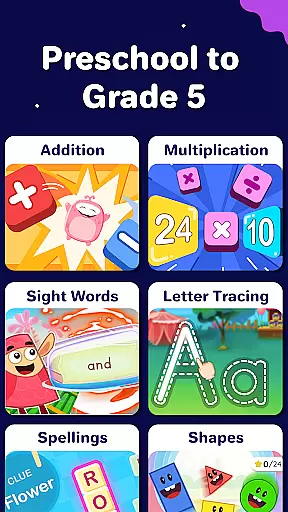
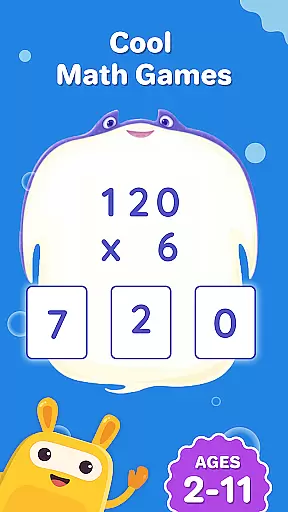
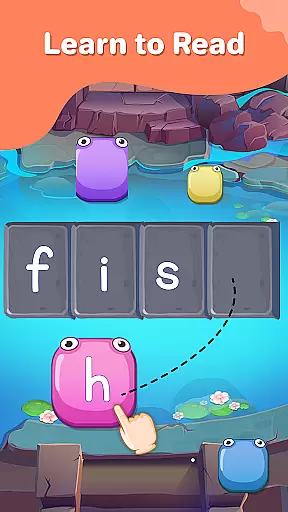
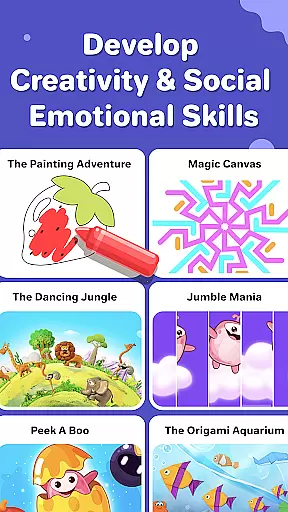
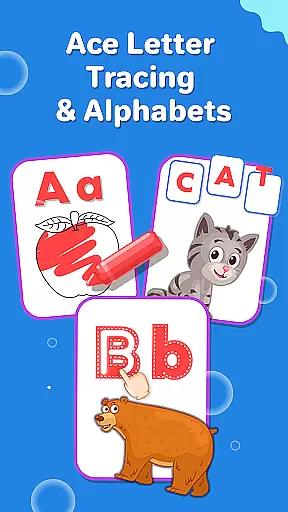
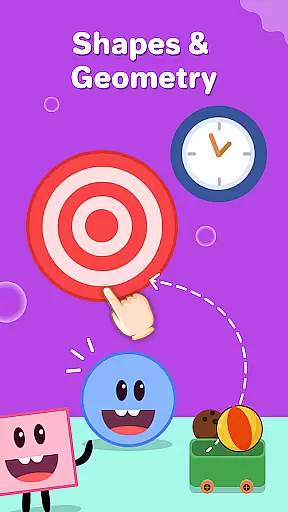
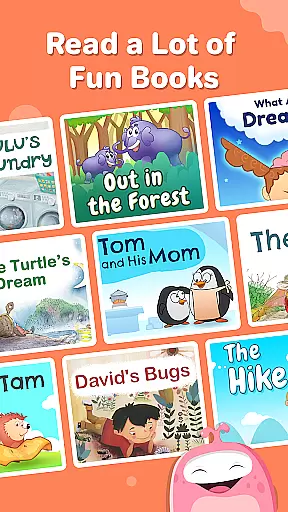
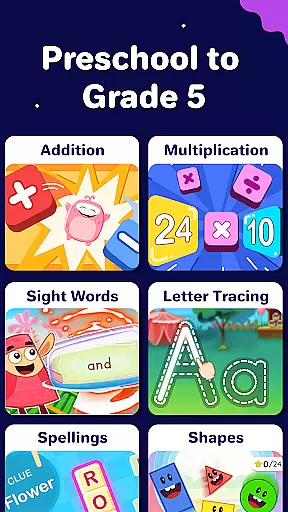
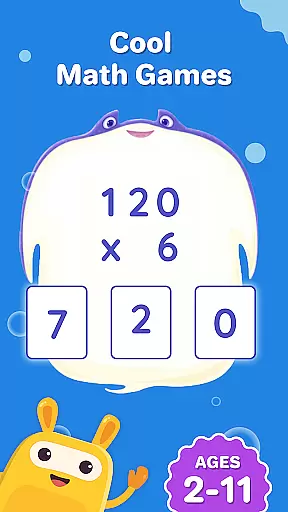
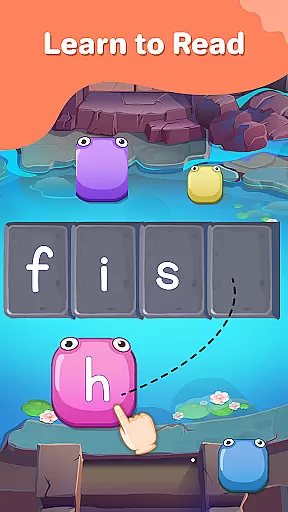
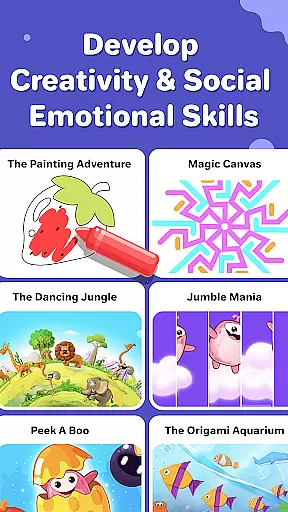
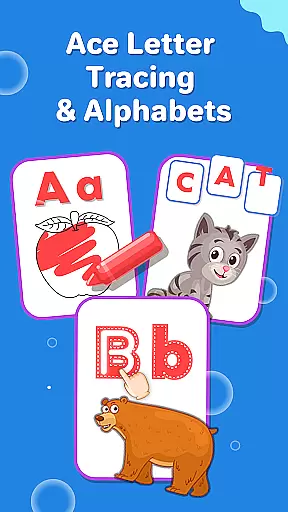
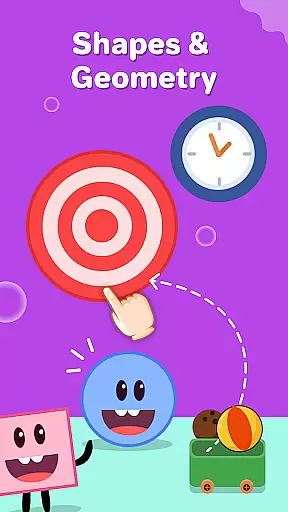
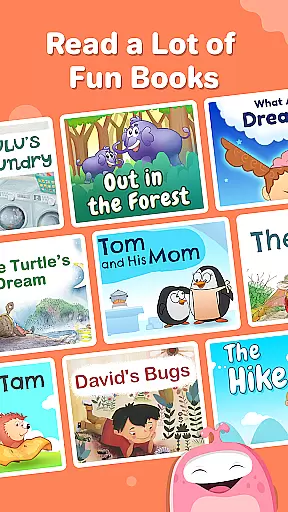
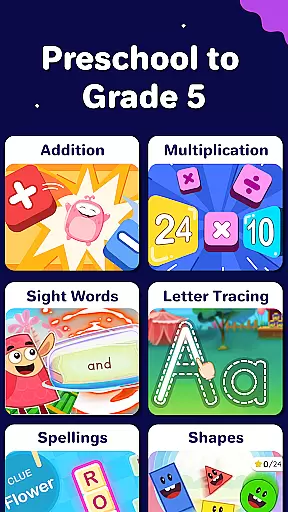
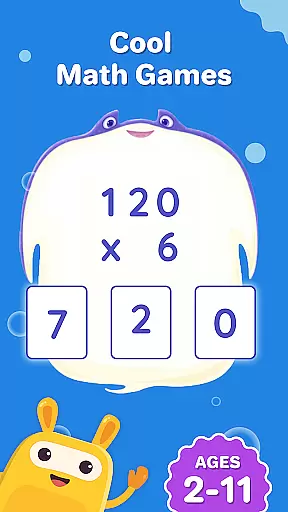
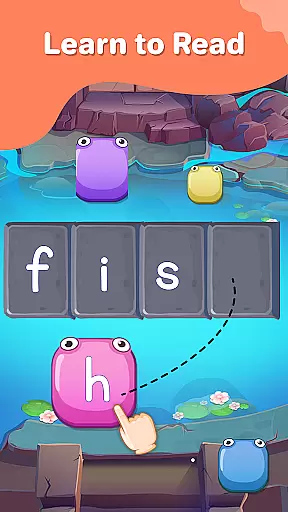
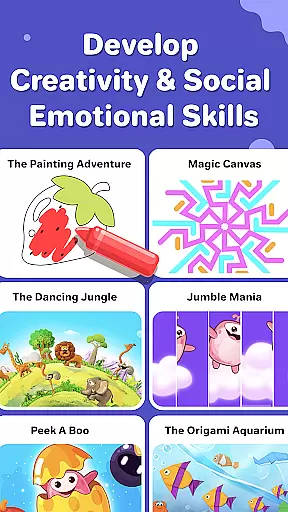
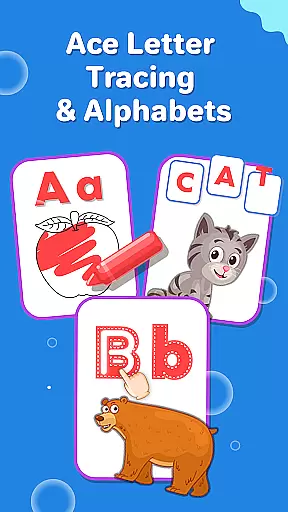
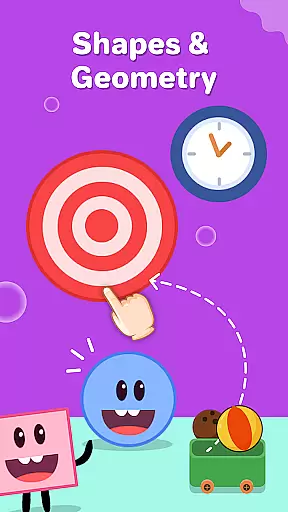
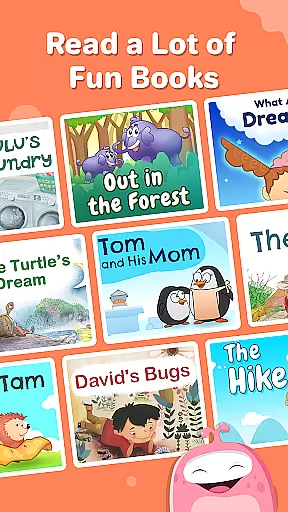
SplashLearn is a comprehensive educational app tailored for children aged 2-11, spanning PreK to Grade 5. The app transforms screen time into productive learning by offering interactive games and activities in math, reading, and creativity. With its adaptive technology, SplashLearn personalizes the learning experience for each child, ensuring they progress at their own pace while mastering essential skills.
Parents and teachers trust SplashLearn for its ability to make learning enjoyable and effective. From toddler games that introduce basic concepts to advanced exercises for fifth graders, the app covers a wide range of subjects including math operations, geometry, phonics, and reading fluency. Its structured approach supports early learners with letter tracing and number recognition, while older students tackle multiplication tables and fractions.
The app's value extends beyond academics; it fosters creativity through coloring games, storytelling, and themed activities like dinosaur adventures and cooking simulations. By blending education with entertainment, SplashLearn keeps children engaged while building critical thinking and problem-solving skills. This makes it an ideal tool for both classroom use and home learning.
SplashLearn stands out with its rich feature set designed to enhance the learning experience. One of its core strengths is the adaptive learning technology, which adjusts the difficulty level based on the child's performance. This ensures that every user receives challenges suited to their current abilities, promoting steady growth without frustration.
The app includes a variety of interactive tools such as math counting games, phonics exercises, and sight word practice. These activities are aligned with common core standards, making them relevant for school curriculums. Additionally, SplashLearn provides detailed progress reports for parents and teachers, allowing them to track the child’s development over time and identify areas needing improvement.
Safety and engagement are prioritized through a secure, ad-free environment and built-in reward systems. Children earn points and unlock new levels as they complete tasks, motivating them to continue learning. With support for multiple profiles, SplashLearn can cater to different children within the same household, offering a personalized journey for each learner.
In the realm of education, content accuracy is paramount, and SplashLearn excels in this area by providing meticulously crafted learning resources. The app's curriculum spans from PreK to Grade 5, covering essential subjects like math and reading. Each lesson is aligned with common core standards, ensuring that the information children receive is not only accurate but also relevant to their academic journey.
SplashLearn employs a team of experts who review and update the educational material regularly. This guarantees that every interactive game or exercise your child engages with is verified for factual correctness. Whether it's through math addition games or phonics song activities, the integrity of the content remains consistent, fostering an environment where kids can learn with confidence.
The authority of SplashLearnu2019s content is further reinforced by its adaptability feature. As children progress, the app adjusts the difficulty level based on their performance, delivering personalized challenges that are appropriate for their learning stage. This tailored approach ensures that each child receives the right information at the right time, promoting effective and accurate knowledge acquisition.
SplashLearn stands out by offering personalized learning paths that cater to each child's unique educational needs. Upon starting the app, learners are introduced to a variety of fun learning games that automatically adjust in difficulty based on their interactions and progress. This adaptive technology creates a customized experience, guiding young minds through math counting games or abc phonics exercises at a pace that suits them best.
For parents and educators, this means peace of mind knowing that whether itu2019s a toddler engaging with number tracing or a fifth-grader mastering fractions, the path is designed to optimize learning outcomes. The app intelligently tracks performance and preferences, using this data to refine the sequence of activities presented to the child.
Moreover, built-in rewards and progress tracking features enhance motivation and engagement. Children can see their achievements and understand their growth, which encourages them to continue exploring new concepts. With SplashLearn, every child embarks on a distinct educational journey, rich with targeted content that evolves as they do, ensuring sustained interest and continuous learning advancement.
Engaging content
Personalized learning
Safe environment
Progress tracking
Multi-grade support
Limited offline access
Premium subscription
Device compatibility
Learning curve
Occasional bugs

scanner body part for fun Prank friends realistic scan effects
 3.00
3.00
Latest TLC Practice Questions! Multiple languages available!
4.50
Pass your FAA written with flying colors - Study Buddy can help.
4.30
Explore the City of the Sun in Augmented Reality
3.70
The best way to study for your amateur radio license exam.
4.90
Make your own game and world. Draw and animate characters
3.70
Memorize anything efficiently with AnkiDroid! Many pre-built decks available.
4.80
Learn to pass DMV permit tests. Driver license practice test 2025.
4.60
Educational Activities for 2-8
3.70
Age-Related Child Developmental Milestones
4.80
An interactive enhancement of the Sesame Street classic.
4.50
Ignite curiosity, spark learning: All babybus videos &games
4.30
The "Go To" app for Airmen studying for promotion to SSgt and TSgt
4.30
Designed for Calculator 84 users
4.20
Explore numbers the Starfall way!
4.00
An aviator’s preparation, study and test tool for FAA Knowledge Exams.
4.00
Master the NRP with 700+ questions, rationales, and updated NREMT scenarios.
3.00
Study the questions most likely to be asked during the Oral & Practical Exams.
2.80
A collection of favorite stories from Daniel Tiger's Neighborhood
2.00


User Reviews