
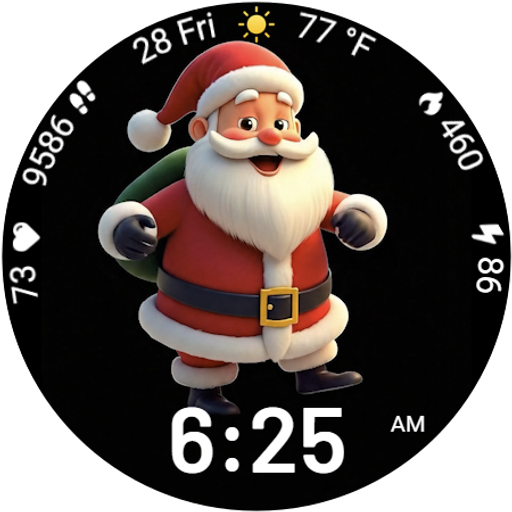
Designed to delight, impress and energize your festive spirit every single day
 4.0
4.0
Your home in your hand
3.80
Play fun games, complete quick surveys, and earn money. It's fun and easy!
4.40
SmartHQ: Your Connected Home Command Center
4.10
Make money, get paid cash rewards & gift cards for every survey. Earn today!
4.60
Communicate with your vehicles and Powerwalls anytime, anywhere
3.60
The App can control Roborock vacuum cleaners from anywhere with rich features.
4.60
DailyGift can help you record your habits and get rewards along the way!
4.60
Remotely monitor the time and temperature of food cooking on your grill.
4.60
Countdown to Christmas 2025 with festive games & activities in a virtual village
4.80
Digital smart watch face made for Wear OS.
4.70
Smart & Healthy Living
4.60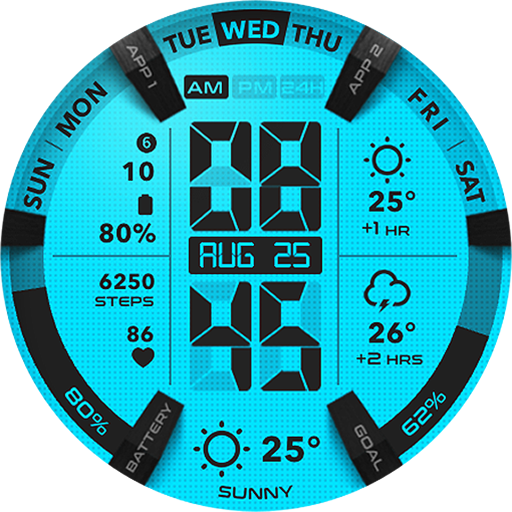
Retro animated weather with hourly forecast Watch Face for Wear OS
4.60
The all-new Cync app. The simple, connected app for Cync and C by GE.
4.50
Discover your Nationality, Family Origin, and Ancestry from one selfie
4.50
Earn points with every purchase with Moe Rewards.
4.20
Use your device sensors to detect energy and convert it into spoken words.
4.10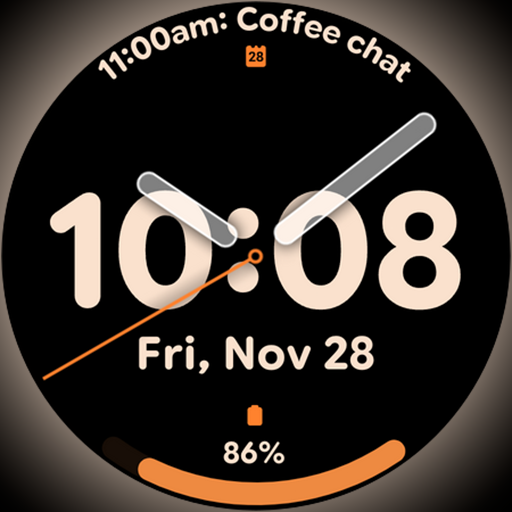
Big bold hybrid watch face with 30 colors, 5 fonts & 5 complications.
4.4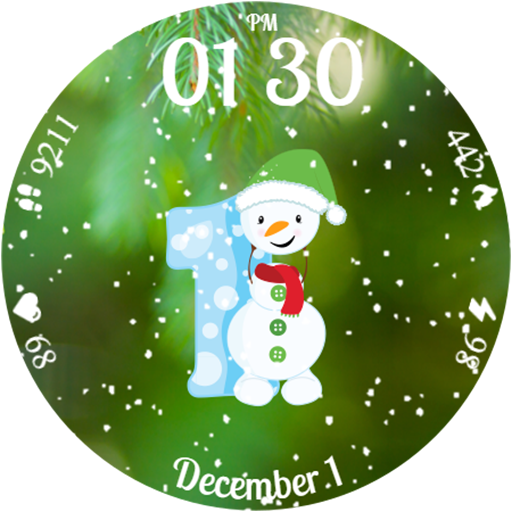
Celebrate the holidays with Advent Calendar: daily surprises and festive fun!
4.0


