
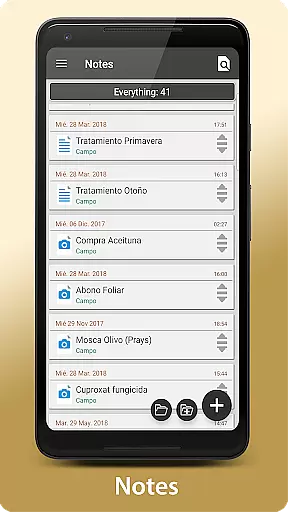
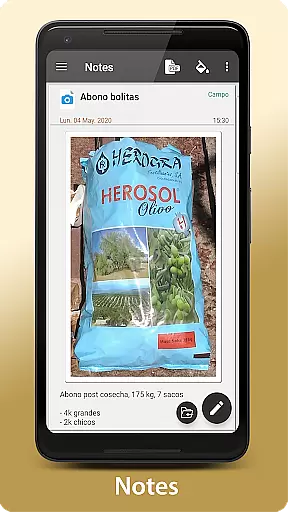
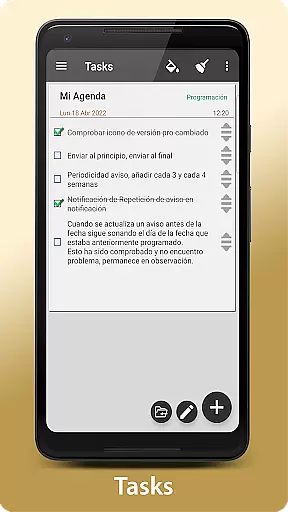
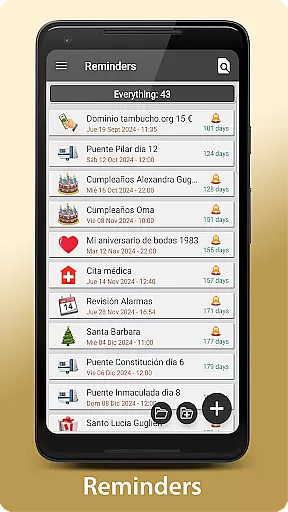
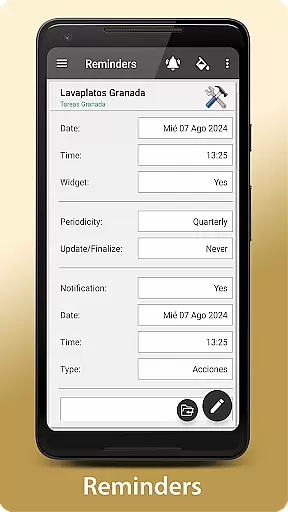
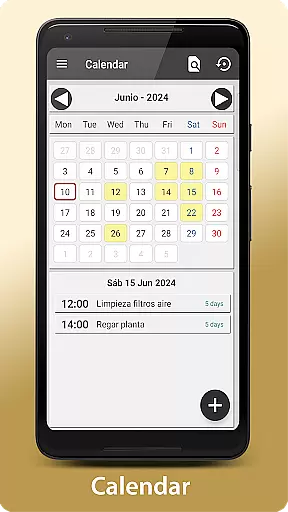
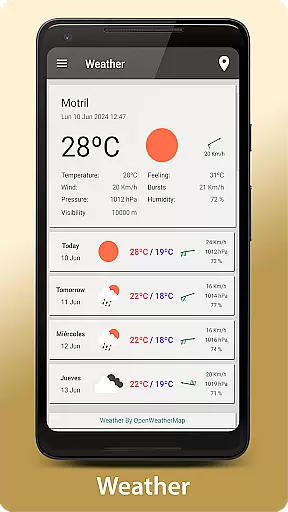
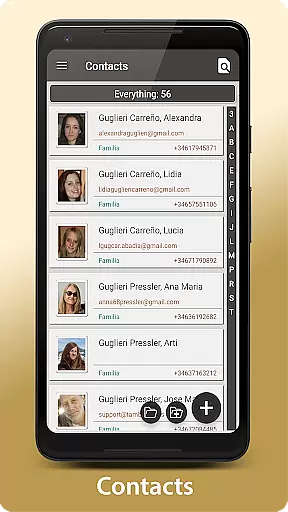
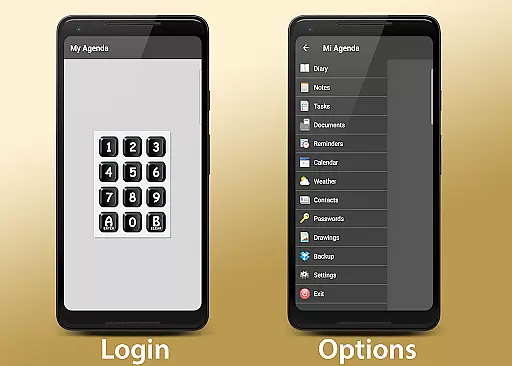
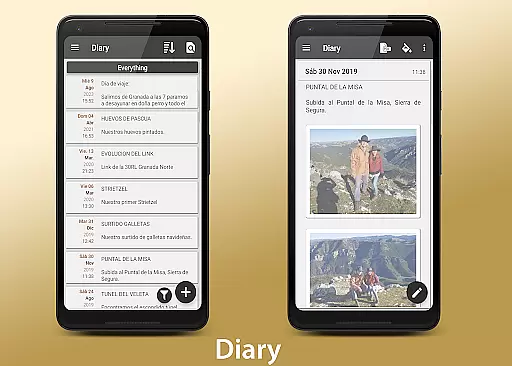
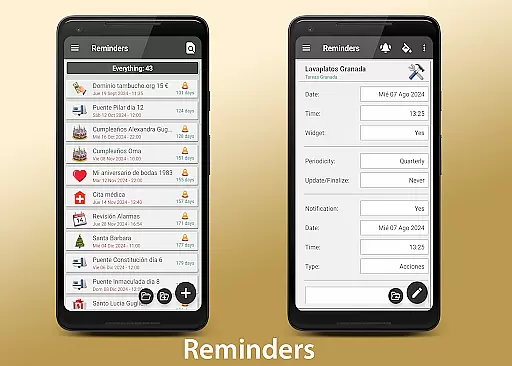
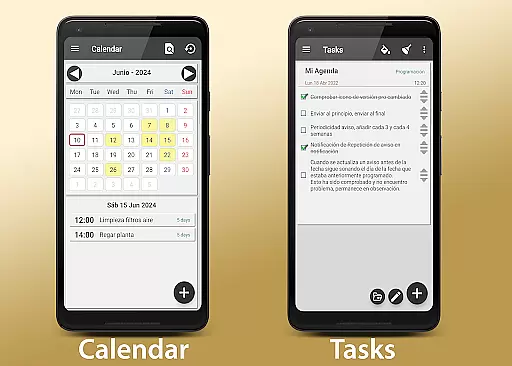
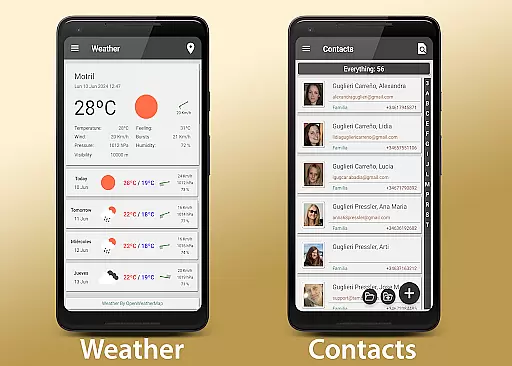
My Agenda Pro is a comprehensive lifestyle management app designed to streamline your daily tasks and organization. This all-in-one personal assistant offers a visual diary for capturing thoughts, ideas, and special moments through text, photos, and voice notes. It also provides personalized task management with reminders and deadlines, alongside a 15-day weather forecast to help you plan activities effectively.
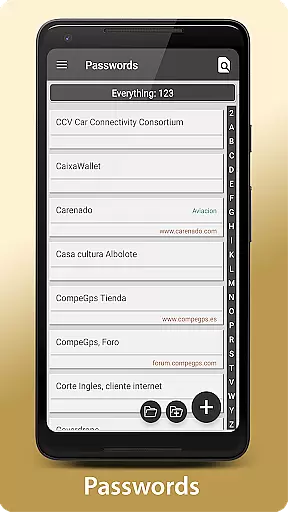
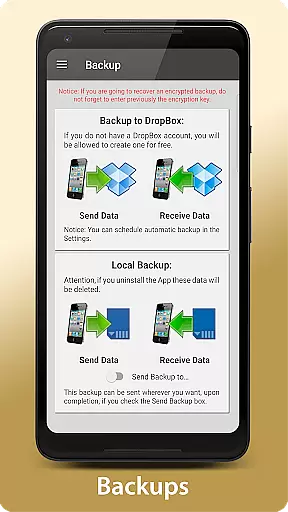
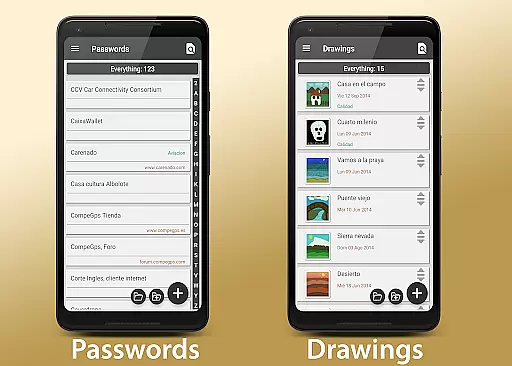
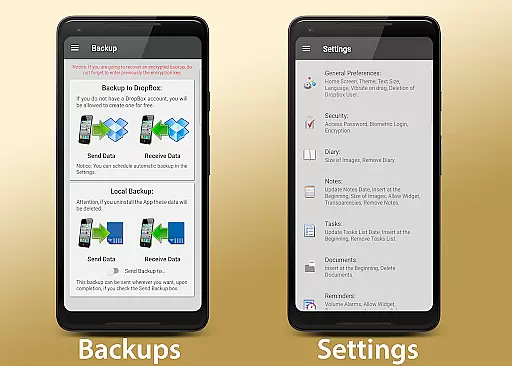
The app ensures security by allowing users to store contacts and passwords in an encrypted format, accessible via fingerprint or password protection. With features like automatic backup to Dropbox, manual backup options to Drive or Email, and custom home screen widgets, My Agenda Pro combines flexibility, creativity, and security. Whether you need to organize your day or protect sensitive information, this app delivers a complete solution tailored to enhance your lifestyle.
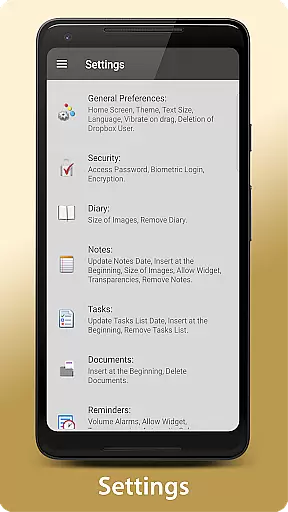
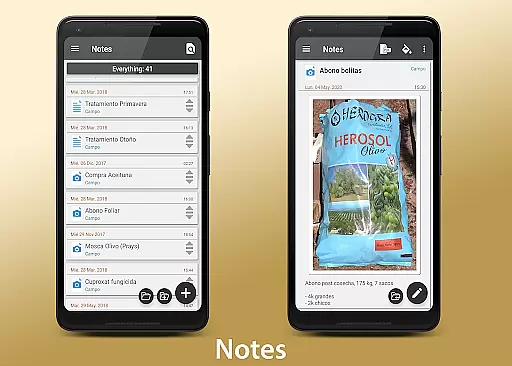
My Agenda Pro stands out with its diverse feature set tailored for optimal lifestyle management. The app's visual diary allows multimedia note-taking through text, photos, and voice recordings, while the personalized task manager helps users create lists, set deadlines, and choose notification styles. Its integrated calendar view and list organization ensure better planning and time management.
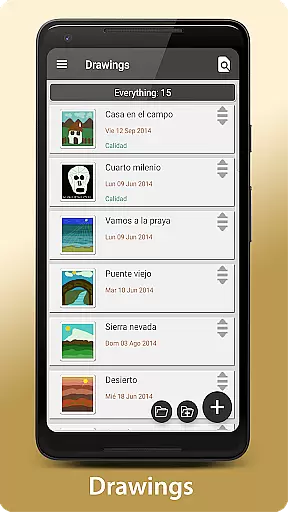
Security is prioritized with encrypted storage for contacts and passwords, protected by fingerprint authentication or passcode access. Additionally, the app supports creative expression through freehand drawing and sketching tools. Automatic synchronization with Dropbox guarantees data safety, with flexible sharing options such as PDF conversion and integration with platforms like WhatsApp and Email. Customizable widgets further enhance accessibility by bringing essential reminders directly to your home screen.
My Agenda Pro offers extensive lifestyle category coverage, ensuring that users can manage various aspects of their daily lives within a single application. This app goes beyond basic note-taking by integrating features such as task management, weather forecasts, and secure storage for contacts and passwords.
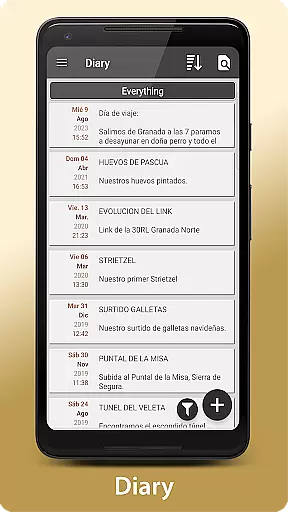
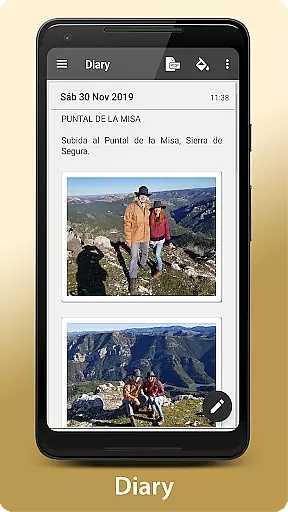
The app's comprehensive approach allows users to maintain a visual and complete diary, where they can include text, photos, and voice notes, capturing the essence of their thoughts and special moments. Additionally, personalized tasks and reminders help users keep track of deadlines and organize their activities more effectively.
With the inclusion of a 15-day weather forecast for any location worldwide, My Agenda Pro enables users to plan their outdoor activities with confidence. The flexibility to store information securely and access it conveniently adds another layer of utility, making this app a versatile tool for managing personal and professional life.
When it comes to content authenticity and expert credibility, My Agenda Pro ensures that all the information stored within the app is kept secure and private. By providing options for encryption, password protection, and biometric authentication, the app safeguards user data against unauthorized access.
Users can trust that their notes, whether they are textual, photographic, or freehand drawings, are protected by robust security measures. Furthermore, the ability to convert notes into PDFs and share them via email or messaging apps like WhatsApp demonstrates the appu2019s commitment to facilitating authentic and credible communication.
My Agenda Pro also emphasizes user support, offering assistance through the Developer Email. This dedication to customer service reassures users that they have expert backing when they need help or have concerns about the app's functionality or security features.
User-friendly interface
Comprehensive task management
Secure data encryption
Versatile note-taking options
Automatic cloud backup
Premium features require subscription
Occasional sync delays
Limited free storage
Advanced tools may overwhelm new users
Widgets need improvement

Get roadside help, discounts, travel tools & more — AAA is with you everywhere.
 4.80
4.80
BILT interactive 3D instructions help you get the job done right
3.50
Easily manage your child's playtime, spending messaging and more.
3.50
A watch face with transparency and fluid visuals inspired by liquid glass design
4.3
A uniquely designed isometric digital watch face made for Wear OS
4.1
Smart & Healthy Living
4.60
Futuristic watchface inspired by Back to the Future: sleek, retro, timeless
4.2
The Wyze app is your gateway to a smarter life and a safer home.
4.40
No more juggling multiple apps, now you can control everything in one place!
4.60
Daily lessons from A Course in Miracles with scheduled reminders
4.80
My Diary - Daily Journal with lock: Diary journal app and secret diary with lock
4.80
Colorful selection floral watch face with gyro for Wear OS
4.60
This app is intended to support professional EMDR therapy.
4.50
The go to app for taking unlimited notes!
4.50
Zodiac & Horoscope Launcher: Daily Sign Predictions & Astrology
4.40
Creativity and savings for kids, beginners and experts in arts and crafts
3.50
Big bold digital watch face with 30 colors, 6 complications and AOD.
4.1
Big bold weather watch face with dynamic backgrounds and 3 complications
4.3
Designed to delight, impress and energize your festive spirit every single day
4.2


User Reviews