

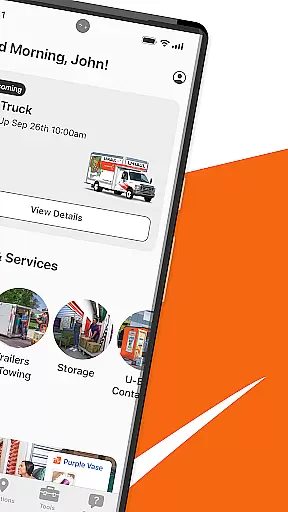
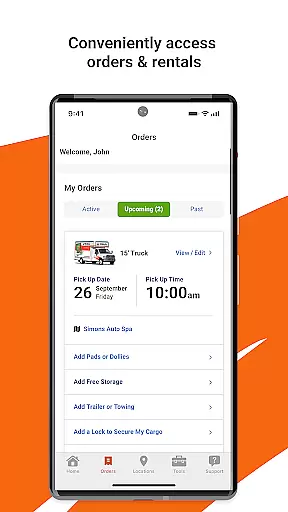
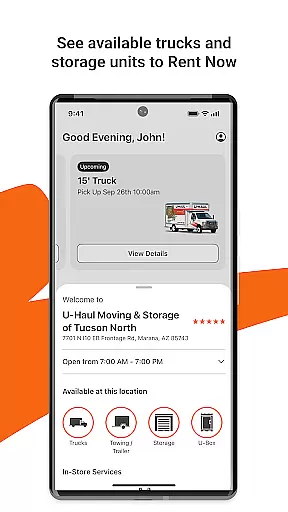
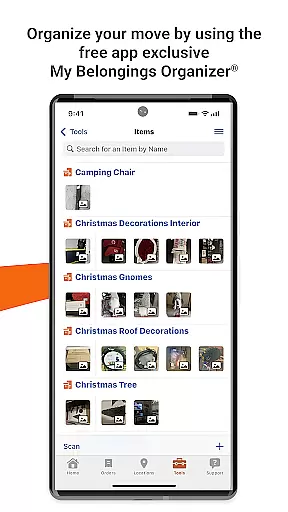
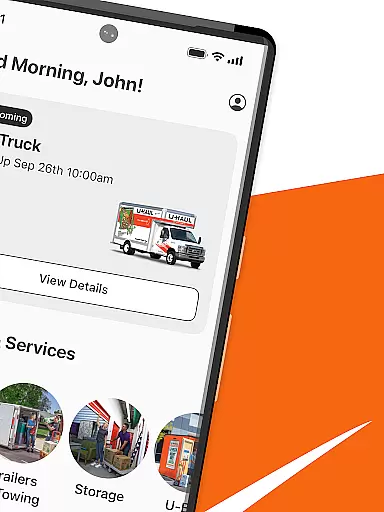
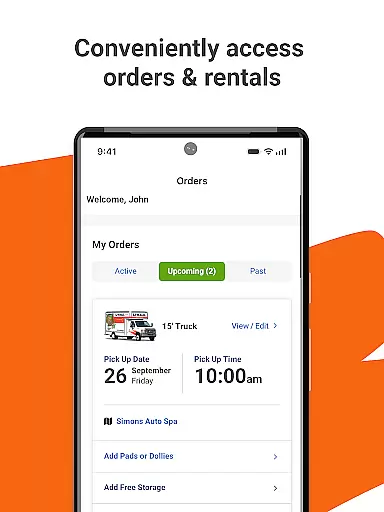
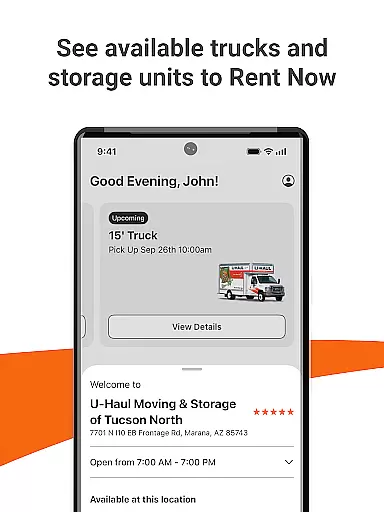
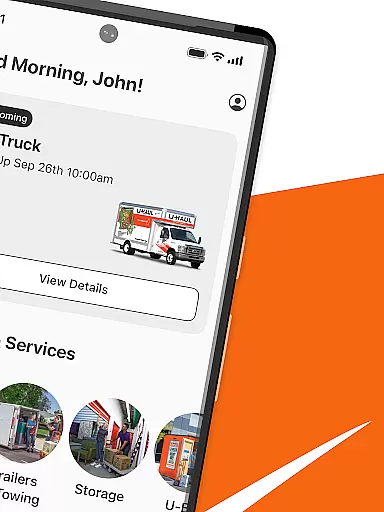
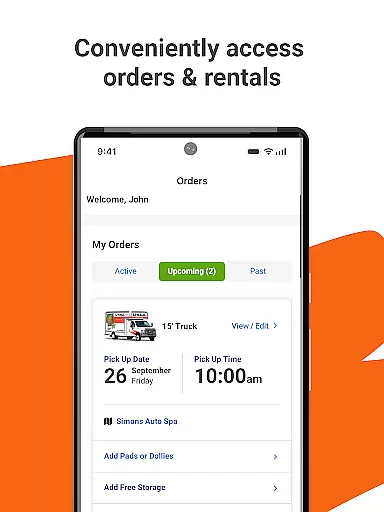
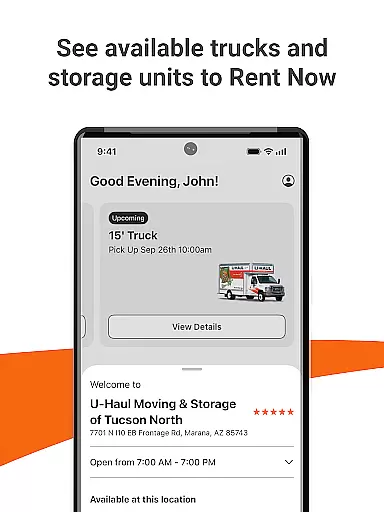
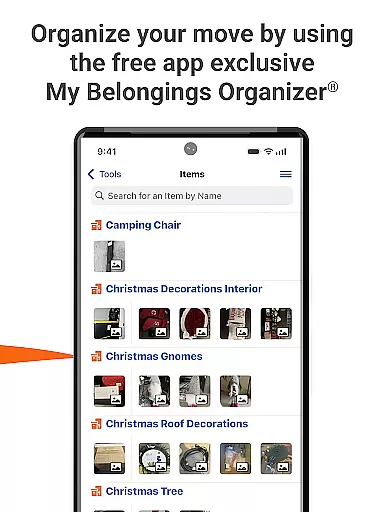
U-Haul is a comprehensive moving and storage solution designed to simplify the relocation process. The app provides users with instant quotes, reservation management, order tracking, and rental history access directly from their mobile devices. Its secure platform allows for seamless rental pickups and returns at any time, while personalized profiles enable quick reservations without visiting a physical counter.
With 24/7 customer support through live chat or email, users can get assistance whenever needed. The app also features an extensive FAQ section and resource library to address common questions. Whether you're moving across town or across the country, U-Haul's app ensures that managing your move is as easy as possible, saving you time and reducing stress.
U-Haul offers a robust set of features tailored to make moving easier. Users can obtain instant quotes by entering basic information about their move, allowing them to compare prices and services quickly. The reservation system is intuitive, enabling modifications to existing bookings and providing detailed rental histories for future reference.
The app's live chat feature connects users with customer service representatives around the clock, ensuring prompt responses to inquiries. Additionally, users can locate nearby U-Haul facilities offering the specific products and services they require. By signing in with a custom profile, customers can bypass traditional counters, streamlining the rental process and enhancing convenience.
Security is a top priority, with encrypted transactions protecting user data during all interactions. This focus on safety extends to the app's design, which emphasizes ease of use without compromising on functionality. Overall, U-Haul delivers a reliable and efficient tool for anyone planning a move.
Booking authenticity is a crucial feature for any travel app, ensuring that all reservations and transactions are legitimate and secure. The U-Haul app provides users with a reliable booking system where they can create, modify, and manage their reservations with confidence.
The app allows customers to pick up and return their rentals using just a few taps on their device, streamlining the process and reducing the need for in-person interactions. By signing in with a custom profile, users can skip the counter and reserve equipment in minutes, adding an extra layer of convenience and personalization.
With live chat features and 24/7 support via email, U-Haul ensures that help is always available when needed. This comprehensive support system reassures users of the authenticity of their bookings and provides them with peace of mind throughout their moving journey.
Price transparency is essential for travelers who want to understand the full cost of their bookings upfront without hidden fees. The U-Haul app excels in this area by providing instant quotes and clear pricing information directly within the app interface.
Users can get an immediate estimate of their rental costs, allowing them to make informed decisions about their move. The app also enables customers to review their rental history, which helps in understanding past expenses and planning future moves more effectively.
In addition to transparent pricing, U-Haul offers FAQs and resources that answer common questions about costs and services. This commitment to clarity empowers users to budget accurately and avoid unexpected charges, making their overall experience smoother and more predictable.
User-friendly interface
Instant quote generation
24/7 customer support
Secure transaction processing
Comprehensive FAQ section
Limited international availability
Occasional app glitches
Additional fees may apply
Dependent on internet connection
Some features require account creation

OFFLINE detailed information about the Florida National and State Parks
 4.1
4.1
Learn about one of the most famous Victorian cemeteries in the world
2.80
Get all MTA services, Subway, Bus, LIRR, Metro-North and More all in one place.
4.60
Book neighborhood dog boarding, dog walking, pet sitting, and doggy day care.
4.60
With the Spirit Airlines app, easily manage all your trips in one place.
4.70
Everything you need for your trip in one place with the Volaris app.
3.60
Amplify Your Experience
3.00
Offline WiFi Hotspot Finder, eSIM, Caller ID, Dialer, Home Screen Launcher & VPN
4.20
Frontier’s Android app makes travelling easier than ever before!
4.70
All-in-one delivery and taxi app. Ride, food, & grocery delivery app.
4.80
Find the perfect vacation rental. Search from over 2 million properties.
4.80
Save on gas and convenience with the earnify™ App
4.70
Booking your bus tickets has never been easier
4.70
The United app puts valuable travel information in the palm of your hand.
4.70
Book rooms at any of 4.2M properties worldwide. Find flight deals every day!
4.60
The mobile panorama panel. Works offline - worldwide!
4.40
Now you can book homes, experiences, and services—all in our redesigned app.
4.40
GPS Live Satellite Earth to find route navigation and current location map
4.00
Listen live to pilots and air traffic controllers around the world
3.80


User Reviews