
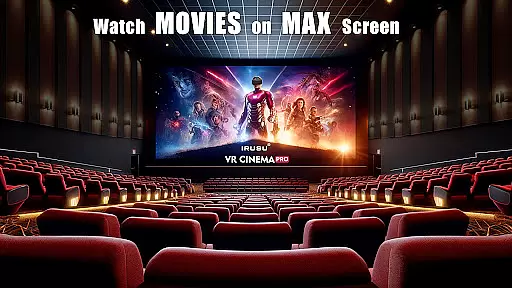
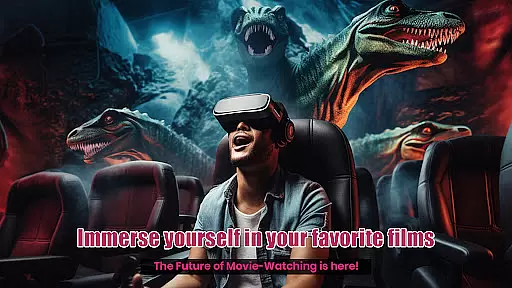
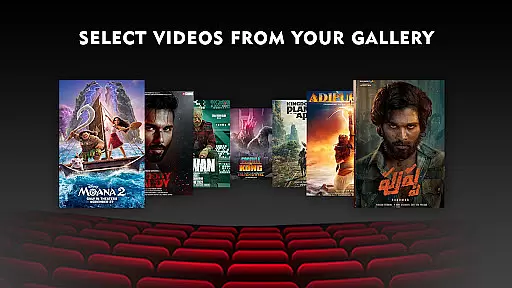
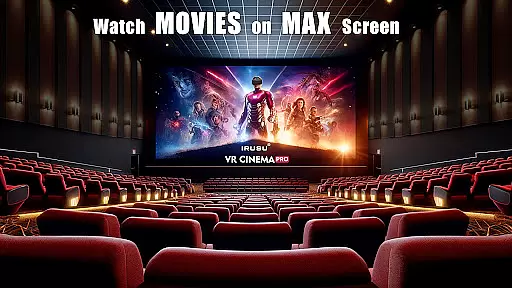
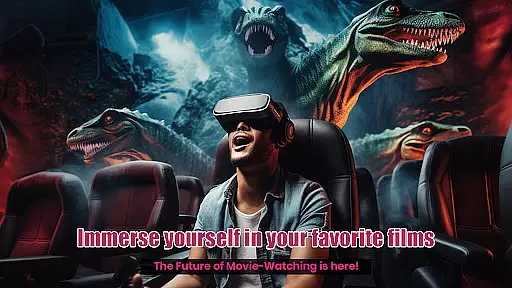
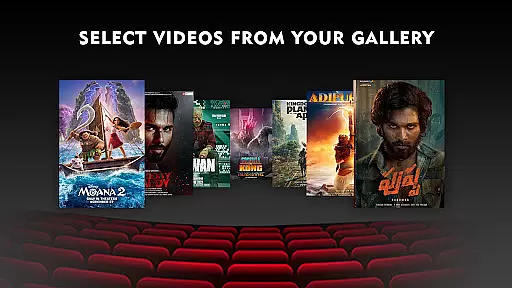
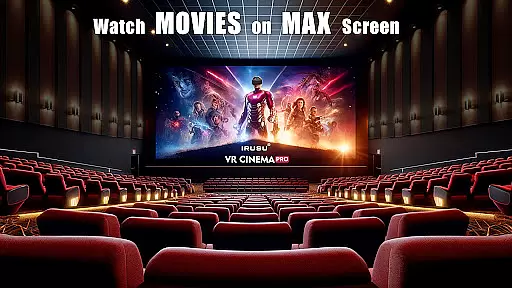
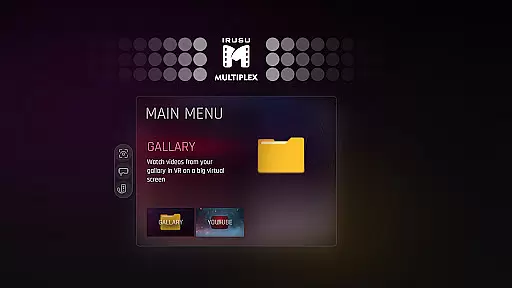
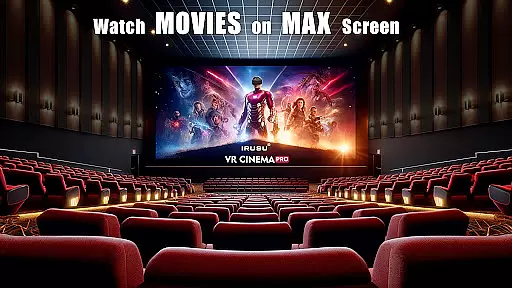
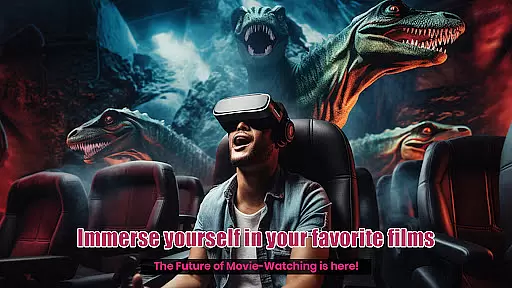
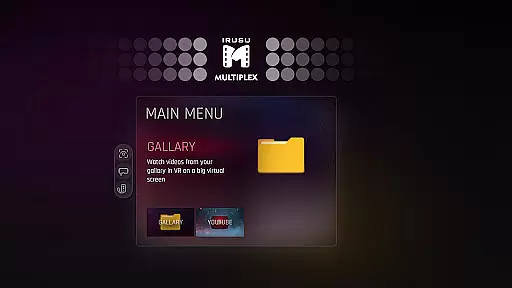
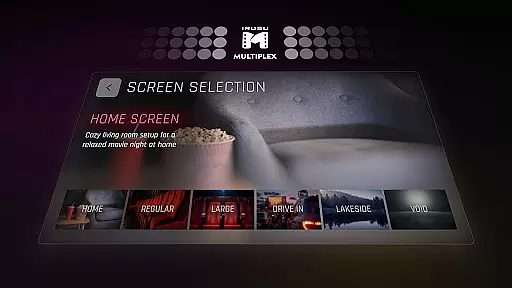
VR Player Pro is a premium virtual reality video player designed for immersive entertainment experiences. The app transforms your smartphone into a personal VR cinema, allowing you to watch videos on large virtual screens with customizable environments. With support for multiple video formats including 2D, 3D SBS, and 360° content, the player ensures high-quality playback at resolutions up to 4K, depending on device capabilities.
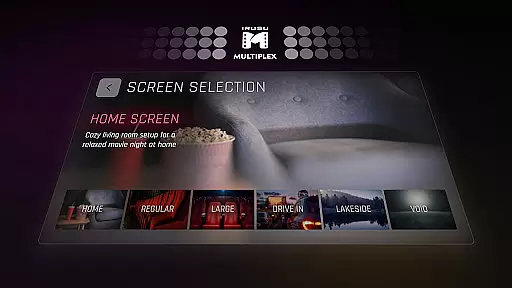
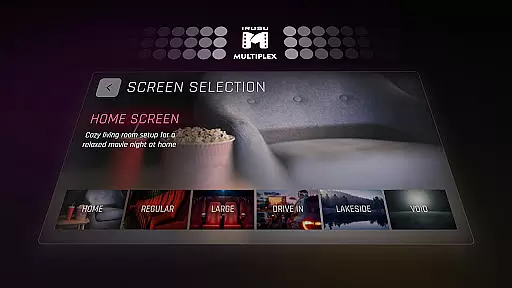
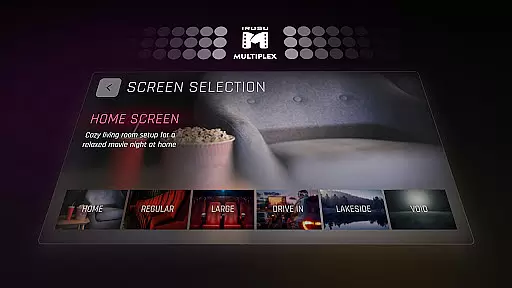
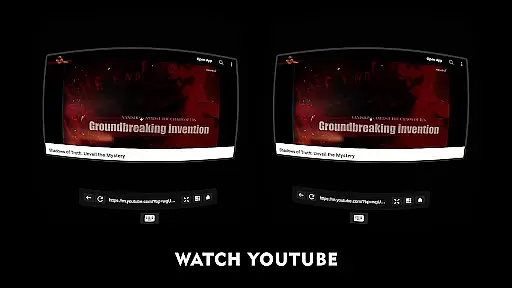
One of the standout features is its selection of unique viewing locations, ranging from classic movie halls to scenic outdoor settings like winter lakes. Users can also adjust their seating position and screen angles for optimal comfort. The built-in browser with YouTube integration and voice search further enhances accessibility, making it easy to stream online content directly in VR.
Irusu VR Cinema Player is compatible with popular mobile VR headsets such as Google Cardboard, Irusu, VR Box, and Shinecon. Whether you're watching downloaded movies or streaming videos, this app provides an unparalleled level of immersion through dynamic lighting that reacts to video content, creating a truly cinematic atmosphere.
VR Player Pro offers a comprehensive suite of features tailored for an exceptional VR viewing experience. At its core, the app supports various video formats, including standard 2D, stereoscopic 3D, and fully interactive 360° videos. This versatility allows users to enjoy all types of media within a virtual environment. Additionally, the app boasts compatibility with most mobile VR headsets, ensuring broad accessibility across different devices.
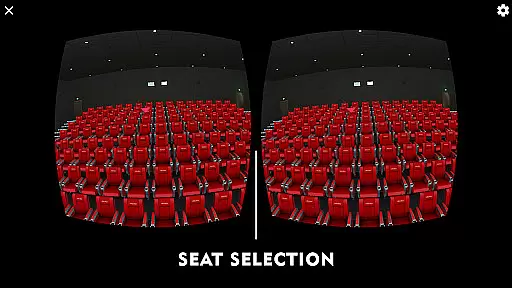
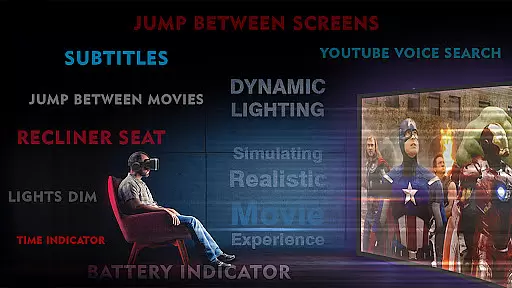
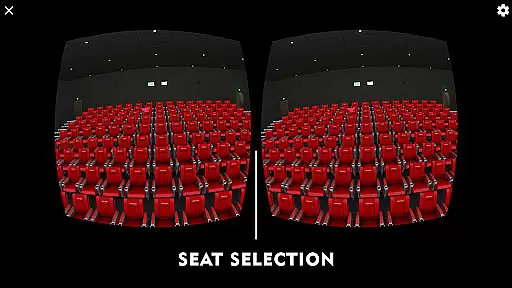
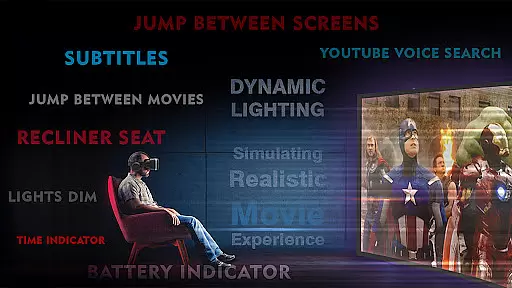
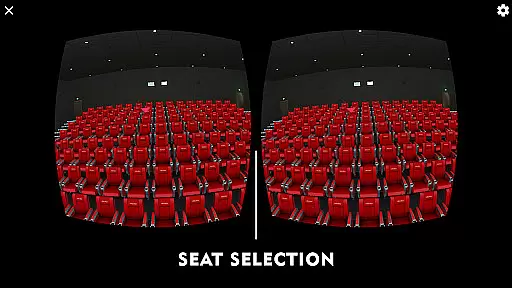
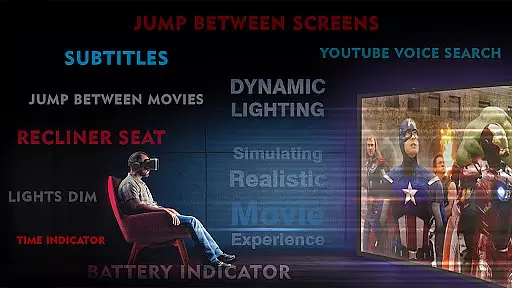
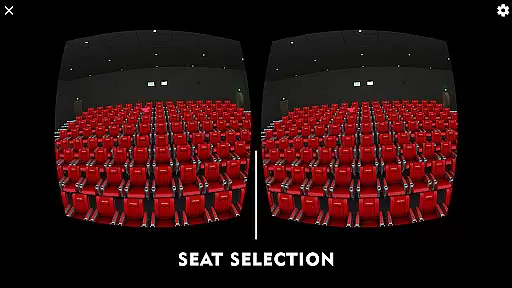
The app's unique seat selection system lets viewers choose from multiple vantage points, mimicking the experience of selecting seats in a real theater. Coupled with angle adjustment options, users can fine-tune their perspective for maximum clarity and comfort. Another innovative feature is the dynamic lighting system, which adjusts ambient illumination based on the video being played, enhancing overall immersion.
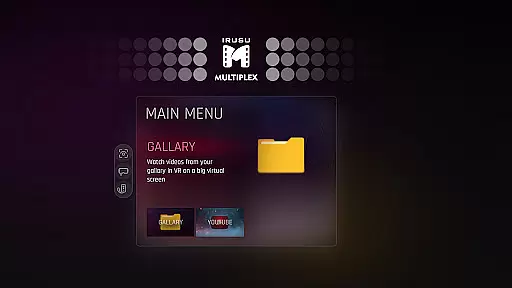
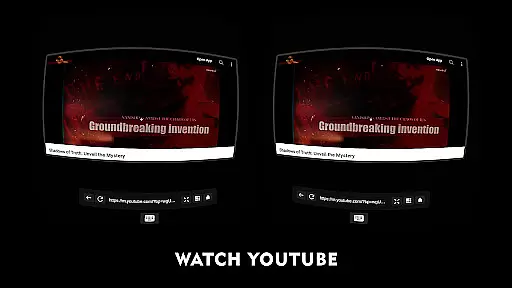
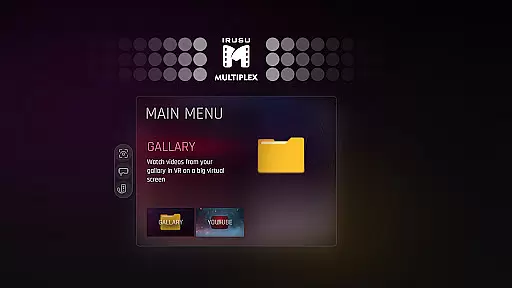
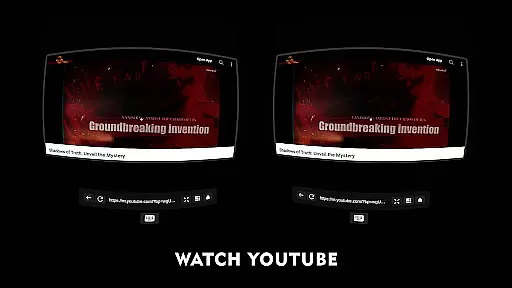
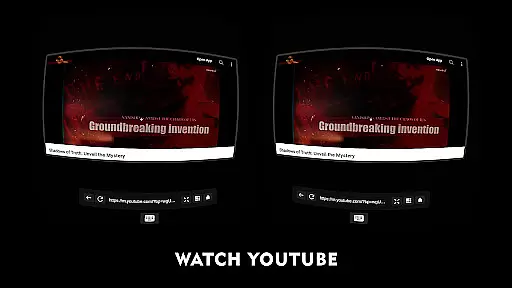
For those who prefer online content, VR Player Pro includes a built-in web browser with YouTube playback functionality. Voice search capabilities make finding videos effortless, while the option to switch between immersive scenes adds variety to each viewing session. These thoughtful design elements combine to create a versatile and engaging VR entertainment platform.
In the realm of virtual reality entertainment, content diversity is key to maintaining user interest and satisfaction. VR Player Pro rises to the occasion by offering an extensive range of viewing environments that cater to every taste. From classic movie halls to serene winter lake views, the app ensures that your virtual cinema experience is anything but monotonous.
Moreover, the inclusion of a built-in browser with YouTube VR playback significantly broadens the content spectrum. Users can explore the web or enjoy their favorite YouTube videos in a fully immersive VR setting. This feature not only enhances content variety but also keeps the material fresh and engaging.
The dynamic lighting system further enriches the content by adapting the environment's ambiance according to the video being played. Such responsiveness creates a more authentic and captivating atmosphere, making each viewing session unique.
By continuously updating its selection of immersive scenes and supporting various video formats including 2D, 3D SBS, and 360u00b0 videos, VR Player Pro guarantees that users always have something new and exciting to look forward to.
User engagement is a critical metric for any entertainment platform, and VR Player Pro excels in this area through its innovative features designed to keep viewers hooked. The seat selection system allows users to choose their preferred viewing spots within the virtual theater, mimicking the real-world experience of selecting the best seat in a cinema. This interactive element encourages longer sessions as users experiment with different perspectives.
Additionally, the angle adjustment feature provides unparalleled comfort and clarity, enabling users to fine-tune their viewing positions effortlessly. Such customization options contribute to sustained user engagement by eliminating common discomforts associated with prolonged VR use.
The appu2019s compatibility with a wide array of mobile VR headsets, such as Google Cardboard and Irusu headsets, ensures that a broad audience can access and enjoy these features without technical hindrances. This accessibility promotes higher retention rates among diverse user groups.
Finally, the ability to watch high-resolution videos up to 4K (hardware dependent) ensures that visual quality remains top-notch, further enticing users to spend more time within the app. By prioritizing both content richness and user comfort, VR Player Pro successfully maximizes engagement duration and retention.
User-friendly interface
Wide format compatibility
Dynamic lighting effects
Multiple viewing locations
Voice search functionality
Premium price point
High device requirements
Limited free features
Occasional performance issues
No offline YouTube downloads

Ultimate VR movie player for android mobile videos
 4.1
4.1
Watch whatever you want, whenever you want, wherever you want.
3.30
Binge-worthy short dramas on DramaRush—engaging stories that fit your day.
3.90
Fun brain twisting challenge with trending Whirlpool Filter.
4.70
Find out if you're on Santa's Naughty or Nice List with this magical scanner!
4.60
Stories that spark in seconds.
4.80
Browse popular images and videos from Reddit on Android TV!
3.90
Stream, Watch, Chat. Live.
4.00
Scary prank camera & on face app: Shoot videos, selfies with spiders & scorpions
4.60
Pathfinder 2e initiative tracker with bestiary, HP, reaction, conditions, etc
4.80
The JBL Portable app works with JBL portable Bluetooth speakers.
4.60
Your Avatar, Endless Fun
4.60
The Xbox app keeps you connected to your gaming community.
4.50
Play games. Earn real rewards. Cash out in 3hours via PayPal or gift cards.
4.40
Come and watch short dramas, reels with diverse genres!
4.40
Himnario LLDM - Fast and Easy to read , updated Hymnal 2019 Edition Official
4.20
Experience the video editing experience brought by our intuitive interface
4.10
Exclusive Short Drama Video! All in HD. Bringe trending reels & enjoy drama time
3.80
The classic game of rock, paper, scissors
4.4


User Reviews