

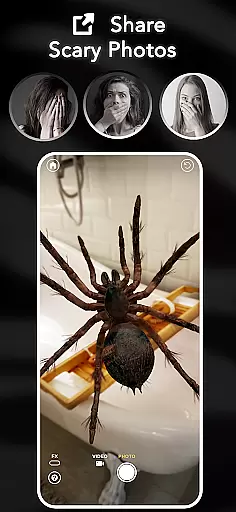
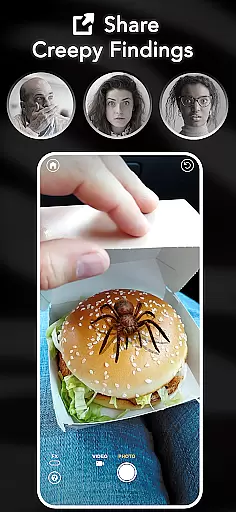
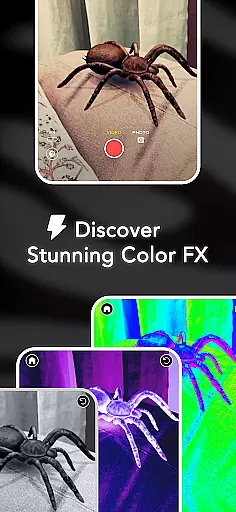

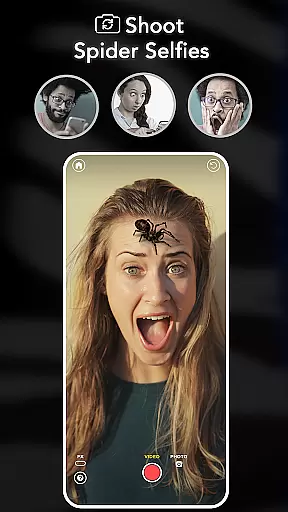
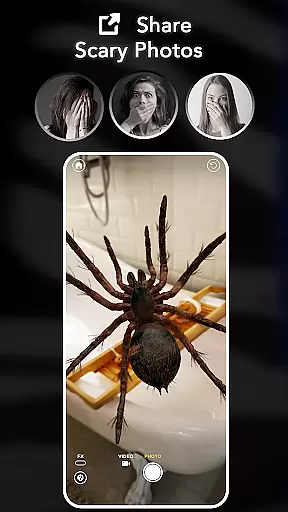
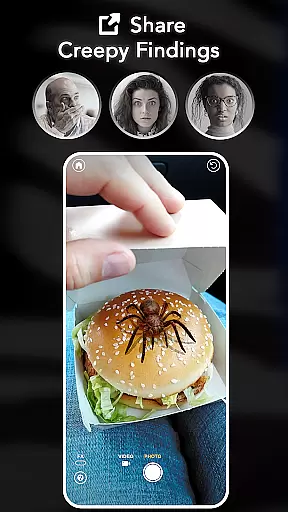
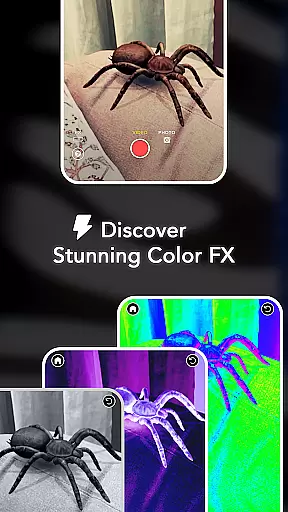
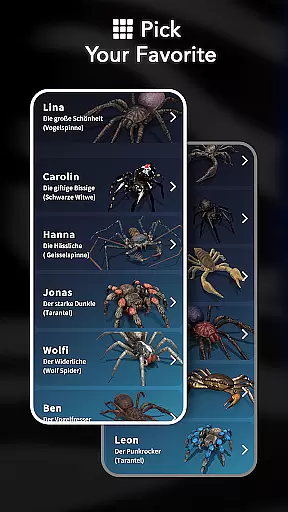
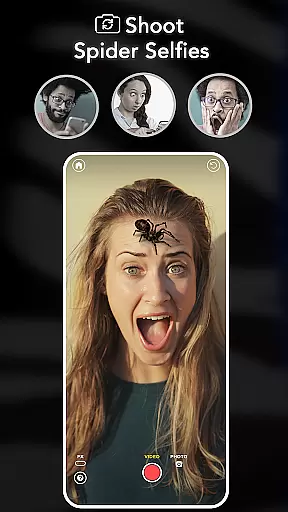
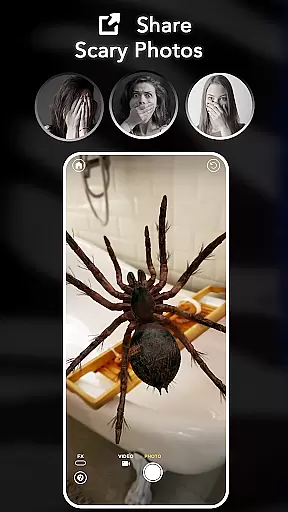
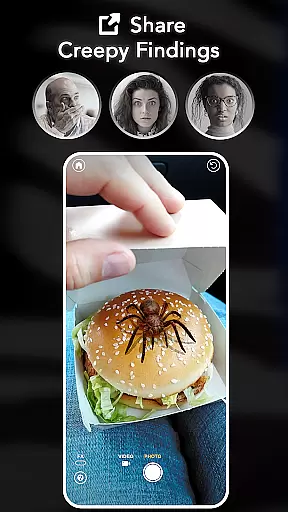
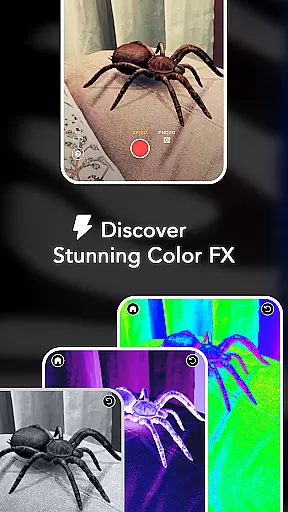
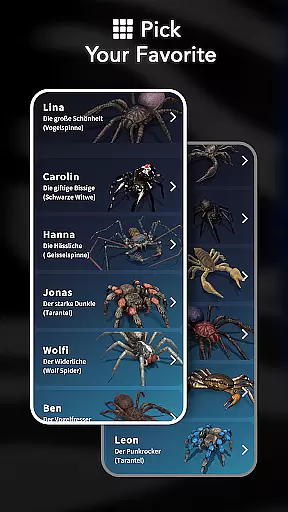
ARSpiders.com is an innovative entertainment app that brings realistic 3D spiders and other creepy-crawlies to life through augmented reality (AR). The app allows users to place ultra-realistic spiders, tarantulas, or scorpions on various surfaces such as walls, floors, tables, or even faces. With interactive gameplay features, users can control these creatures to simulate attacks, creating a shocking prank effect. The app also includes cinematic camera effects like Color Correction, Vignette, and Film Grain, enhancing the horror experience. ARSpiders.com is perfect for those who enjoy pranks, AR filters, and horror-themed content.
The app offers a unique offline mode, allowing users to enjoy its full functionality without an internet connection. It also features a Spider Selfie Mode, which creates ultra-realistic spider selfies for social media sharing or pranking friends. This feature requires a device with TrueDepth API support. Whether you're looking to scare your friends, test your courage, or overcome arachnophobia, ARSpiders.com provides a high-quality AR experience powered by advanced technology. The app is completely free, with no ads or in-app purchases, ensuring an uninterrupted and immersive user experience.
ARSpiders.com stands out with its advanced augmented reality capabilities, enabling users to place realistic 3D spiders and other creatures in their environment. The app uses cutting-edge AR technology to ensure high-quality rendering and smooth animations, making the virtual spiders appear lifelike and convincing. Users can interact with these creatures, controlling their movements and actions to create engaging and sometimes startling experiences. This level of interactivity sets ARSpiders.com apart from other entertainment apps, offering a dynamic and immersive user experience.
In addition to its core AR features, ARSpiders.com includes several tools to enhance the overall experience. The app offers cinematic camera effects such as Color Correction, Vignette, and Film Grain, allowing users to add a professional touch to their prank videos and photos. These effects contribute to the realism of the horror theme, making the content more impactful. Furthermore, the app supports offline mode, ensuring that users can enjoy its features anytime, anywhere, without needing an internet connection. With its combination of advanced AR technology, interactive gameplay, and cinematic enhancements, ARSpiders.com delivers a comprehensive and entertaining experience for users.
ARSpiders.com offers a diverse range of content that keeps users engaged with its realistic 3D spiders, tarantulas, and scorpions. The app leverages augmented reality to place these creatures in real-world settings, providing an interactive experience that is both novel and entertaining.
The application stands out by offering not just static images but dynamic, interactive gameplay where users can control the movements of these virtual creepy-crawlies. This feature allows for creative freedom as users can orchestrate pranks or simply explore their environment populated with these digital beings.
In addition to live interactions, ARSpiders.com enables capturing this unique experience through photos and videos. Users can record their spider encounters and share them on social media platforms, ensuring a steady stream of fresh content that maintains viewer interest over time.
With cinematic camera effects such as Color Correction, Vignette, and Film Grain included at no extra cost, the app enhances the visual appeal of every capture. These features ensure that each piece of content produced is not only varied but also polished and professional-looking, contributing to a consistently engaging user experience.
One of the key strengths of ARSpiders.com lies in its ability to captivate users' attention for extended periods. By allowing individuals to place ultra-realistic 3D spiders into their surroundings using AR technology, it taps into natural curiosity and playfulness, encouraging prolonged interaction.
The interactive nature of the app plays a crucial role in retaining user interest. With controls that let you make your virtual arachnids 'attack', there's an element of surprise and excitement that keeps users coming back for more thrilling experiences. Such engaging mechanics are essential for maintaining high levels of session duration.
Moreover, the inclusion of features like Spider Selfie Mode caters specifically to those looking to create shareable moments on social media. This not only boosts immediate engagement but also helps build a community around shared interests, which is vital for long-term retention.
By continuously updating with new creatures based on user feedback and voting, ARSpiders.com ensures that thereu2019s always something new to look forward to. This commitment to freshness guarantees that even regular users will find reasons to return, thus enhancing overall user retention rates.
User-friendly interface
High-quality AR effects
No in-app purchases
Offline functionality
Interactive gameplay
Requires TrueDepth API for selfies
May not appeal to all audiences
Limited to spider-related content
Potentially scary for some users
Device compatibility issues

Simulation of Dashboard / Touch Screen for Tesla. (Works without actual Tesla).
 4.2
4.2
Music visualizer and party effects for your Nanoleaf devices
4.2
A companion app for the game Elite Dangerous
4.10
SpiritWave is paranormal ITC application.
5.00
Stream videos to VIDAA & VEWD TVs from Hisense, Sharp, Skyworth, Vestel & TiVo
3.00
5 funny and lovely ponies waiting for you to style them!
4.80
Control your AWTRIX 3 easily
4.1
Premium version to enjoy your favorite anime
4.60
Pop Drama is a premier app crafted for short drama lovers
4.60
Time tracking, lap counting and much more for Carrera® Digital 132/124
4.80
* Multiple Matches * Intuitive UI * Scoring Made Easy!
4.40
Browser for Chromecast to stream webvideos, online movies, IPTV & HD livestreams
4.40
Create and play realistic-looking mock Emergency Alert System messages.
4.30
Best of icon for christmas
4.30
Catch the latest episodes of The Voice or live stream NFL games with The NBC App
4.20
Real ghost box scanner with echo, reverb, EMF, & multi-stream channels.
3.80
Ultimate VR movie player for android mobile videos
4.2
A wonderful collection of the most beautiful sounds of animals and birds
4.3
Neon Christmas Tree Animated: Festive Wear OS watch face with fitness info
4.3


User Reviews