
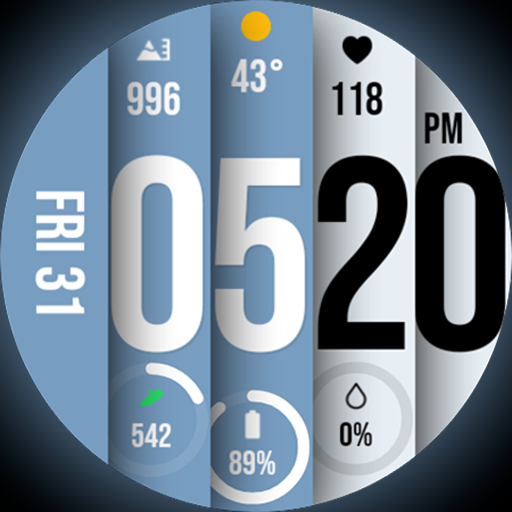
Unique BIG BOLD TIME with amazing colors and customisations.
 3.70
3.70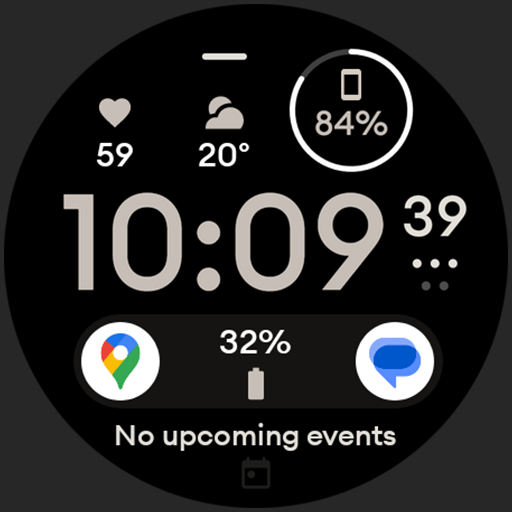
Digital watch face design. Modern looking, hi-res & battery friendly.
4.00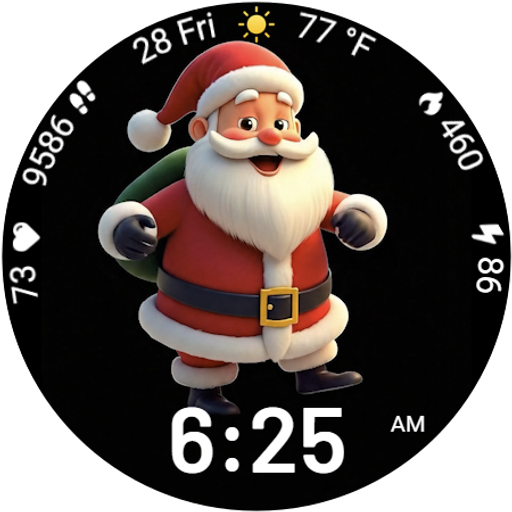
Designed to delight, impress and energize your festive spirit every single day
4.2
A daily quote for success
4.1
Smart & Healthy Living
4.60
Communicate with your vehicles and Powerwalls anytime, anywhere
3.60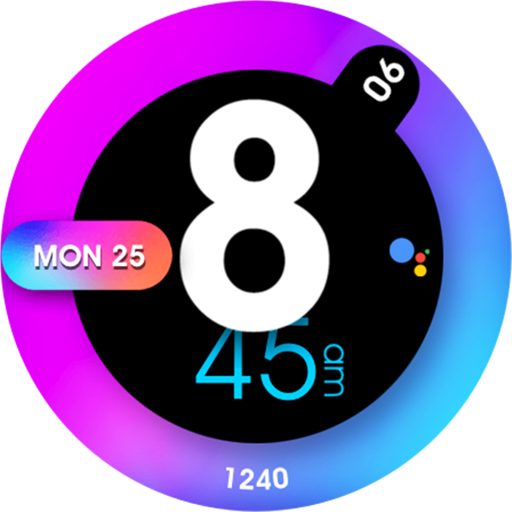
Colorful minimal digital watch face for Wear OS
4.60
The Miracle Box includes methods used by Steve Huff of Huff Paranormal.
3.20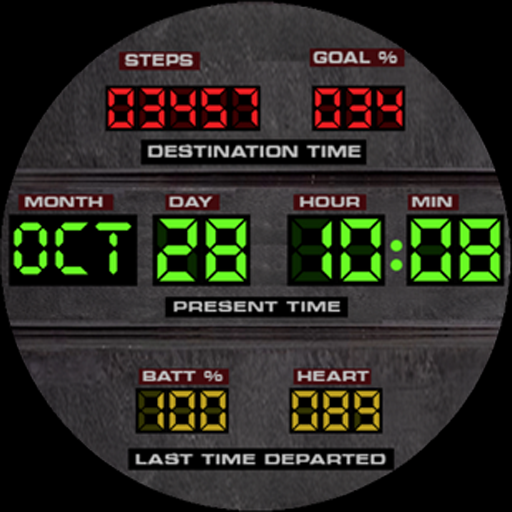
Futuristic watchface inspired by Back to the Future: sleek, retro, timeless
4.0
Get roadside help, discounts, travel tools & more — AAA is with you everywhere.
4.80
Daily lessons from A Course in Miracles with scheduled reminders
4.80
Pay your rent, submit work orders and much more with the RentCafe Resident App.
4.70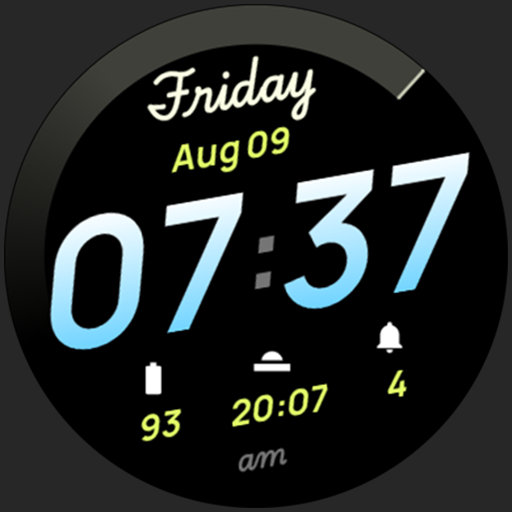
Simple, stylish & fresh watch face. Customize colors, gradients & complications.
4.70
Crochet made easy: step-by-step tutorials, beginner patterns & projects
4.60
Redecor your home with Home AI interior design, room planner and home designer.
4.50
Share opinions, get paid cash
4.30
Smart controls for your Ember Smart Mugs
4.10
Do you want to communicate with spirits?
3.80
Take Hobby Lobby with you wherever you go!
3.40


