
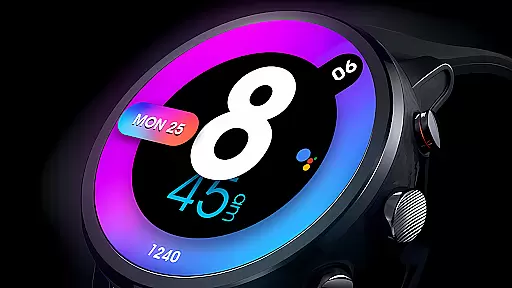
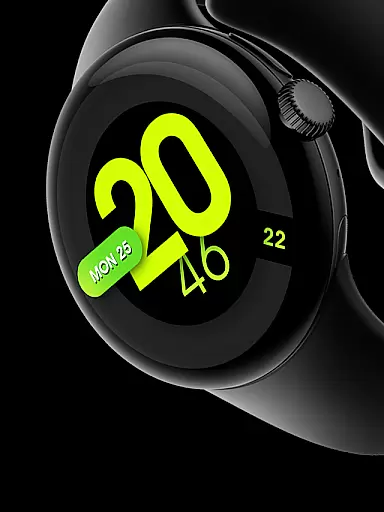
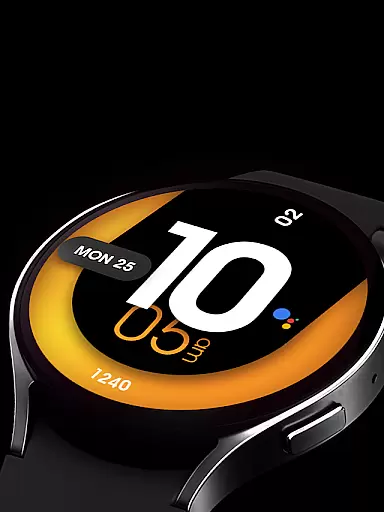
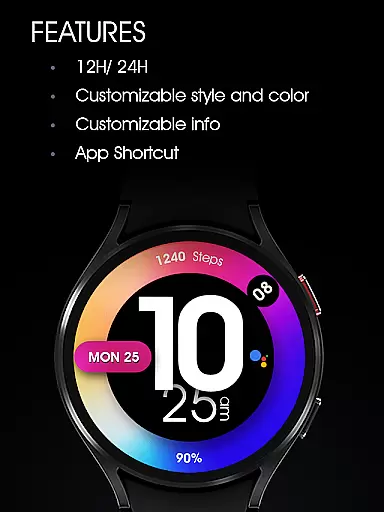
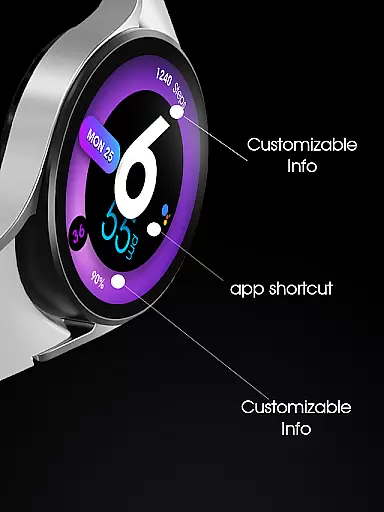
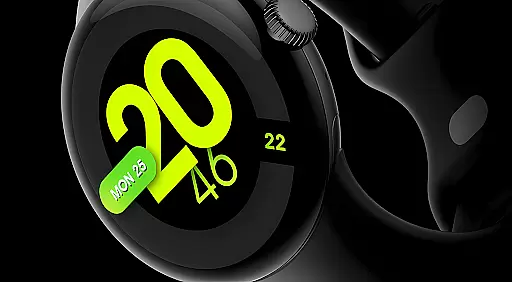
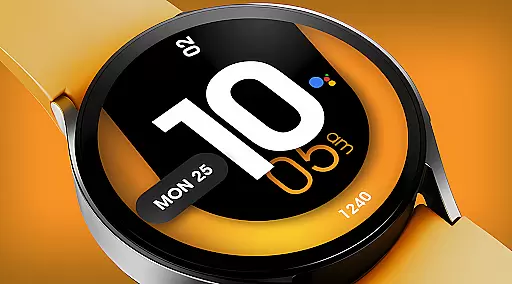
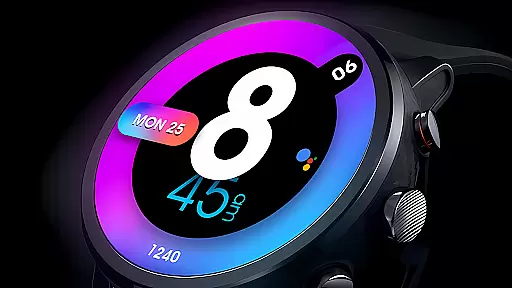
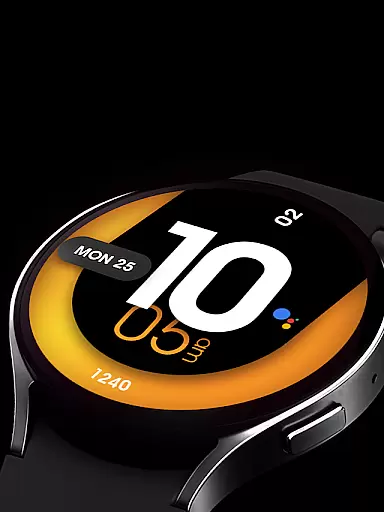
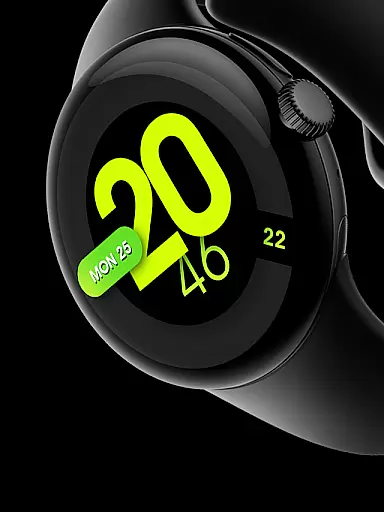
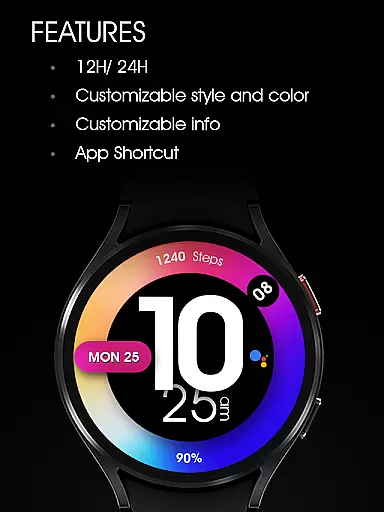
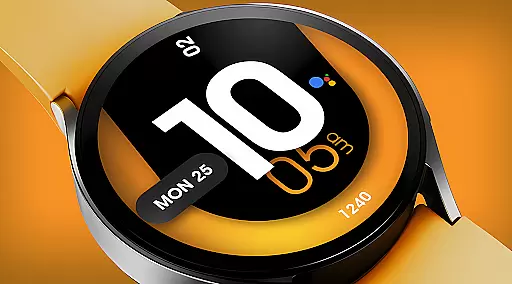
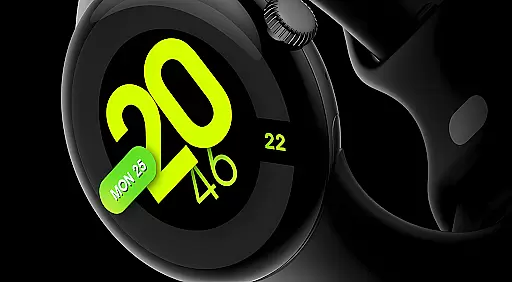
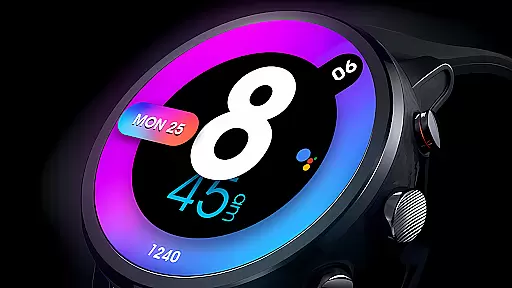
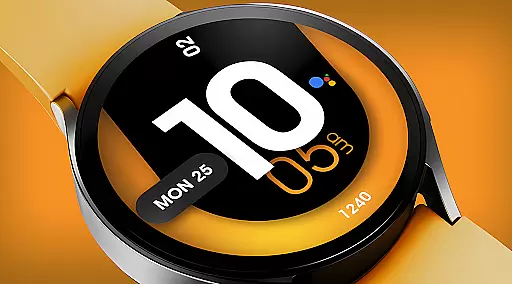
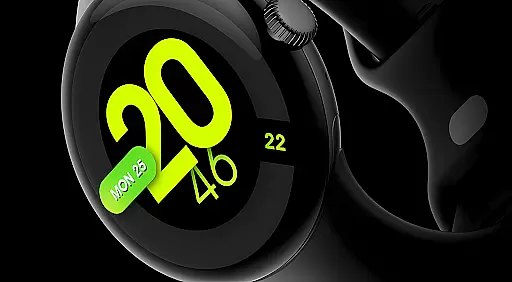
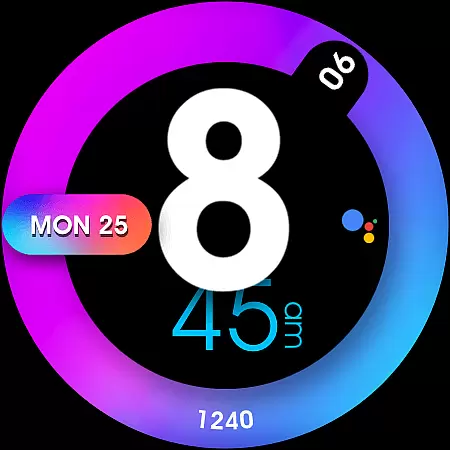
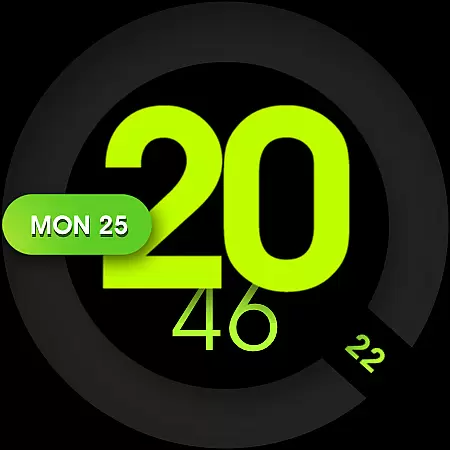
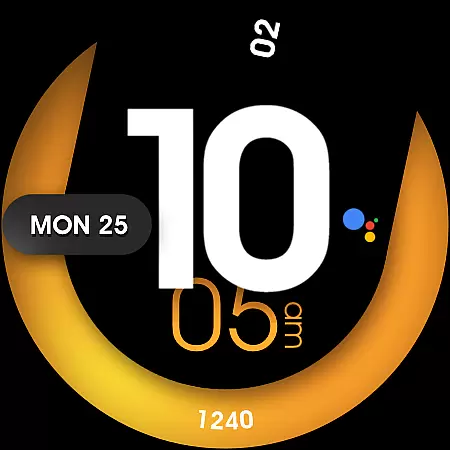
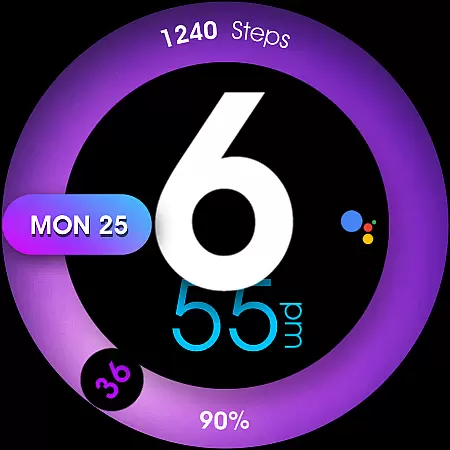
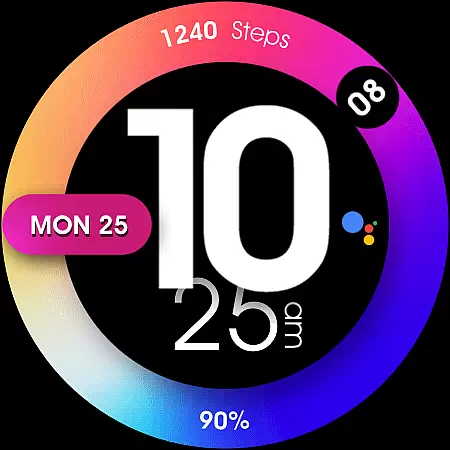
UsA Minimalist Digital is a vibrant and customizable watch face designed specifically for Wear OS devices. This digital watch face combines striking aesthetics with practical functionality, offering users a perfect blend of style and utility. The standout feature is its colorful minimalist design that syncs seamlessly with your phone's time settings, supporting both 12-hour and 24-hour formats.
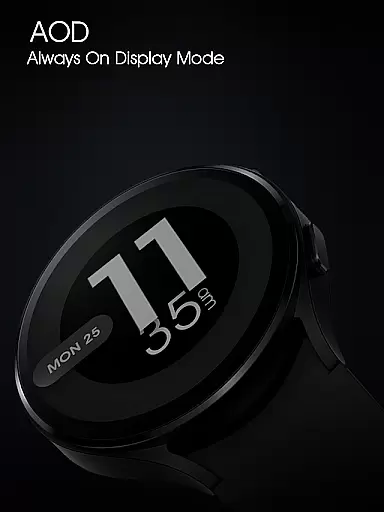
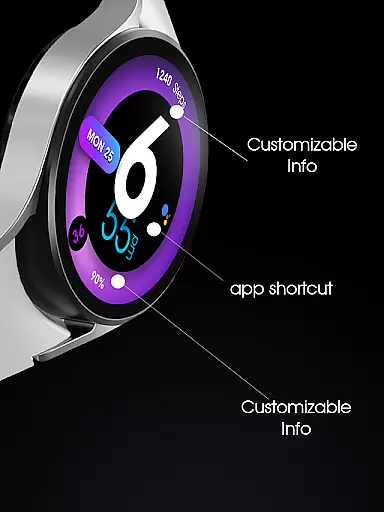
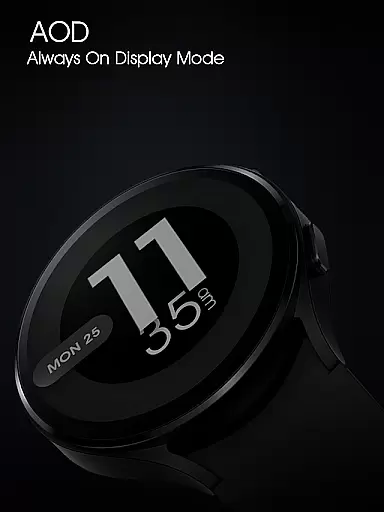
The application provides extensive customization options including color schemes, decorative elements, and complications for health metrics. With support for two custom information slots and one app shortcut, users can personalize their watch face to display the most relevant data. It also features an Always-On Display (AOD) mode, ensuring important information remains accessible at a glance. Designed for Wear OS API 33+ (Wear OS 4 or newer), this watch face is compatible with Galaxy Watch 4/5/6/7/8 Series, Pixel Watch series, and other Wear OS 4+ devices.
UsA Minimalist Digital stands out with its array of innovative features tailored for Wear OS users. The watch face boasts a striking colorful digital design that automatically syncs with your phone's time settings, ensuring accurate timekeeping in either 12-hour or 24-hour format based on user preference. This synchronization simplifies time management across devices.
Customization is at the heart of this application, allowing users to tailor the watch face to their personal style. You can choose from various color options and decorative elements to create a unique look. Additionally, the watch face supports two customizable information slots and one app shortcut, enabling quick access to frequently used apps and essential data. The Always-On Display (AOD) mode ensures that vital information remains visible even when the watch is not active.
Users can easily modify settings through the "customize" menu by tapping and holding the watch face. Here, they can adjust styles, manage custom shortcuts, and toggle between 12-hour and 24-hour modes via their phone's date and time settings. These comprehensive features make UsA Minimalist Digital a versatile and user-friendly choice for Wear OS enthusiasts.
UsA Minimalist Digital offers a comprehensive lifestyle experience through its diverse features tailored for Wear OS users. The watch face not only displays time but also integrates health and other essential information, making it a central hub for everyday needs.
This application supports various customizations including color options, digital time formats, and app shortcuts. Such versatility ensures that users can personalize their watch faces to match their unique preferences and requirements.
The inclusion of complications for health metrics and other data points enhances the utility of this watch face. Users can easily access important information at a glance, which is crucial for maintaining an active and informed lifestyle.
Authenticity and credibility are at the core of UsA Minimalist Digital's design philosophy. The watch face is developed specifically for Wear OS 4 or newer, ensuring compatibility and optimal performance on supported devices like Galaxy Watch series and Pixel Watch series.
Each feature, from the 12/24 hour digital sync to the Always-On Display (AOD) mode, is meticulously crafted based on user feedback and technological advancements. This commitment to quality guarantees a reliable and intuitive user experience.
Furthermore, the developers offer live support and discussion through their Telegram group, allowing users to engage directly with experts. This community-driven approach reinforces the authenticity of the content and provides users with a trusted platform for support and interaction.
Colorful design
Customizable options
Syncs with phone
AOD mode
Health complications
Requires Wear OS 4
Limited to specific devices
No free trial
Complex setup
Fewer features on older devices

Big bold weather watch face with dynamic backgrounds and 3 complications
 4.5
4.5
Smart controls for your Ember Smart Mugs
4.10
Unique Dark Analog style for Wear OS watches.
4.4
Stay connected with your loved ones & vehicles | Share live GPS location updates
4.60
Bring the warm colors of fall directly to your wrist with Autumn Leaves!
4.3
Do you want to communicate with spirits?
3.80
Colorful selection floral watch face with gyro for Wear OS
4.60
A unique and customizable watch face which rotates its layout every minute.
4.80
Subwoofer school’s in session! You’ve now enrolled into KICKER U.
3.80
Get roadside help, discounts, travel tools & more — AAA is with you everywhere.
4.80
Good magnifier app to see tiny things bigger and more clearly!
4.80
Digital smart watch face made for Wear OS.
4.70
A smart Siddur with halachic times
4.50
Paranormal Spirit Bell Trigger Device
4.30
Spiritus Ghost Box is an Audio and Visual ITC tool for paranormal research.
4.00
Your home in your hand
3.80
Going above and beyond known spirit communication
3.60
Smart home security protection
3.20
Turn your watch into a key fob for your Tesla
2.90


User Reviews