
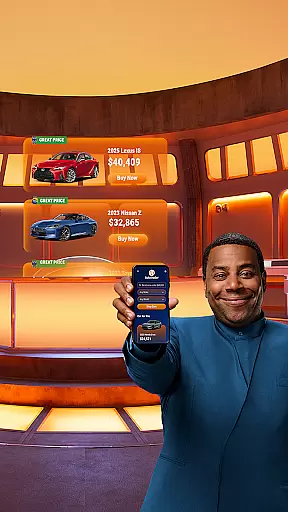
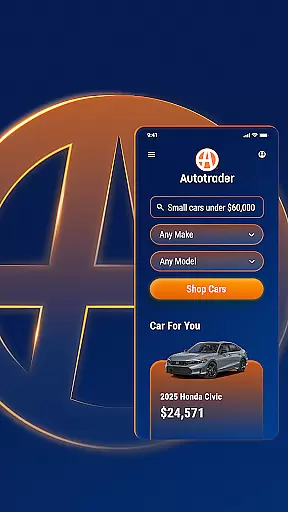


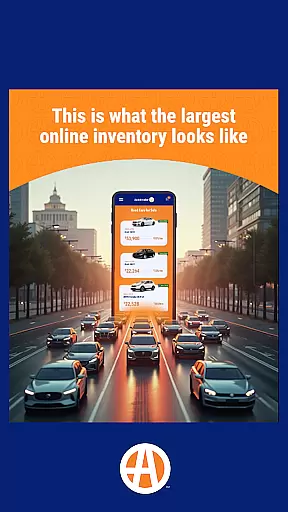
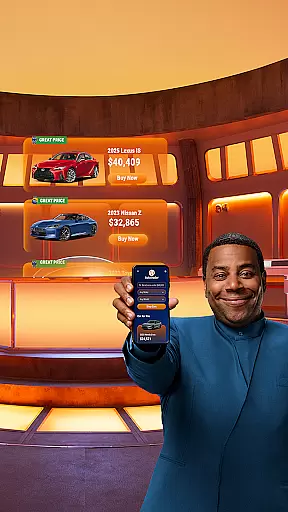
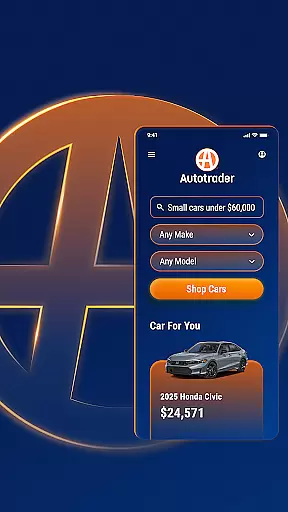


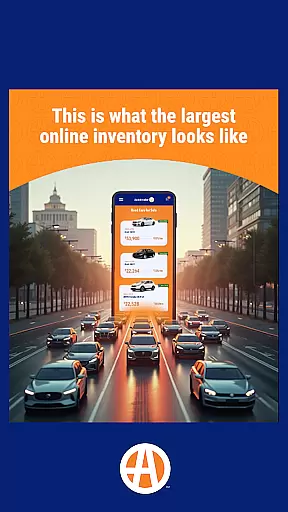
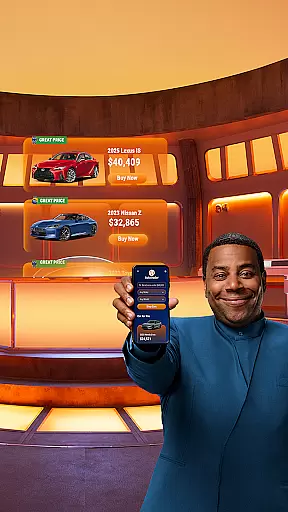
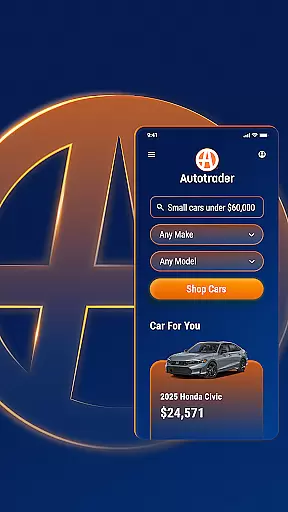


Autotrader is a premier automotive marketplace app designed to simplify the car buying experience. With over 6 million listings from 20,000 sellers, it offers an extensive inventory of new, certified, and used cars, trucks, and SUVs. The app provides personalized recommendations based on user preferences and leverages Kelley Blue Book® Price Advisor to ensure fair pricing on every listing.
One standout feature is its advanced filtering system, allowing users to refine searches by specific criteria such as delivery options, interior color, safety features, and more. Whether you're comparing vehicles, tracking price drops, or accessing condition reports, Autotrader equips buyers with tools to make informed decisions. Its mobile accessibility ensures that users can shop for their next vehicle anytime, anywhere.
The app also supports seamless communication with dealers through phone, text, or email directly from listings. By combining comprehensive search capabilities, personalized alerts, and trusted pricing insights, Autotrader empowers users to find the perfect car while saving time and effort.
Autotrader stands out with its robust set of features tailored for modern car shoppers. The app's unique filtering options allow users to narrow down results by highly specific attributes like technology packages, roof racks, and even interior colors—going beyond basic filters found in other apps. Additionally, the Delivery to Your Door filter enables users to browse vehicles that can be shipped directly to their homes, eliminating the need for dealership visits.
Another key feature is the integration of Kelley Blue Book® Price Advisor, which provides real-time pricing guidance on every listing. This ensures buyers know whether they're getting a fair deal. Users can also create watchlists, receive price-drop notifications, and share listings via email or text. For those seeking convenience, the app allows account creation to sync saved searches across multiple devices, making it easy to pick up where you left off.
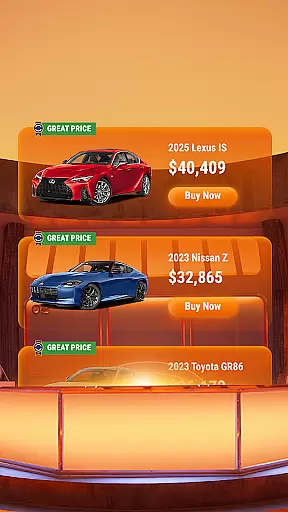
Finally, Autotrader enhances user engagement by offering detailed vehicle condition reports (when available) and highlighting listings with Good Price or Great Price badges. These features collectively streamline the car-buying process, helping users make confident decisions without unnecessary hassle.
When searching for a used car, having access to detailed vehicle information is crucial for making an informed decision. The Autotrader app provides comprehensive details on millions of listings, ensuring buyers have all the necessary data at their fingertips. Each vehicle listing includes essential specifications such as make, model, year, mileage, and vehicle history reports when available.
The app's integration with Kelley Blue Booku00ae Price Advisor adds another layer of valuable information. This feature displays fair market price ranges for each listing, helping users determine whether a vehicle's asking price represents good value. Additionally, condition reports (when available) offer insights into any reported accidents or title issues, giving buyers peace of mind before making a purchase decision.
Autotrader's advanced filtering system allows users to narrow down their search based on specific criteria. Shoppers can filter vehicles by exterior and interior color, technology features, safety equipment, and even specialized components like roof racks. This level of detail enables buyers to find vehicles that precisely match their requirements, streamlining the car shopping process and saving valuable time.
Price transparency in the automotive marketplace has long been a challenge for consumers, but Autotrader addresses this issue head-on. Every vehicle listing prominently displays the seller's asking price alongside the Kelley Blue Booku00ae Price Advisor range. This dual-price presentation helps shoppers understand whether they're looking at a fair deal or if there's room for negotiation.
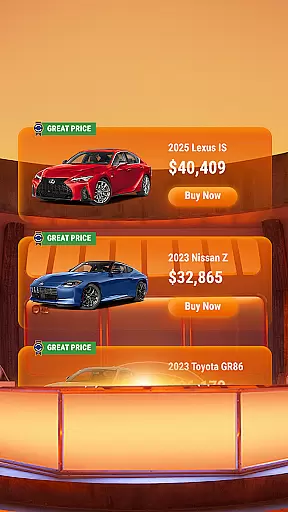
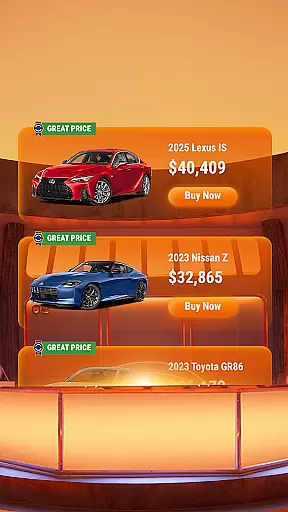
The app takes price transparency a step further by implementing a visual badge system. Listings featuring Good Price or Great Price badges are clearly marked in the top right corner, providing immediate visual confirmation of competitive pricing. These badges are calculated based on market data and help users quickly identify vehicles offering the best value for their money.
For those seeking additional financial clarity, Autotrader offers tools to compare prices across similar vehicles in the area. Users can track price changes over time and set up alerts for price drops on specific models. This comprehensive approach to price transparency empowers buyers to make confident decisions while navigating the complex world of automotive purchases.
User-friendly interface
Extensive vehicle inventory
Advanced filtering options
Trusted pricing insights
Personalized recommendations
Limited classic car listings
Some features require registration
Dealer response times may vary
Condition reports not always available
Occasional technical glitches

Monitor specific TOYOTA parameters by adding this plugin to Torque Pro.
 2.00
2.00
Realtime Charts is a plugin for the Torque Pro App (OBD 2 & Car)
4.20
DIY Vehicle Wheel Alignment
4.5
myAudi offers users services and Audi connect services for Audi drivers
4.10
Boost profits and hit your goals faster with GigU's amazing tools for gigworkers
4.00
Simplify your drive
3.90
The ExtraMile App allows you to pay for fuel from the comfort of your car!
4.70
Instant diesel savings. No credit checks or fees. Nationwide growing network.
4.40
MySubaru: Download. Connect. Love.
4.70
7-Day Returns on All Cars
4.80
Oil change service & coupons for car maintenance at Valvoline Instant Oil Change
4.70
DMV Test Pro offers all the updated FREE DMV tests online.
4.60
Your Path to Driving Licensing Success Begins Here! Develop your driving skills.
4.40
A full featured, real-time transit locator system
4.30
By enthusiasts, for enthusiasts
4.00
Take state-specific DMV permit tests and ace the exam.
3.90
Better fuel to help keep you on the road
3.20
Easily notify car owners in urgent situations, safe, fast, multilingual.
4.1
Theme for Car Launcher
4.3


User Reviews