
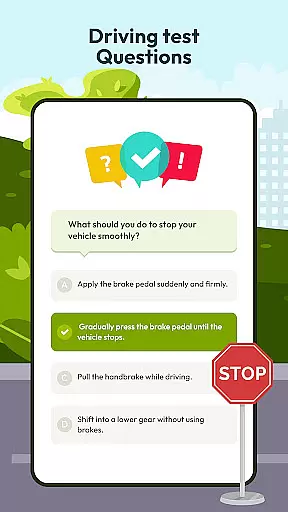
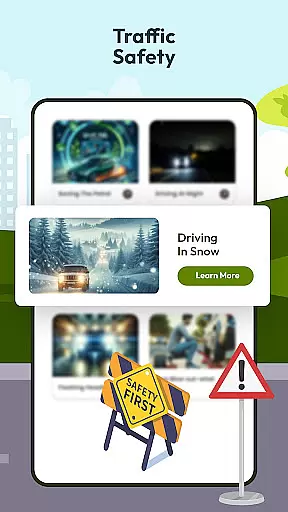
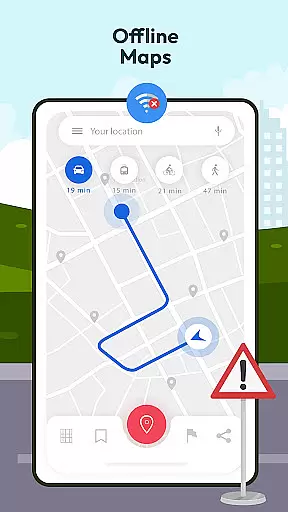
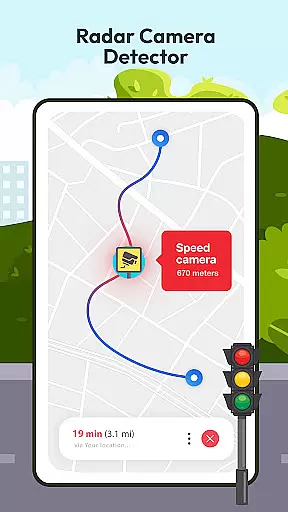
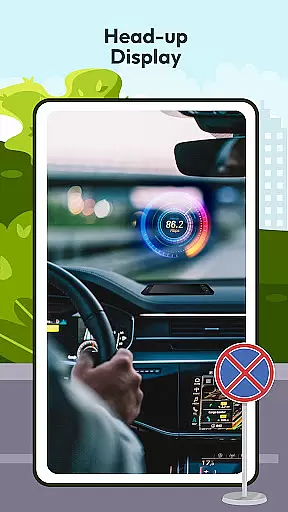

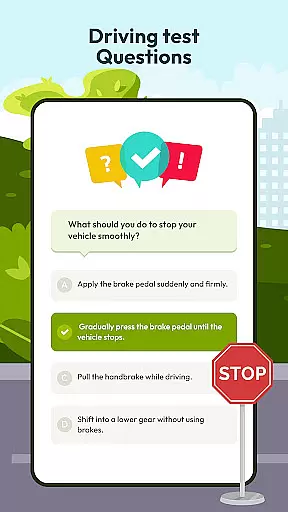
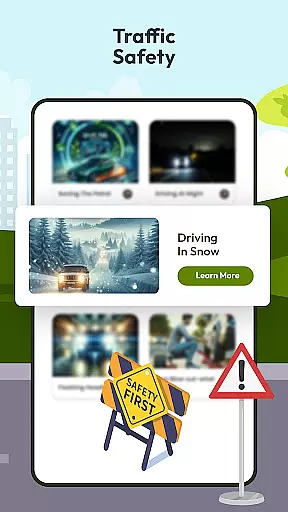
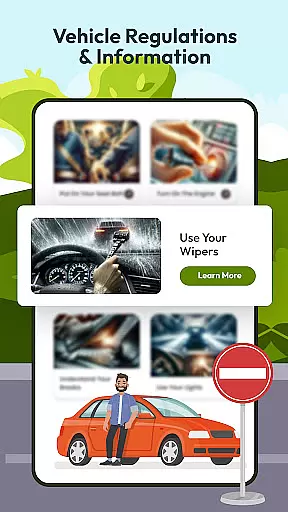
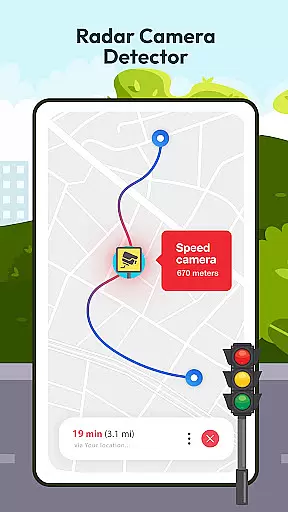
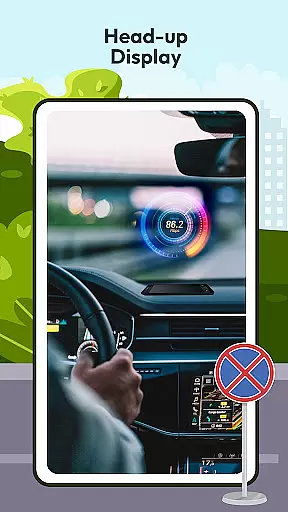

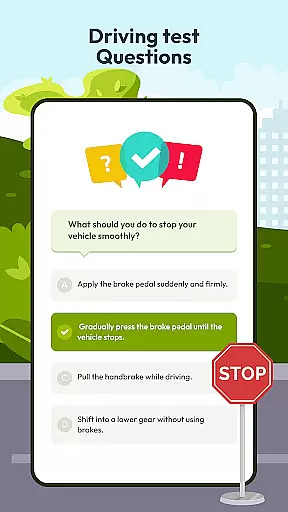
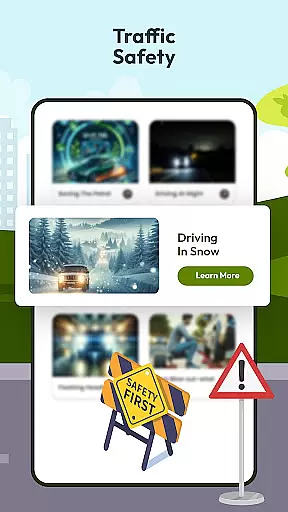
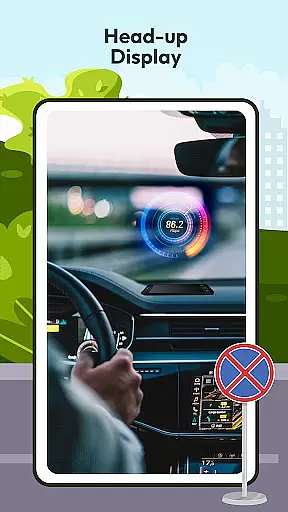

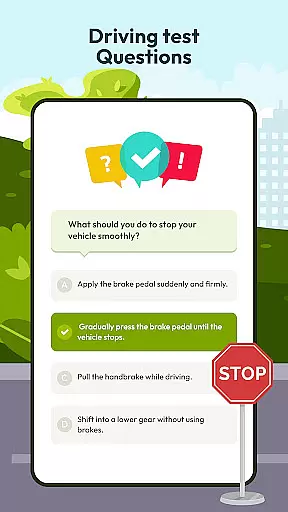
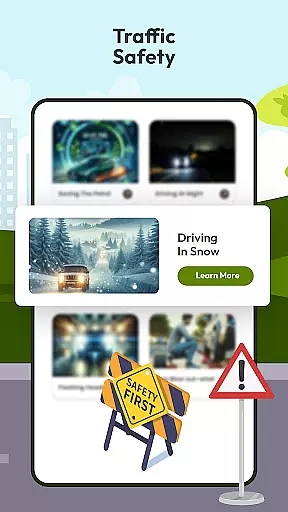
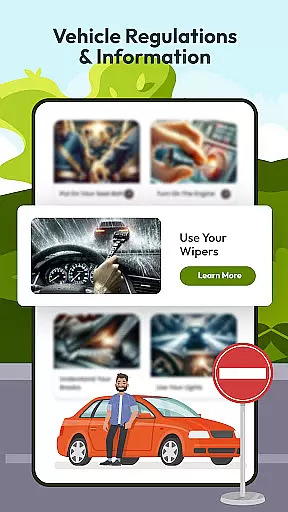
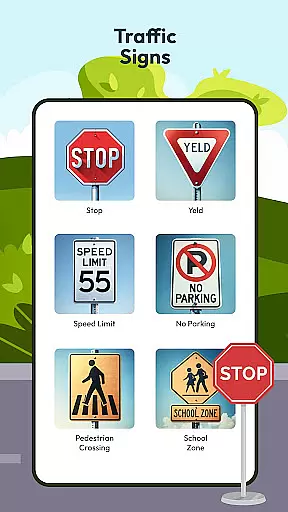
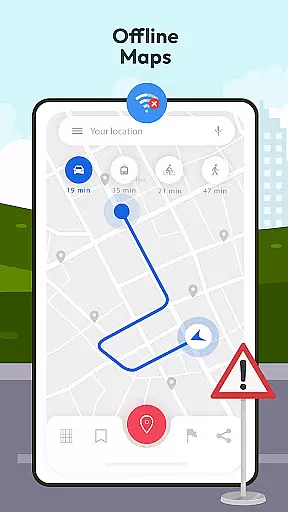
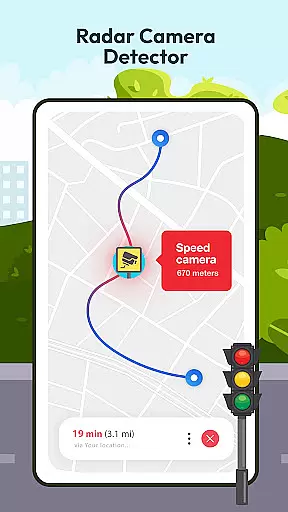
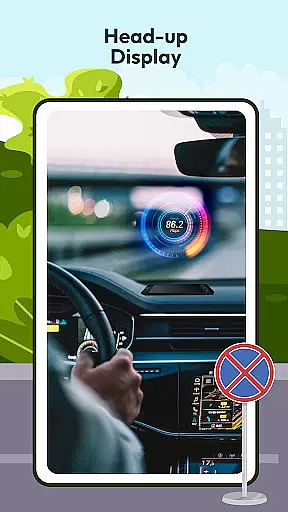

Driving Instructor-Theory Test is a comprehensive traffic app designed to enhance driving skills and ensure safe road practices. The app offers an extensive selection of test drive questions covering critical areas of driving, preparing users not only for their driving tests but also for real-world scenarios. With features like radar, speed camera detection, and HUD (Head Up Display), it provides crucial information directly onto the windshield, allowing drivers to maintain focus on the road while staying informed about their speed and surroundings.
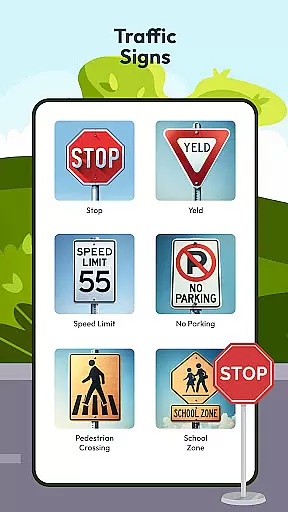
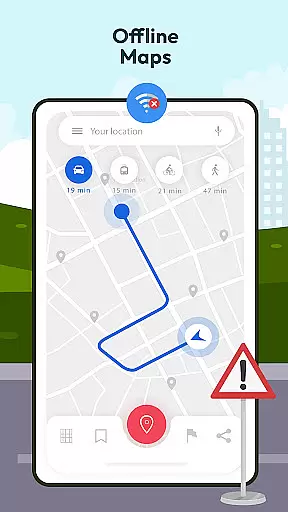
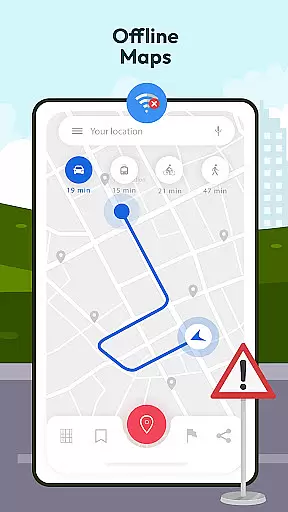
In addition to its advanced driving tools, the app includes offline map and GPS functionality, ensuring reliable navigation without requiring an internet connection. Users can expand their knowledge of international traffic signs and understand vehicle controls through dedicated sections within the app. The inclusion of guidelines, tips, and tricks further enriches the learning experience by offering valuable insights into safe driving practices. Whether you're a beginner or an experienced driver, this app equips you with the necessary tools to drive confidently and safely.
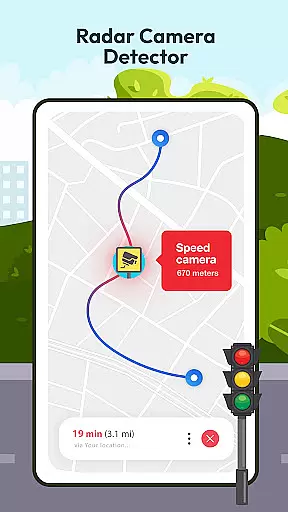
The Driving Instructor-Theory Test app boasts a range of innovative features tailored to improve driving proficiency. One standout feature is the extensive library of test drive questions that cover all essential aspects of driving theory, from basic rules to complex scenarios. This ensures users are well-prepared for both theoretical exams and practical challenges they may encounter on the road. Additionally, the app's radar and speed camera detector helps drivers adhere to speed limits, avoid penalties, and maintain overall road safety.
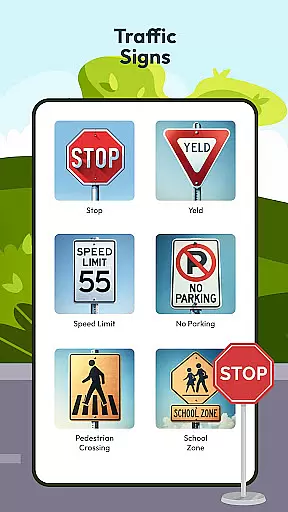
Another remarkable feature is the HUD (Head Up Display), which projects vital information such as speed and navigation directions directly onto the windshield. This allows drivers to keep their eyes on the road while still accessing important data. Furthermore, the offline map and GPS functionality provide accurate navigation even without an internet connection, making it ideal for use in remote areas. The app also includes detailed explanations of traffic signs and vehicle controls, empowering users with comprehensive knowledge about safe driving practices. These robust features collectively contribute to creating a safer and more informed driving experience.
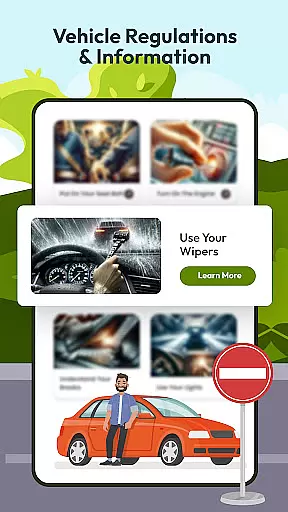
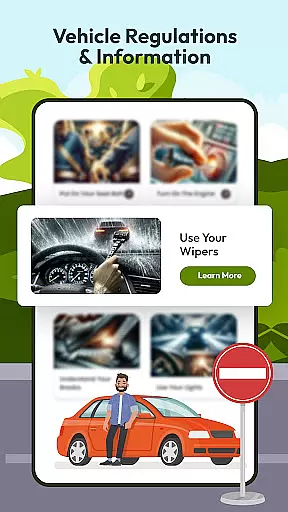
Understanding your vehicle's specifications and operational details is crucial for safe driving. The Driving Instructor App provides comprehensive insights into various car controls, speed monitoring, and traffic sign recognition. This ensures drivers can make informed decisions while on the road.
The app features an extensive database of test drive questions that cover all essential areas of vehicle operation. These questions not only prepare users for their driving exams but also enhance their practical knowledge of car mechanics and road safety protocols.
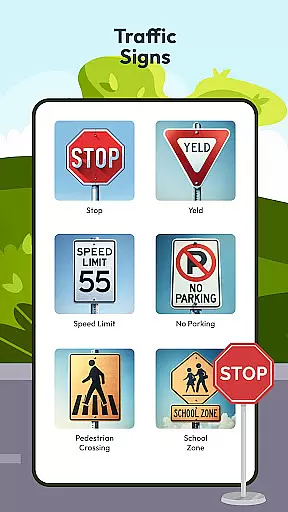
With dedicated sections on international traffic signs and vehicle directions, users can expand their understanding of global driving standards. This feature proves invaluable when traveling or encountering unfamiliar road symbols, making every journey safer and more predictable.
By mastering these detailed vehicle information aspects, drivers gain better control over their vehicles. The app's integrated speedometer and HUD display further assist in maintaining optimal driving conditions, ensuring both novice and experienced drivers can navigate with confidence.
When it comes to automotive apps, understanding the cost structure is as important as knowing the features. The Driving Instructor App offers complete price transparency, ensuring users are fully aware of what they are getting without hidden charges or surprises.
All premium features, including advanced radar detection and offline maps, come with clear pricing information. Users can easily compare different subscription plans and choose one that best fits their needs and budget constraints.
In addition to visible pricing, the app provides detailed descriptions of each feature's value proposition. This allows users to assess the benefits against the costs, making informed decisions about which functionalities are worth investing in for their driving requirements.
This transparent approach extends to in-app purchases and upgrades as well. Whether it's accessing additional test questions or unlocking specialized driving guidelines, users will always know exactly what they're paying for, enhancing trust and satisfaction with the overall service experience.
User-friendly interface
Comprehensive test materials
Advanced safety tools
Offline navigation support
Detailed traffic guidelines
Limited free content
Occasional bugs reported
High system requirements
Subscription fees apply
Complex setup process

Easily notify car owners in urgent situations, safe, fast, multilingual.
 4.5
4.5
ODB2 based monitoring application for the Chevy Bolt (2017-2021)
4.00
Buy and sell your boat
4.70
Discover new and used cars in Syria easily! Browse ads and connect with sellers.
3.70
1M+ high-quality auto parts at your fingertips. Fitment guaranteed.
4.70
Find Your Local Store or Shop Online for the Car, Truck, or SUV Parts You Need
4.70
7-Day Returns on All Cars
4.80
Autotrader is your online solution for buying and selling new and used cars.
4.40
Browse millions of cars, track vehicle listings or sell your car today
4.70
Practice the drills within MotoJitsu Master Riding Program Volume 1 & 2!
4.80
View your car’s service records and find out when maintenance is due.
4.70
MySubaru: Download. Connect. Love.
4.70
Trip computer+car diagnostic tool with widest variety of features and dashboard!
4.70
Launcher for use in the car
4.40
Ultimate OBD2 Car Scanner: Diagnostics, Service and Modification Tool
4.30
A full featured, real-time transit locator system
4.30
Boost profits and hit your goals faster with GigU's amazing tools for gigworkers
4.00
Take state-specific DMV permit tests and ace the exam.
3.90
Theme for Car Launcher
4.2


User Reviews