
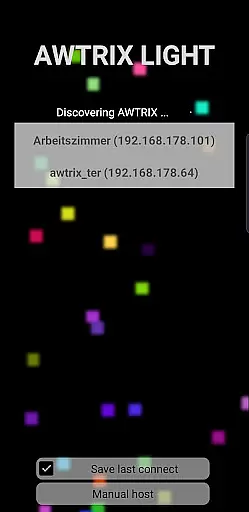
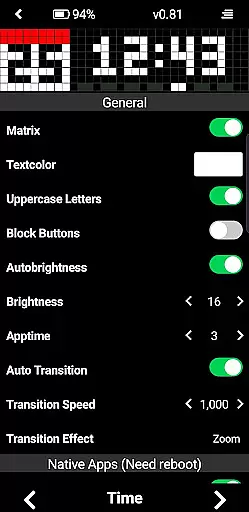
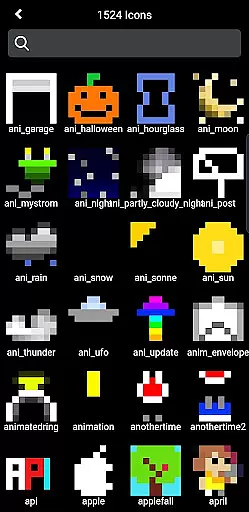
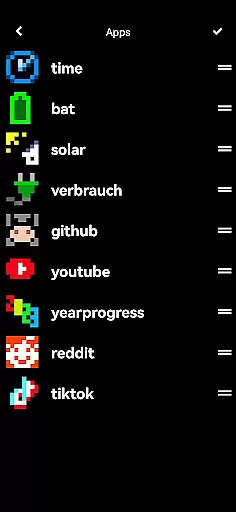
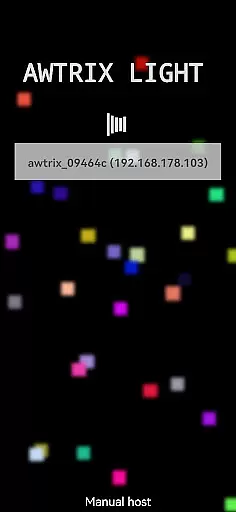
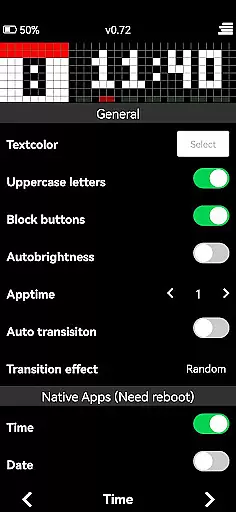
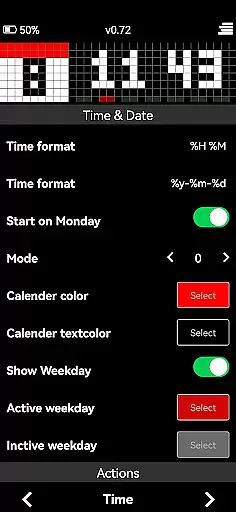
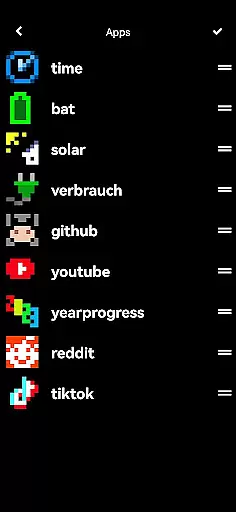
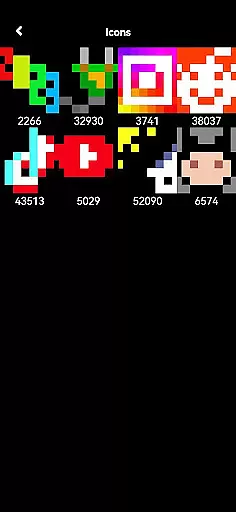
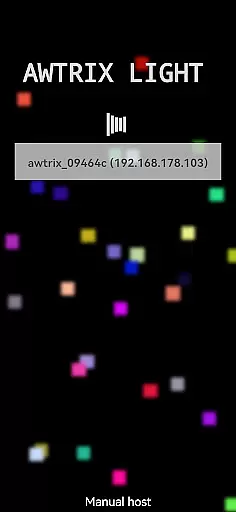
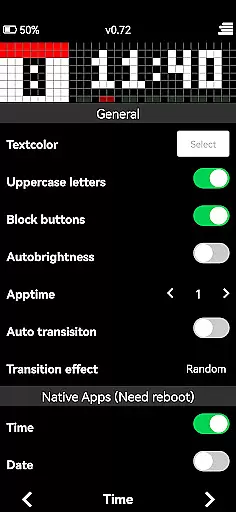
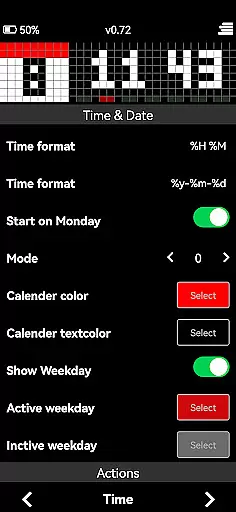
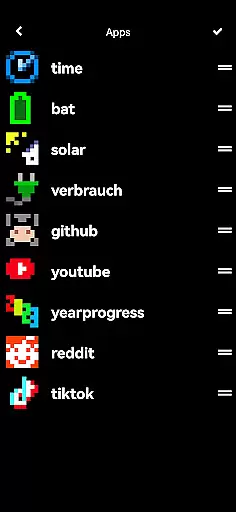
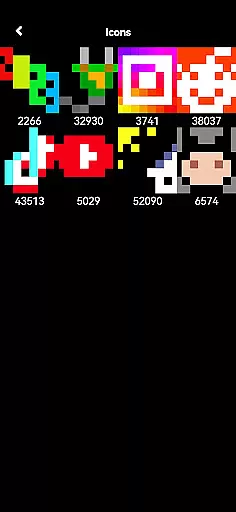
AWTRIX 3 is an innovative entertainment app designed to provide seamless control over your Awtrix device directly from your smartphone. With its intuitive interface, users can effortlessly manage a wide range of features including live view, text color adjustments, and one-click icon updates. The app also grants access to the exclusive Awtrix icon database, allowing users to view, preview, and delete icons as needed.
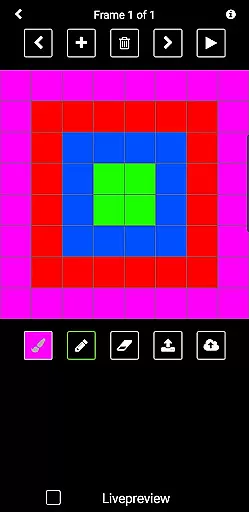
Beyond basic management, AWTRIX 3 empowers users to create custom icons and share them with a vibrant community of enthusiasts. Whether you're adjusting settings or exploring additional functionalities like AppLoop access, this app ensures a comprehensive and engaging experience. By purchasing AWTRIX 3, you not only enhance your device management capabilities but also support the ongoing development of Awtrix Light.
AWTRIX 3 stands out with its rich feature set tailored for both casual users and tech enthusiasts. One of the key highlights is the live view functionality, which provides real-time monitoring of your Awtrix device. Users can easily adjust various settings such as text color to personalize their experience. The app simplifies the process of updating icons with just a single click, saving time and effort.
Another notable feature is the exclusive access to the Awtrix icon database, where users can browse, preview on Awtrix, and manage their icon collection. Additionally, the app includes a creative mode for designing custom icons, fostering a sense of community by enabling sharing. These robust features collectively ensure that AWTRIX 3 delivers both practical utility and creative freedom, making it an essential tool for maximizing your Awtrix device's potential.
AWTRIX 3 offers a diverse range of content options that keep users engaged with fresh and exciting features. The app provides live views, customizable settings, and access to an exclusive icon database.
Users can update icons with a single click, preview them on their device, or delete as needed. This constant flow of new content ensures the experience remains dynamic and up-to-date.
The ability to create custom icons and share them with a community adds another layer of variety. Users are not just passive consumers but active contributors to the app's ecosystem.
This continuous evolution and the inclusion of unique features like AppLoop access make AWTRIX 3 a standout choice in the entertainment category.
User engagement is at the core of AWTRIX 3's design, ensuring that users remain connected and invested in the platform for extended periods. With its intuitive interface and comprehensive control over Awtrix devices, the app encourages prolonged usage.
Features such as adjusting text color, managing AppLoop, and interacting with the icon database provide numerous touchpoints for users to explore. These interactive elements foster a deeper connection with the app.
Retention is further enhanced by empowering users to create and share their own icons. This sense of ownership and community involvement drives repeat usage and long-term retention.
By consistently delivering value through innovative features and community engagement, AWTRIX 3 ensures users remain actively engaged and committed to the platform.
User-friendly interface
Real-time device monitoring
Customizable settings
Exclusive icon database
Community-driven creativity
Premium app cost
Limited to Awtrix devices
Requires initial setup
Advanced features may overwhelm beginners
Dependent on internet connectivity

Disney Stickers: Zootopia 2
 4.4
4.4
EVP Recorder / Voice Recorder for ghost hunting, to communicate with ghosts.
4.5
Music visualizer and party effects for your Nanoleaf devices
4.4
Pathfinder 2e initiative tracker with bestiary, HP, reaction, conditions, etc
4.80
Fool your friends & Family with Fake ultrasound test report
3.60
Scan sets, track your builds, and enjoy intuitive digital instructions.
4.70
Necrophone is spirit box ghost hunting app made for spirit communication.
3.70
VR 360 Cinema Player is the ultimate VR player for playing videos on mobile
3.50
With the Steam Mobile App, you can take Steam with you anywhere.
3.00
Open-source, fast, simple and powerful IPTV app
4.90
Time tracking, lap counting and much more for Carrera® Digital 132/124
4.80
Stories that spark in seconds.
4.80
Wodfix Air aggregates popular online content for you.
4.80
Geooh GO is the most feature rich geocaching app available today.
4.50
* Multiple Matches * Intuitive UI * Scoring Made Easy!
4.40
Heroclix search units with multi filter , team builder, collection manager.
4.40
Atomus is a 10-finger multi-touch interactive visualizer.
4.30
Catch the latest episodes of The Voice or live stream NFL games with The NBC App
4.20
Raise Christmas Magic with daily missions, magical scanners, and kindness.
4.4


User Reviews