
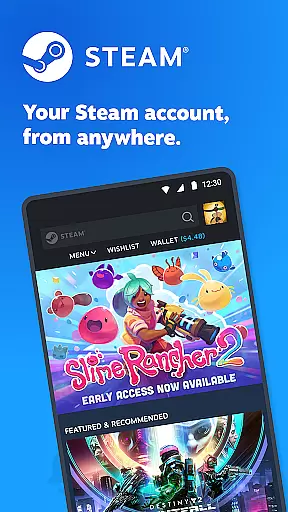
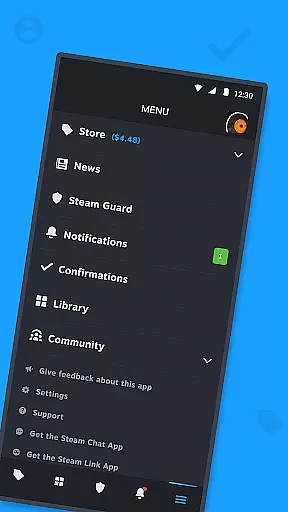

Steam Mobile is a versatile entertainment application that brings the full functionality of the Steam platform to your mobile device. The app allows users to shop for PC games, protect their accounts with advanced security features, and manage their gaming libraries on the go. With its comprehensive suite of features, Steam Mobile ensures you stay connected to the Steam community and your game library anytime, anywhere.
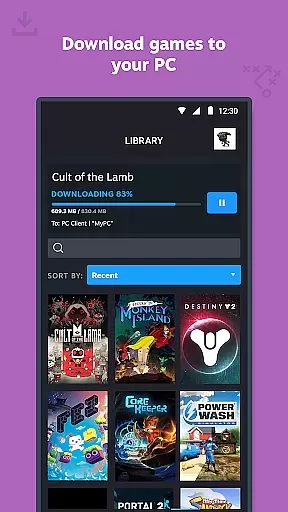
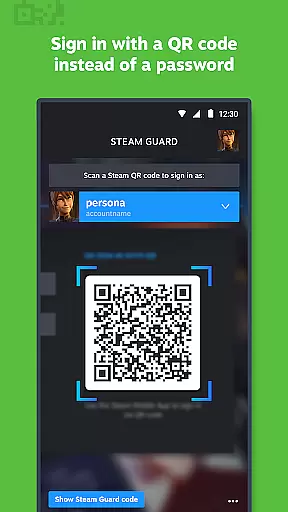
The application provides essential tools such as Steam Guard, which offers two-factor authentication and QR code sign-in options, ensuring top-notch account security. Additionally, users can remotely manage game downloads and updates directly from their phones, making it easier than ever to maintain an up-to-date gaming library. Whether you're browsing the latest game sales or confirming trade requests, Steam Mobile delivers a seamless experience tailored for gamers.
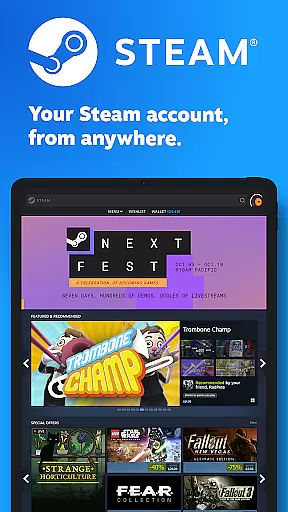
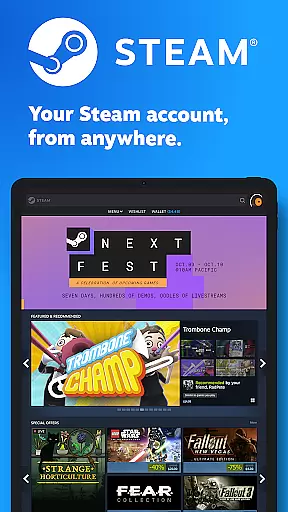
Steam Mobile boasts a rich set of features designed to enhance user interaction with the Steam platform. One standout feature is the ability to browse and purchase games from the extensive Steam catalog directly via your mobile device. This ensures you never miss out on sales or new releases, keeping your game library fresh and exciting.
Another significant aspect is the advanced security provided by Steam Guard. Users benefit from two-factor authentication and QR code-based login methods, significantly reducing the risk of unauthorized access. Furthermore, the app's remote download management allows users to queue game installations and updates on their PCs from anywhere, streamlining the gaming experience. These robust features collectively offer convenience, security, and control, making Steam Mobile an indispensable tool for any avid gamer.
The Steam Mobile App offers an extensive range of content that caters to the diverse interests of gamers and the broader Steam community. With access to the entire Steam catalog, users can browse and purchase PC games directly from their mobile devices, ensuring they never miss out on sales or new releases.
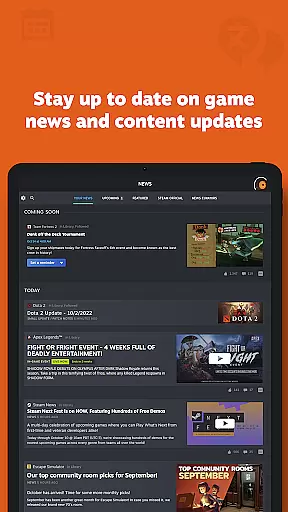
Beyond game shopping, the app provides a personalized news feed based on your library, delivering the latest updates, events, and content straight from publishers and developers. This ensures that users are always in the loop with what's happening in their favorite games.
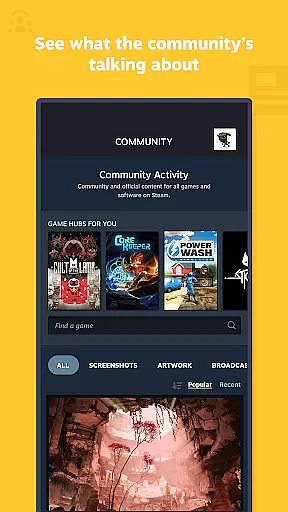
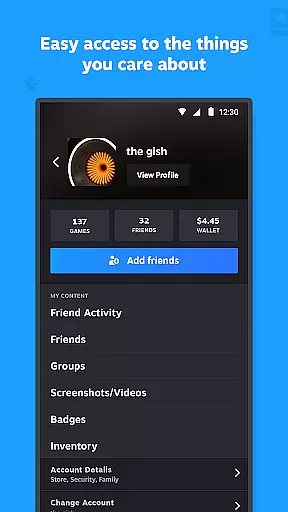
Additionally, the app supports community engagement through discussions, groups, guides, and even the Steam Market and Workshop. Users can stay connected with friends, view their activity, and manage various aspects such as screenshots, inventory, and wallet, making it a comprehensive entertainment hub.
The incorporation of customizable notifications for wishlists, sales, comments, trades, and more means users will always have fresh and relevant information at their fingertips, enhancing their overall experience with timely updates.
User engagement is a core strength of the Steam Mobile App, offering features that not only attract users but keep them actively involved over time. The Library view allows users to easily access game content, discussions, guides, and support, which encourages continuous interaction with their gaming library and community.
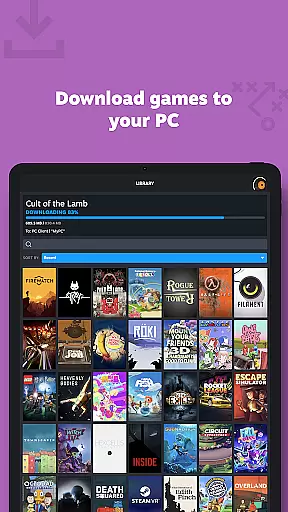
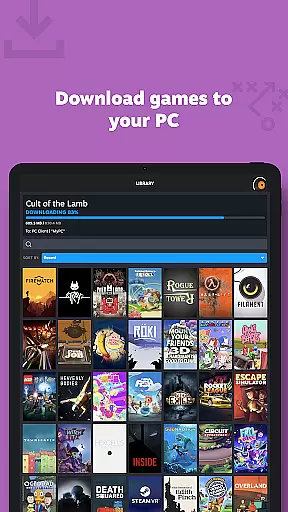
Remote downloads and updates management enable users to handle their PC game installations directly from their phone, streamlining the process and keeping them engaged with their gaming setup even when they're away from their computer.
Trade and Market confirmations add another layer of engagement by allowing users to quickly confirm item trades and sales using their mobile device. This convenience keeps users connected to the economic aspects of their gaming accounts without needing to be logged into the desktop client.
Furthermore, the app's support for multiple Steam accounts and customizable main tabs ensures that users can tailor their experience to fit their personal gaming habits, promoting longer session durations and increased retention as users find more value and personal relevance in the app.
User-friendly interface
Comprehensive security features
Remote game management
Real-time community engagement
Personalized news feed
Limited mobile gameplay
Occasional sync issues
Heavy battery usage
Requires stable internet
Complex setup for beginners

Tarot & Oracle Card Readings
 4.50
4.50
Binge-worthy short dramas on DramaRush—engaging stories that fit your day.
3.90
The OFFICIAL PeeWee Purpdrank Soundboard!
4.80
Journey to the world’s oldest rainforest and meet its Indigenous Custodians.
4.0
Browser for Chromecast to stream webvideos, online movies, IPTV & HD livestreams
4.40
Fetch money rewards all just for playing games. Cash out for gift cards in app.
4.50
Necrophone is spirit box ghost hunting app made for spirit communication.
3.70
Christmas Globe: Transform your Wear OS device into a festive timekeeper!
4.0
See the frequencies! Watch the magic!
4.3
Stream Live TV, News & Documentaries. Watch Full Seasons with PBS Passport.
4.80
Catalog & tracker of your DVD, Blu-ray & Digital Movie and TV Collection Library
4.80
Watch Reels, Drama Shorts & TV Series Anytime. Download DramaWave Now!
4.70
Stream Online TV - Watch Live IPTV Playlist & Channel with Built-In Player
4.50
Triple A is a highly complex, kinetic, and interactive visualizer.
4.50
Rain and lightning effects for your Philips Hue lights
4.30
Watch New Episodes & Live TV
3.80
Fool your friends & Family with Fake ultrasound test report
3.60
NFL, NBA, NHL, MLB, local sports coverage, shows, movies & news!
3.20
A wonderful collection of the most beautiful sounds of animals and birds
4.1


User Reviews