
Text notifications, button control, heart monitor & more for your Amazfit.
 2.40
2.40
Enjoy the Gluten Free living with the best app. SCAN the barcodes & SEARCH.
3.60
Effortlessly and naturally release anxiety by harnessing the power of your brain
4.60
Binaural Beats - Fully Customizable Waves - Pure Sound - No Loops
4.50
A brain game that moves you
4.70
Wall Pilates at home & Pilates workout for beginners for core and weight loss.
4.80
GloryFit is a companion app for the smart bracelet.
3.60
Easy to use step counter, calorie counter helps lose weight, count steps offline
4.80
Pedometer that gives you sweatcoins for steps. It pays to walk!
4.10
Meditation app, head space app provides calm music to help you meditate & sleep
5.00
Protect your healthy sleep
4.80
Step Counter, track steps when you walk or run
4.70
Pilates, Calisthenics, Yoga
4.50
Raccoon AI Calorie Counter. Intermittent Fasting & Timer. Macro, Carb, Protein
4.50
“Overcoming pain based on EMDR” helps you to alleviate chronic pain and stress.
4.10
Monitor, analyze, track, and convert blood sugar & help you control diabetes.
4.10
Track sleep cycle, relax with white noise, sleep sounds & smart alarm clock
3.80
Measure real-time wrist & ambient temperature with your Galaxy Watch (Wear OS)
3.20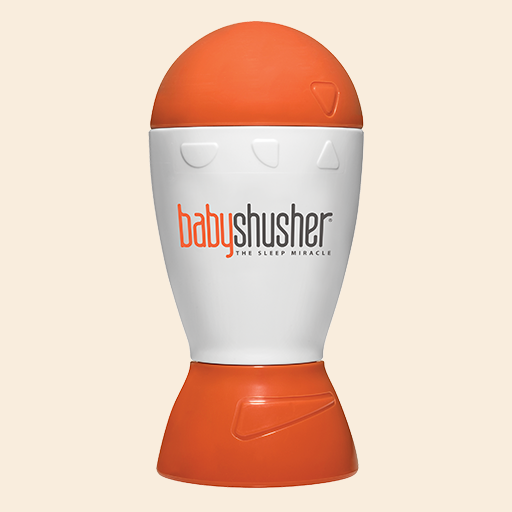
The Sleep Miracle Sound Machine: Soothes baby to sleep with a gentle "Shhh"
3.00


