
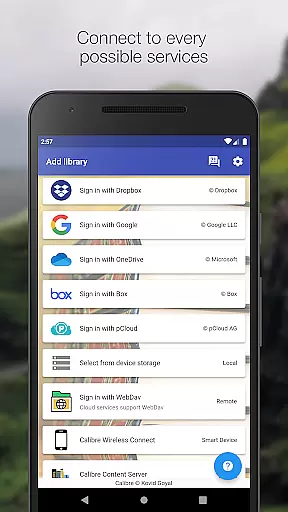
Calibre Sync is a powerful tool designed for book enthusiasts who want seamless access to their Calibre libraries across multiple cloud services. The app supports popular platforms like Google Drive, Dropbox, OneDrive, and more, allowing users to browse, sort, search, and read books directly from their devices. With its wireless connectivity feature, it transforms your device into a smart emulator that connects effortlessly to Calibre, even supporting external storage and content servers.
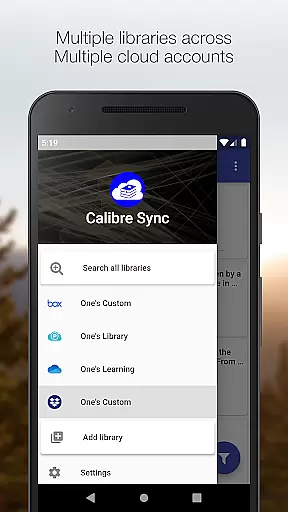
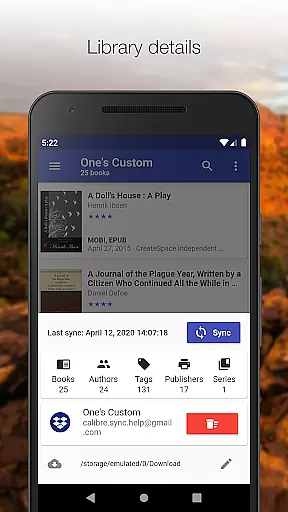
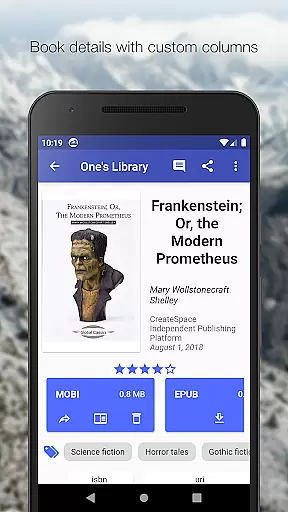
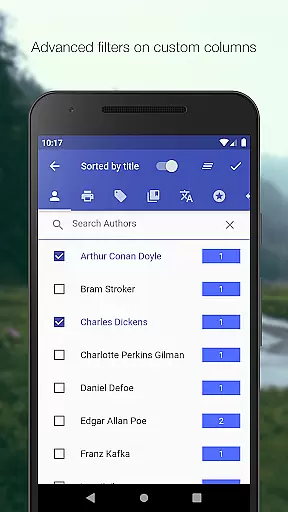
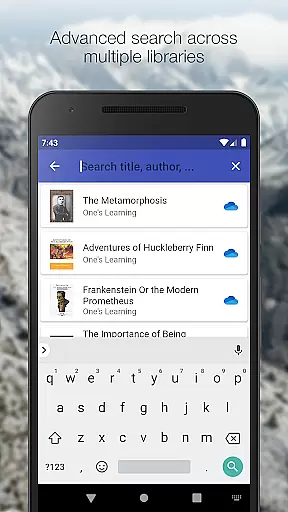
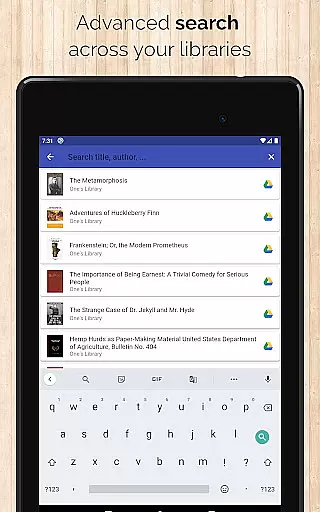
One of the standout features of Calibre Sync is its ability to manage multiple libraries across various accounts simultaneously. Whether you're searching for books by title, author, or custom columns, or filtering by tags, series, and formats, the app provides an intuitive interface with different layout options. It also offers advanced functionalities such as library statistics, automatic updates, and support for custom columns in book details view. This makes it an invaluable tool for organizing and accessing extensive e-book collections.
The app's value lies in its comprehensive functionality and ease of use. By moving your Calibre library to supported cloud services, you can enjoy unrestricted access to your digital library from anywhere. Its compatibility with multiple cloud providers and support for both light and dark themes make it versatile for different user preferences. For those seeking a robust solution to manage and access their e-books wirelessly, Calibre Sync delivers exceptional performance and convenience.
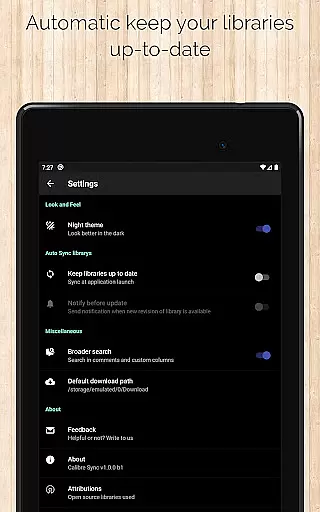
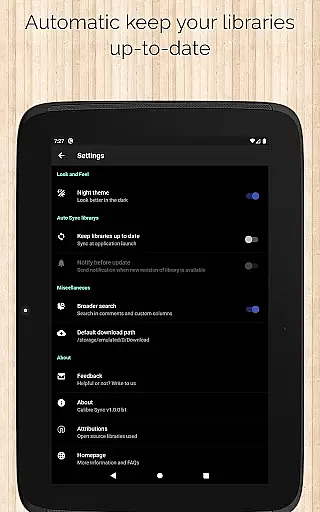
Calibre Sync boasts an impressive array of features tailored for efficient library management. One key feature is the ability to connect wirelessly to Calibre as a smart device, enabling effortless access to unlimited libraries. Users can easily switch between multiple libraries across different accounts, ensuring flexibility and organization. The app automatically checks and updates libraries upon launch, keeping your collection current without manual intervention.
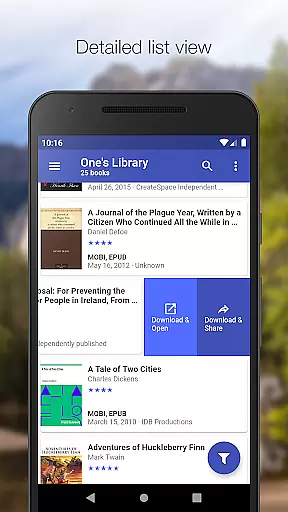
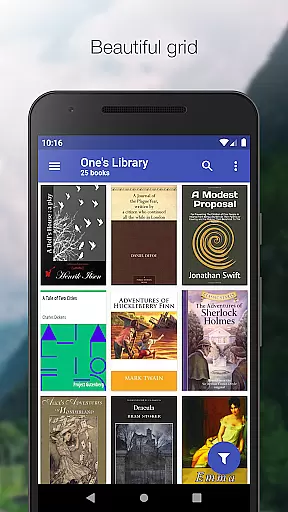
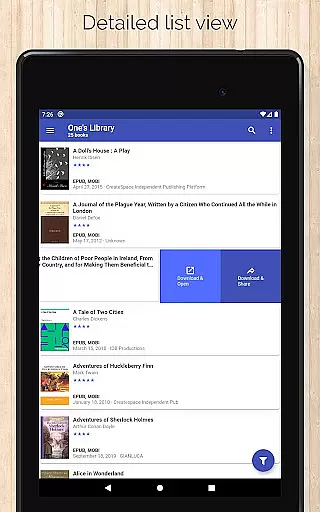
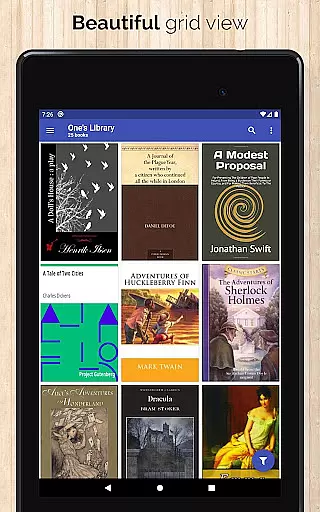
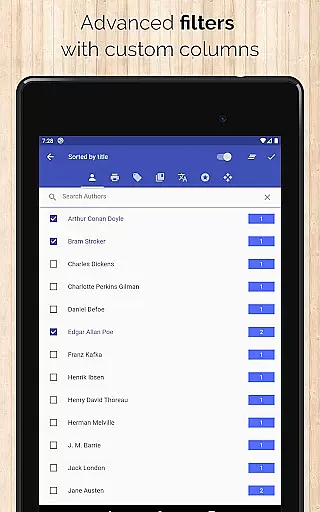
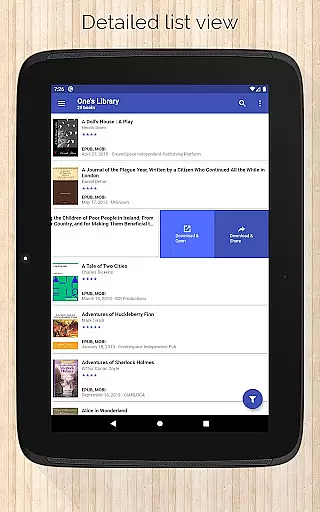
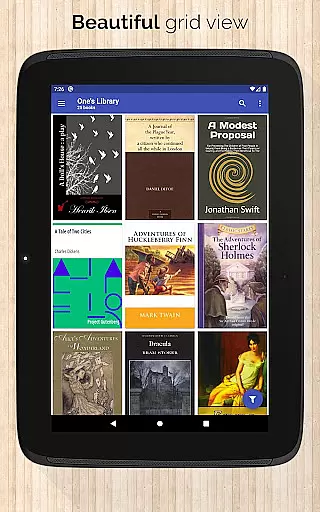
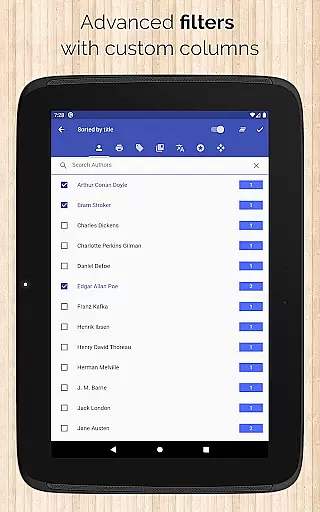
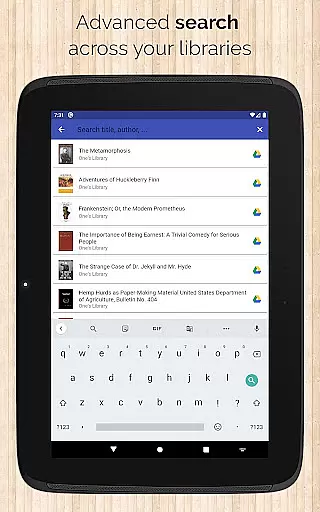
Another notable aspect is the variety of book list layouts available—List (detailed and simple), Grid, and Carousel—allowing users to customize their browsing experience. Advanced search and filter options let you find books quickly by title, author, comments, or custom columns. Sorting capabilities include options by title, author, ratings, and several date parameters, both ascending and descending. Additionally, features like 'swipe from book to book' in the book details view enhance navigation, while quick access to download and share functions via slideable list views improves usability.
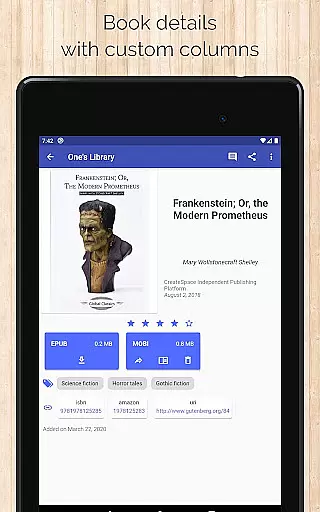
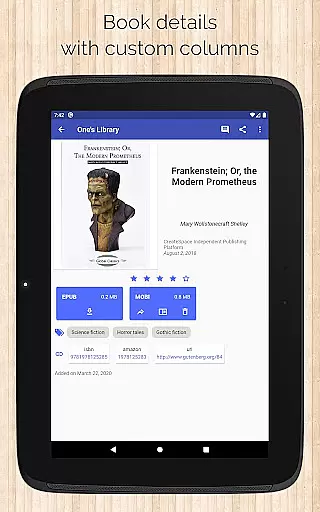
Calibre Sync also excels in providing detailed insights into your library. Users can view library statistics, check file sizes of each book format, and see book identifiers linked to sources like ISBN, Amazon, and Goodreads. The app supports emailing or sharing downloaded books and integrates with reader applications for an uninterrupted reading experience. With configuration options for download locations and support for custom columns, Calibre Sync ensures a personalized and efficient approach to managing your e-book collection.
Calibre Sync offers an impressive e-book library solution by allowing users to access unlimited Calibre libraries across multiple cloud services. This includes popular platforms like Google Drive, Dropbox, and Microsoft OneDrive, ensuring a vast repository of reading materials.
The application guarantees the authenticity of its content through direct synchronization with Calibre libraries, which are known for their robust metadata management. Users can be confident that the books they access are legitimate copies, preserving copyright integrity.
With support for custom columns and detailed book information, including ISBN and source links, Calibre Sync ensures that every book's origins are traceable and credible. This level of detail supports the app's commitment to copyright authenticity.
By enabling users to move their libraries to supported cloud services while following specific instructions, Calibre Sync provides peace of mind regarding the legitimacy and safety of the e-books accessed through its system.
One of Calibre Sync's standout features is its exceptional format compatibility, supporting various e-book formats without limitations. This ensures that no matter the file type, users can manage and read their books seamlessly.
The app supports different book list layouts such as List, Grid, and Carousel views, catering to user preferences and ensuring an optimal reading experience. These options highlight the app's versatility in handling diverse formats efficiently.
Additionally, Calibre Sync allows users to view the file size of each book format and filter downloaded books, enhancing organization and accessibility. Such features underscore the importance of format compatibility in managing extensive e-book collections.
With the ability to open downloaded books in external reader apps, Calibre Sync bridges the gap between storage and consumption, making it a comprehensive tool for e-book management across various formats.
User-friendly interface
Wide cloud service support
Advanced search and filter
Automatic library updates
Customizable layouts
No built-in reader app
Limited OneDrive support
Requires storage permission
Case-sensitive file system needed
External storage dependency

The Bible Audio Guide
 4.80
4.80
Plan of Life that Saint Josemaría recommended
4.80
University of North Carolina Herbarium presents the flora of TN, AL, & MS.
4.3
Read the romance stories on the go. Take my breath away, The Spoiled Girl
4.30
Universal Zoom, learn about sizes & distances of the universe and microcosmos
4.80
8 Dr. Seuss short stories in 1 app!
4.70
Full text, sheet music, and recordings of the print edition
4.60
Read Trending Romance Stories
4.00
Daily Bible app: King James Version with verses and audio for studying&prayer
4.40
Daily rosary and gospel reflections for catholic
4.90
The favorite Christmas story comes to life!
4.80
Bible Study App with Audio Book, Verse of the Day, and Devotionals.
4.80
Read books PDF, EPUB, WORD, KINDLE, MOBI! Your ebook reader among reading apps.
4.80
World's most comprehensive dictionary app: 13 languages, all online or offline!
4.80
Discover Stars and Planets: Live Map Shows Current Constellations in Full Detail
4.70
Crowd-sourced listing of businesses with anti-gun signs, and pro-2a alternatives
4.60
Unlock unlimited access to bestselling ebooks, novels, stories, and audiobooks
4.60
Knots 360 Pro ( 3D ) shows you animated 192 knots in 3D perspective
4.10
Battle Royale Chapter 5 Season 2 HD Wallpapers Emotes Skins and BattlePass
3.00


User Reviews