
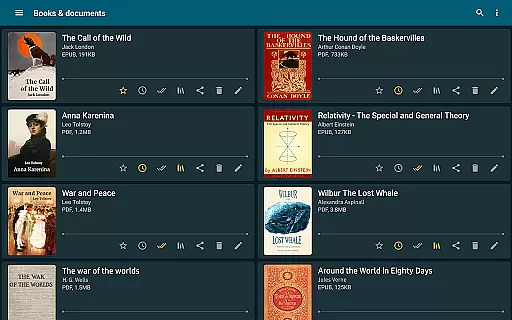
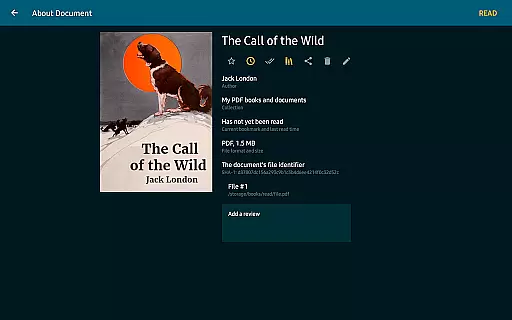
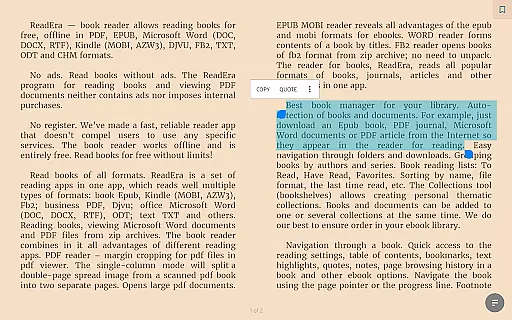
ReadEra is a versatile eBook reader app designed for book enthusiasts who value flexibility and accessibility. This application supports an extensive range of formats including PDF, EPUB, Microsoft Word, Kindle, DJVU, FB2, TXT, ODT, and CHM, allowing users to manage all their reading materials in one place. With its offline functionality, ReadEra ensures that users can access their library without an internet connection, making it ideal for travelers or those with limited connectivity.
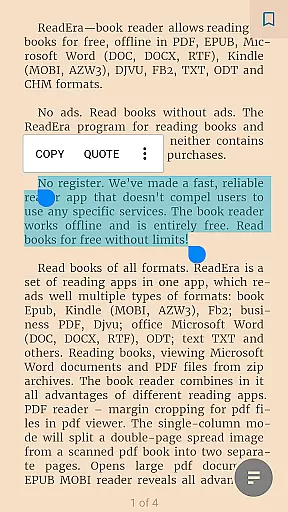
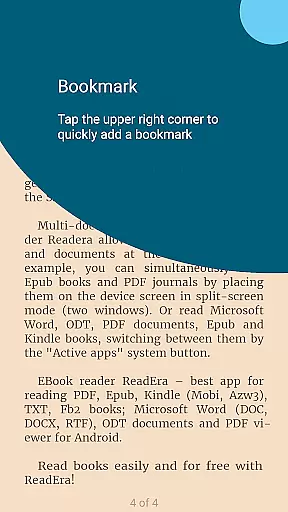
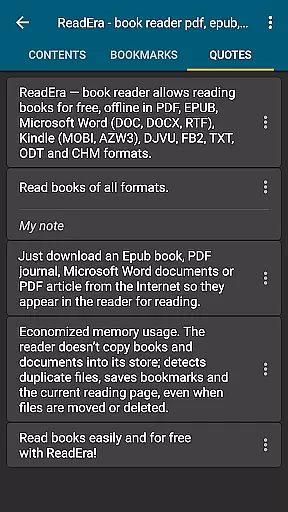
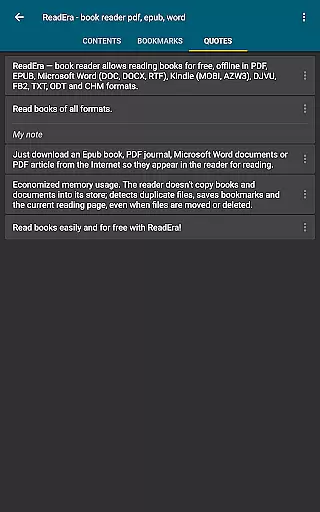
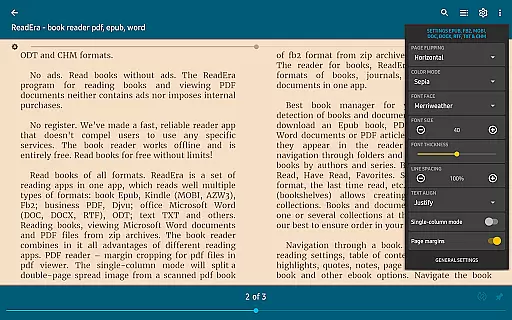
Beyond basic reading, ReadEra offers advanced features such as automatic margin cropping for PDFs, single-column modes for scanned books, and customizable reading settings. Whether you're reading a novel, reviewing documents, or studying academic papers, ReadEra provides tools like bookmarks, text highlights, and adjustable fonts to enhance your experience. Its intuitive interface and powerful organizational capabilities make it a top choice for managing large libraries efficiently.
The app's commitment to user convenience extends to its ad-free environment and lack of mandatory registration, ensuring a seamless and uninterrupted reading experience. By combining multiple specialized readers into one comprehensive tool, ReadEra caters to diverse reading needs while maintaining simplicity and ease of use. For anyone seeking a robust solution for digital reading across various formats, ReadEra stands out as an essential companion.
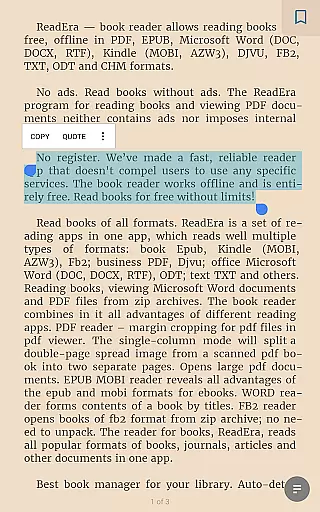
ReadEra distinguishes itself through its multi-format support and sophisticated reading tools. The app integrates several specialized readers—PDF, EPUB, MOBI, Word, and more—into a unified platform, each optimized for specific file types. For instance, the PDF reader includes margin cropping and split-page options for scanned books, while the EPUB and MOBI readers leverage the full potential of these flexible eBook formats. Similarly, the Word reader generates a table of contents based on document headings, streamlining navigation.
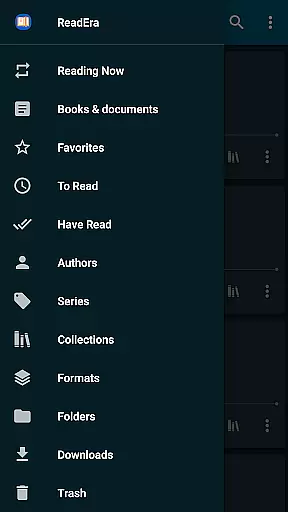
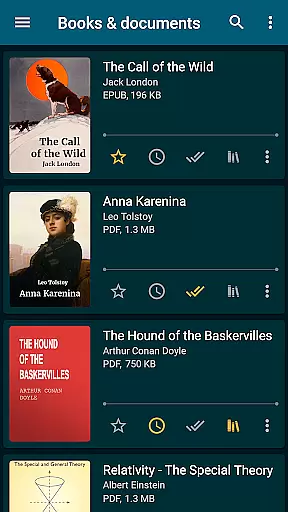
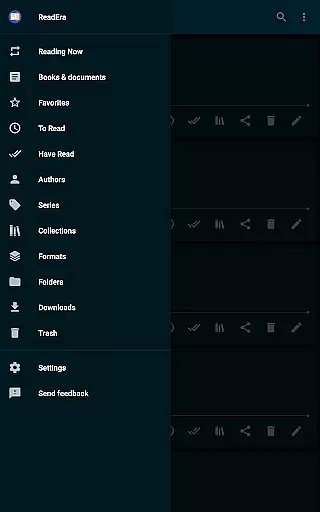
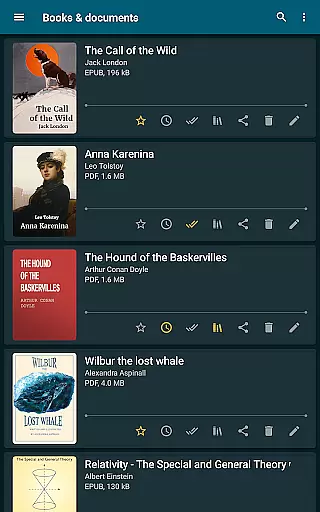
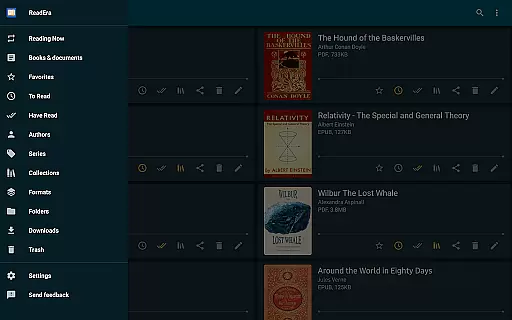
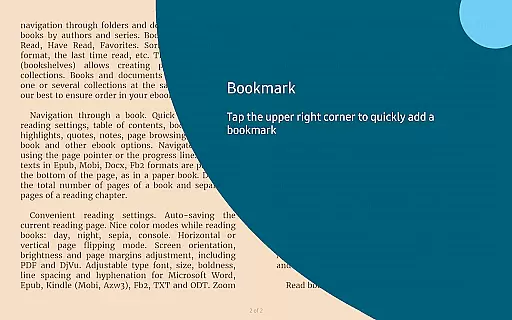
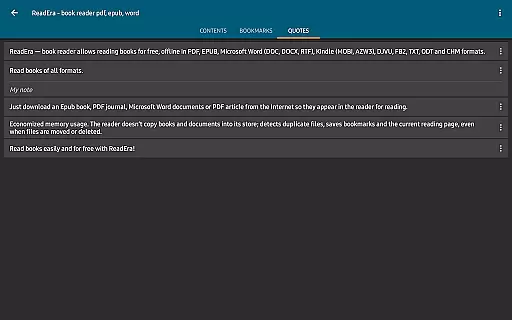
Organization is another cornerstone of ReadEra's feature set. It automatically detects books and documents downloaded to your device, categorizing them by author, series, or custom collections. Users can create personalized lists such as 'To Read' or 'Favorites,' and even group items into thematic collections. Advanced navigation tools, including bookmark syncing, footnote displays, and progress tracking, ensure that readers can effortlessly pick up where they left off, regardless of format.
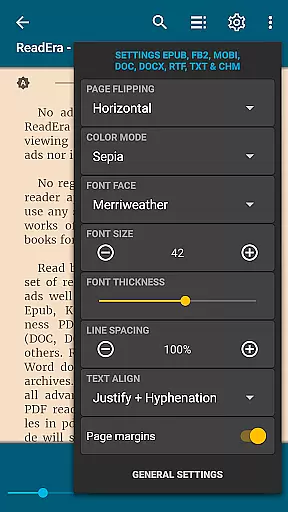
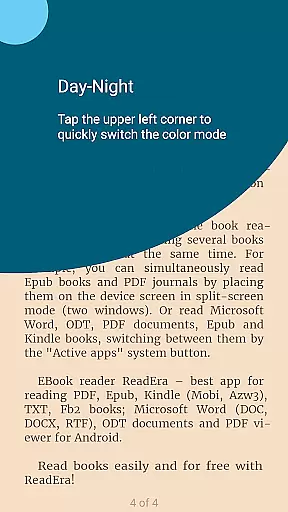
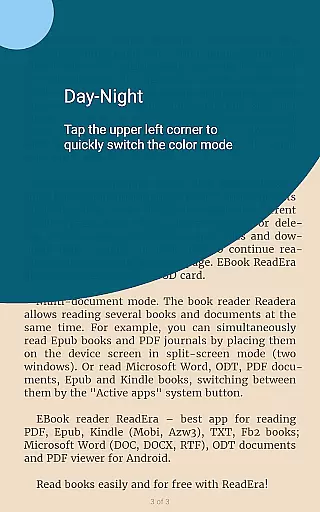
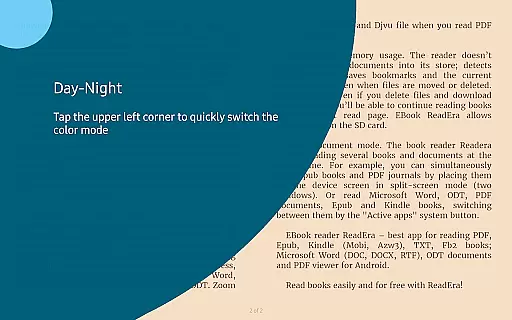
Customization options further enhance usability. ReadEra offers multiple color modes (day, night, sepia), adjustable font settings, and page layout controls. These features are complemented by memory-efficient design principles, which prevent duplicate files and preserve reading progress even if files are moved or deleted. With innovations like split-screen mode for multitasking and cross-format continuity, ReadEra empowers users to tailor their reading experience precisely to their preferences.
ReadEra offers an extensive e-book library that supports multiple formats including PDF, EPUB, Microsoft Word, Kindle, DJVU, FB2, TXT, ODT, and CHM. This wide-ranging compatibility ensures users can access a vast collection of books and documents without restrictions.
The application guarantees the authenticity of its content by supporting legitimate file types and ensuring all materials are free from copyright infringement. Users can confidently download and read books knowing they are accessing verified and legal copies.
With ReadEra, there is no need for additional purchases or subscriptions. The app provides free access to its entire library, allowing users to explore a diverse range of reading materials without hidden costs or ads disrupting their experience.
One of ReadEra's standout features is its exceptional format compatibility. The app supports an array of document types such as PDF, EPUB, MOBI, AZW3, DOC, DOCX, RTF, ODT, and more, making it a versatile tool for both leisure and professional reading needs.
This broad format support means users can open various file types within a single app, streamlining their reading experience. Whether it's a business PDF, an academic paper, or an eBook, ReadEra handles them all with ease.
Additionally, ReadEra enhances usability by offering advanced reading settings tailored to different formats. For instance, margin cropping for PDFs and customizable text options for eBooks ensure optimal readability across all supported formats.
User-friendly interface
Multi-format compatibility
Offline functionality
No ads or in-app purchases
Advanced customization options
Limited cloud integration
No built-in store for new books
Occasional performance lags
Complex settings for beginners
Heavy on system resources

Flora of Virginia Project (www.floraofvirginia.org)
 5.00
5.00
Audiobook player with cross-device progress sync, playlists, and widget support.
4.80
Improve your vocabulary and grammar with the 15 biggest Oxford Dictionaries.
4.30
Bible Spiritual Companion
4.40
ISAIAH EXPLAINED with Avraham Gileadi Ph.D.
4.00
Provides location information of vehicle Shift Interlock releases.
4.30
A companion for prayer, with Azan alarm, Quibla direction, and Holy Quran book
4.10
A KJV Bible with Apocrypha and precept-based study concordance
5.00
Liturgy of the Hours and Mass for every day of every year. No Internet needed!
5.00
Daily rosary and gospel reflections for catholic
4.90
Daily thoughts, meditations, and prayers for living a sober life in recovery.
4.90
8 Dr. Seuss short stories in 1 app!
4.70
Scan. Price. Grade.
4.60
Full text, sheet music, and recordings of the print edition
4.60
Discover, track, and share your reading with friends & our community of readers
4.60
Holy Bible with verses and audio for studying and prayer
4.30
Guide for dōTERRA® Products
3.60
Novels, audiobooks, ebooks & fanfiction. Read anytime, anywhere!
3.40
University of North Carolina Herbarium presents the flora of TN, AL, & MS.
4.5


User Reviews