
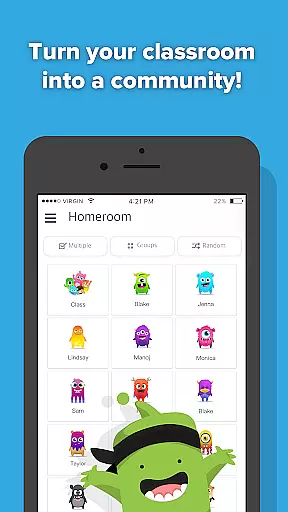
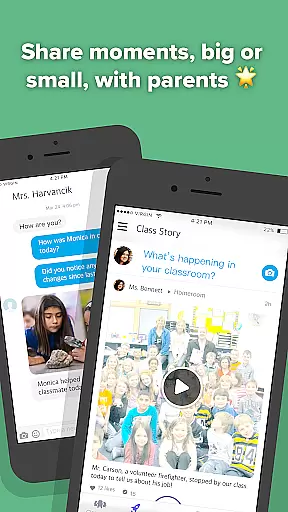
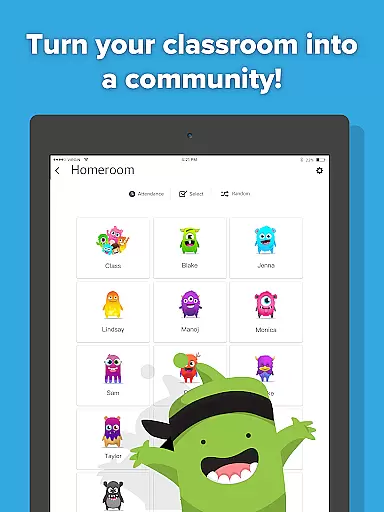
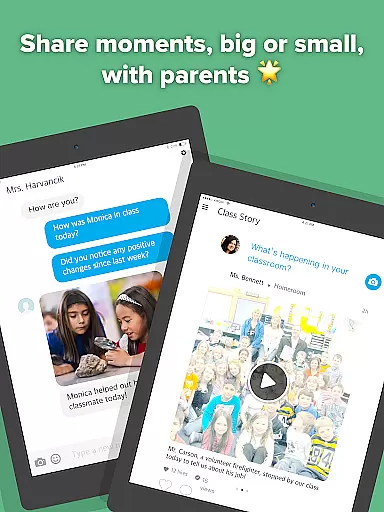
ClassDojo is an innovative educational app designed to foster a collaborative classroom environment. This platform enables teachers to recognize students for various skills, such as teamwork and perseverance, while also facilitating seamless communication with parents through instant messaging. Teachers can share classroom moments via photos and videos, which helps keep parents informed and engaged in their child's learning journey.
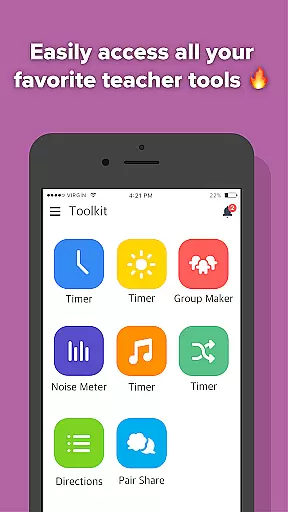
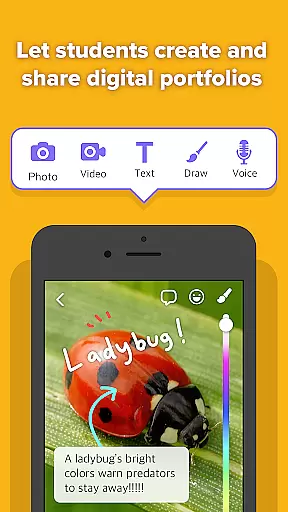
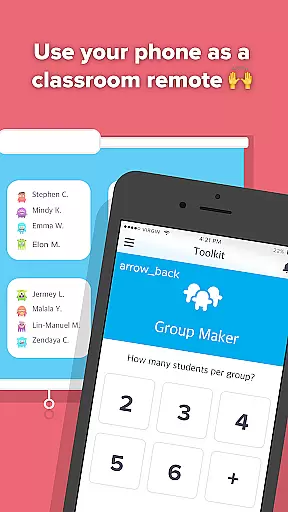
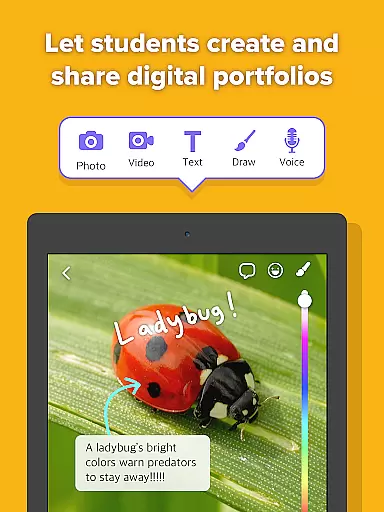
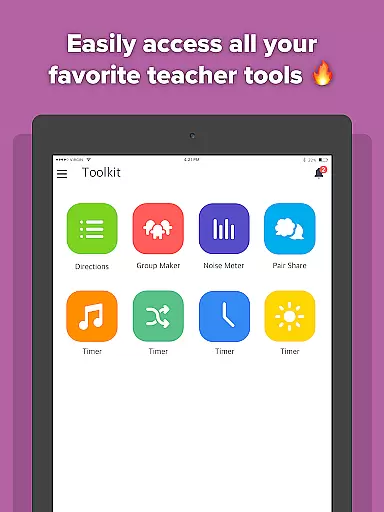
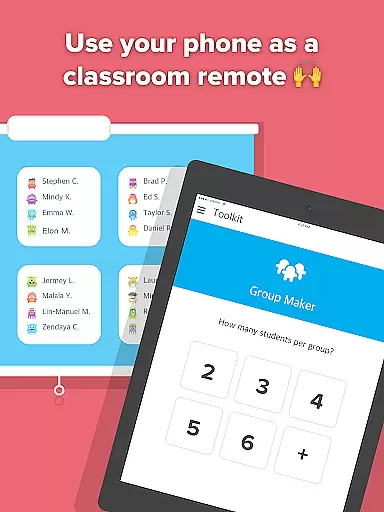
Additionally, ClassDojo allows students to contribute by uploading their work to personal digital portfolios, showcasing their achievements to parents. The app consolidates essential teacher tools like the Group Maker and Noise Meter, streamlining classroom management. Available across all devices, including smartphones, tablets, and computers, ClassDojo is free for all users and has created a vibrant community in over 180 countries.
ClassDojo offers a comprehensive suite of features tailored for educational environments. One standout feature is its ability to help teachers encourage positive behavior and skill development among students through customizable feedback badges. The app facilitates real-time parent-teacher communication, allowing educators to send announcements and messages that keep families in the loop about classroom activities and student progress.
For students, ClassDojo provides an intuitive interface to build digital portfolios, where they can store and share their academic accomplishments with their parents. Furthermore, the integration of classroom tools such as the Group Maker and Noise Meter empowers teachers to manage their classes more effectively. With cross-platform compatibility, this app ensures accessibility and convenience for all users, promoting a cohesive educational experience that extends beyond the classroom walls.
In the realm of education, the precision and reliability of content are paramount. ClassDojo stands out by offering tools that teachers can trust to accurately reflect student progress and classroom dynamics. The app enables educators to provide real-time feedback on skills such as 'Working hard' and 'Teamwork,' ensuring that students receive recognition for their efforts in a truthful and precise manner.
ClassDojo's commitment to authoritative content is further demonstrated through its communication features. Teachers can share classroom experiences with parents via photos, videos, and announcements, all within a secure environment. This direct line of communication allows parents to witness their child's educational journey, reinforcing the authenticity of the updates they receive.
Moreover, ClassDojo consolidates essential teacher tools like Group Maker and Noise Meter into one platform, streamlining classroom management. By integrating these trusted resources, ClassDojo ensures that educators have access to reliable methods for fostering a positive learning atmosphere. As a result, both teachers and parents can be confident in the integrity of the information exchanged through the app.
Every student's learning journey is unique, and ClassDojo embraces this by facilitating personalized learning paths. Through the app, teachers can tailor their encouragement to match individual student achievements, promoting growth in areas such as 'Creativity' or 'Problem-solving.' This customization empowers educators to nurture each student's strengths while addressing specific areas for improvement.
Students benefit from ClassDojo's digital portfolio feature, which allows them to document their own classwork. This not only fosters a sense of ownership over their learning but also enables parents to track their child's academic development closely. With instant messaging capabilities, teachers can collaborate with parents to adjust learning strategies based on the student's evolving needs.
The flexibility of ClassDojo extends beyond individual classrooms, supporting a global community of K-12 educators, parents, and students across more than 180 countries. Its compatibility with various devices ensures that personalized learning experiences are accessible to all users, regardless of their preferred technology. By adapting to diverse educational contexts, ClassDojo exemplifies how personalized learning can be effectively implemented at scale.
User-friendly interface
Real-time communication
Customizable feedback
Digital portfolio creation
Comprehensive classroom tools
Limited advanced analytics
No offline functionality
Device dependency
Privacy concerns
Premium features cost

AI Language tutor: Speak fluently with Lucy’s personalized coaching
 4.70
4.70
THE MOST COMPREHENSIVE JUMPMASTER STUDY RESOURCE AVAILABLE.
3.40
Astronomy Guide to the Night Sky
4.40
Prepare for the BCBA / BCaBA exam. Study ABA with the ABA Wizard app.
4.60
Stack the Countries makes learning world geography fun!
4.50
The best way to study for your amateur radio license exam.
4.90
Reading for kids has never been easier. Learn phonics, letter tracing & more!
4.70
Adventures await with Spider-Man and other Marvel characters!
4.10
Plant identifier: Identify plants, trees, weeds, flowers. Disease diagnosis.
4.30
Experience the sky, planet earth and the solar system like never before
4.90
Learn Japanese in an immersive educational game set in Japan!
4.90
Welcome to the Speak Navajo Language Application - Volume 1
4.50
One of the most engaging and innovative ABC apps on the market.
4.30
Monkey Preschool Lunchbox: 7 exciting educational games for your preschooler.
4.30
School Communication
4.30
For medical training - Visualize complex vein maps and structures in real-time.
4.10
Explore numbers the Starfall way!
4.00
Snap a dog photo to identify its breed instantly. Fast, accurate and easy to use
3.40
Pickleball guide complete with illustrated Pickleball drills and helpful info
4.4


User Reviews