
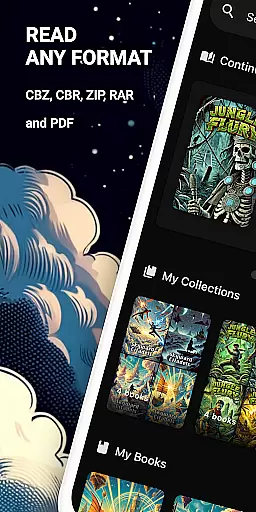
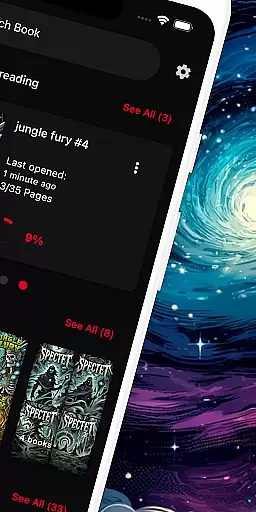
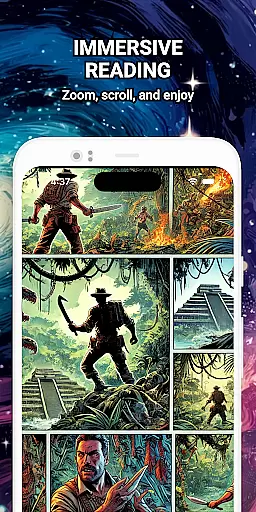
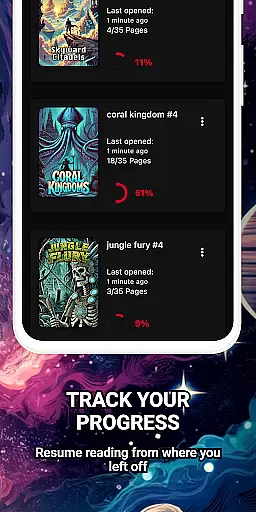
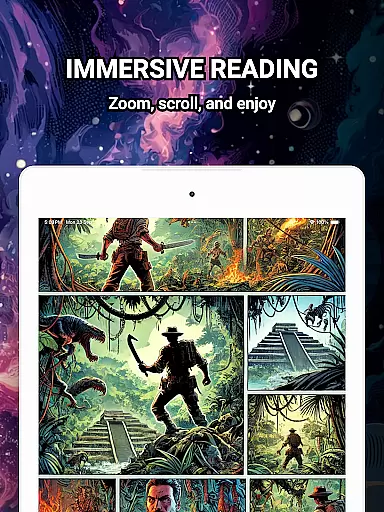
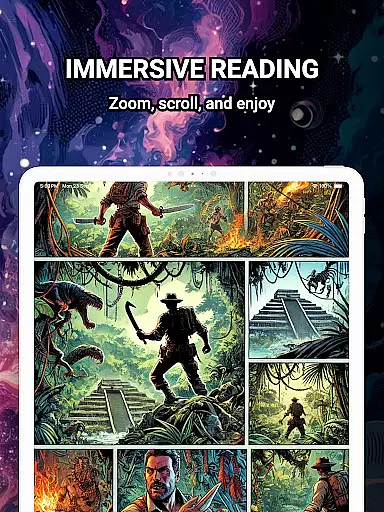
ComiQuest is a versatile comic reader app tailored for fans of CBR, CBZ, and PDF formats. It offers an elegant reading experience with smooth navigation and smart library features, ensuring users can dive into their favorite stories without distractions. The app supports direct file imports from local storage or USB drives, making it easy to access your entire collection in one place.
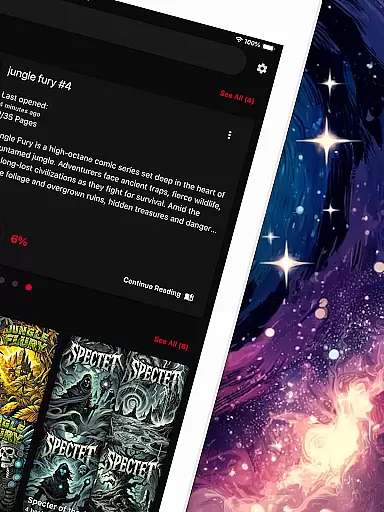
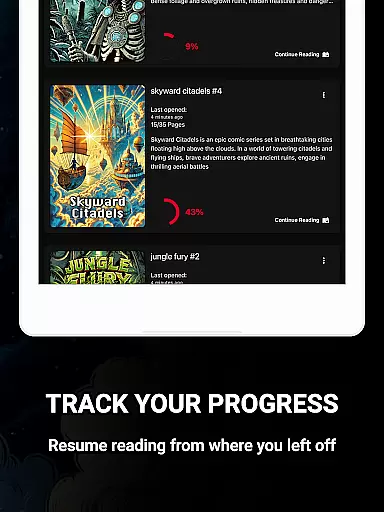
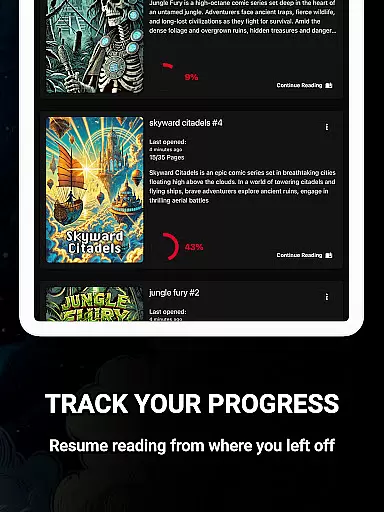
One standout feature is the automatic reading progress tracking, which allows users to pick up exactly where they left off across all supported formats. With its customizable collections, readers can organize their graphic novels, manga, or webtoons efficiently. ComiQuest also provides an ad-free environment and an experimental eye comfort mode to reduce strain during long reading sessions, making it ideal for avid comic enthusiasts who value both functionality and comfort.
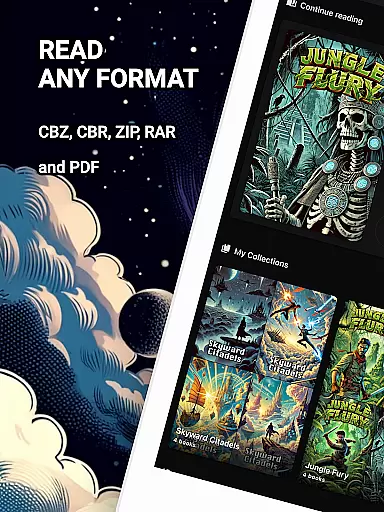
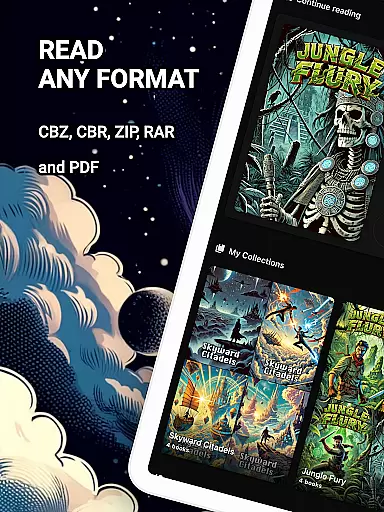
ComiQuest stands out with its robust support for multiple comic file formats, including CBR, CBZ, and PDF. This eliminates the need for format conversion, streamlining the reading process. The app's intuitive design ensures that even beginners can easily navigate through their collections while advanced users will appreciate the detailed organization options.
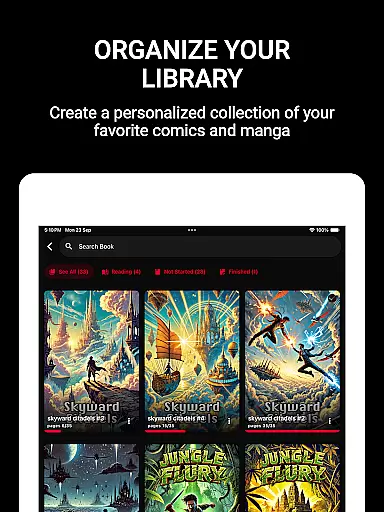
A key highlight is the ability to create unlimited custom collections, allowing users to categorize their comics by genre, series, or any other preference. Additionally, the app tracks reading progress automatically, ensuring you never lose your place. For those seeking uninterrupted immersion, the premium version unlocks unlimited imports and continuous updates, further enhancing the user experience with new features and consistent improvements.
ComiQuest offers an extensive comic library that supports multiple file formats including CBR, CBZ, and PDF. This ensures that users can access a wide variety of comic books without the need for conversion or switching apps.
The app allows easy file access from local storage or USB drives, making it convenient to import and read your entire collection. Whether you're a fan of graphic novels, manga, or webtoons, ComiQuest recognizes and opens your files effortlessly.
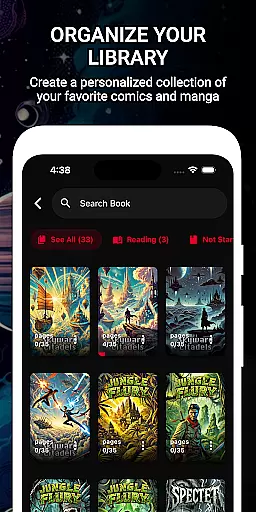
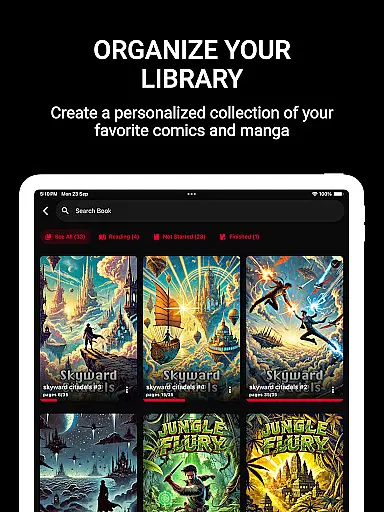
With the ability to sort comics into custom collections, users can organize their library according to personal preferences. This feature helps in managing different types of comics, ensuring that your collection remains tidy and easy to navigate.
ComiQuest places a strong emphasis on content authenticity by allowing users to import their legally acquired comic books directly. The app does not provide or distribute content but focuses on giving users a seamless reading experience with their own collections.
All supported formats are opened without any alteration, preserving the original quality and intent of the creators. This approach respects copyright laws and ensures that users enjoy their comics in compliance with licensing agreements.
Additionally, the app's premium features such as unlimited imports and custom collections encourage users to build their personal libraries while maintaining legal standards. By offering continuous updates and an ad-free experience, ComiQuest promotes a respectful and enjoyable environment for comic enthusiasts.
User-friendly interface
Multiple format support
Automatic progress tracking
Ad-free experience
Customizable collections
Premium features locked
Limited free imports
Eye comfort mode restricted
No cloud sync
USB import issues

Find free mangas in Spanish
 4.70
4.70
The pure application on the Manga SWAT website
4.80
Comic Scanner - Book Value - Identify and sell your comic collection with AI.
3.80
Read your favorite mangas for free
4.50
Catalog your collection. Just scan covers with your device camera. (US $20/yr)
4.80
Artists wanting to use decent hand reference on the go, this app is for you!
4.70
The most popular comic book reader.
4.80
from HipComic: Value Your Comic Book Collection with Just the Snap of a Photo.
3.80
Read comics, manhwa, manga & novels Official webtoons with daily updates
4.30
Joke book collection with the funniest dad jokes and riddles for you to enjoy!
4.60
Free Comic Book Collection Management & Price Guide
4.60
100k comics, manga & webcomics, including Batman, Invincible, Hellboy & more
4.60
TMOLector is an app to read all kinds of manga and stories!
4.50
The fastest and most convenient comic book reader - comics of all formats
4.40
The anime tv for fans Sud and Dub
4.20
The most powerful and fast image/comics viewer.
4.10
Arabic manga reader
4.00
AsuraScans read manga, manhua, manhwa, and webtoon
3.90
Experience the largest selection of DC comics anywhere with DC UNIVERSE INFINITE
3.40


User Reviews