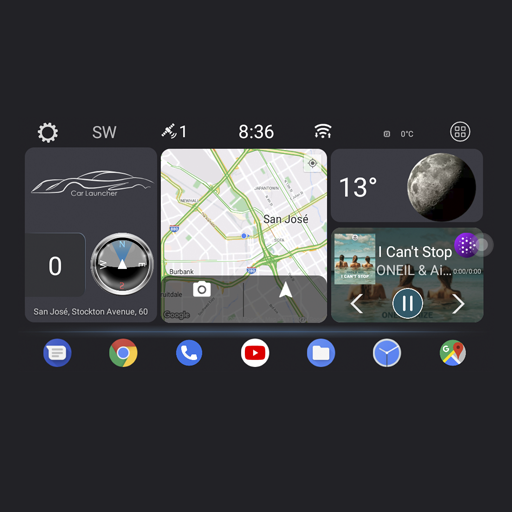
Theme for Car Launcher
 4.0
4.0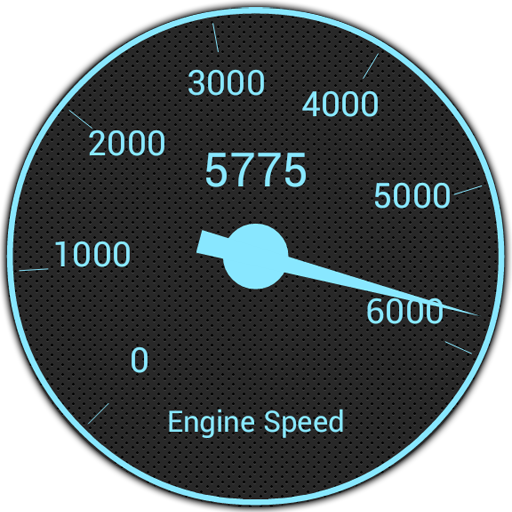
OBD1 ECMs application. Data log or tune directly from your phone or tablet!
4.60
Boost profits and hit your goals faster with GigU's amazing tools for gigworkers
4.00
Simplify your drive
3.90
Blink Charging Mobile app makes finding an EV charger an intuitive experience.
3.80
Car Sounds Engine Sounds app welcomes Auto Lovers to feel Car Simulator Sound
4.20
Take state-specific DMV permit tests and ace the exam.
3.90
Monitor your behind-the-wheel behavior to become a safer driver and save.
4.10
PayByPhone: A quick and easy way to pay for parking.
3.80
Lexus app currently supports 2010 or newer vehicles (2018 or newer for Hawaii).
4.80
The ExtraMile App allows you to pay for fuel from the comfort of your car!
4.70
Quick and easy car diagnostics to get you the right fix.
4.70
Easy connect & control your cars from afar. Remote Lock & unlock car and carplay
4.60
Instant diesel savings. No credit checks or fees. Nationwide growing network.
4.40
Get your personalized financing options and shop for used cars today!
4.20
OBD diagnostics, Live Data, DPF regeneration for BMW
4.00
Earn and save with Fuel Rewards®
3.20
Monitor specific TOYOTA parameters by adding this plugin to Torque Pro.
2.00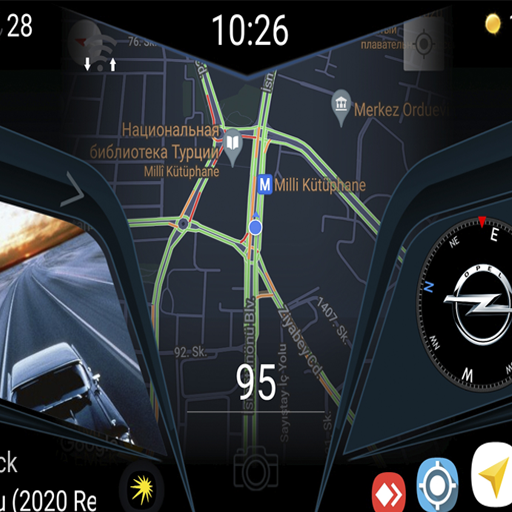
Theme for Car Launcher
4.0


