
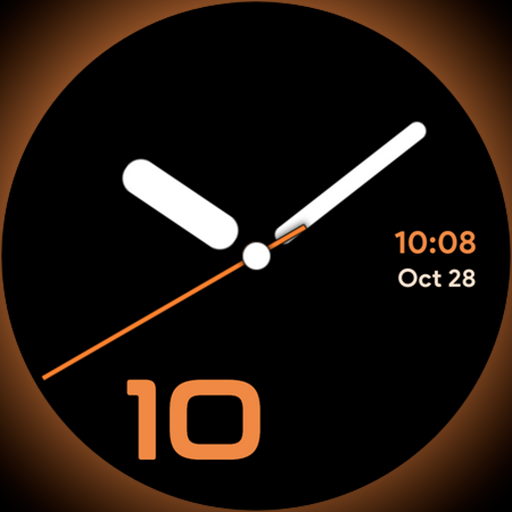
Unique Dark Analog style for Wear OS watches.
 4.4
4.4
Daily lessons from A Course in Miracles with scheduled reminders
4.80
Duo Watch Face (animated)
4.0
Take Hobby Lobby with you wherever you go!
3.40
A daily quote for success
4.2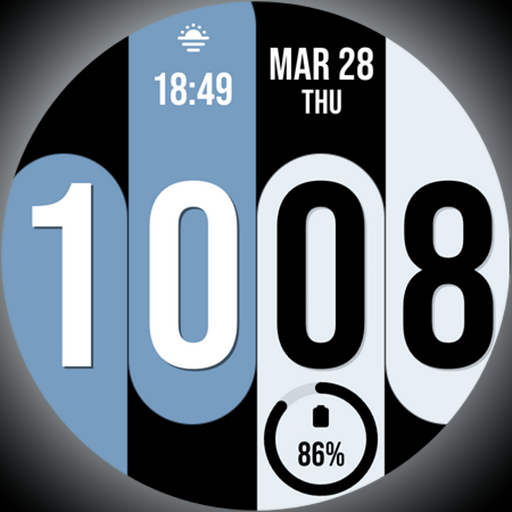
Unique Dual Colors with 6 Custom Complications for Wear OS watches!
3.40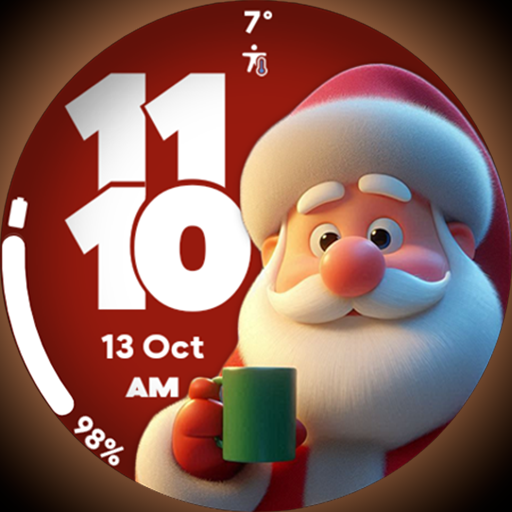
Customize your Wear OS watch with festive Christmas figures and colors!
4.1
Earn money & gift cards when you take surveys, play games, scan receipts & more.
4.50
LineLearner, the quick way to learn lines.
2.90
Pay your rent, submit work orders and much more with the RentCafe Resident App.
4.70
Kasa Smart is your portal to your TP-LINK Smart Home.
4.70
The go to app for taking unlimited notes!
4.50
The Work of Byron Katie— the mobile app for inner peace.
4.40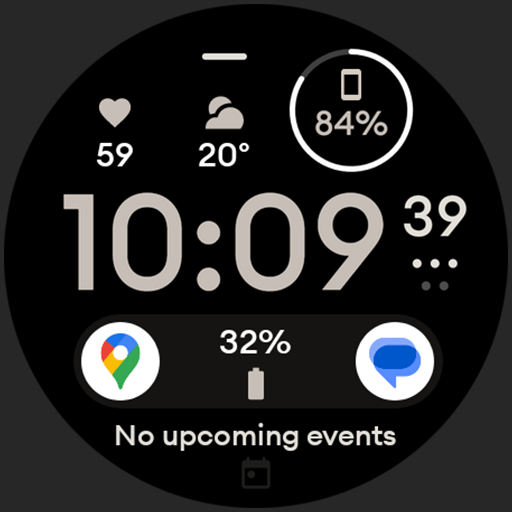
Digital watch face design. Modern looking, hi-res & battery friendly.
4.00
Spiritus Ghost Box is an Audio and Visual ITC tool for paranormal research.
4.00
Design and brew great homebrewing beer, mead, cider and wine recipes on the go!
3.60
Turn your watch into a key fob for your Tesla
2.90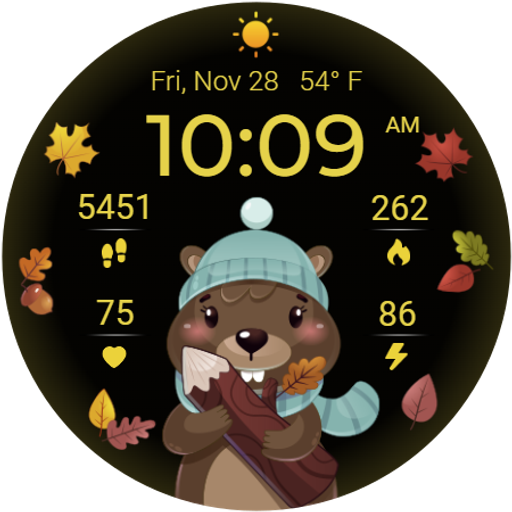
The cutest Autumn watchface featuring the adorable Mr. Squirrel
4.2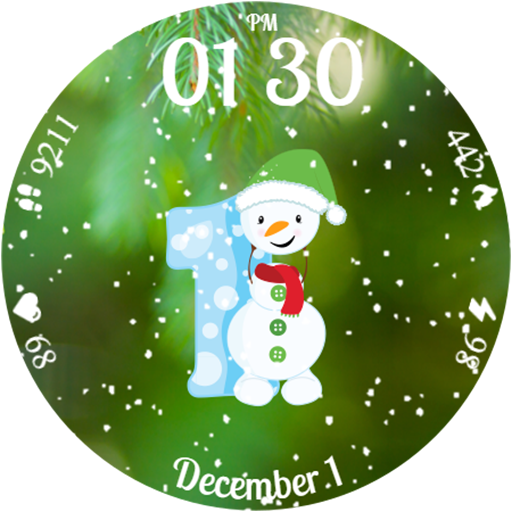
Celebrate the holidays with Advent Calendar: daily surprises and festive fun!
4.2


