
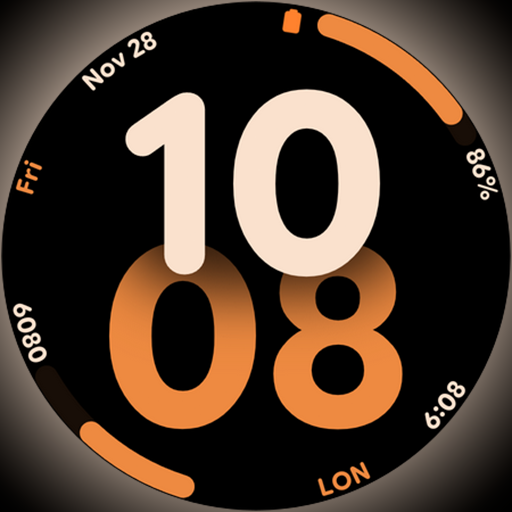
Big bold digital watch face with 30 colors, 6 complications and AOD.
 4.4
4.4
Get roadside help, discounts, travel tools & more — AAA is with you everywhere.
4.80
Stay connected with your loved ones & vehicles | Share live GPS location updates
4.60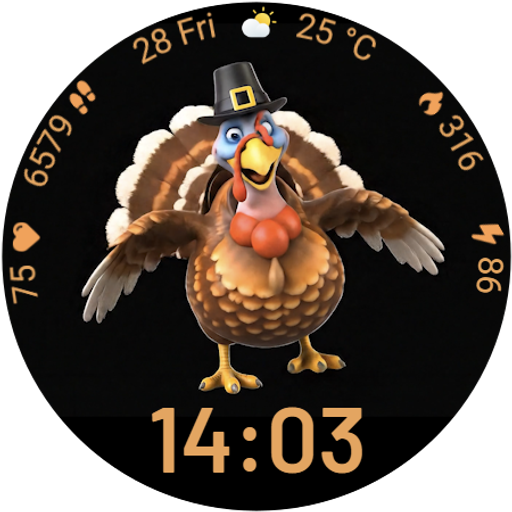
Cute animated Thanksgiving watchface for your WearOS smartwatch
4.5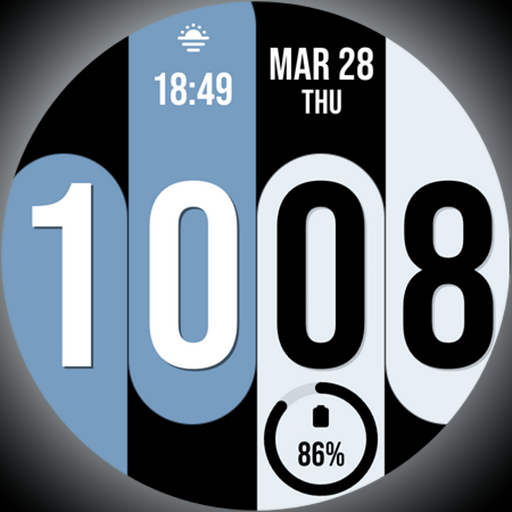
Unique Dual Colors with 6 Custom Complications for Wear OS watches!
3.40
The go to app for taking unlimited notes!
4.50
Discover your Nationality, Family Origin, and Ancestry from one selfie
4.50
The Miracle Box includes methods used by Steve Huff of Huff Paranormal.
3.20
Create slime on your phone and enjoy satisfying and relaxing ASMR games
4.50
Countdown to Christmas 2025 with festive games & activities in a virtual village
4.80
Vehicle ownership simplified. Get the myChevrolet® app today.
4.60
This app is intended to support professional EMDR therapy.
4.50
Play fun games, complete quick surveys, and earn money. It's fun and easy!
4.40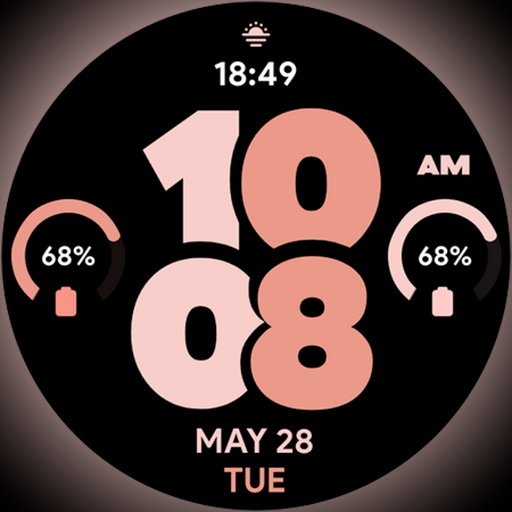
Material You inspired colors with BIG and Bold looks for Wear OS watches.
4.20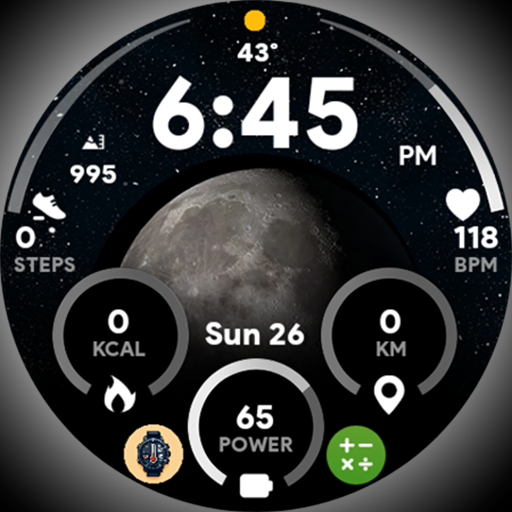
Unique informative Dial with Live Moon Phase at a glance!
3.60
BILT interactive 3D instructions help you get the job done right
3.50
Healthy eating timer app to track meal pace, improve habits, and eat slowly.
4.3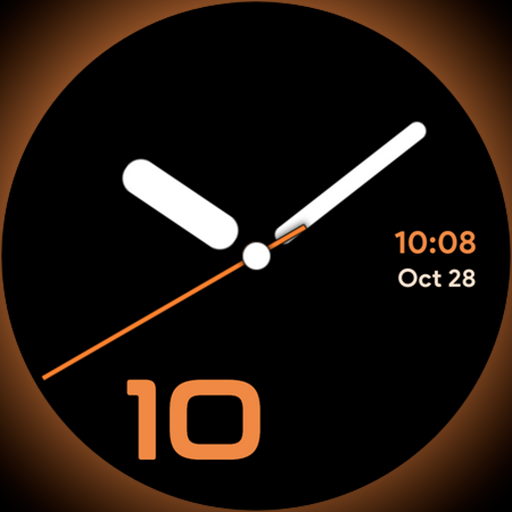
Unique Dark Analog style for Wear OS watches.
4.1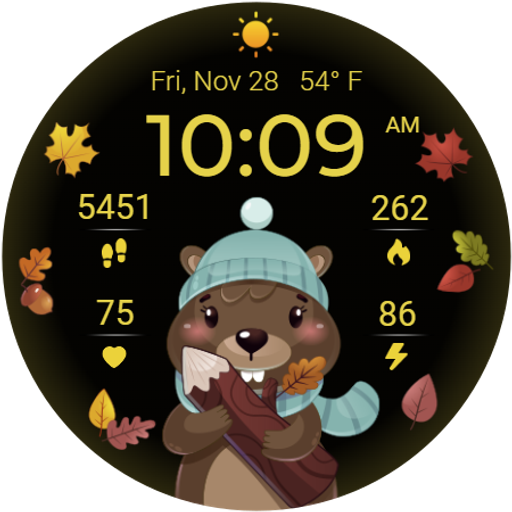
The cutest Autumn watchface featuring the adorable Mr. Squirrel
4.0


