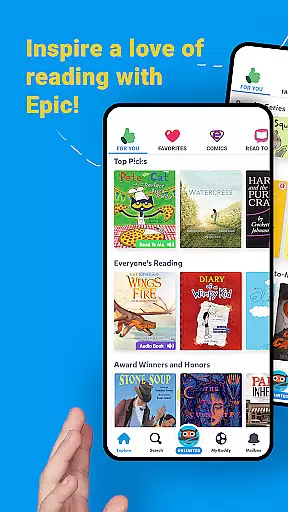
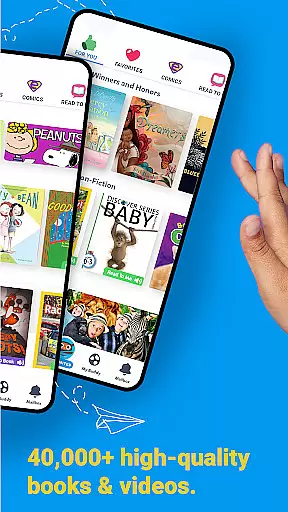
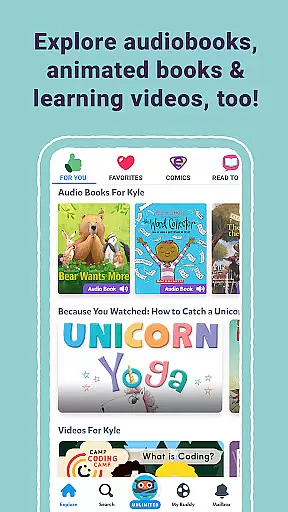
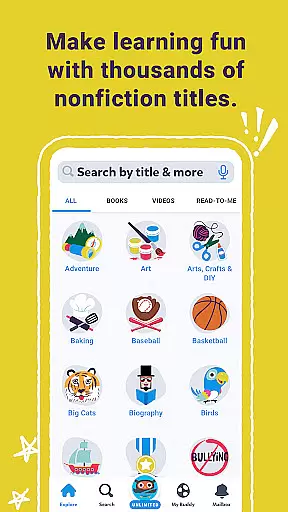
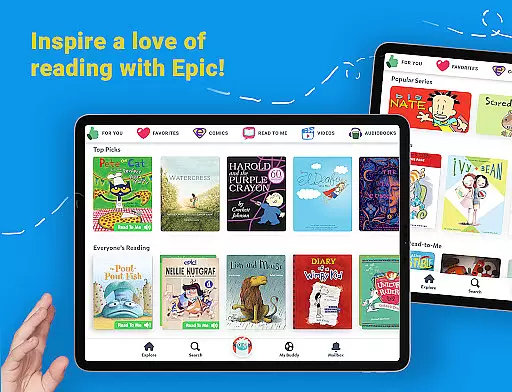
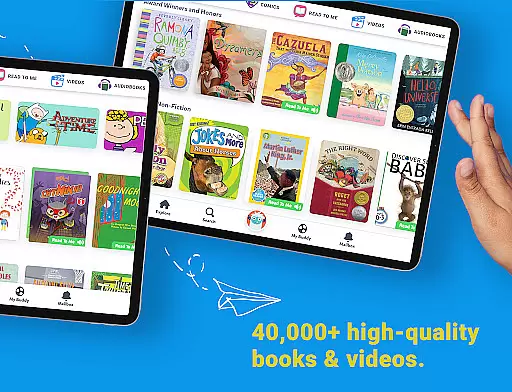
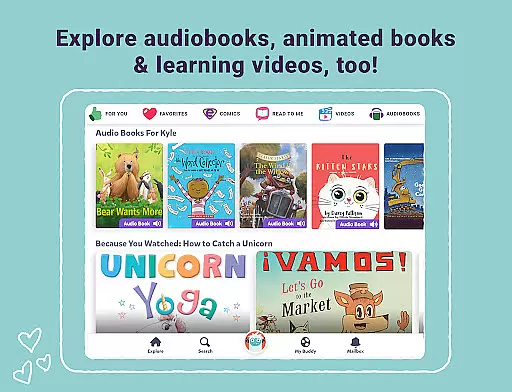
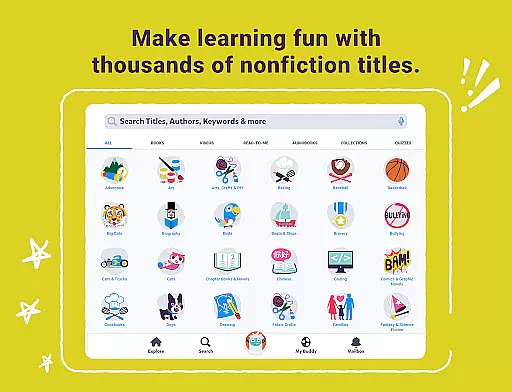
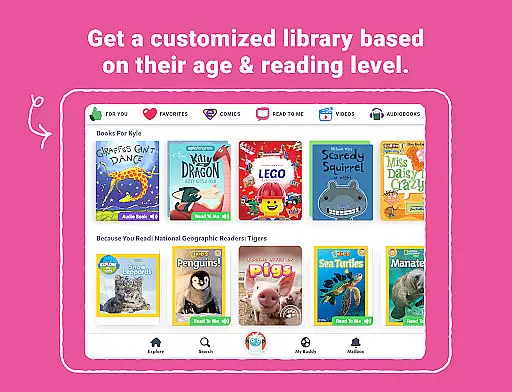
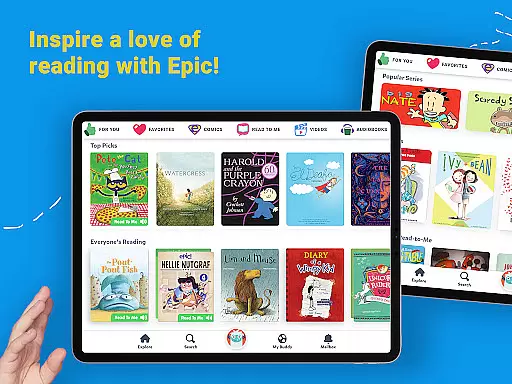
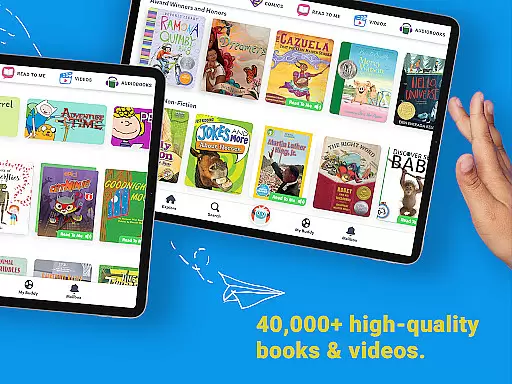
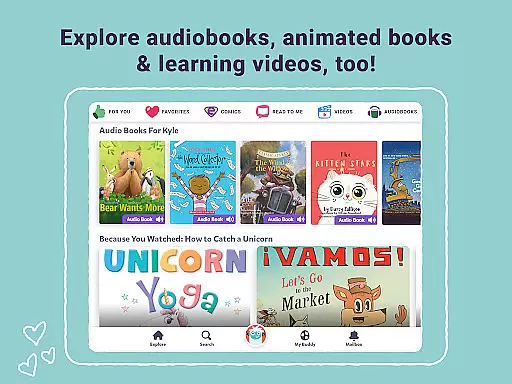
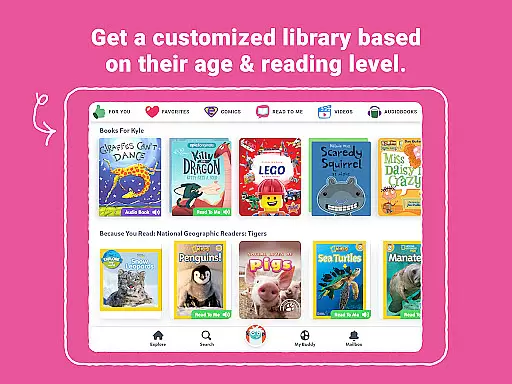
Epic is a leading digital library app designed specifically for children, offering an extensive collection of over 40,000 books, audiobooks, and educational videos. This interactive reading platform is crafted to foster curiosity and enhance reading confidence among young learners by providing them with instant access to a diverse range of engaging content.
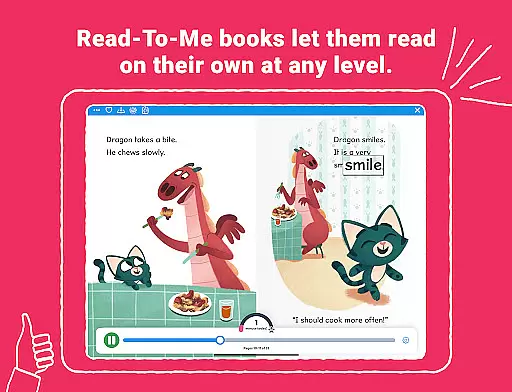
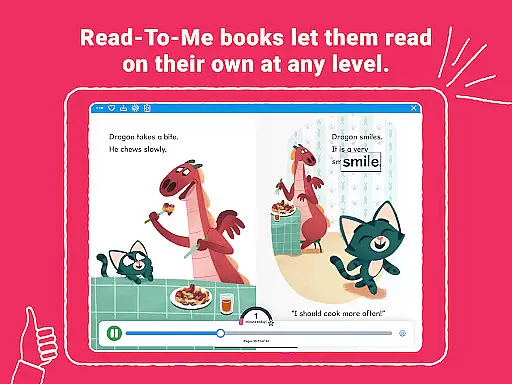
The app supports multilingual learning with books available in English, Spanish, French, and Chinese, catering to readers from various backgrounds. With features like Read-To-Me books, voice actors, music, and sound effects, Epic creates an immersive reading experience that captivates children's imaginations.
Available on all Apple devices, Epic allows for offline reading and offers personalized learning tools such as quizzes, badges, and vocabulary aids. The app serves both families through its subscription-based model and educators with a free school-day access option, making it a versatile tool for enhancing literacy skills anytime, anywhere.
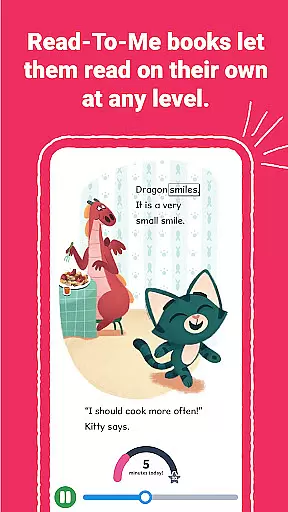
Epic stands out with its comprehensive library tailored for children, featuring a wide array of interactive books, audiobooks, and educational videos. The app's unique Read-To-Me functionality brings stories to life through professional narration, music, and sound effects, creating an engaging storytelling experience.
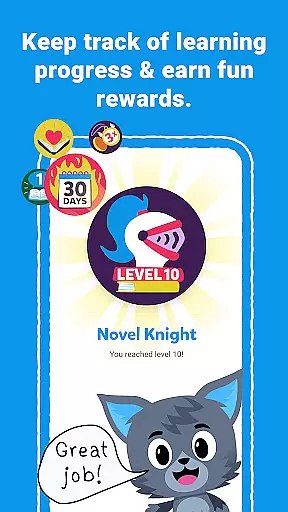
One of the app's key strengths is its multilingual support, offering content in four languages to accommodate diverse learners. The inclusion of gamification elements like Reading Buddies, badges, and quizzes motivates children to maintain consistent reading habits while developing essential literacy skills.
For parents and educators, Epic provides valuable tracking tools and personalized profiles. The parent dashboard enables monitoring of children's reading progress, while educator-specific features include ELA tools, book filtering options, and classroom management capabilities. These comprehensive features make Epic an indispensable resource for both home learning and classroom education.
In the realm of digital learning, content accuracy and authority are paramount, especially for an educational platform like Epic. With a library boasting over 40,000 books, audiobooks, and learning videos, ensuring that each resource is credible and authoritative is crucial for fostering an effective learning environment.
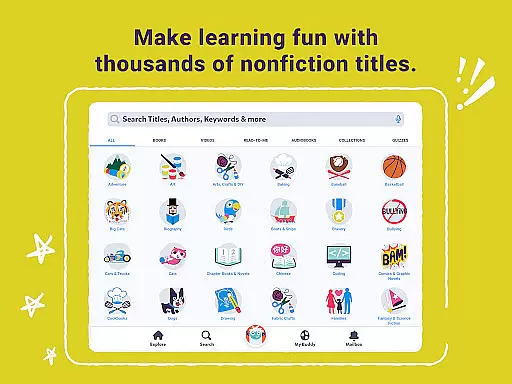
Epic achieves this by meticulously curating its content, which includes titles across various genres and subjects, suitable for children with different interests and backgrounds. The inclusion of multilingual books in English, Spanish, French, and Chinese further demonstrates their commitment to engaging readers from diverse linguistic landscapes, enhancing global accessibility and inclusivity.
Moreover, Epic incorporates ELA Tools that allow educators to filter titles by Accelerated Reader levels, DRA, Fountas & Pinnell, and grade levels, among others. This ensures that the content aligns with educational standards and meets the specific needs of students at different learning stages. By providing quizzes and a Dictionary Lookup feature, Epic not only imparts knowledge but also actively aids in vocabulary building and comprehension skills.
The platform's recognition by educators, as evidenced by the high recommendation rate among Epic Educators, underscores the trust placed in Epic's content accuracy and authority. Such endorsement by professionals in the field reinforces Epic's role as a reliable tool in both classroom settings and home learning environments.
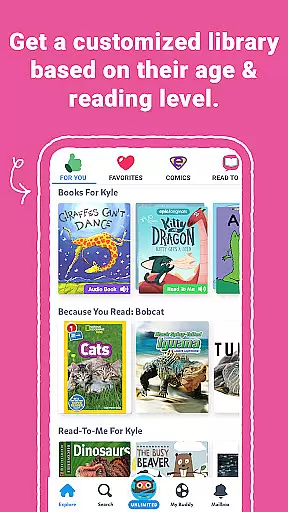
Personalized learning paths represent a cornerstone of effective education technology, allowing learners to progress at their own pace and according to their unique interests and needs. Epic excels in this area by offering a personalized reading experience through up to four child profiles, enabling each young user to explore a curated selection of materials tailored specifically to them.
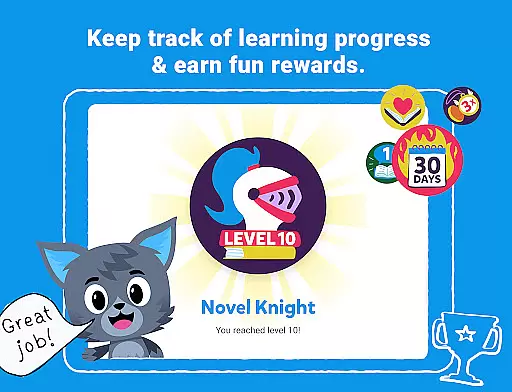
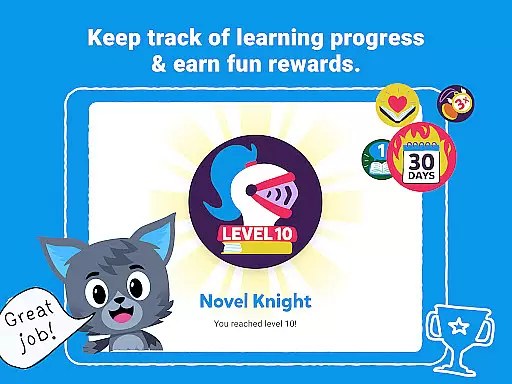
This customization extends beyond mere book recommendations. Epic motivates children to read and learn through interactive features such as Reading Buddies, badges, and quizzes. These elements not only make the learning process more engaging but also encourage regular engagement with the platform, promoting consistent learning habits.
Furthermore, tools like Spotlight Words and audio-enabled Dictionary Lookup provide additional layers of personalization. They teach essential vocabulary and pronunciation, adapting to individual learning curves and preferences. This approach helps bridge gaps in understanding and caters to various learning styles, making education more inclusive and accessible.
Parents and educators can monitor progress through dashboards and track daily and weekly reading activities. This visibility into a childu2019s learning journey allows adults to offer timely support and intervention when necessary, ensuring that each learner remains on a path toward achieving their full potential. Thus, Epic's personalized learning paths empower children to become confident, independent readers.
User-friendly interface
Extensive content library
Multilingual support
Offline reading capability
Educational value
Paid subscription required
Limited free trial period
Apple device compatibility only
Internet connection needed for full access
Some advanced features locked behind paywall

Astronomy app ? Discover the universe scope, explore solar system model in 3D.
 4.20
4.20
An aviator’s preparation, study and test tool for FAA Knowledge Exams.
3.90
AI Language tutor: Speak fluently with Lucy’s personalized coaching
4.70
An easy to use yet powerful and full-featured flashcard study app.
4.50
THE MOST COMPREHENSIVE JUMPMASTER STUDY RESOURCE AVAILABLE.
3.40
Monkey Preschool Lunchbox: 7 exciting educational games for your preschooler.
4.30
Experience the sky, planet earth and the solar system like never before
4.90
The FE Clock is a way to track sun & moon around the circle of the earth.
4.30
Professional Award-Winning Astronomy Star Map App With Telescope Control
4.40
A realistic sky map to observe stars, planets, satellites and constellations!
4.80
Stack the States makes learning about the 50 states fun!
4.70
Astronomy Guide to the Night Sky
4.40
Designed for Calculator 84 users
4.20
For medical training - Visualize complex vein maps and structures in real-time.
4.10
Watch and Play Elmo's World!
4.00
Master note reading with StaffWars….
4.00
Explore the City of the Sun in Augmented Reality
3.70
Flashnote Derby is the fun way for kids to learn music notes and memorize them.
3.40
Your best partner for learning Japanese words. Based on a best-selling textbook.
2.80


User Reviews