
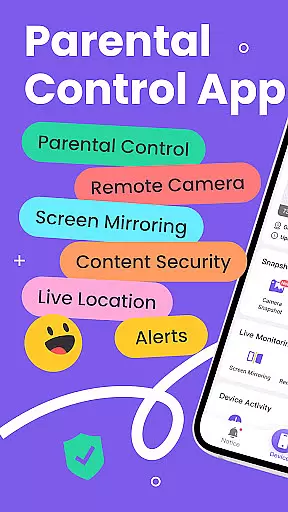
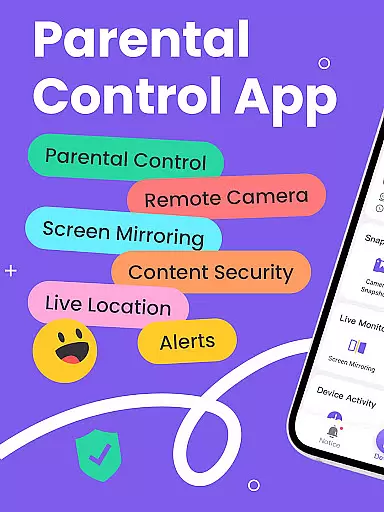
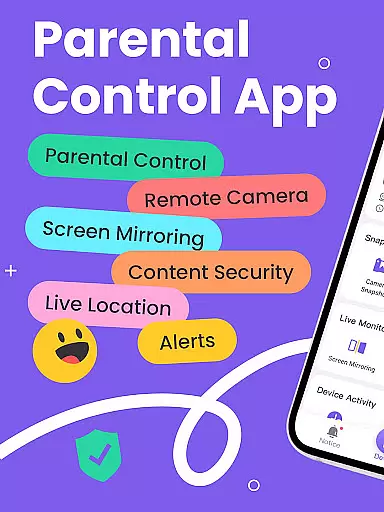
FlashGet Kids is a comprehensive parental control application specifically designed to help parents ensure their children's safety in the digital world. The app offers real-time location tracking, digital habit monitoring, and various security features that allow parents to protect their children from potential online threats.
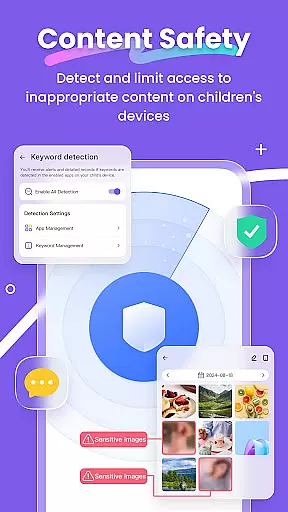
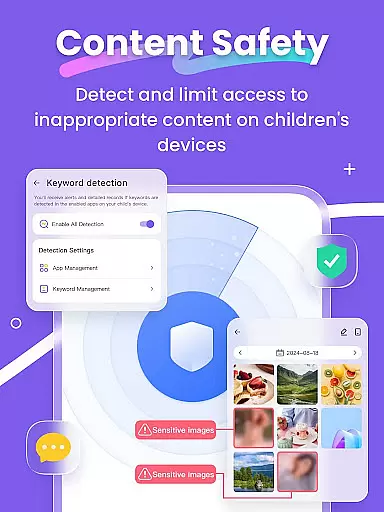
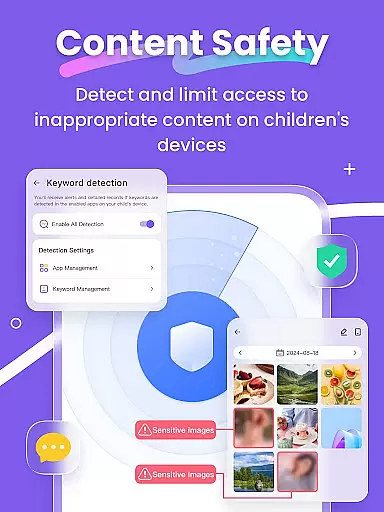
With functionalities like Live Monitoring, App Block, and Sensitive Content Detection, FlashGet Kids enables parents to create a secure digital environment. It also helps in fostering healthy device usage habits among children, making it an essential tool for modern parenting.
The app serves as a virtual companion for parents, allowing them to stay informed about their children's activities and whereabouts. Whether it's monitoring social media interactions or setting up geofencing alerts, FlashGet Kids provides peace of mind to parents while ensuring their children can explore the digital world safely.
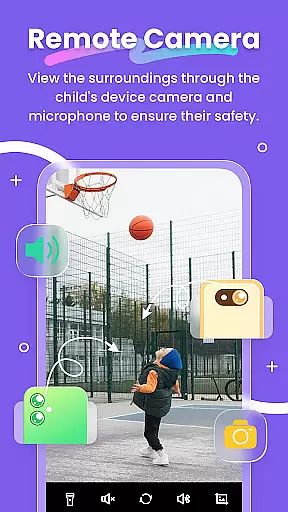
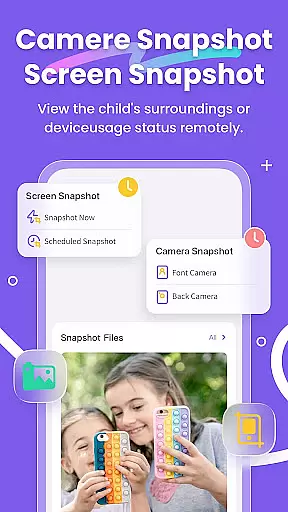
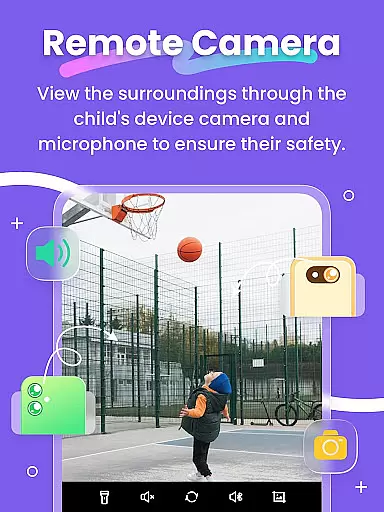
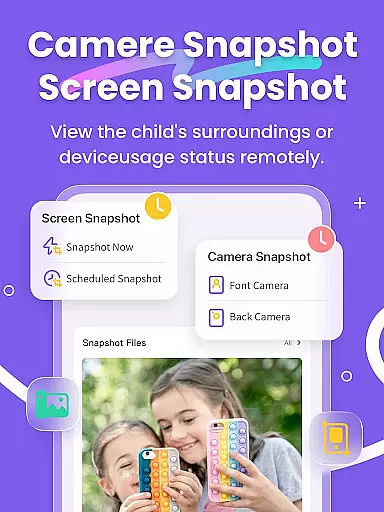
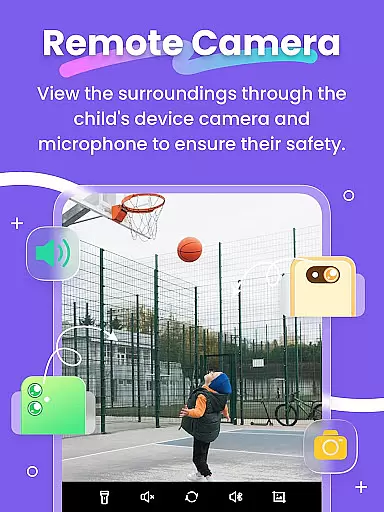
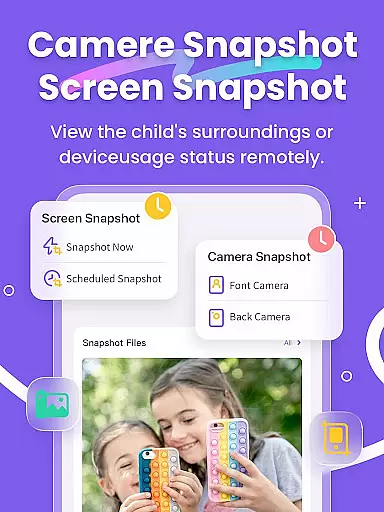
FlashGet Kids stands out with its robust feature set tailored for parental control. The app includes Remote Camera and One-Way Audio capabilities, allowing parents to understand emergency events around their children in real-time. This feature ensures constant communication and awareness.
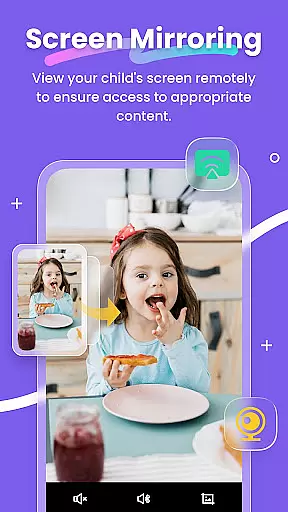
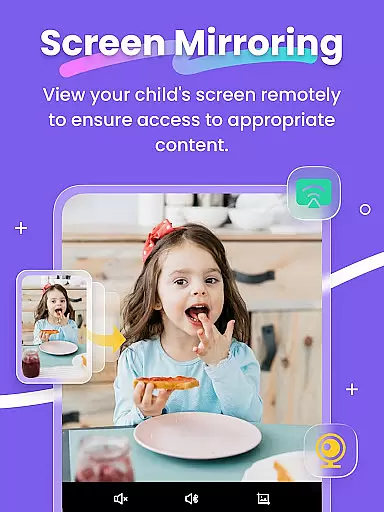
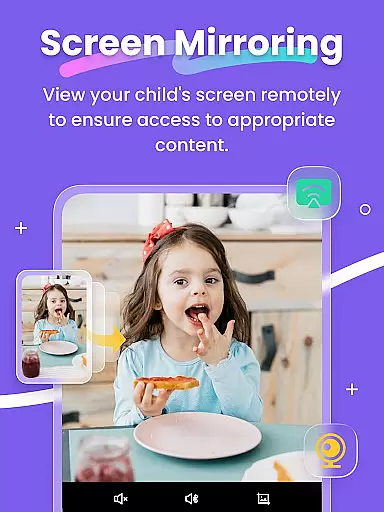
Another notable feature is Screen Mirroring, which projects the child's device screen onto the parent's phone. This allows parents to monitor app usage frequency and identify potentially harmful applications. Additionally, Scheduled Screen Snapshots and Recordings help detect inappropriate content consumption.
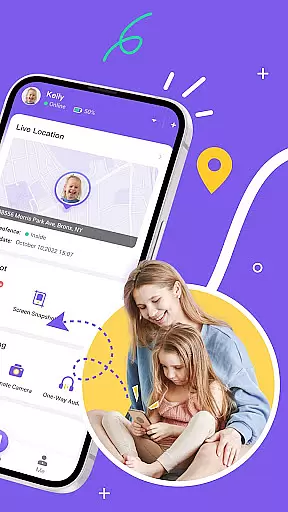
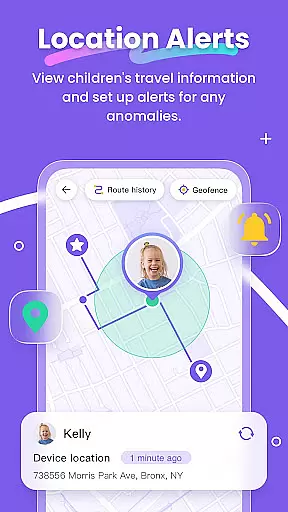
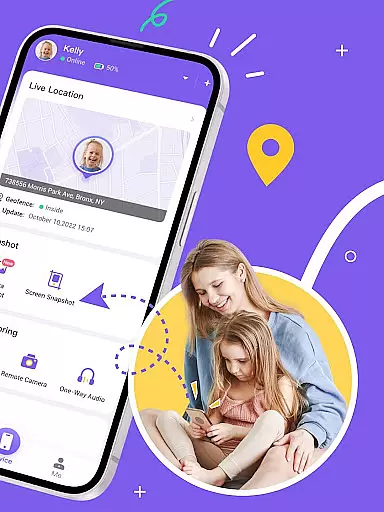
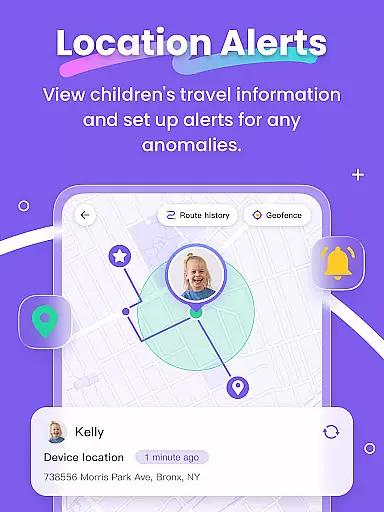
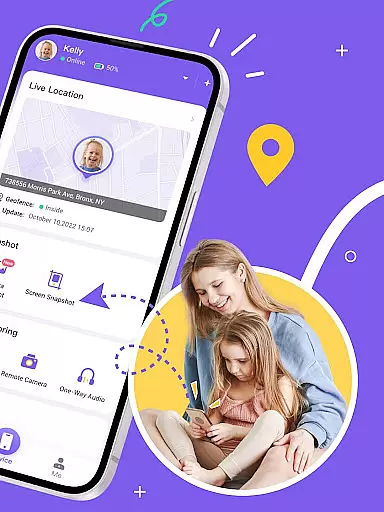
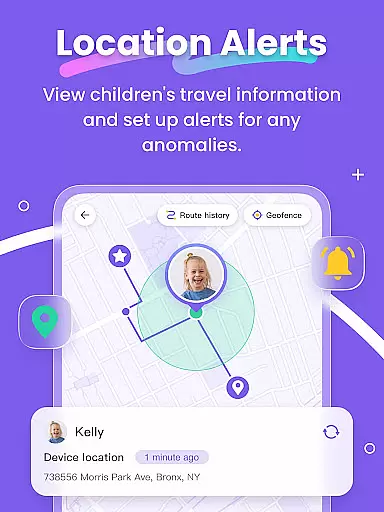
The app also offers precise GPS tracking through its Live Location feature, customizable geofencing, and real-time synchronization of app notifications. These tools collectively empower parents to manage their children's digital presence effectively while promoting safe internet practices.
FlashGet Kids provides a comprehensive suite of parental control features that are designed and validated by experts in child safety and digital well-being. The app's functionalities, such as Live Monitoring, App Block, and Sensitive Content Detection, are crafted based on thorough research to ensure they meet the needs of modern parents.
The credibility of FlashGet Kids' content is reinforced by its alignment with recognized safety standards. Features like Remote Camera/One-Way Audio and Screen Mirroring offer real-time insights into children's digital environments, allowing parents to make informed decisions about their child's online activities.
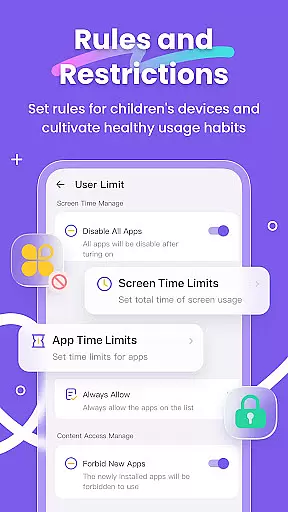
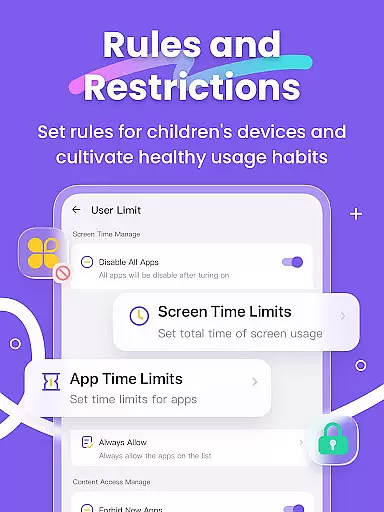
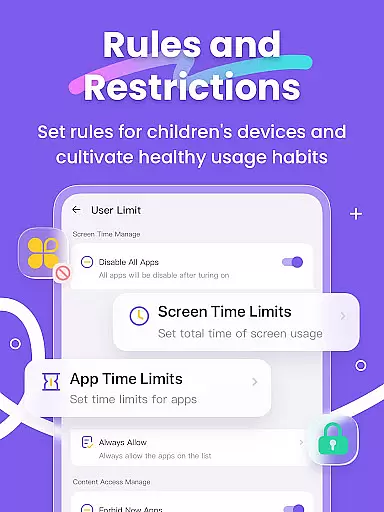
Furthermore, the app includes expert-recommended tools such as Screen Time Limits and App Rules, which help parents establish healthy device usage habits. These features not only protect children from potential online threats but also guide them towards age-appropriate content, ensuring a balanced approach to digital engagement.
One of the standout features of FlashGet Kids is its ability to accurately track a child's growth in terms of digital habits and safety. The app employs high-precision GPS through its Live Location feature, providing parents with detailed insights into their child's whereabouts and historical routes.
In addition to location tracking, the app offers Scheduled Record functionality for Screen Snapshot and Recordings. This allows parents to monitor their child's interaction with digital content over time, helping them identify patterns and guide their children away from inappropriate material.
Sync App Notifications and Social App monitoring further enhance the accuracy of growth tracking by keeping parents informed about their child's social media activities. By combining these features, FlashGet Kids ensures parents have a holistic view of their child's digital footprint, empowering them to foster safe and responsible online behavior.
Real-time location tracking
Comprehensive app monitoring
Powerful content filters
User-friendly interface
Effective screen time management
Requires constant internet
Premium features are paid
May invade privacy
Setup can be complex
Limited without child's device

Free symptom & med tracker with expert-reviewed tips.
 4.30
4.30
GPS phone tracker: find kids on map. Location tracking and parental control.
4.50
SENSORYSOOTHE and SENSORSAFE: Making car seats smarter and families safer.
4.70
Track your pregnancy & your baby's growth in 3D. Get support from our community
4.60
Introduce real food to baby with First Foods® Database, baby led weaning BLW
4.80
Findnumber: Real-time location tracker for ultimate family security
4.20
App/Game blocker & GPS tracker
4.50
Advanced baby tracking, expert sleep help & parenting support for every stage.
4.80
Parental control: child monitoring app, screen time control, GPS child tracker
4.40
FamilyAlbum helps you share, save, and remember your child's special moments.
4.80
The Most Trusted Co-Parenting App.
4.60
Reliable phone tracker by number & locate phone app. Protect your family.
4.50
Family parental control app: limit screen time, block apps, GPS tracker.
4.20
Learn according to the age of your child and consult with other moms.
4.20
Limit screen time, Block Apps & Games, Monitor with Parental control app
4.20
Pregnancy and baby formula tips for moms, plus Enfamil coupons & cash back
4.10
Screen Time, App and Web Block & Monitoring, Location Tracker
3.60
AI Motion Video Maker & Ideas
4.1
Lullabies, Night Light & Age-based Routines to help your baby fall asleep
4.1


User Reviews